2TB Magnetic External SSD,2000MB/s Type-C USB 3.2 Gen 2×2
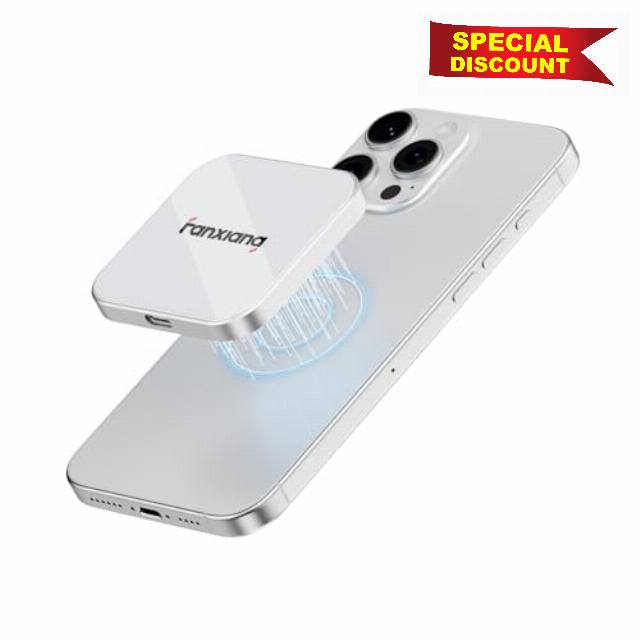
2TB Magnetic External SSD,2000MB/s Type-C USB 3.2 Gen 2×2 Portable SSD,Ultra-Slim External Hard Drive,4K ProRes Recording & Store,External Solid State Drive for iPhone15/16/17/Android/PC/Mac -PS2005
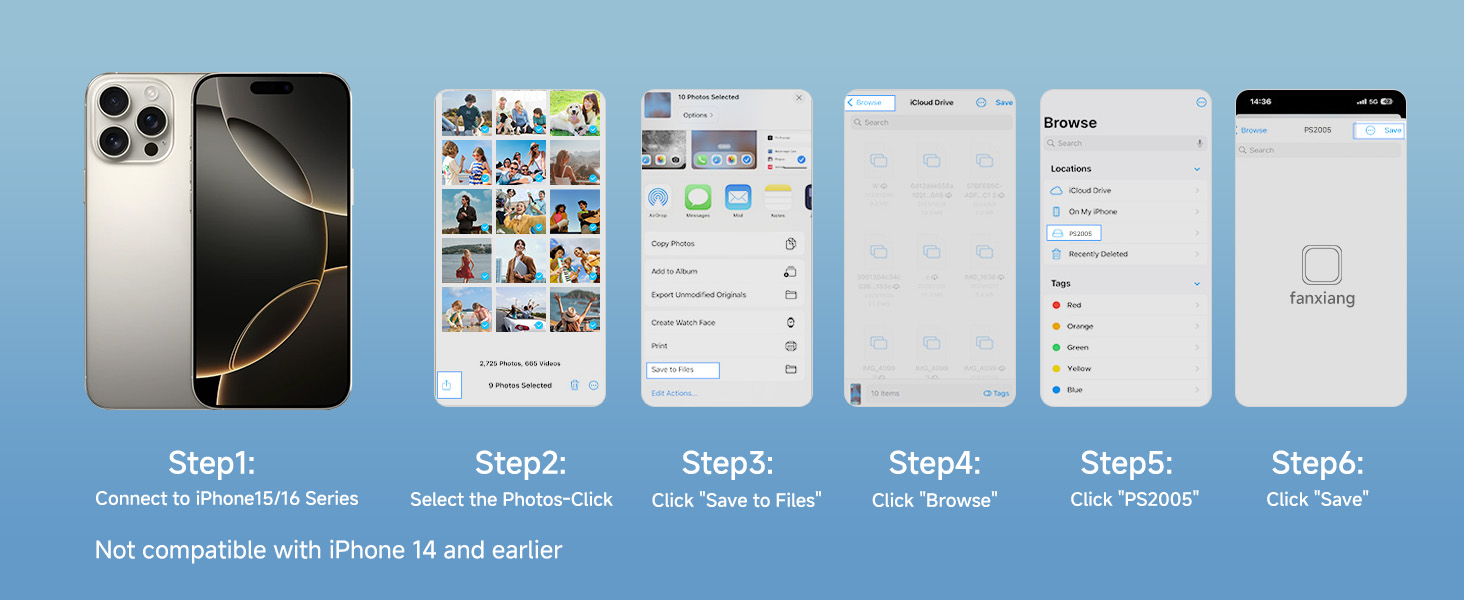
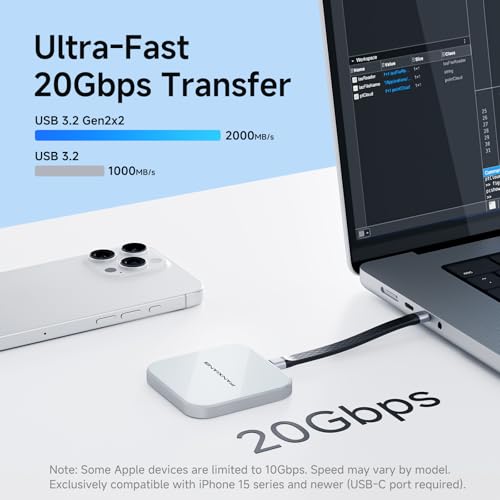
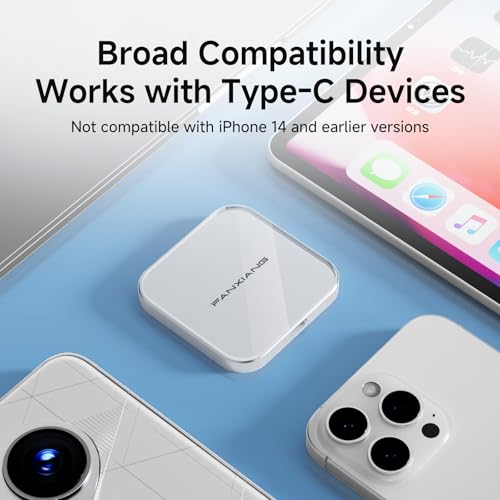
- Compatibility & Performance Tip : Exclusively compatible with iPhone 15 series and newer (USB-C port required). Connect with the included high-speed USB-C cable, then open Files > Browse > PS2005. To achieve full speed up to 2000MB/s, your device must support USB 3.2 Gen2×2 (20Gbps). Many Apple devices—including iPhones and some Mac models—may cap speeds at ~1000MB/s due to hardware limits. Actual performance may vary depending on the interface.Please check your device specifications
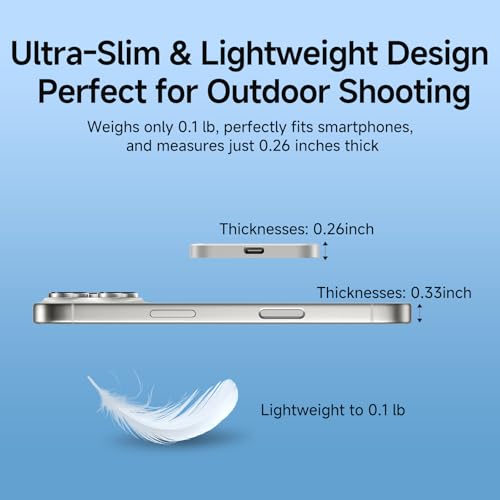
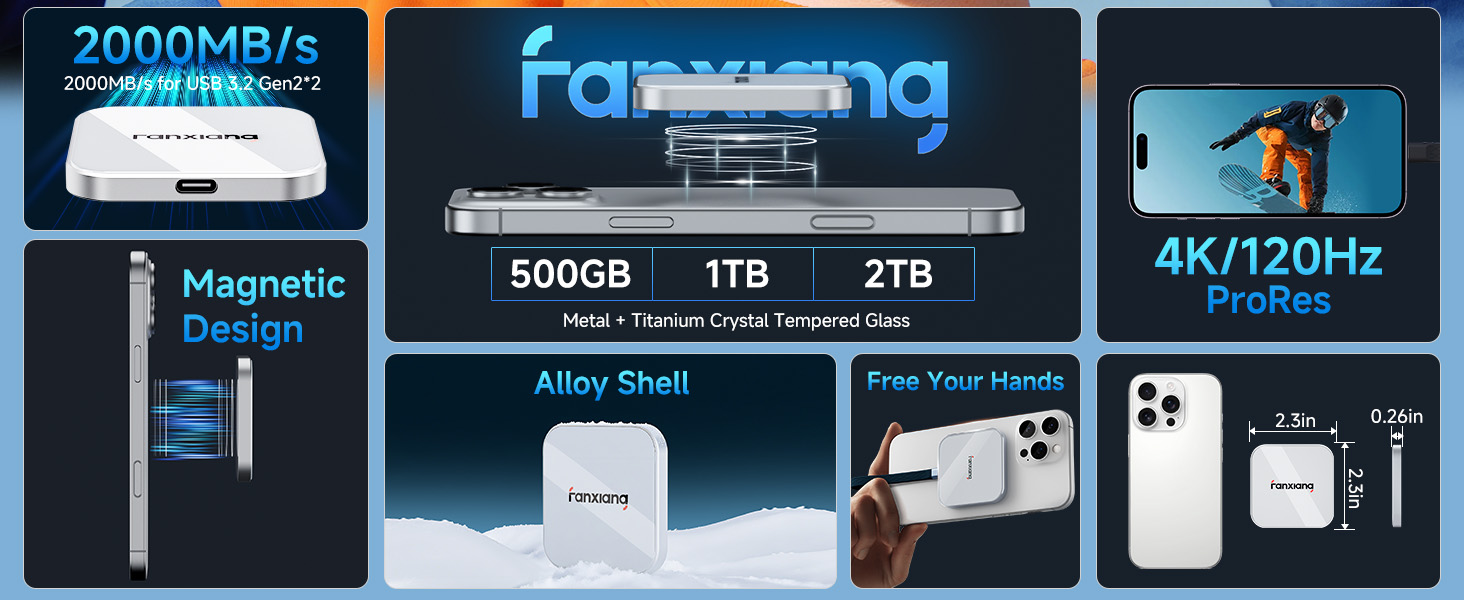
- Ultra-Slim & Portable SSD – At Just 0.26 inches slim and 1.6 oz light, the PS2005 SSD is slimmer than most external SSD hard drives. Easy to carry, it fits seamlessly on the back of your phone or in your pocket
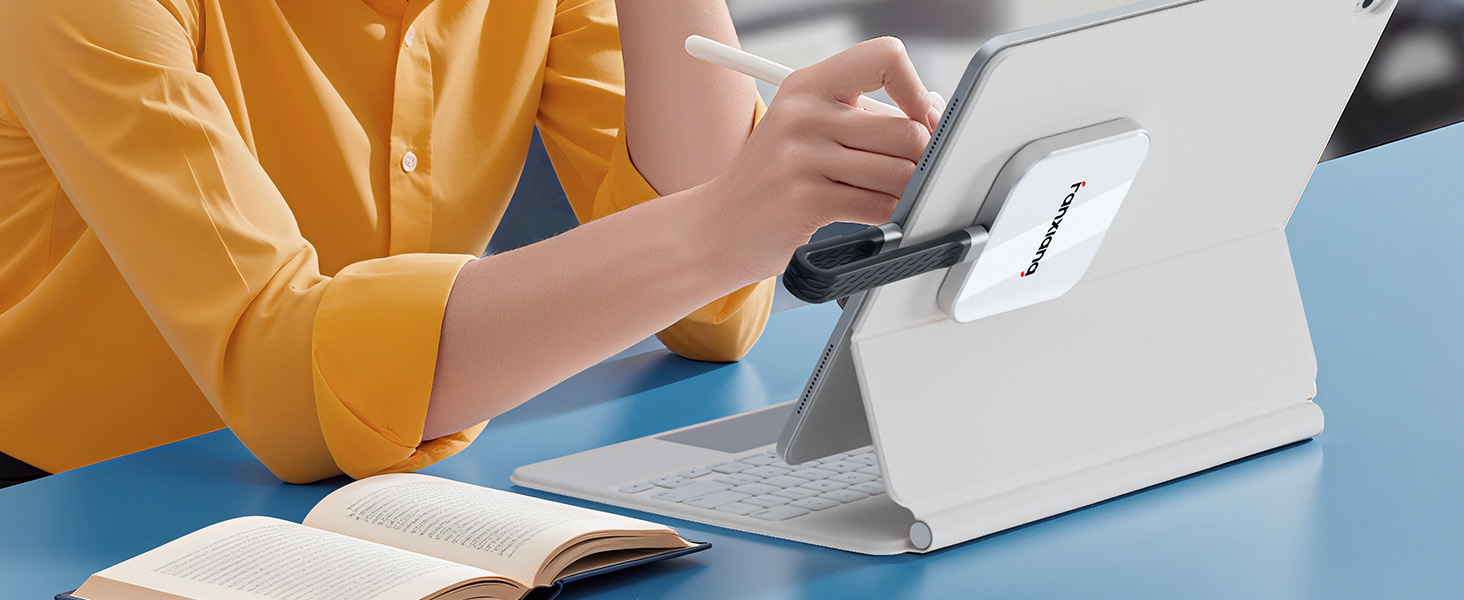
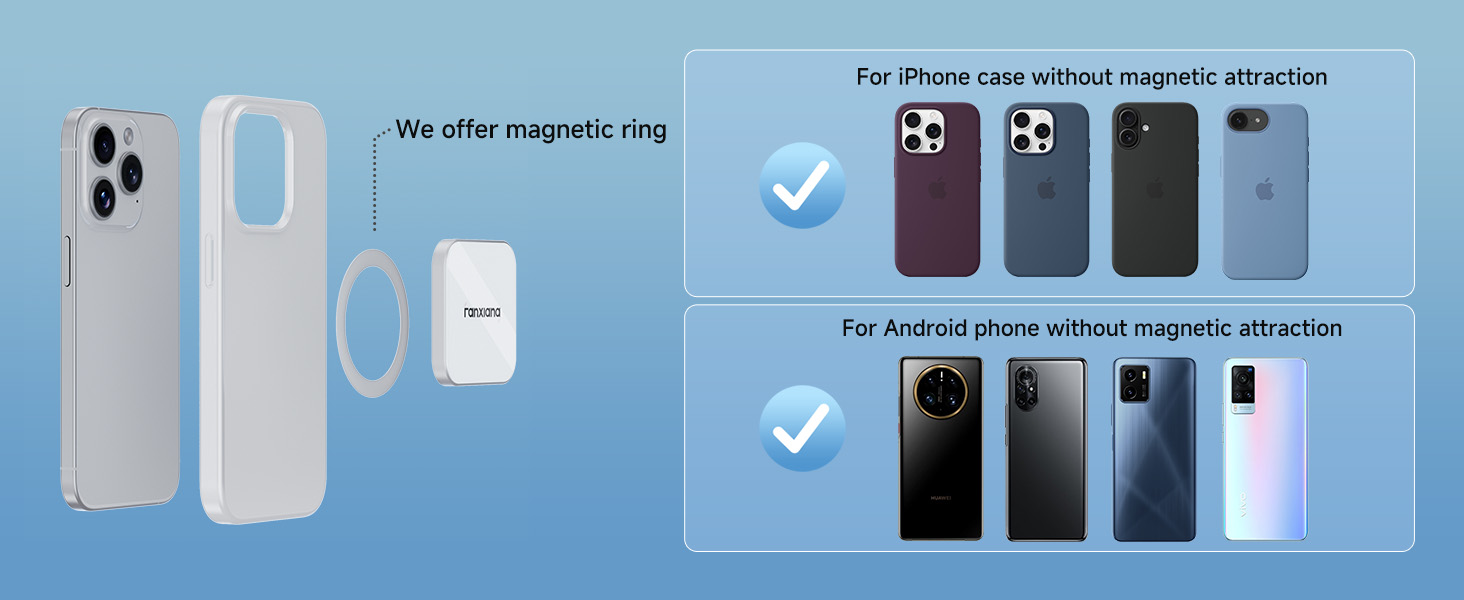
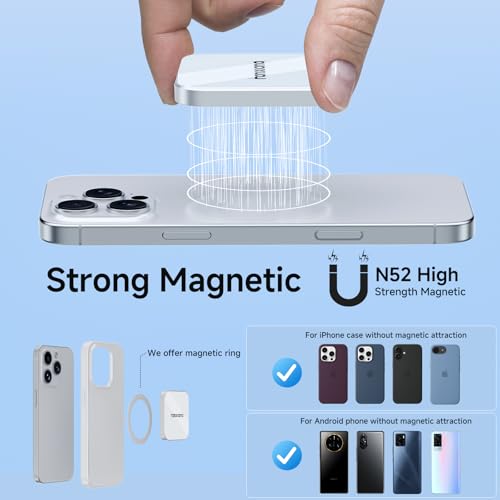
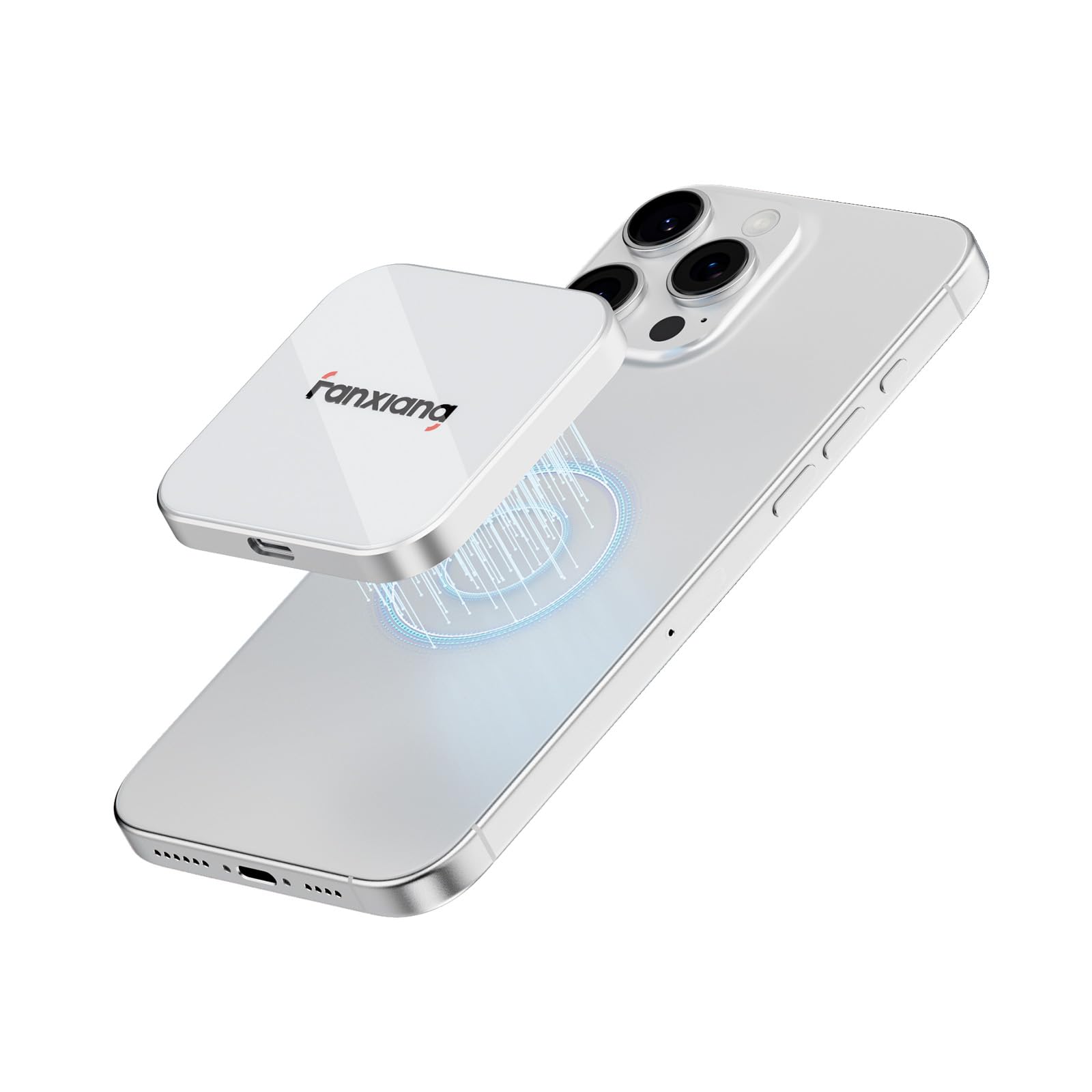
- MagSafe-Compatible External SSD – Strong built-in magnetic design allows the SSD to snap onto iPhone 15 Pro/Pro Max or metal surfaces, making it a perfect MagSafe SSD solution for mobile creators. Additionally, an extra magnetic ring is included, ensuring compatibility with non-iPhone devices for convenient external storage on the go
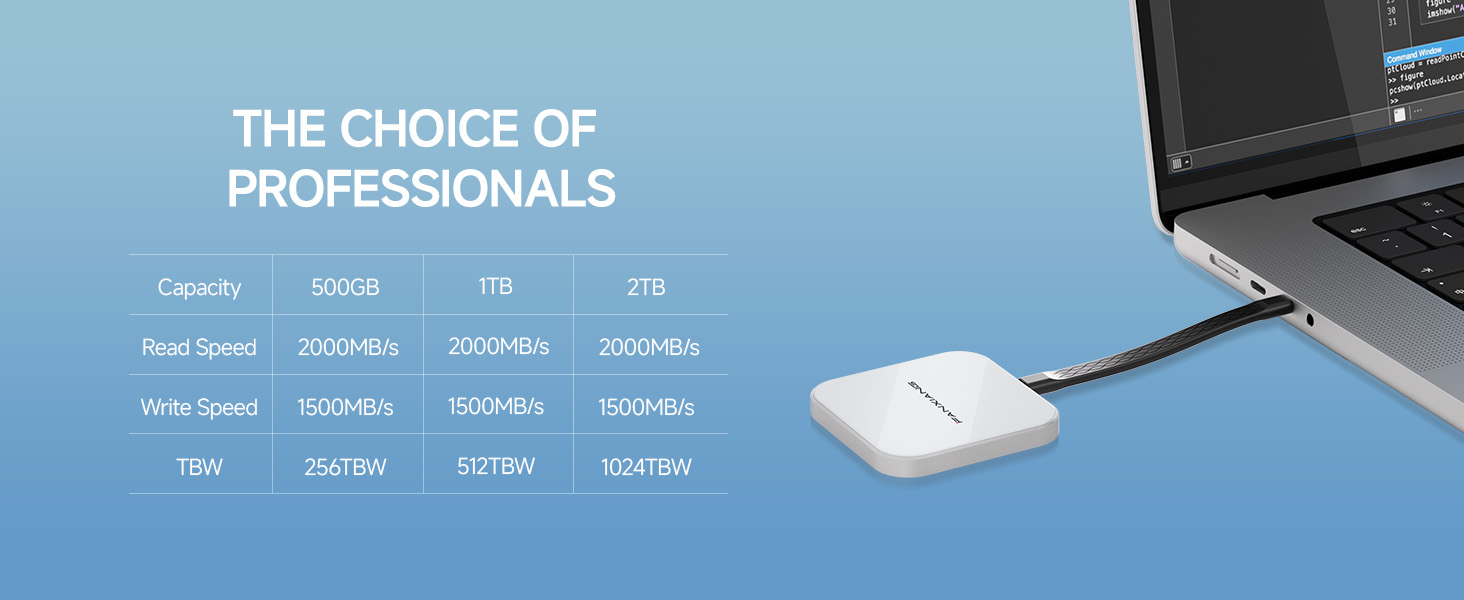
- Blazing-Fast USB 3.2 Gen2×2 Speed – Delivers up to 2000MB/s read and 1500MB/s write speeds with the included Type-C cable. Ideal for 4K/8K video editing, gaming, and large file backups
- 4K ProRes Recording for iPhone SSD – Record 4K ProRes video directly from iPhone 15 Pro/Pro Max to this 2TB external ssd, freeing up iPhone storage instantly and enabling seamless long-session shooting
- Premium Build & Reliability – Constructed with aluminum alloy + titanium crystal tempered glass for durability and heat dissipation. Built with carefully selected TLC NAND chips for stable performance
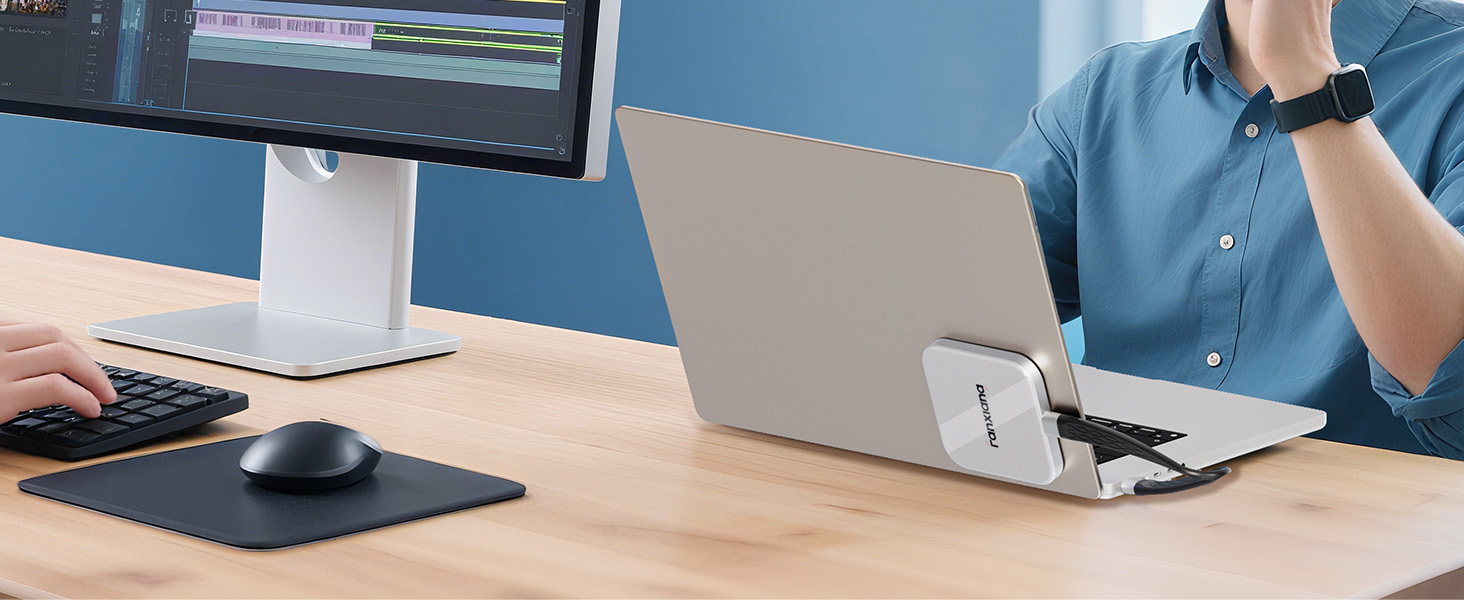
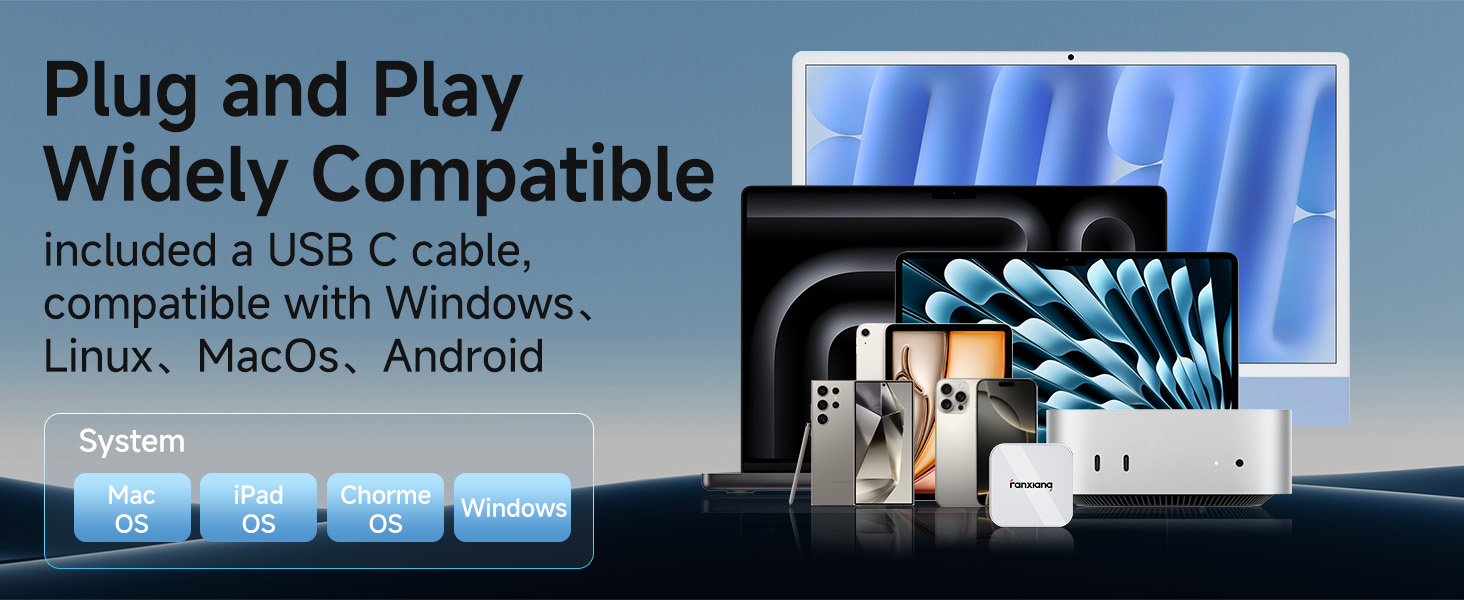
- Universal Compatibility via USB-C Interface – Works with iPhone 15 Pro series (USB-C), Mac, Windows PC, Android, cameras, and gaming consoles. Perfect as a portable external ssd hard drive or backup drive
- After-Sales Support – Backed by 5 years of after-sales service for long-term reliability and peace of mind
- Capacity Reminder: Storage capacity may appear smaller on Windows due to calculation methods. SSD manufacturers use decimal definitions (1GB = 1000MB), while Windows uses binary (1GB = 1024MB). This is normal and does not affect usable storage space
PS2005 Ultra-Slim Magnetic External SSD
Merchant VideoHaving Trouble Connecting the PS2005 SSD to Your iPhone 15 or Later?
Make sure you’re using iPhone 15 or later ( USB -C ). 1.Use an original or certified USB 3.2 Gen 2×2 cable. 2. Confirm SSD format is exFAT (reformat on PC if needed). 3. Open Files > Browse > PS2005 to view files. Still not detected? Call me in time — 5-year free replacement service.
How to Copy Photos from iPhone to PS2005
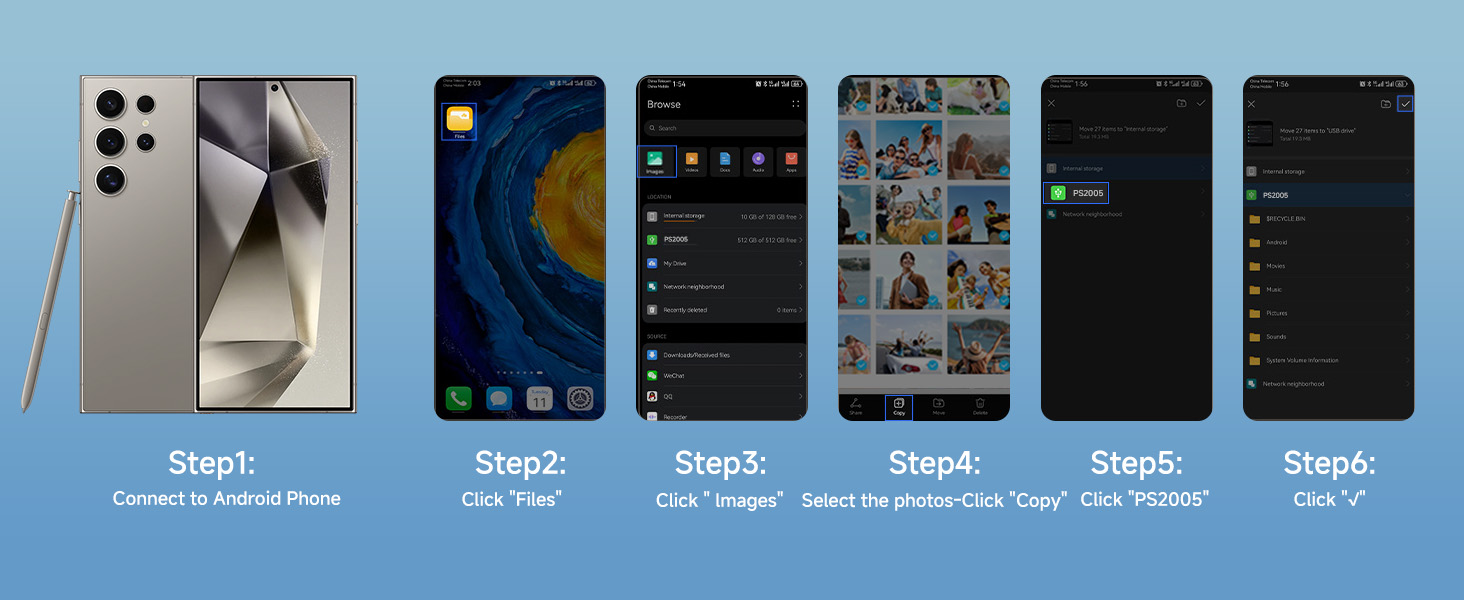
How to Copy Photos from Android Phone to PS2005


| SKU: | B0FLDDN2X8 |
| Weight: | 4.6 ounces |
| Dimensions: | 2.3 x 2.3 x 0.26 inches |
| Brand: | fanxiang |
| Model: | PS2005-2To |
| Colour: | White |
| Manufacture: | fanxiang |
| Colour: | White |
Product description
The video showcases the product in use.The video guides you through product setup.The video compares multiple products.The video shows the product being unpacked.PS2005 Ultra-Slim Magnetic External SSD
Merchant Video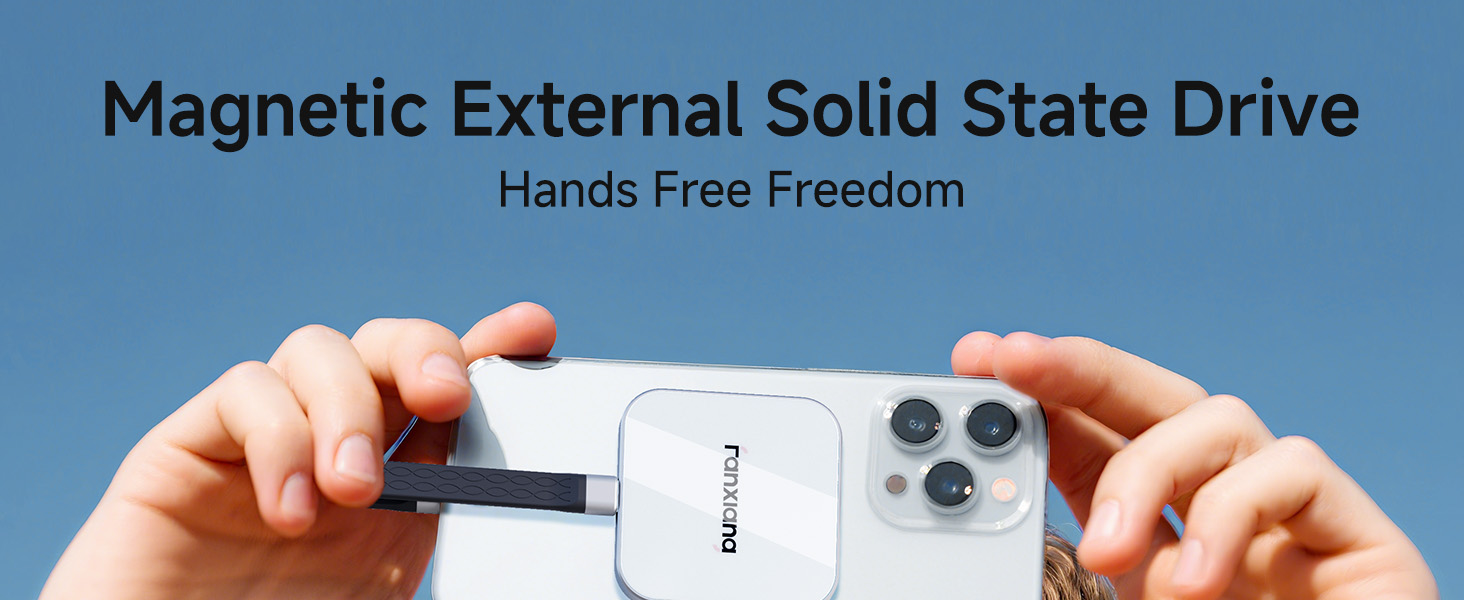
Having Trouble Connecting the PS2005 SSD to Your iPhone 15 or Later?
Make sure you’re using iPhone 15 or later ( USB -C ). 1.Use an original or certified USB 3.2 Gen 2×2 cable. 2. Confirm SSD format is exFAT (reformat on PC if needed). 3. Open Files > Browse > PS2005 to view files. Still not detected? Call me in time — 5-year free replacement service.

How to Copy Photos from iPhone to PS2005
How to Copy Photos from Android Phone to PS2005