2G+64G Car Radio for Ford F150/F250/F350/E250/E350 Edge
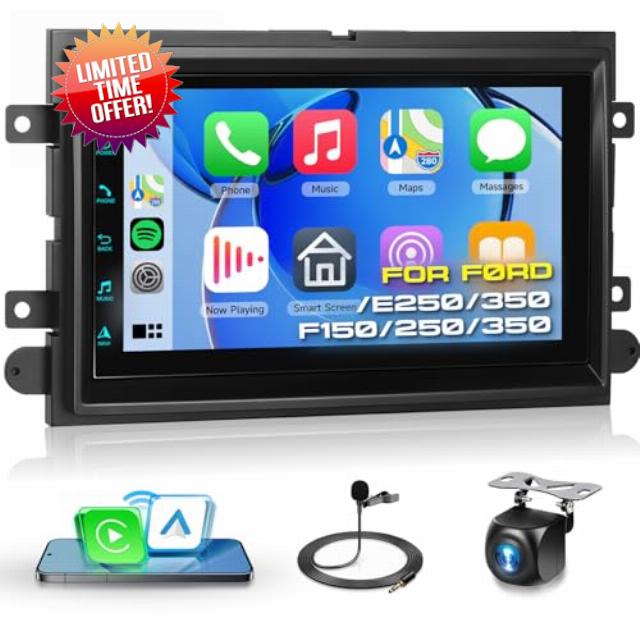
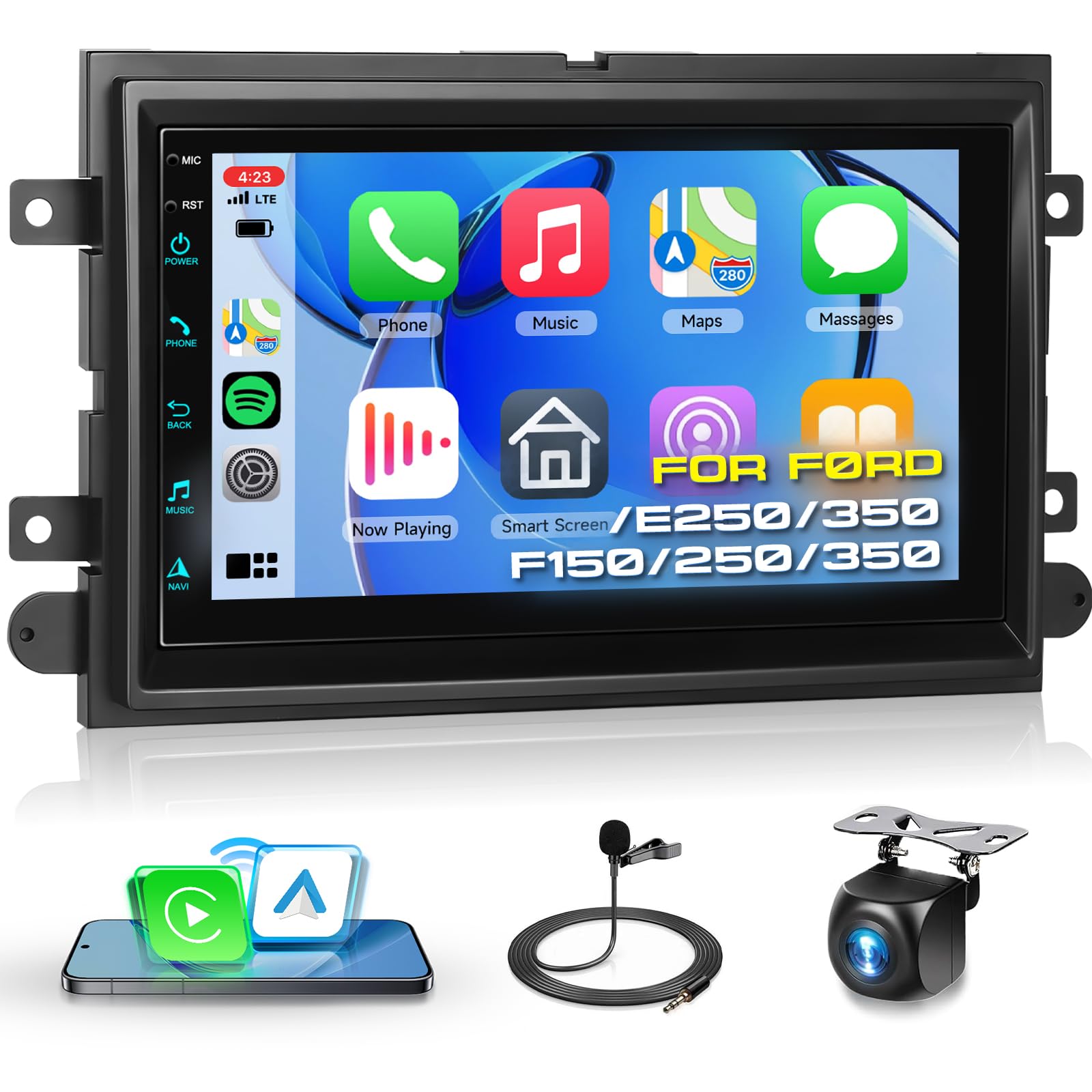
2G+64G Car Radio for Ford F150/F250/F350/E250/E350 Edge Fusion Explorer with Wireless Carplay Android Auto, 7 inch HD Touch Screen Car Stereo with Bluetooth/GPS/WiFi/FM/SWC/USB/HD Backup Camera
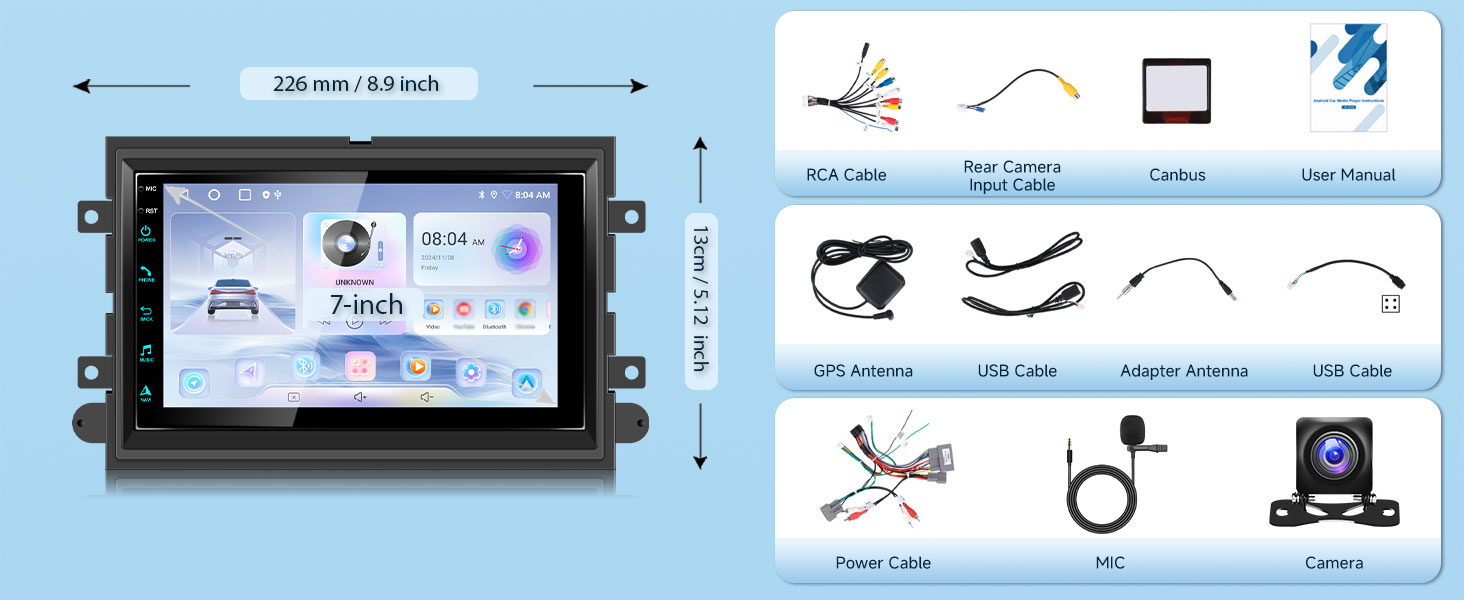
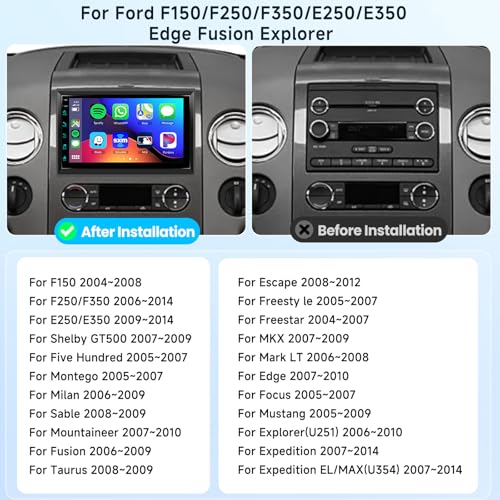
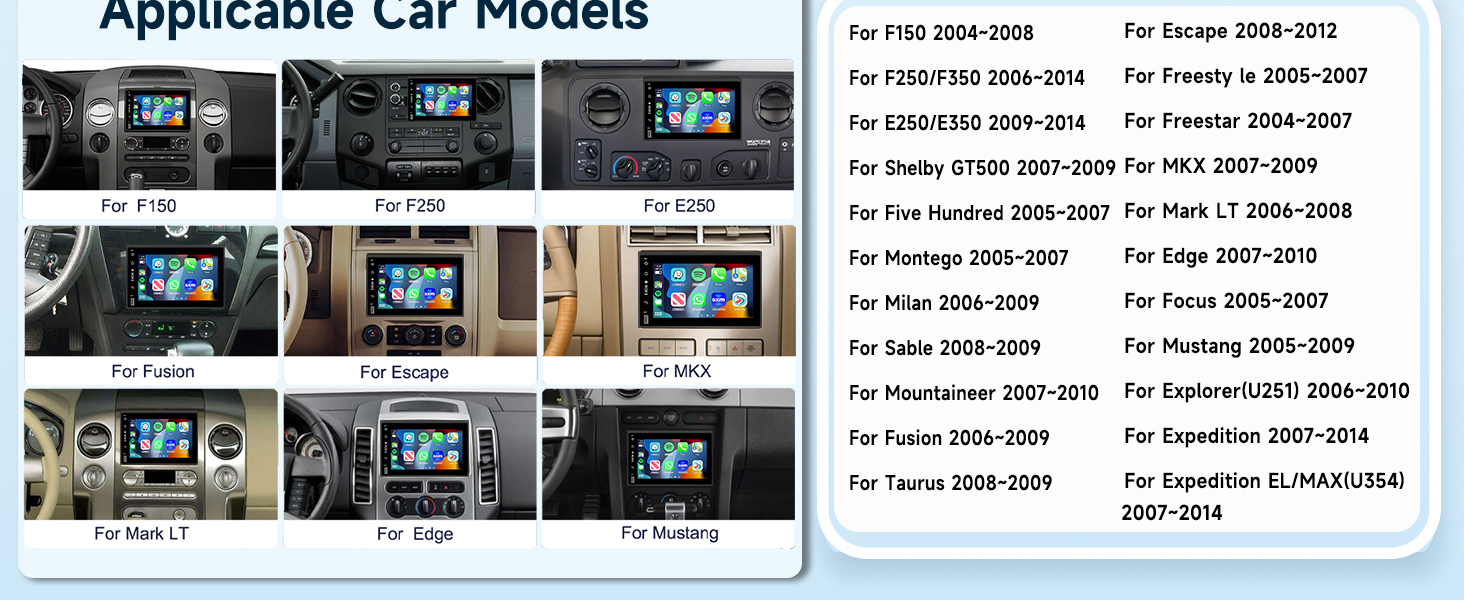
- Applicable Models: This car radio fits for Ford F150 2004-2008, Ford F250 F350 2006-2014; Ford E250 E350 2009-2014; Ford Edge 2007-2010; Ford Taurus Sable 2008-2009; Ford Fusion Milan 2006-2009; Ford Focus Montego Freestyle 2005-2007; Ford Explorer U251 2006-2010; Ford Escape 2008-2012; Ford Expedition 2007-2014; Ford MKX 2007-2009; Ford Mark LT 2006-2008; Ford Mustang 2005-2009; It includes a Plug and Play wiring harness and retains the Original Factory frame
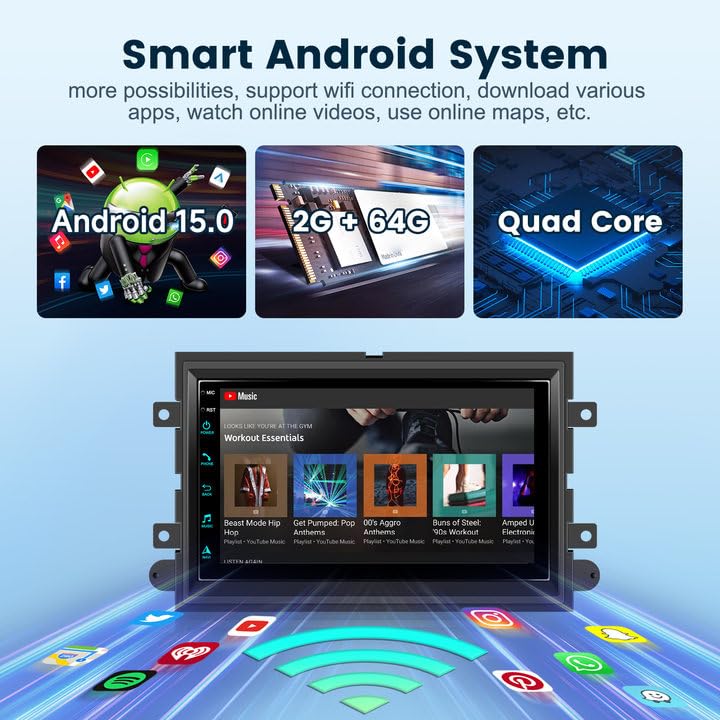
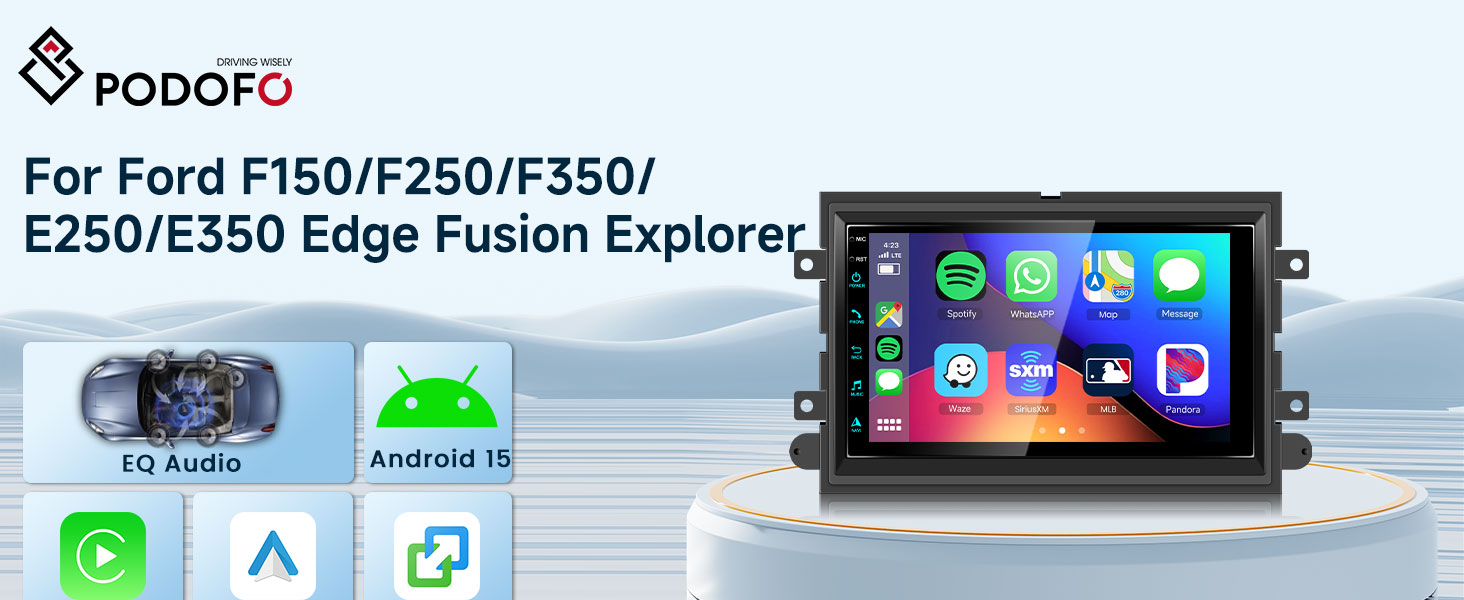
- Android 15 Car Stereo: This car play radio for Ford F150 F250 F350 with 7 inch HD Touch Screen, Android 15 operating system, Octa 4 Core CPU, 2GB RAM and 64GB ROM for more APPs installed, ensures smooth operation and faster response
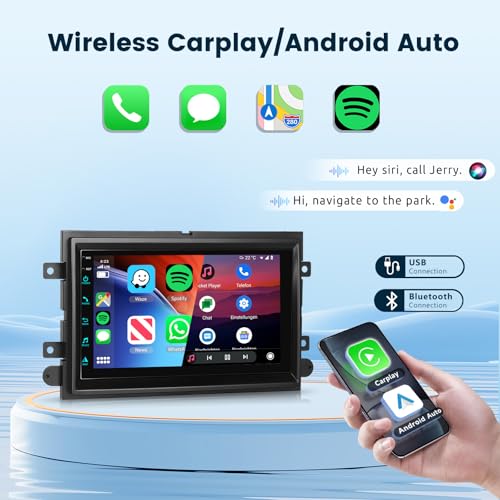
- Wireless CarPlay / Android Auto: The touchscreen head unit for Ford Radio Upgrade supports wired and wireless Carplay and Android Auto, allowing easy access to your phone's apps, such as real-time online map, music, call, and enabling voice control, enhancing your driving safety and comfort
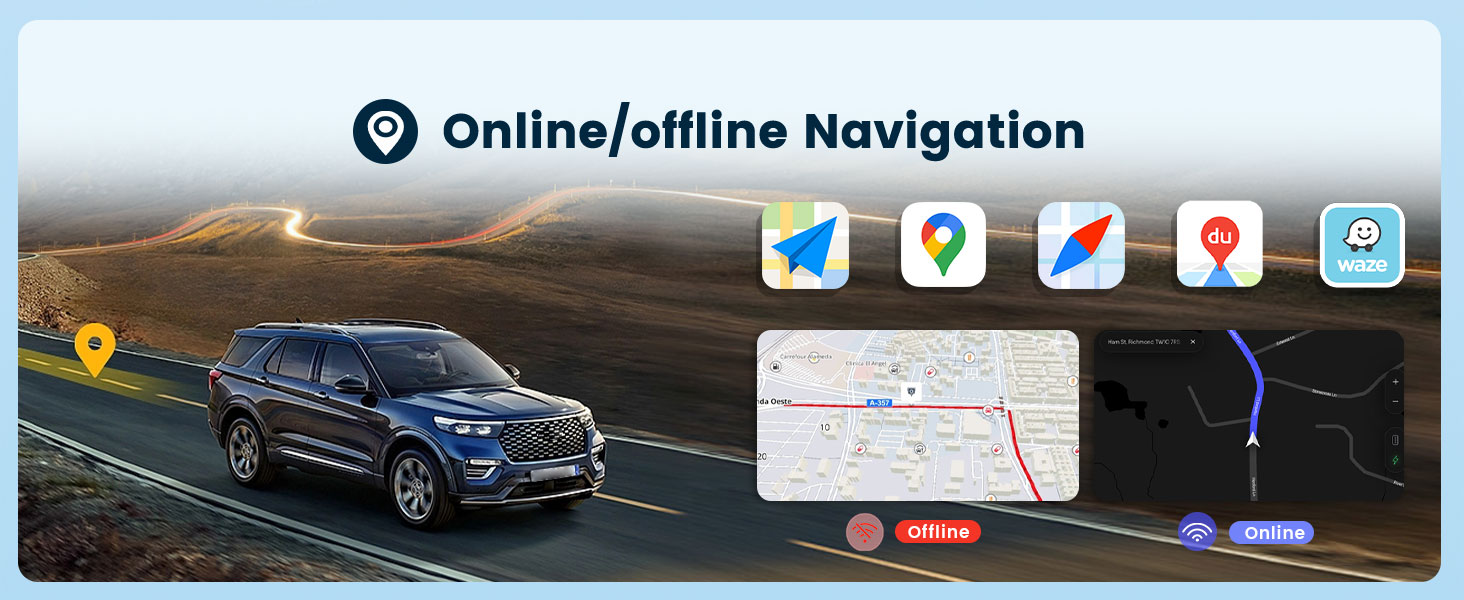
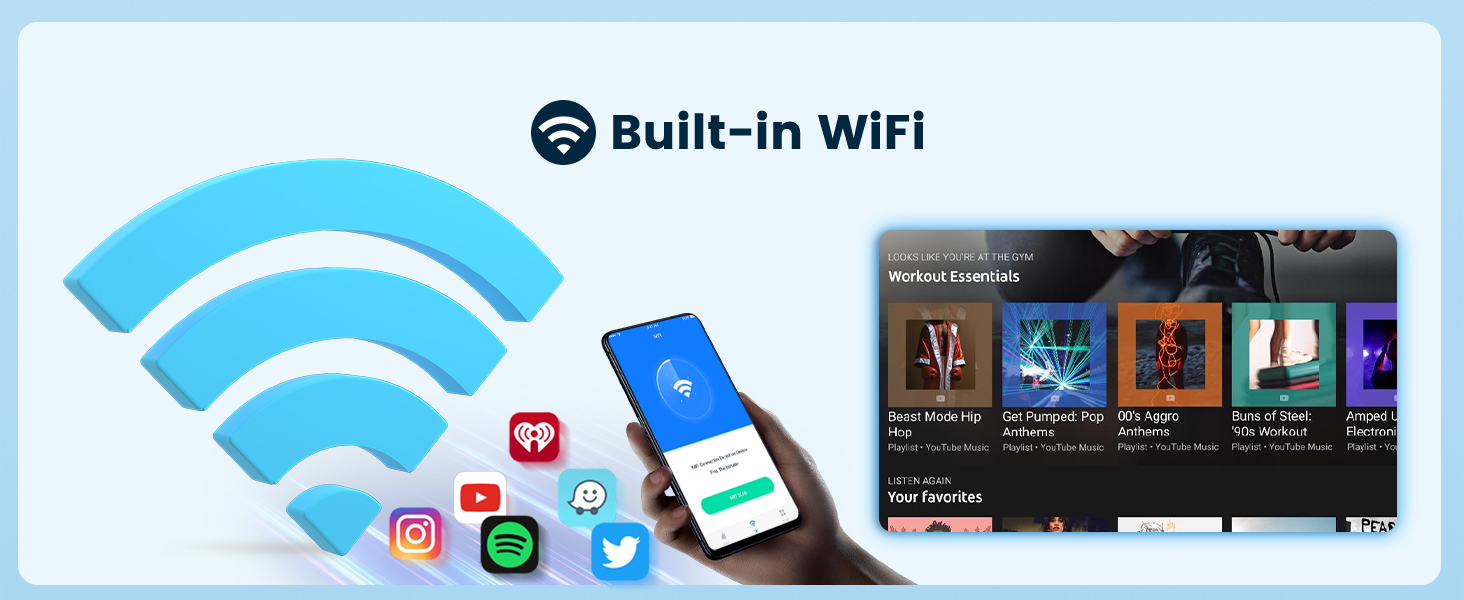
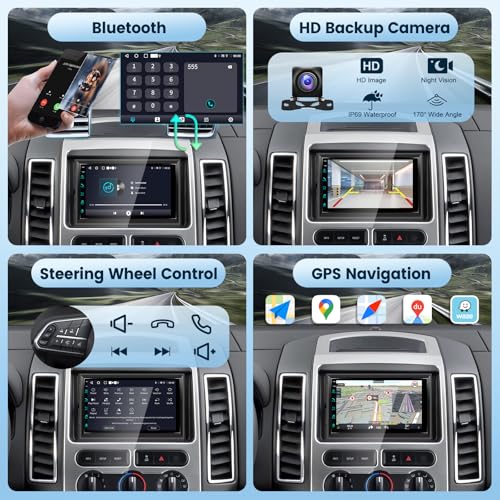
- GPS Navigation / WiFi: The carplay screen for Ford F150 F250 F350 with built-in GPS, offering offline navigation, ensuring reliable and accurate map data in areas without network coverage. When connected to WiFi, you can use online maps and download more Apps directly on this touch screen
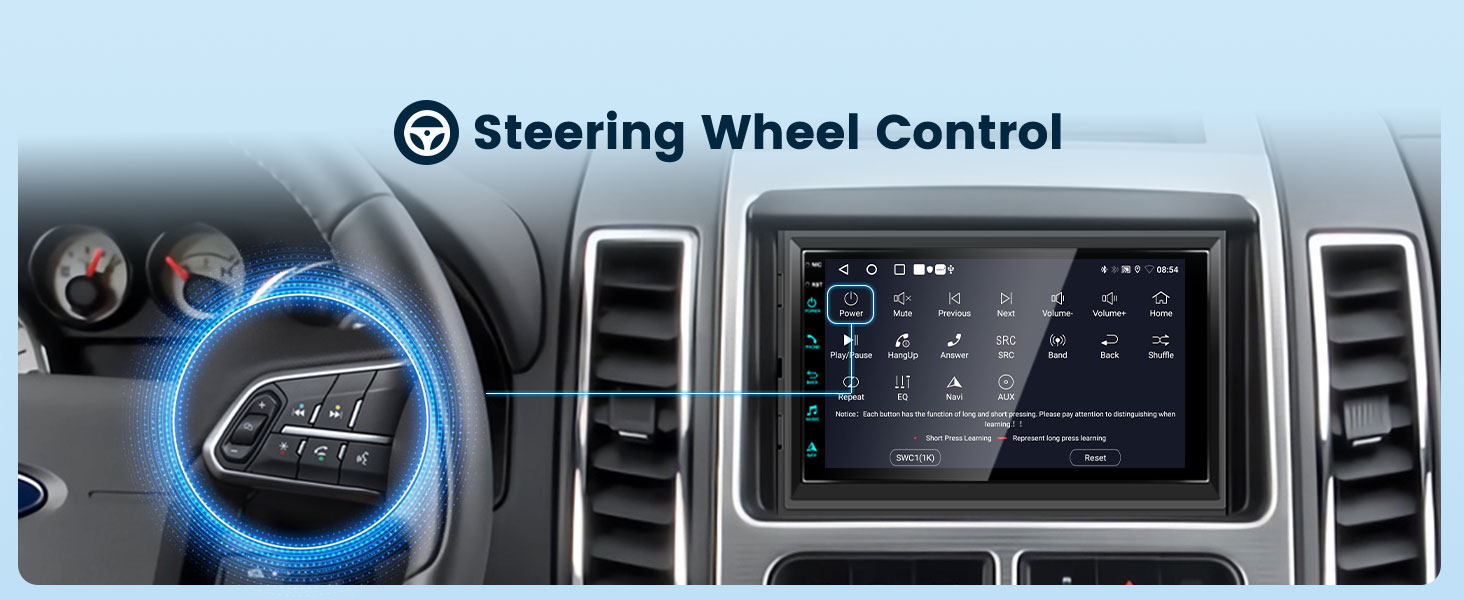
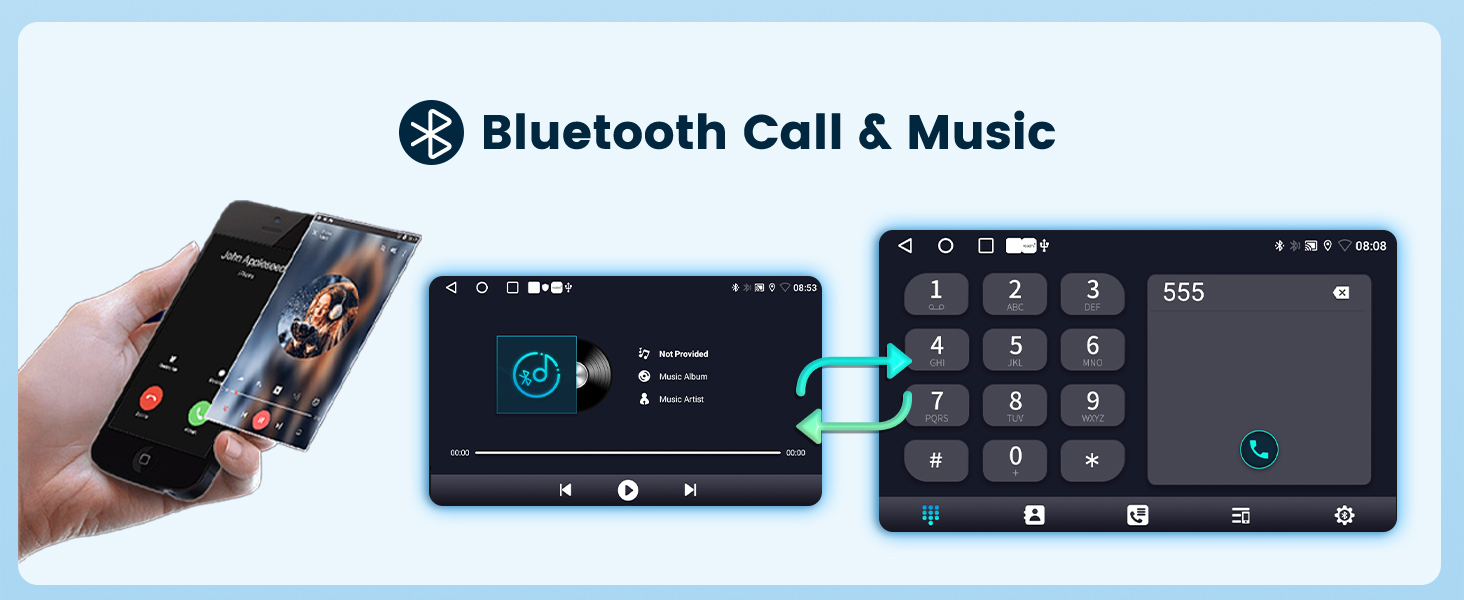
- Bluetooth / Steering Wheel Control: The latest Bluetooth eqquiped with a built-in noise-canceling mic and an external mic jack, which is more stable, faster and clearer, enables hands-free call and wireless music streaming. Use the steering wheel buttons to control the car audio, which is more convenient for operation and safer for driving
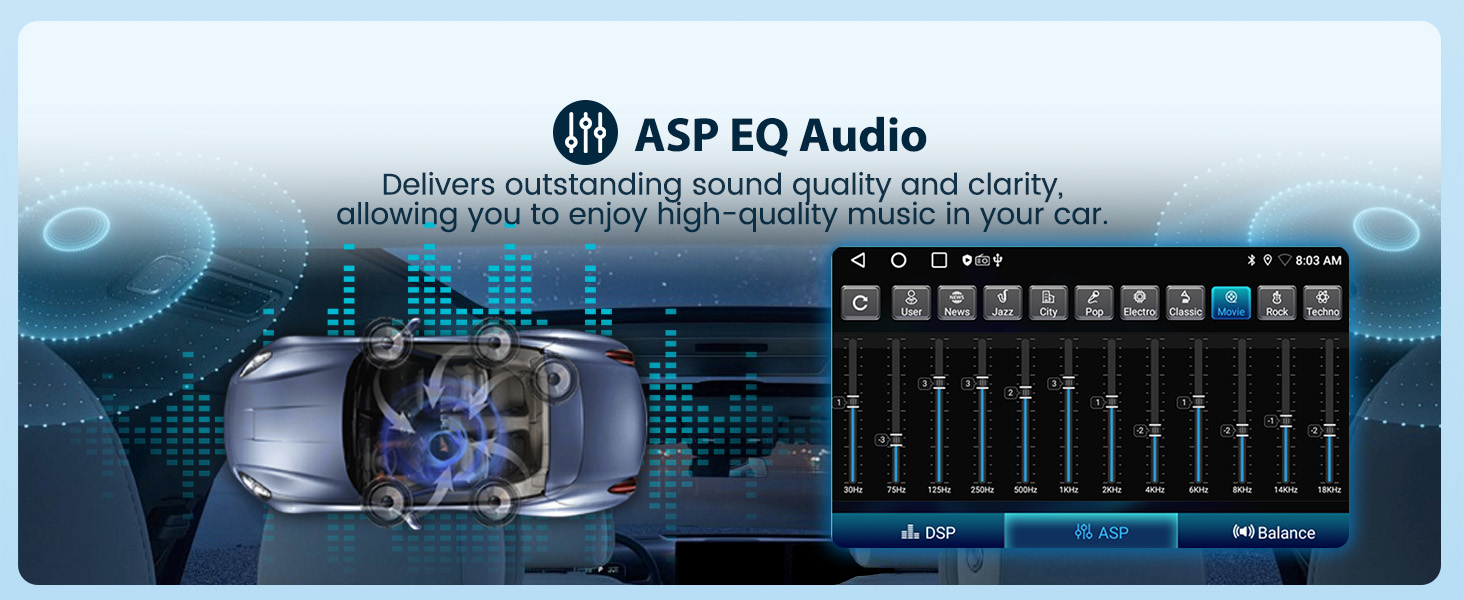
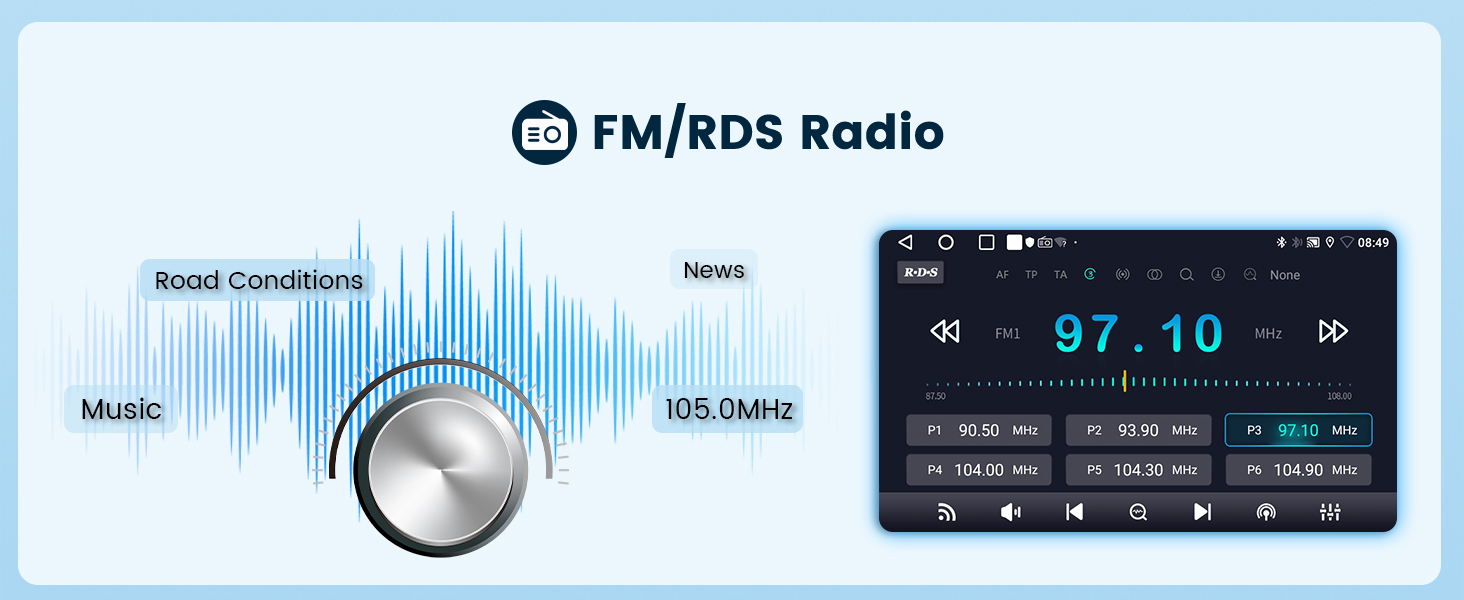
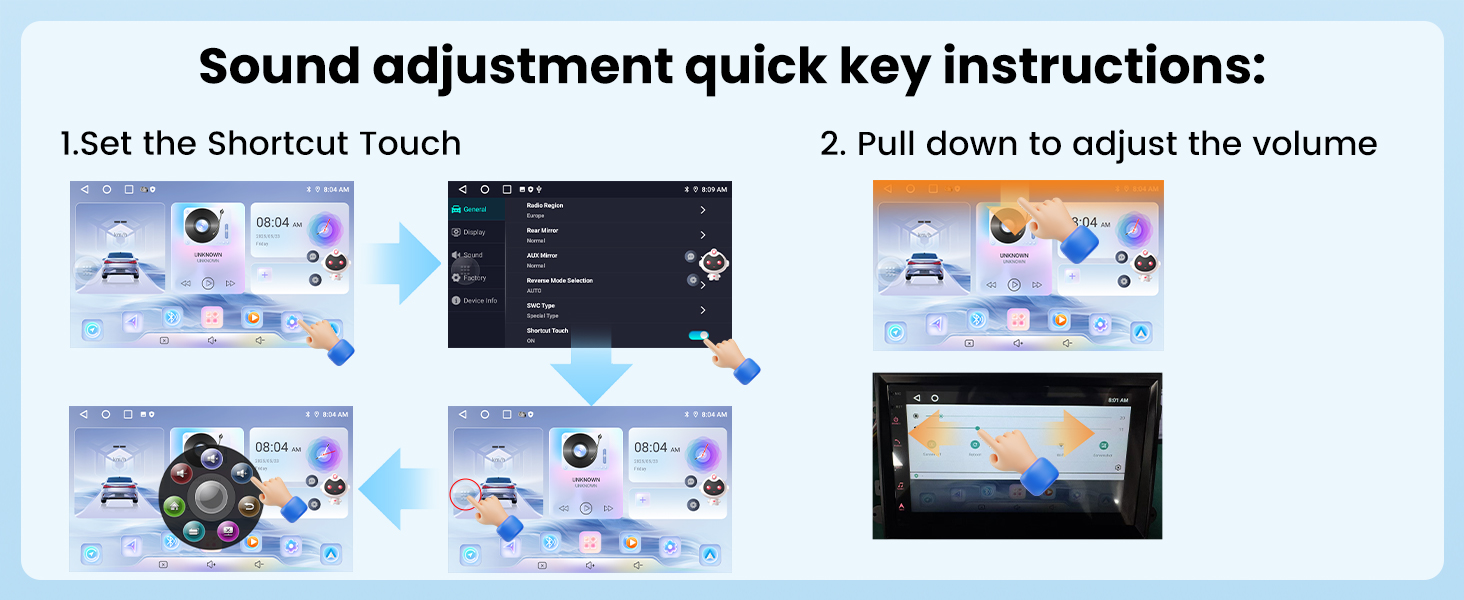
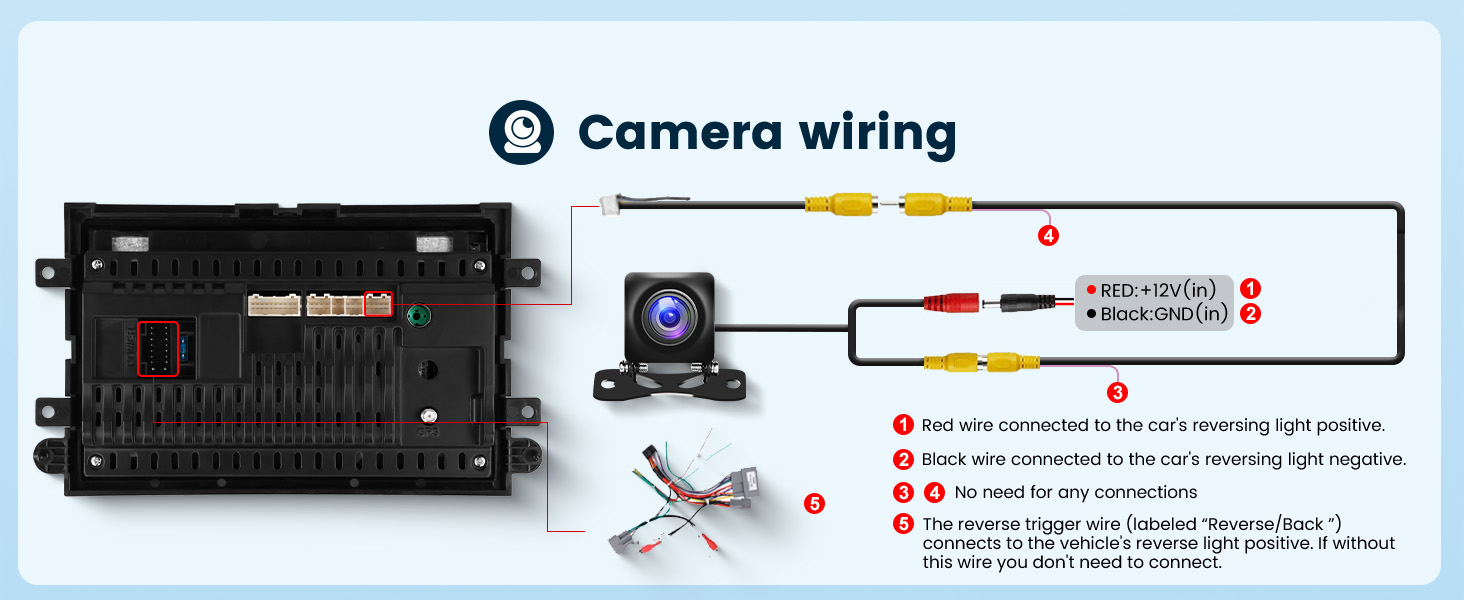
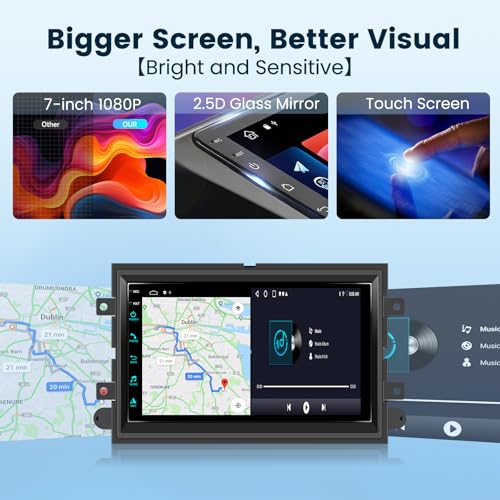
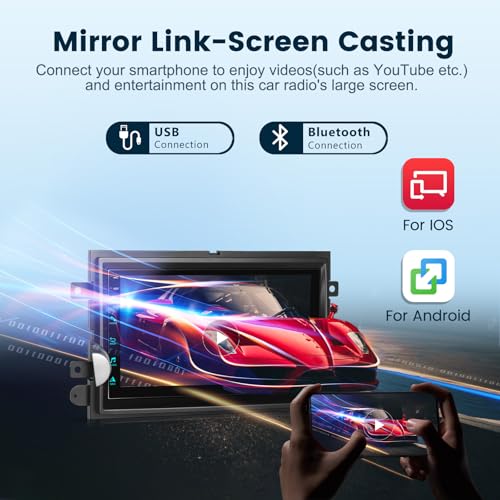
- Multimedia Functions: Equipped with a full HD rear view camera; mirroring link; for Android and iOS; FM RDS radio; EQ Settings; GPS; WiFi; RCA output; Dual USB inputs; Customize UI interface; 2.5D glass mirror; Split screen
- Professional Tech Support: Podofo with a professional team offering specialized support. For any concerns, including installation and use, please reach out to us directly via Amazon. Not sure if our car radio fits your car? Simply share us your car's model, year, and a photo of the center console, we will check for you
Q1: I want to connect/disconnect CarPlay. What should I do?
- First-time connection: After connecting Bluetooth, tap “Zlink” in the car Stereo and follow the on-screen instructions.
- Subsequent connections: Once Bluetooth is enabled, Zlink will automatically connect to CarPlay. (If don't want automatic connection, can turn it off in the Zlink Settings)
- Disconnect:Directly close the Zlink background app.
Q2: Why can't I connect Bluetooth even after following the instructions? Why is the Bluetooth connection unstable?
- 1. Try searching directly for “Car-BT”, enter the password “0000” to connect. If necessary, delete the connection history and try again.
- 2. Check if the rear camera input cable is plugged in. The two short antennas on the reverse input cable help enhance Bluetooth and Wi-Fi signals.
Q3: SWC isn't working properly. What should I do?
- Perform steering wheel control button learning to program the steering wheel buttons.(Path: Settings > Car Settings > General > Enter SWC Settings Interface)
| SKU: | B0FD9WYTYD |
| Weight: | 2.2 pounds |
| Dimensions: | 12.64 x 8.82 x 4.17 inches |
Product description
Q1: I want to connect/disconnect CarPlay. What should I do?
- First-time connection: After connecting Bluetooth, tap “Zlink” in the car Stereo and follow the on-screen instructions.
- Subsequent connections: Once Bluetooth is enabled, Zlink will automatically connect to CarPlay. (If don't want automatic connection, can turn it off in the Zlink Settings)
- Disconnect:Directly close the Zlink background app.
Q2: Why can't I connect Bluetooth even after following the instructions? Why is the Bluetooth connection unstable?
- 1. Try searching directly for “Car-BT”, enter the password “0000” to connect. If necessary, delete the connection history and try again.
- 2. Check if the rear camera input cable is plugged in. The two short antennas on the reverse input cable help enhance Bluetooth and Wi-Fi signals.
Q3: SWC isn't working properly. What should I do?
- Perform steering wheel control button learning to program the steering wheel buttons.(Path: Settings > Car Settings > General > Enter SWC Settings Interface)