Wireless Headset with Mic for Work, Wireless Headset

Wireless Headset with Mic for Work, Wireless Headset with Microphone (Noise Cancelling), Smart Mult-Func Dock, 65H Worktime&Fast Charge Bluetooth Headphones for Work/PC/Computer/Call Center/Teams/Zoom
- AI Noise Cancelling: Boost productivity with the wireless headset with mic for work, featuring advanced AI noise cancellation for crystal-clear calls. The wireless headset with mic delivers superior voice clarity, filtering background noise in busy offices or commutes. Single-ear design ensures comfort during long meetings, while the reliable mic keeps conversations sharp and professional. Perfect for remote work, business calls, and uninterrupted communication. Stay focused and sound flawless
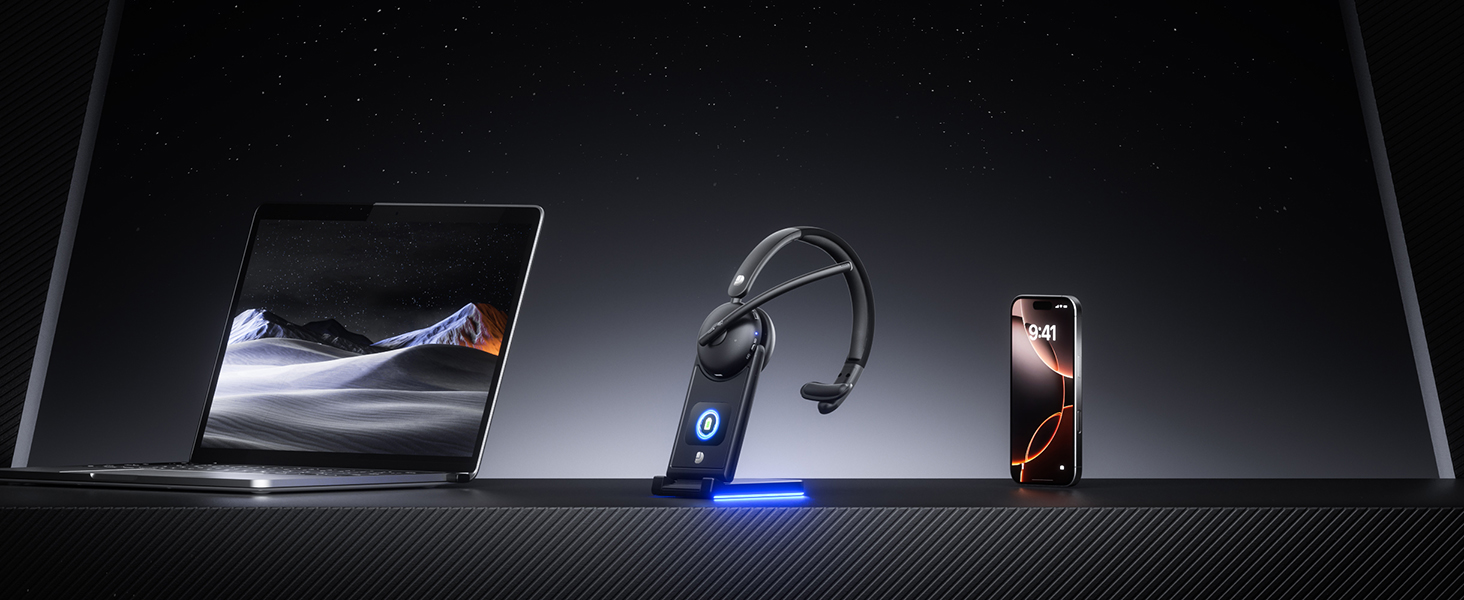
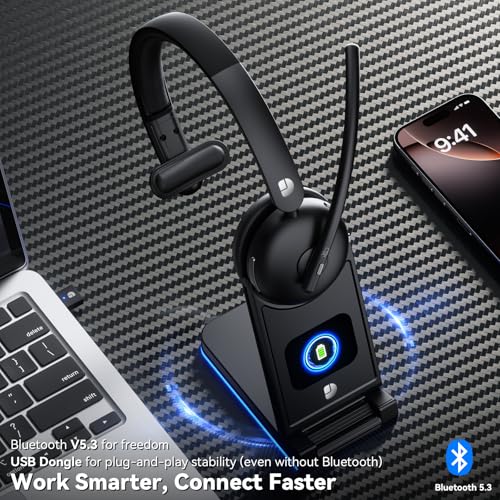
- Flexible Options: The Dytole wireless headset with mic for work supports both Bluetooth 5.3 and a 2.4G USB dongle. Easily connect to laptops, mobile phones, and other Bluetooth devices. If the computer does not support Bluetooth, simply use the USB adapter to achieve a stable connection (only one device can be connected at a time). With a reliable 49-feet, wireless range, the wireless headset are ideal for professionals who need to handle Teams/Zoom meetings, customer calls, and presentations
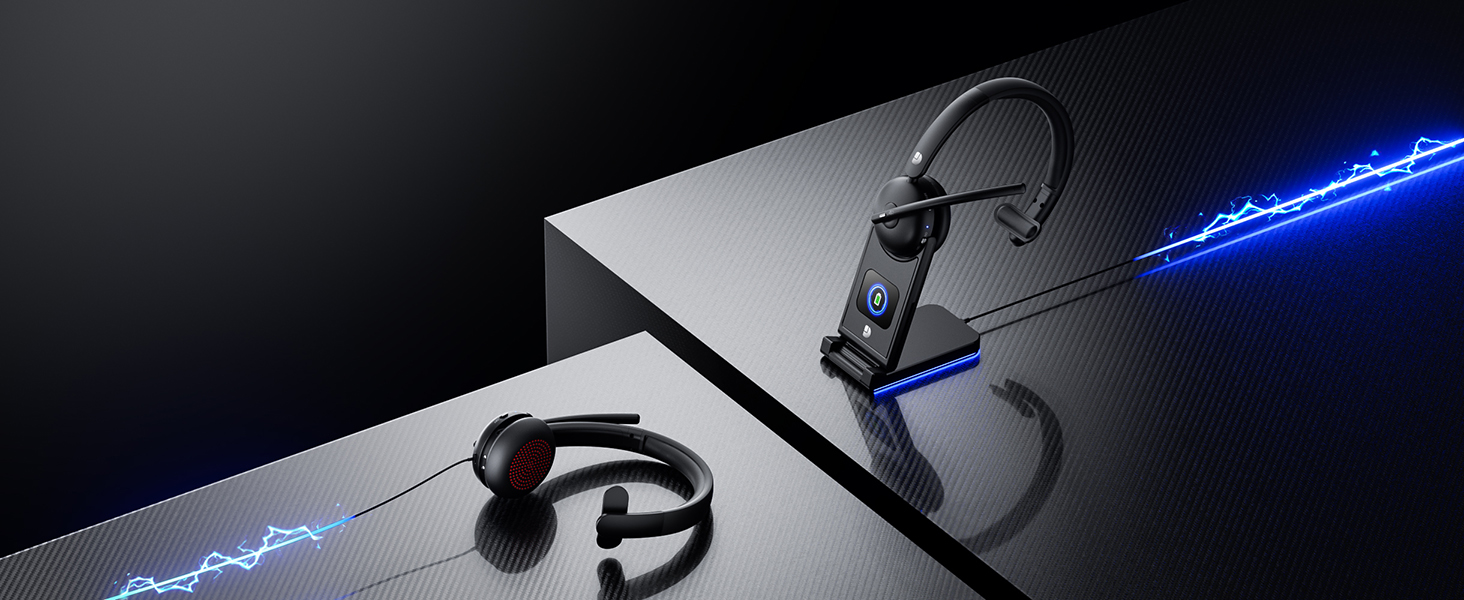
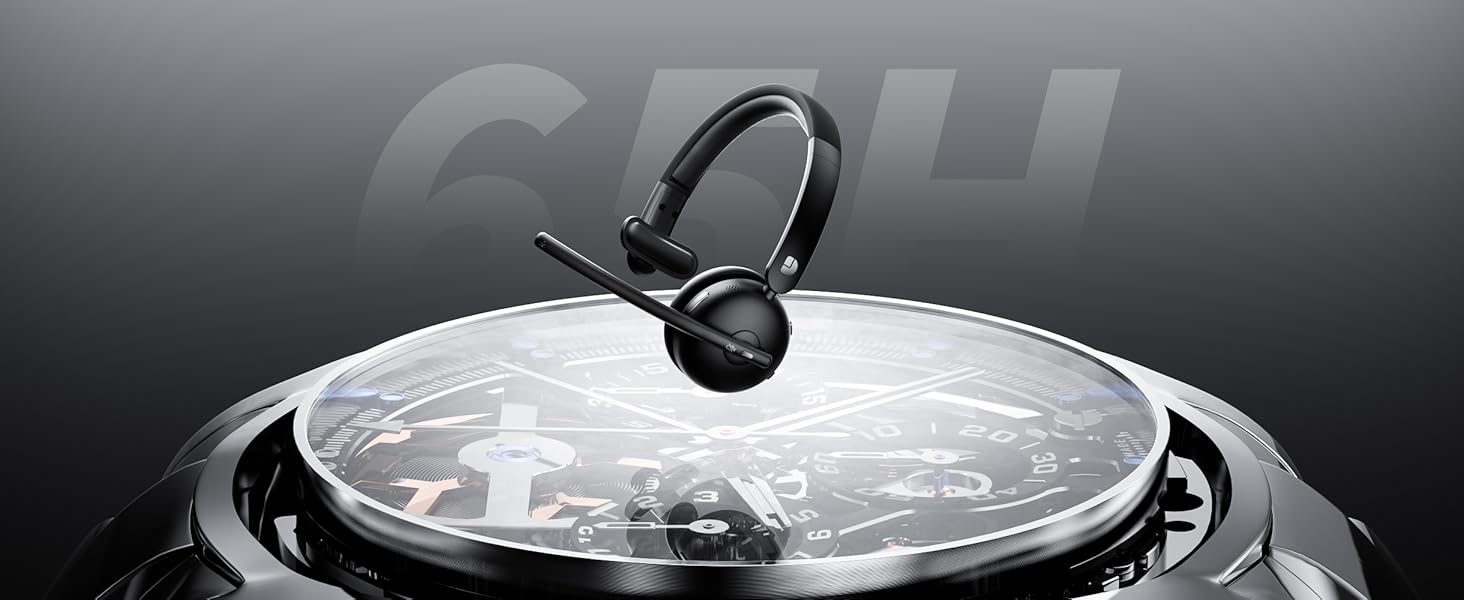
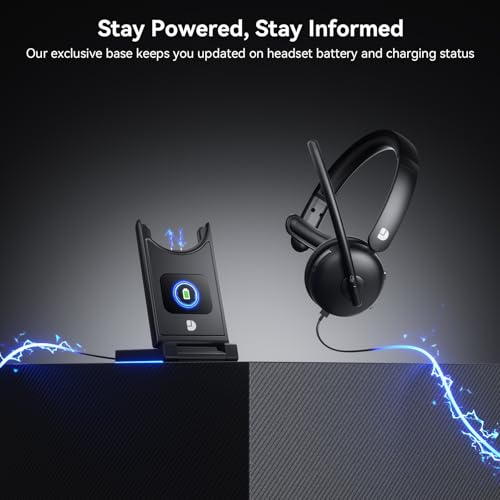
- Two Charging Methods & Long Battery Life: Charge your Bluetooth headset for work via USB-C or the included charging dock. With up to 65H of use per charge and efficient power management, it's perfect for back-to-back meetings, remote work, or contact centre shifts. Just 5 minutes of quick charge gives 2 hours of talk time. The charging base features an intuitive LED power display. As a wireless headset with microphone, it ensures all-day clarity and reliable performance without battery anxiety
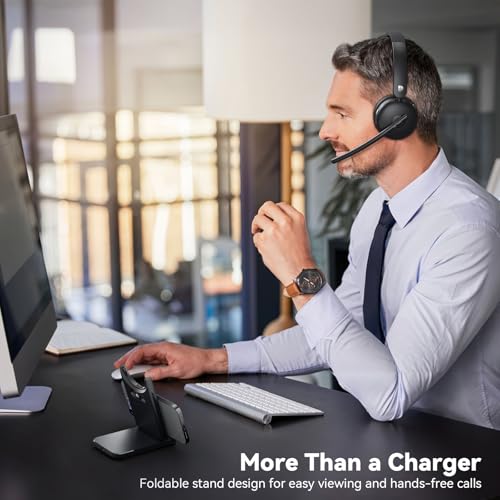
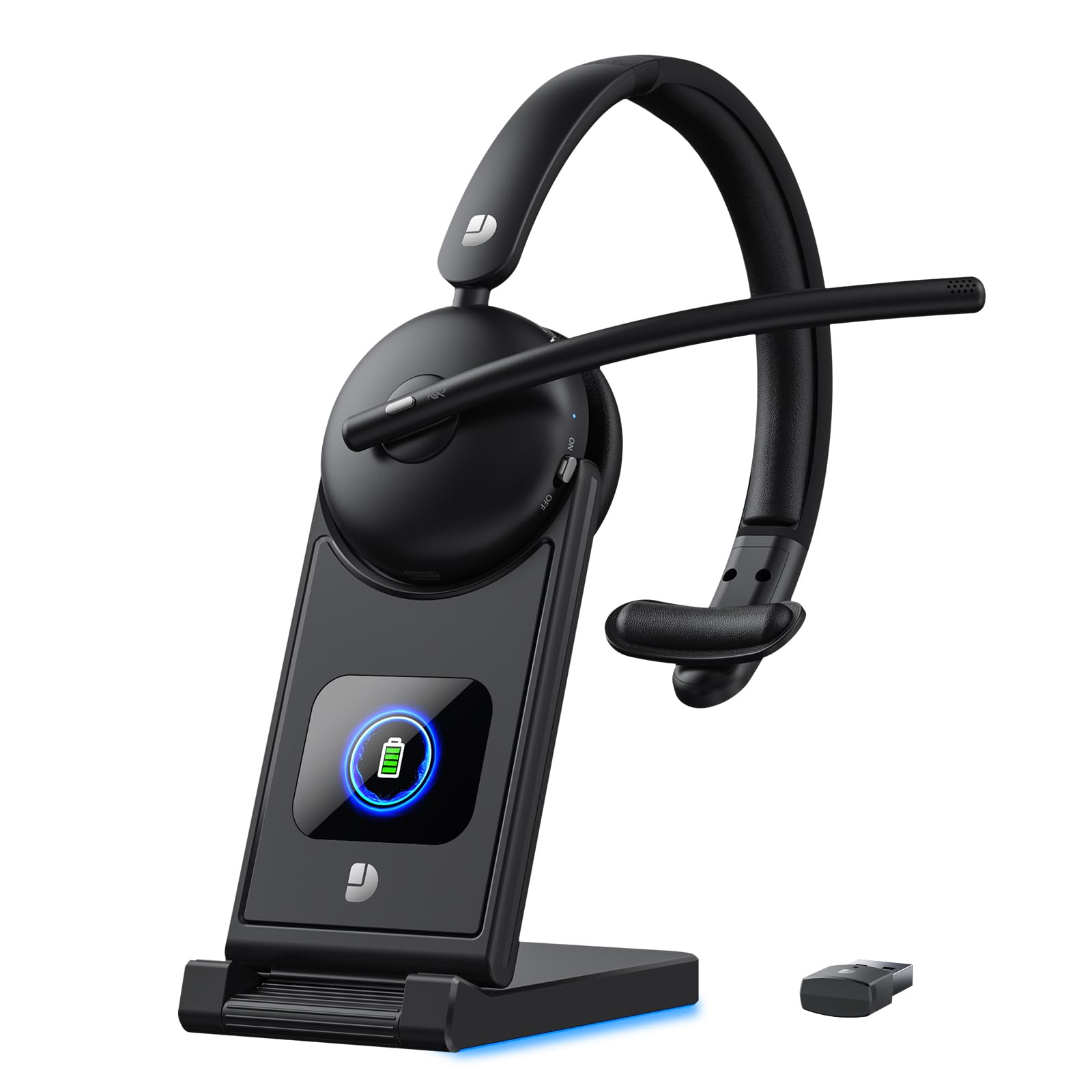
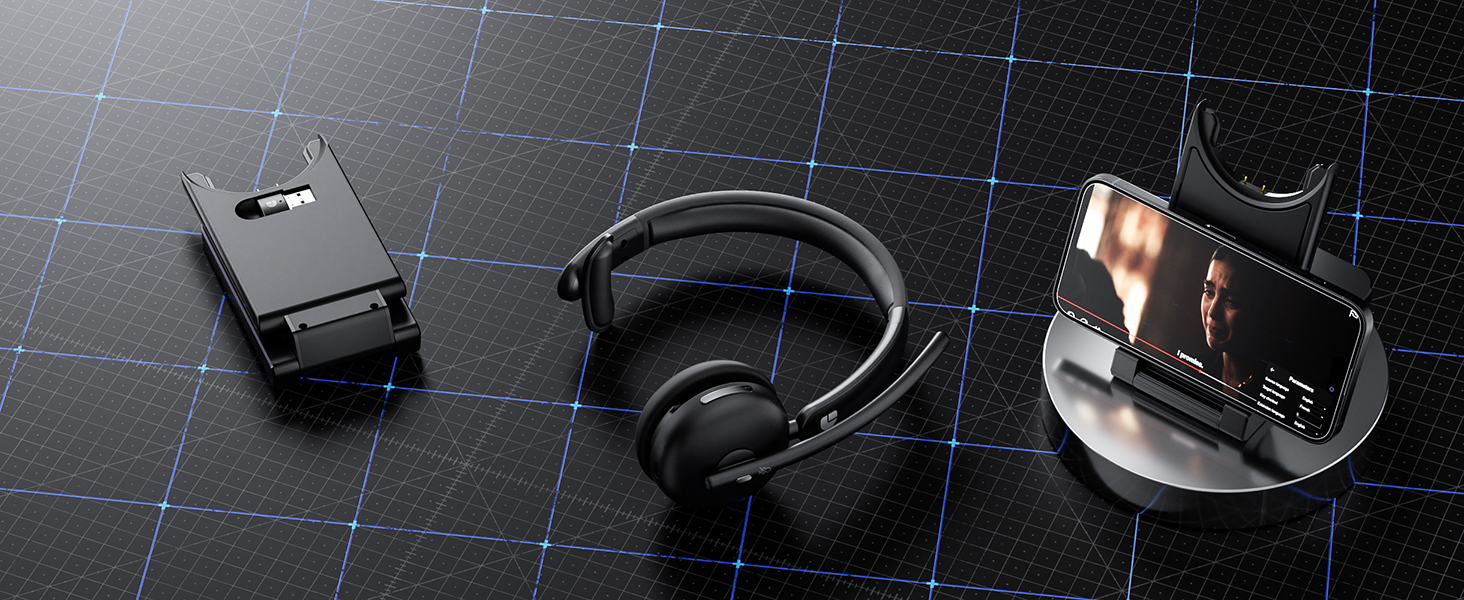
- 3-in-1 Smart Dock: Charger, phone stand & organizer for your headsets with microphone for work. Securely store your wireless headphones with mic and USB dongle. The smart base doubles as a phone/tablet stand for hands-free video calls, keeping your desk clutter-free. The design of the wireless headset with mic for work base, it folds flat for travel—ideal for home offices, meetings, or remote work. Consolidate your tech, boost productivity, and maintain professional readiness wherever you work
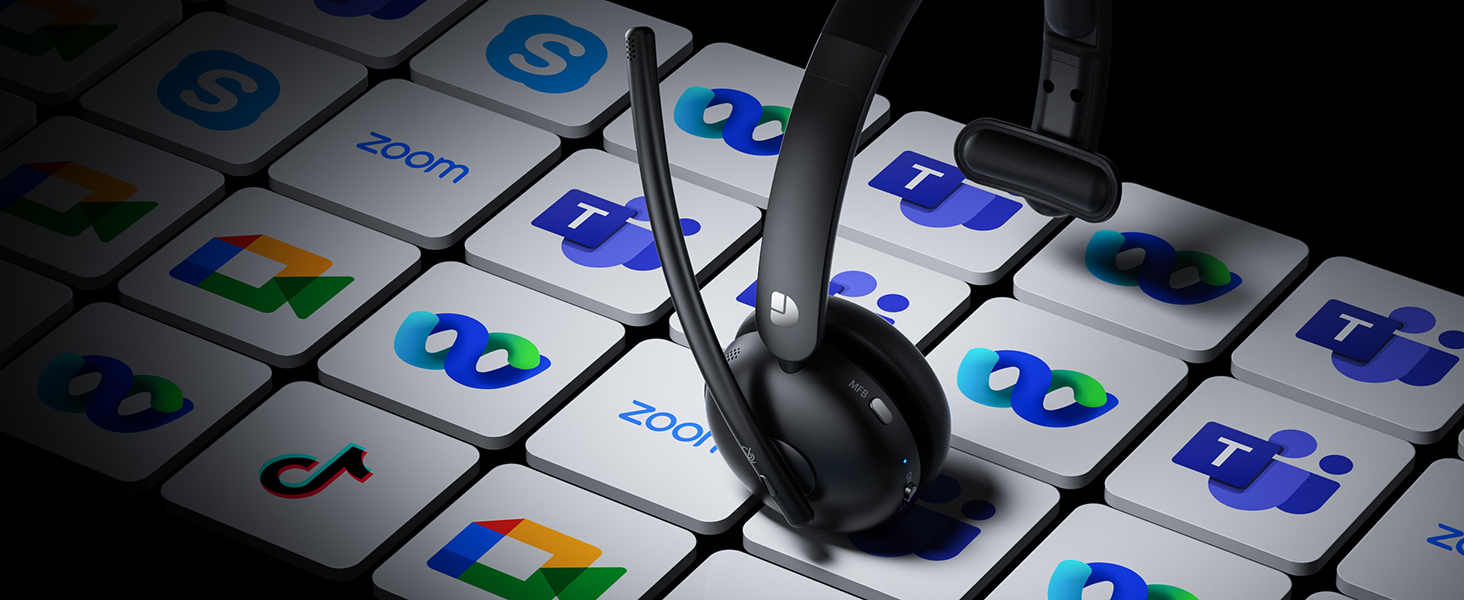
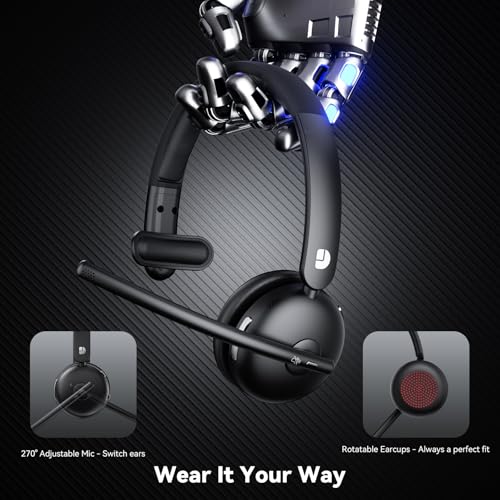
- Comfortable & Compatibility: Our wireless headset with microphone feature an ultra-lightweight single-ear design (only 0.8oz) with memory foam ear cushions that stay comfortable through 8+ hour workdays. The adjustable headband ensures balance in calls or work. Compatible with Zoom, Teams, Google Meet, and more, it's easy to control with one-touch MFB and mute buttons. The wireless headset solution offers both comfort and functionality, making every conversation smooth, focused, and fatigue-free
Dytole
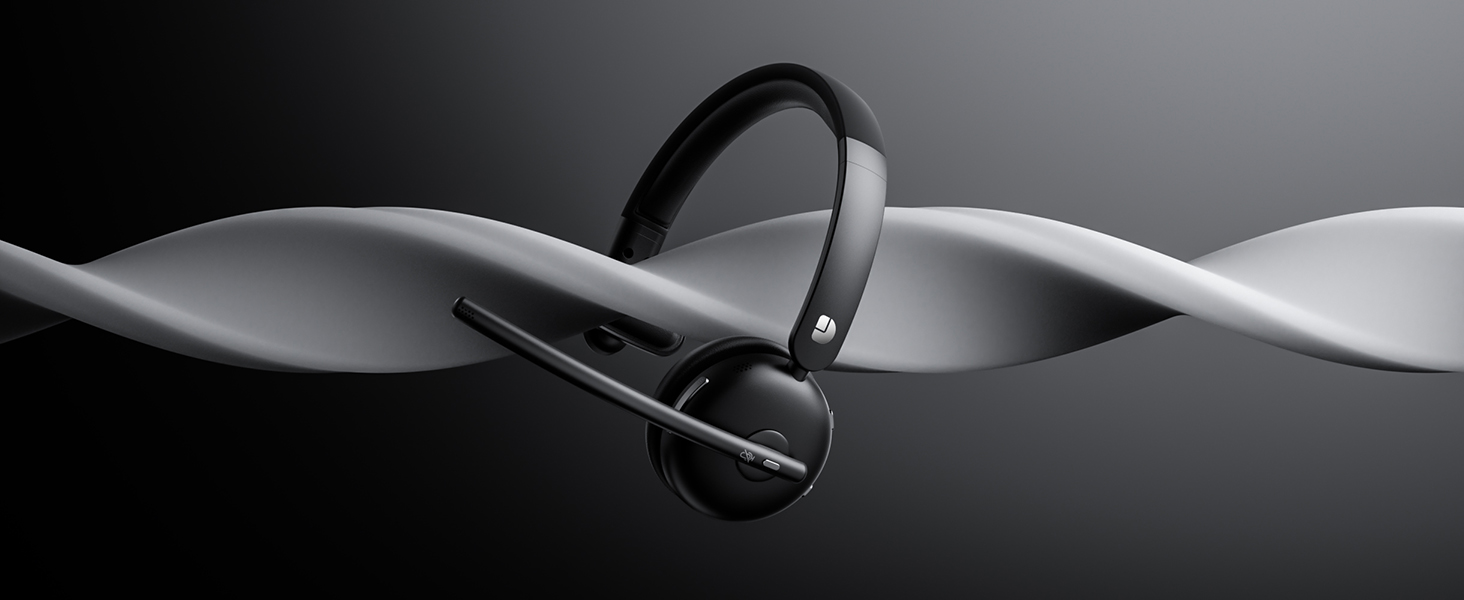
Wireless Headset with Mic for Work
AI Noise Cancelling for Pro-Level Clarity
Reduces background noise for clear, focused conversations
Bluetooth 5.3 & USB | Instant Pairing Your Device
Bluetooth connectivity for wireless freedom / Plug-and-play USB seamless pairing for zero latency
Works with Phones, PCs, Tablets & More
Dytole wireless headset connects easily to laptops, smartphones, or tablets
USB-C or Dock—Stay Powered Anytime
The dock displays real-time power, so you always know your charge status
Only One Charge Needed Per Week
Enjoy up to 7 days of use on a single full charge
Cushioned Ear Covers for Extended Wear
Enjoy long listening sessions without ear fatigue
Smart Multifunctional Dock Integrates Charging &Phone Stand
This smart dock acts as a phone stand while charging your wireless headset and storing the USB adapter neatly. Its foldable, portable design makes it easy to carry and perfect for travel or desk use
Does the wireless headset with mic charging base accurately display the battery level?
Of course! Our multifunctional charging base has a built-in LED screen that displays the battery level and charging status of your wireless headphones in real time. When not in use, it can also store your earphones and USB adapter
How do I connect these wireless headphones to my computer?
When the wireless headphones with mic is paired with the computer, please check the sound settings of both the computer and the software to make sure [DY109] is selected as the default output and input device (speaker/microphone)
How to clear the pairing records?
Press and hold the MFB and “Volume-” button simultaneously for at least 5 seconds. When the indicator light remains purple for 2 seconds, initialization is complete. After initialization, the headset all Bluetooth pairing information will be deleted
How can I check the remaining battery level of my wireless headset with microphone?
When the headset needs to be charged, it will prompt "Low battery please charge"Place the headset on the charging base, the display shows the remaining batterylevel of the headset
Is it possible to convert voice to text through microphone?Such as google voice typing
Sure. Once you have confirmed that the device is successfully connected to the headphones, please allow the microphone to connect to enable the voice-to-text feature.


| SKU: | B0F4NPWQC1 |
| Weight: | 1.01 pounds |
| Dimensions: | 7.83 x 7.72 x 3.27 inches |
| Model: | DY-109 Black |
| Pack Quantity: | 1 |
| Manufacture: | Dytole |
| Quantity: | 1 |
Product description
 Previous page
AI Noise Cancelling for Pro-Level Clarity
Reduces background noise for clear, focused conversations
Bluetooth 5.3 & USB | Instant Pairing Your Device
Bluetooth connectivity for wireless freedom / Plug-and-play USB seamless pairing for zero latency
Works with Phones, PCs, Tablets & More
Dytole wireless headset connects easily to laptops, smartphones, or tablets
USB-C or Dock—Stay Powered Anytime
The dock displays real-time power, so you always know your charge status
Only One Charge Needed Per Week
Enjoy up to 7 days of use on a single full charge
Cushioned Ear Covers for Extended Wear
Enjoy long listening sessions without ear fatigue

Does the wireless headset with mic charging base accurately display the battery level?
Of course! Our multifunctional charging base has a built-in LED screen that displays the battery level and charging status of your wireless headphones in real time. When not in use, it can also store your earphones and USB adapter
How do I connect these wireless headphones to my computer?
When the wireless headphones with mic is paired with the computer, please check the sound settings of both the computer and the software to make sure [DY109] is selected as the default output and input device (speaker/microphone)
How to clear the pairing records?
Press and hold the MFB and “Volume-” button simultaneously for at least 5 seconds. When the indicator light remains purple for 2 seconds, initialization is complete. After initialization, the headset all Bluetooth pairing information will be deleted
How can I check the remaining battery level of my wireless headset with microphone?
When the headset needs to be charged, it will prompt “Low battery please charge”Place the headset on the charging base, the display shows the remaining batterylevel of the headset
Is it possible to convert voice to text through microphone?Such as google voice typing
Sure. Once you have confirmed that the device is successfully connected to the headphones, please allow the microphone to connect to enable the voice-to-text feature.