Wireless Headphones for TV, TV Headphones Wireless
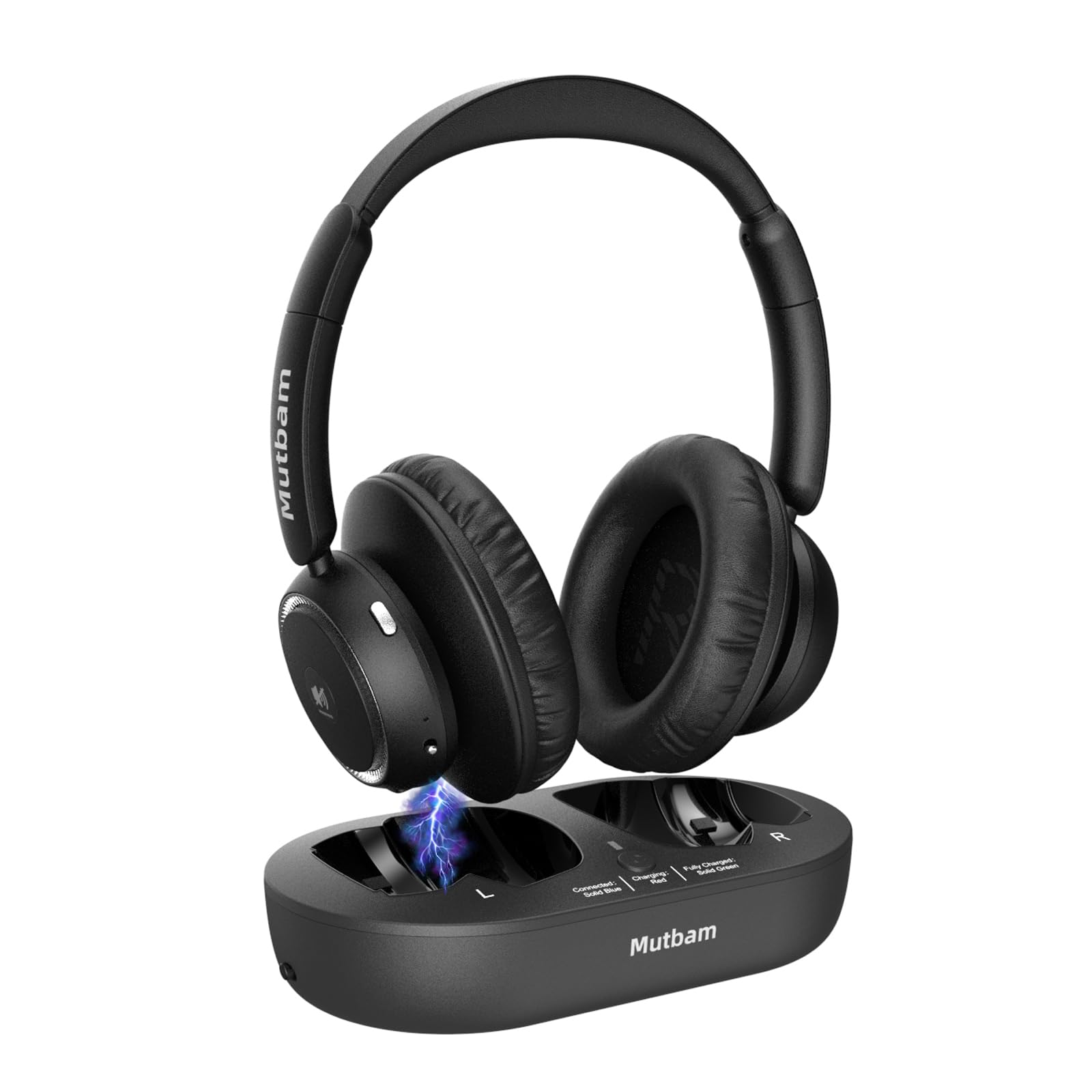
Wireless Headphones for TV, TV Headphones Wireless for Seniors with Charging Dock & Transmitter, 65-Hour Battery, No Delay, Lightweight & Comfortable for Elderly, Hard of Hearing (Ideal Gift)
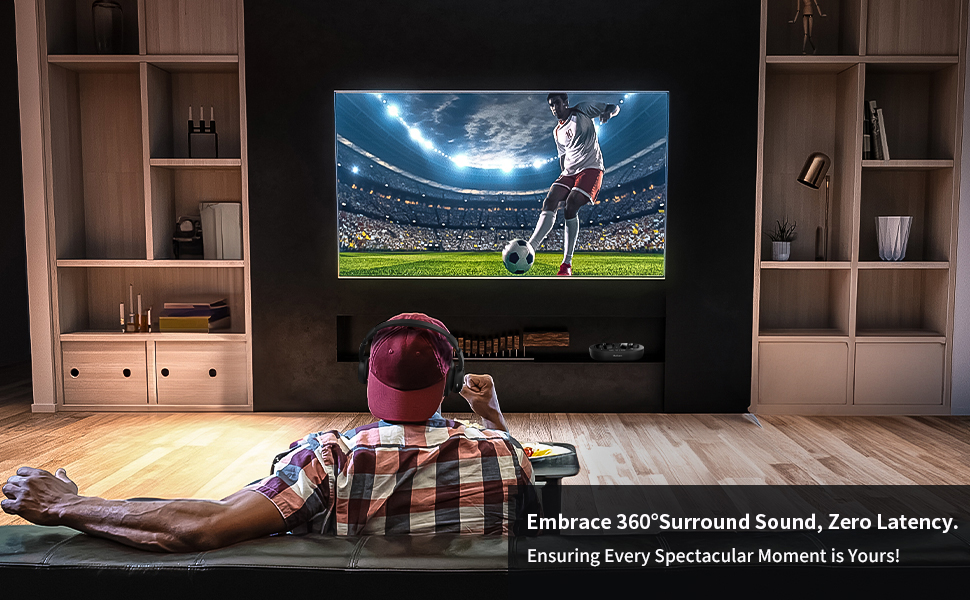
- Perfectly Synced & Crystal-Clear Audio: Immerse yourself in crystal-clear audio with these Wireless Headphones for TV, featuring advanced Bluetooth 5.2 technology for perfect synchronization. Enjoy studio-quality sound with rich bass and clear highs that make every movie, show or sports event come alive. The zero-delay audio ensures dialogue stays perfectly matched to on-screen action, making these TV Headphones Wireless for Seniors ideal for those who need clear speech without any lag or distortion.
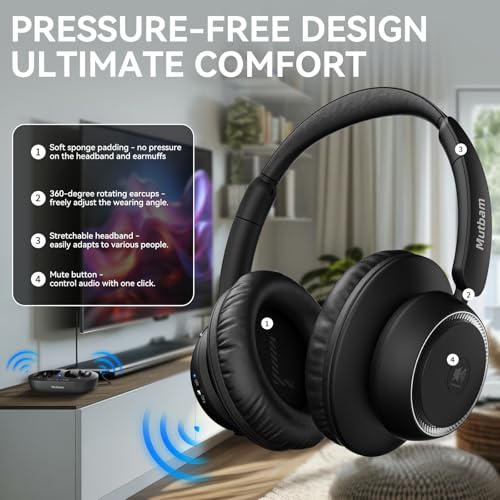
- Designed For Extended Comfort: Mutbam Wireless TV Headphones feature plush memory foam ear cushions and an adjustable headband that conforms to your shape. At just 7.8 ounces, the lightweight design prevents ear fatigue during long viewing sessions while the impressive 100ft wireless range gives you freedom to move around your home. These TV Headphones Wireless for Seniors provide all-day comfort without restricting you to one spot near the television.
- 65-Hour Battery Life: Enjoy marathon viewing sessions with up to 65 hours of continuous playtime on a single charge – perfect for weekend binge-watching. The included charging base keeps your Wireless Headphones for TV powered up and neatly stored, eliminating tangled cords. Simply place the headphones on the stand after use for automatic charging – no complicated setup or cables required for this hassle-free charging solution.
- Widely Compatible: These versatile Wireless TV Headphones work with virtually any television thanks to included optical, AUX and RCA connection options. The dedicated transmitter ensures stable audio even with non-Bluetooth TVs, solving the common problem of unclear dialogue. TV Headphones Wireless for Seniors make an ideal gift for elderly parents or grandparents who struggle to hear their favorite programs clearly.
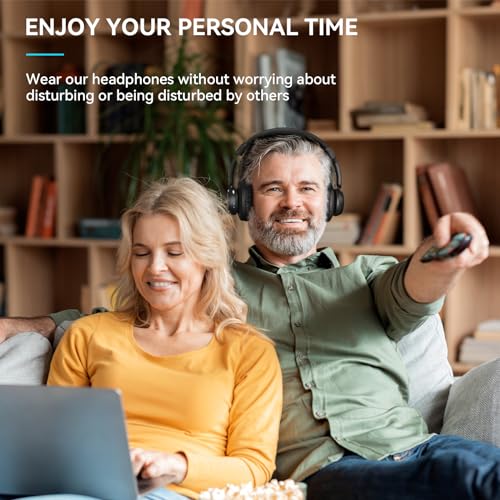
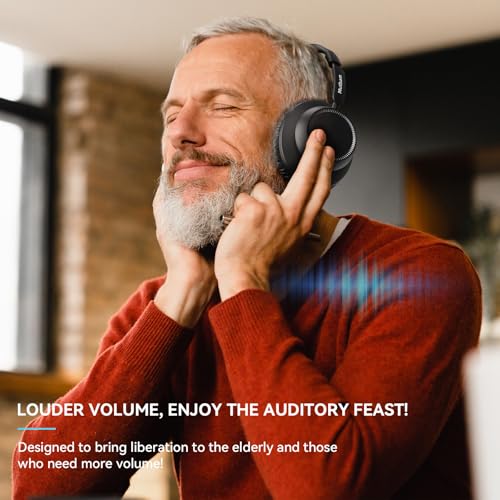
- The Perfect Gift for Parents & Hard of Hearing: These TV headphones wireless for seniors combine easy controls, loud volume, and comfort—making them ideal for those with hearing challenges. Every purchase includes a transmitter, charging base, and cables, ensuring a plug-and-play experience. Give the gift of better TV enjoyment today!
- Can I connect my TV and headphones via Bluetooth?
Yes, the TV headphones uses Bluetooth 5.2 for faster and more stable transmission. You can use it alone to connect to your TV or other Bluetooth devices.
- How do I set the TV audio/speaker output when the transmitter base is connected to the TV via fibre optic cable?
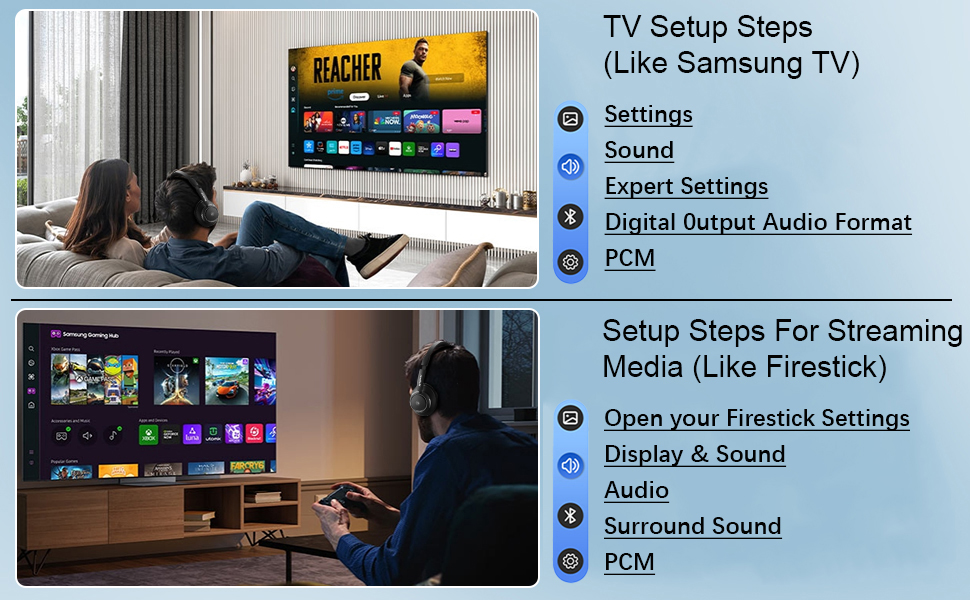
You can set the TV audio output as follows:
(1)Power on your TV.
(2)Press the "Menu/Home" button on your remote.
(3)Go to the "Sound/Audio" section in the TV menu.
(4)Access "Advanced Settings/Expert Settings."
(5)Select "Digital Audio Output Format/Audio Output"
and press "OK."
(6)Choose "PCM/Stereo/Optical."
(7)Your audio output setup is now complete.
- Will the headphones for tv and transmitter base pair automatically?
Sure! You just need to turn them on after the transmitter base is powered up, and they will automatically pair. And the next time you turn them on, they will automatically pair as well.
| SKU: | B0F8NT11KW |
| Weight: | 1.68 pounds |
| Dimensions: | 8.7 x 7.95 x 3.86 inches |
| Model: | M1 |
| Batteries Included: | 1 A batteries required. (included) |
| Manufacture: | Mutbam |
Product description
- Can I connect my TV and headphones via Bluetooth?
Yes, the TV headphones uses Bluetooth 5.2 for faster and more stable transmission. You can use it alone to connect to your TV or other Bluetooth devices.
- How do I set the TV audio/speaker output when the transmitter base is connected to the TV via fibre optic cable?
You can set the TV audio output as follows:
(1)Power on your TV.
(2)Press the “Menu/Home” button on your remote.
(3)Go to the “Sound/Audio” section in the TV menu.
(4)Access “Advanced Settings/Expert Settings.”
(5)Select “Digital Audio Output Format/Audio Output”
and press “OK.”
(6)Choose “PCM/Stereo/Optical.”
(7)Your audio output setup is now complete.
- Will the headphones for tv and transmitter base pair automatically?
Sure! You just need to turn them on after the transmitter base is powered up, and they will automatically pair. And the next time you turn them on, they will automatically pair as well.