WD 16TB Elements Desktop External Hard Drive, USB 3.0
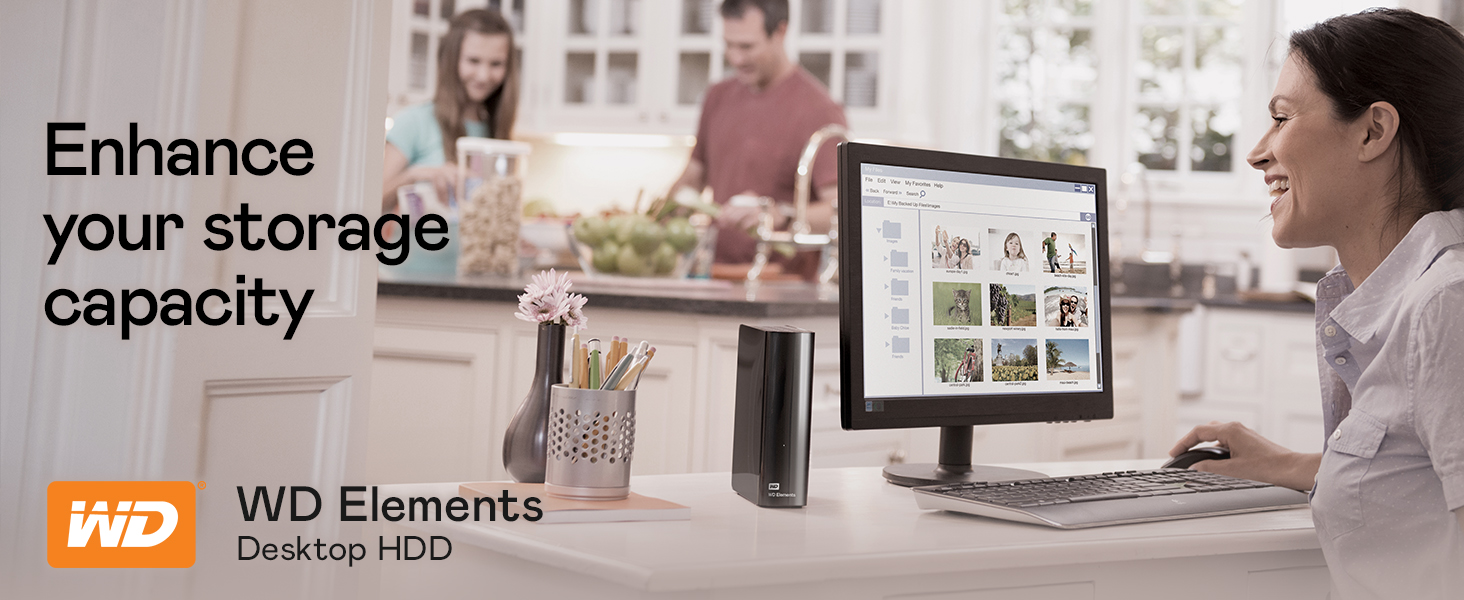
WD 16TB Elements Desktop External Hard Drive, USB 3.0 for plug-and-play storage – WDBWLG0160HBK-NESN
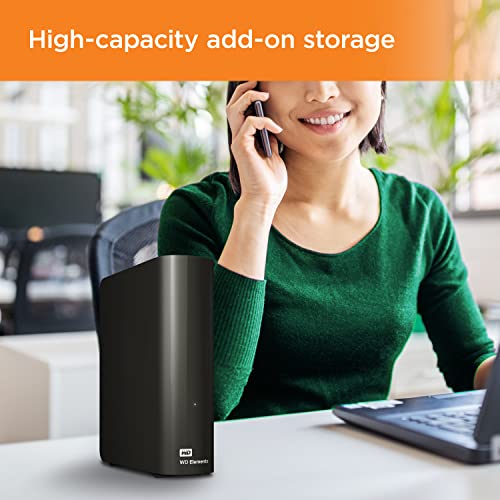
- High-capacity add-on storage.Specific uses: Personal
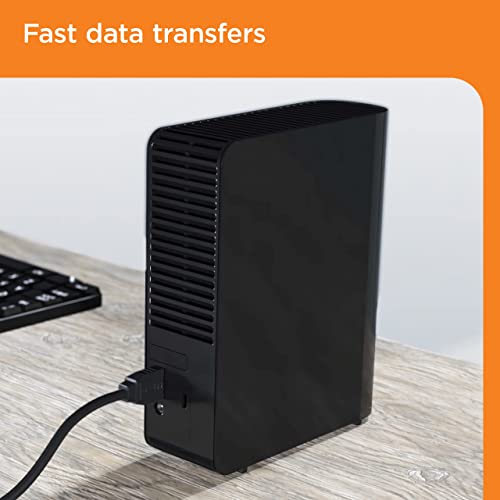
- Fast data transfers
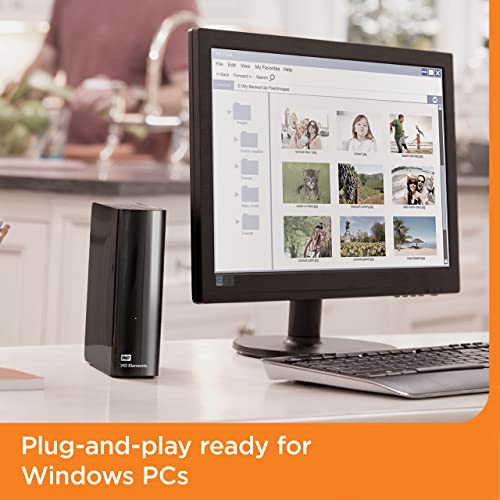
- Plug-and-play ready for Windows PCs
- WD quality inside and out
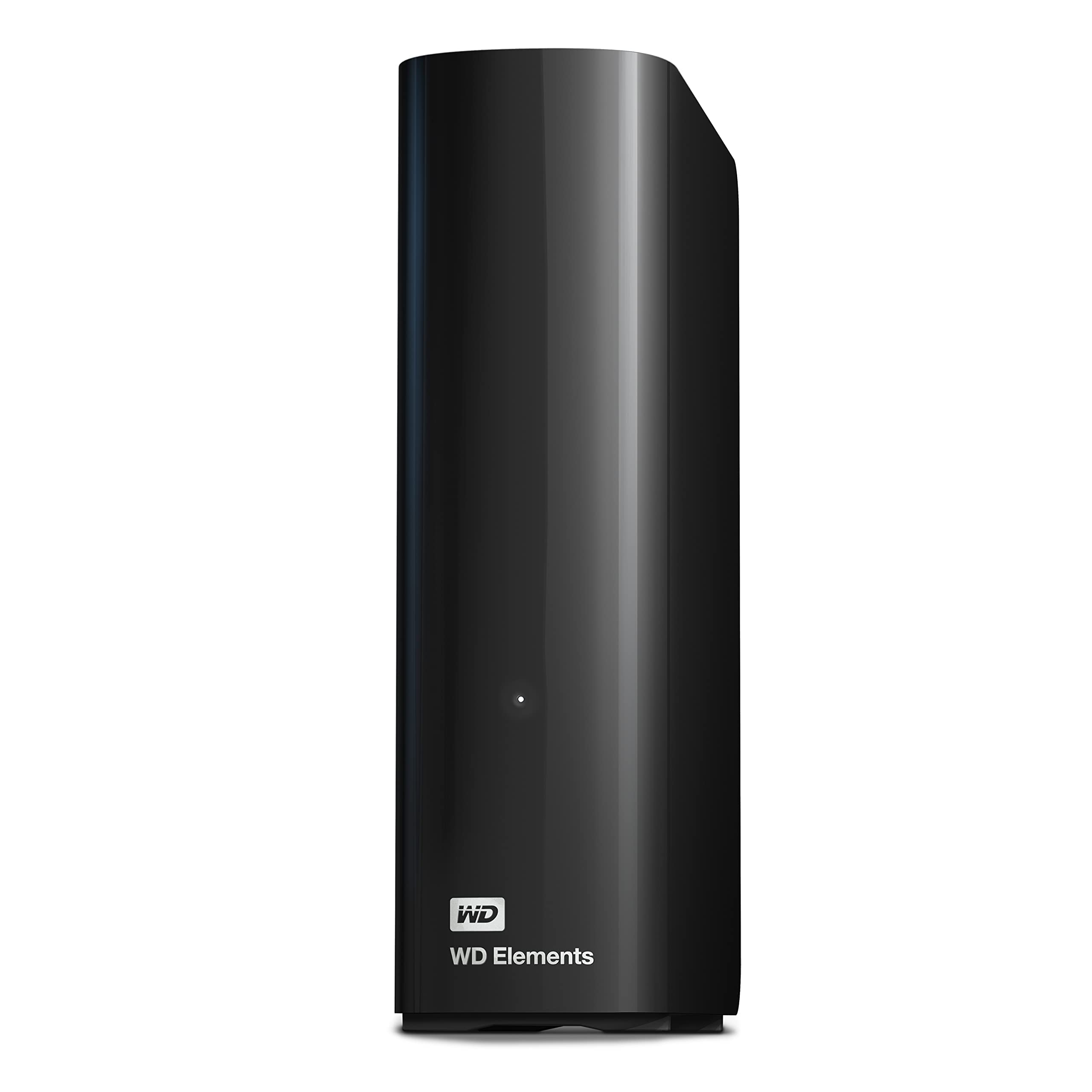
WD Elements desktop storage with USB 3.0 offers reliable, high-capacity, add-on storage, fast data transfer rates and universal connectivity with USB 3.0 and USB 2.0 devices. The sleek design features up to 18TB capacity plus WD quality and reliability. As used for storage capacity, one terabyte (TB) = one thousand GB. Total accessible capacity varies depending on operating environment.


| SKU: | B08KTRKB6S |
| Weight: | 1.24 pounds |
| Dimensions: | 5.31 x 1.89 x 6.53 inches |
| Brand: | Western Digital |
| Model: | WDBWLG0160HBK-NESN |
| Colour: | Black |
| Manufacture: | Western Digital Technologies, Inc. |
| Colour: | Black |
From the manufacturer


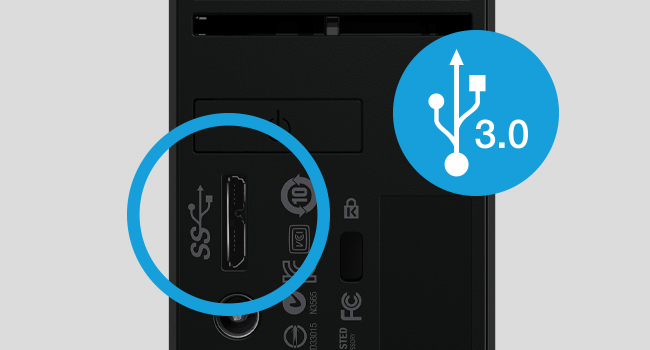
USB 3.2/USB 3.0 Compability
With this single drive, you get compatibility with the latest USB 3.2 devices and backwards-compatibility with USB 3.0 devices as well.
 WD Elements Desktop |  WD My Book Desktop |  WD My Book Duo Desktop |  WD Elements Portable | |
|---|---|---|---|---|
| Customer Reviews | 4.6 out of 5 stars331,024 | 4.4 out of 5 stars13,189 | 4.4 out of 5 stars13,189 | 4.6 out of 5 stars331,024 |
| Price | $449.99 | $289.99 | $679.99 | $119.99 |
| Capacity [1] | Up to 26TB | Up to 24TB | Up to 44TB | Up to 6TB |
| Backup Software | — | √ | √ | — |
| Great for | Plug-and-play storage | Backup and restore | RAID backup | Portable storage |
| Interface | SuperSpeed USB 3.2 Gen 1/3.0 | SuperSpeed USB 3.2 Gen1/3.0 | SuperSpeed USB 3.2 Gen1/3.0 | SuperSpeed USB 3.2 Gen 1/3.0 |
| Compatibility | Windows; Mac w/Reformat | Windows; Mac w/Reformat | Windows; Mac w/Reformat | Windows; Mac w/Reformat |
| Hardware Encryption | — | √ | √ | — |
| Password Portection | — | √ | √ | — |
Will this drive work with my Xbox or PS4? What about my Mac or PC?
Yes, however, it’s best suited for PC or Mac. For the best gaming experience, we recommend the WD_BLACK D50, which is designed for optimal compatibility with Xbox/PS5/PS4.
I'm not computer savvy, is the set-up easy?
Setup is simple! Plug the drive into a USB Type-A 3.0 or 2.0 port using the included USB Type-A cable and open your device’s file manager, such as File Explorer or Finder.
Do you need a battery for the drive to work?
The Elements Desktop drive is powered with the included AC adapter. There is no battery or battery replacement to worry about.
What needs to be done to format this device for mac?
To easily reformat to Mac, plug in the drive, open your Mac’s Disk Utility application, and follow the steps from there. Please note, this will erase any data on the drive.
Legal Dislcaimer
[1] 1TB = 1 trillion bytes. Actual user capacity may be less depending on operating environment.
Product specifications subject to change without notice. Pictures shown may vary from actual products.
Western Digital, the Western Digital design, the Western Digital logo, WD, the WD logo, and WD Elements are registered marks or marks of Western Digital Corporation or its affiliates in the US and/or other countries. Windows is a mark of Microsoft Corporation. Mac is a mark of Apple Inc., registered in the U.S. and other countries. All other marks are the property of their respective owners. Product specifications subject to change without notice. Pictures shown may vary from actual products.
2024 Western Digital Corporation or its affiliates. All rights reserved.