HDMI PTZ Camera 20x Optical Zoom with Auto Tracking, Full HD
HDMI PTZ Camera 20x Optical Zoom with Auto Tracking, Full HD 60P with Network USB3.0 PTZ Camera for Church Services Worship Education PoE Support (NDI Upgrade for Free)
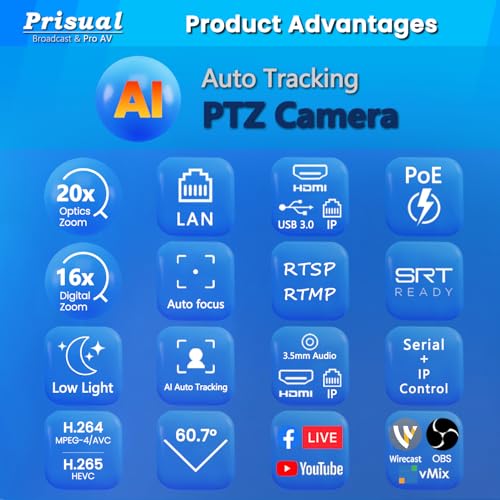
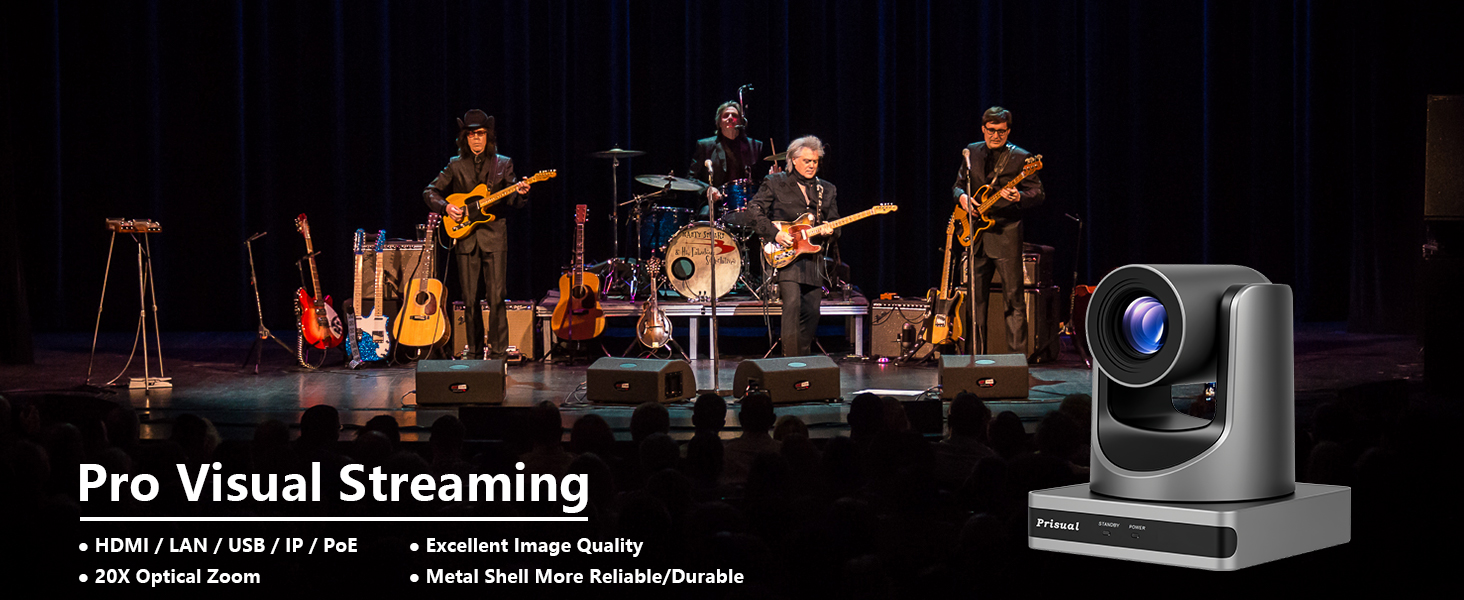
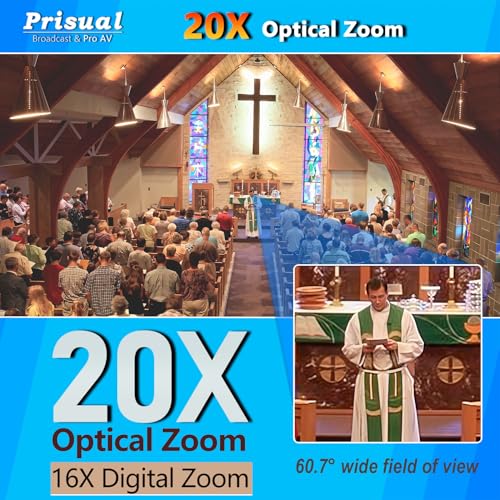
- OPTICAL ZOOM: Features powerful 20x optical zoom capability with Full HD 1080p resolution at 60fps for crystal clear video capture
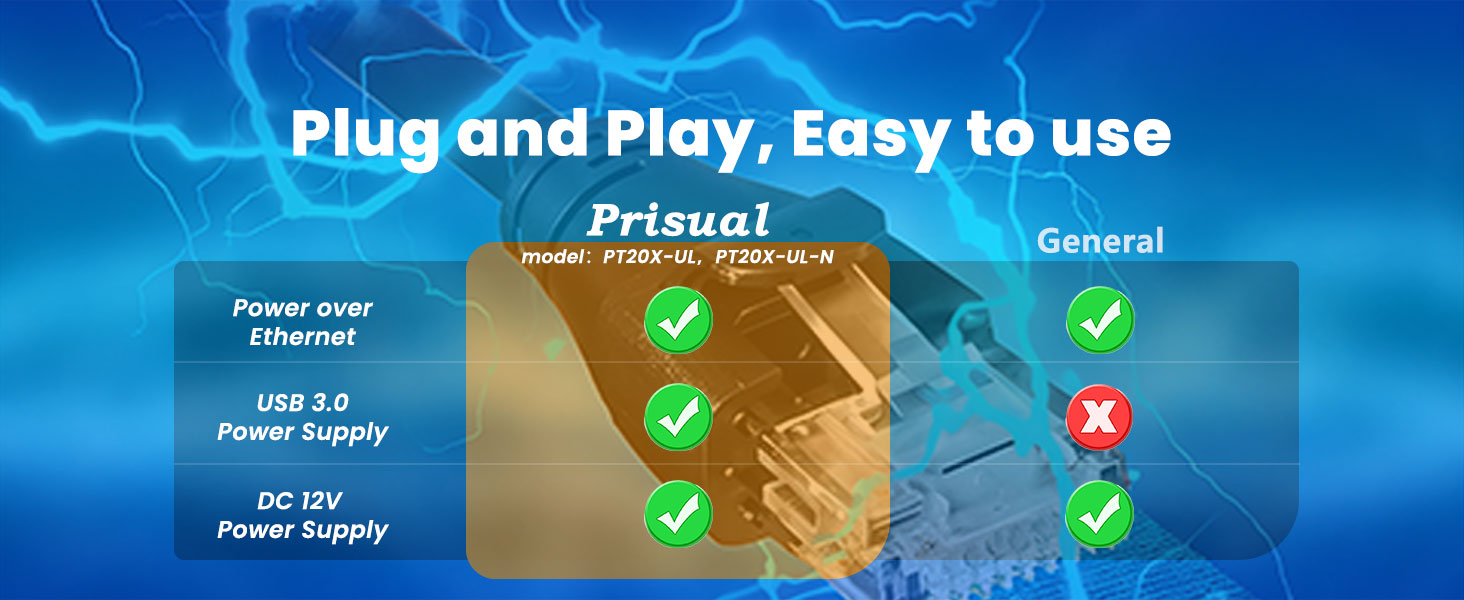
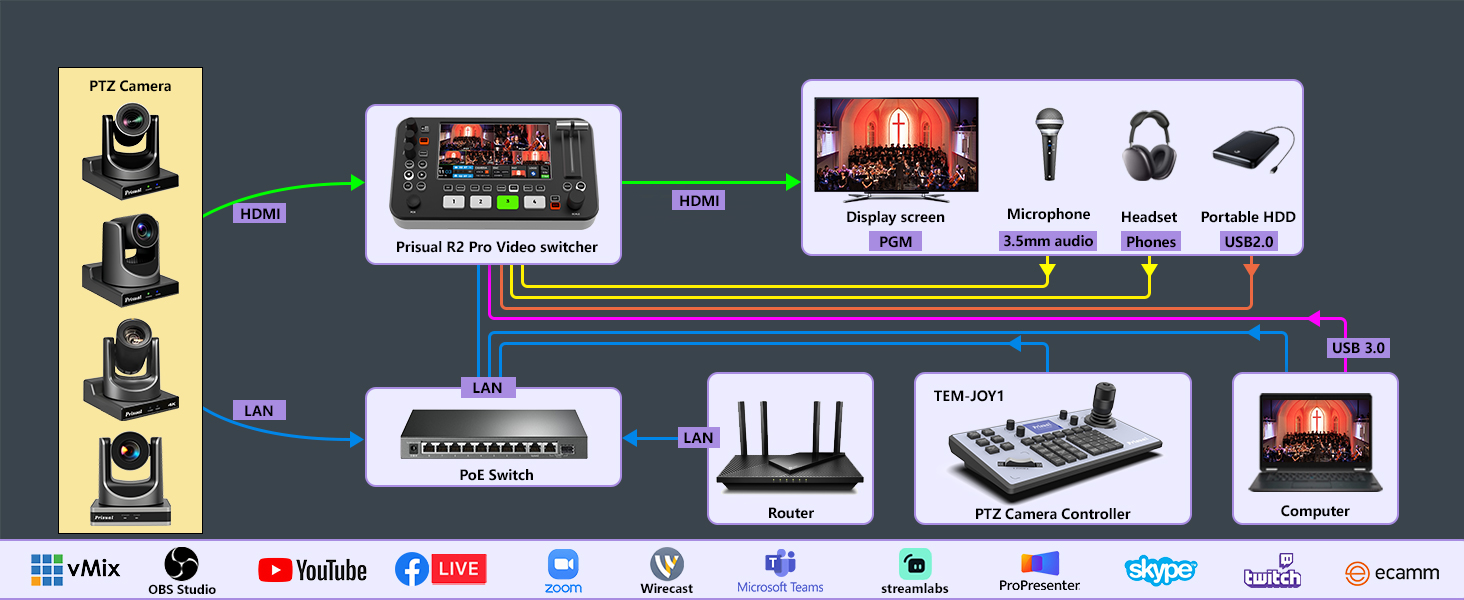
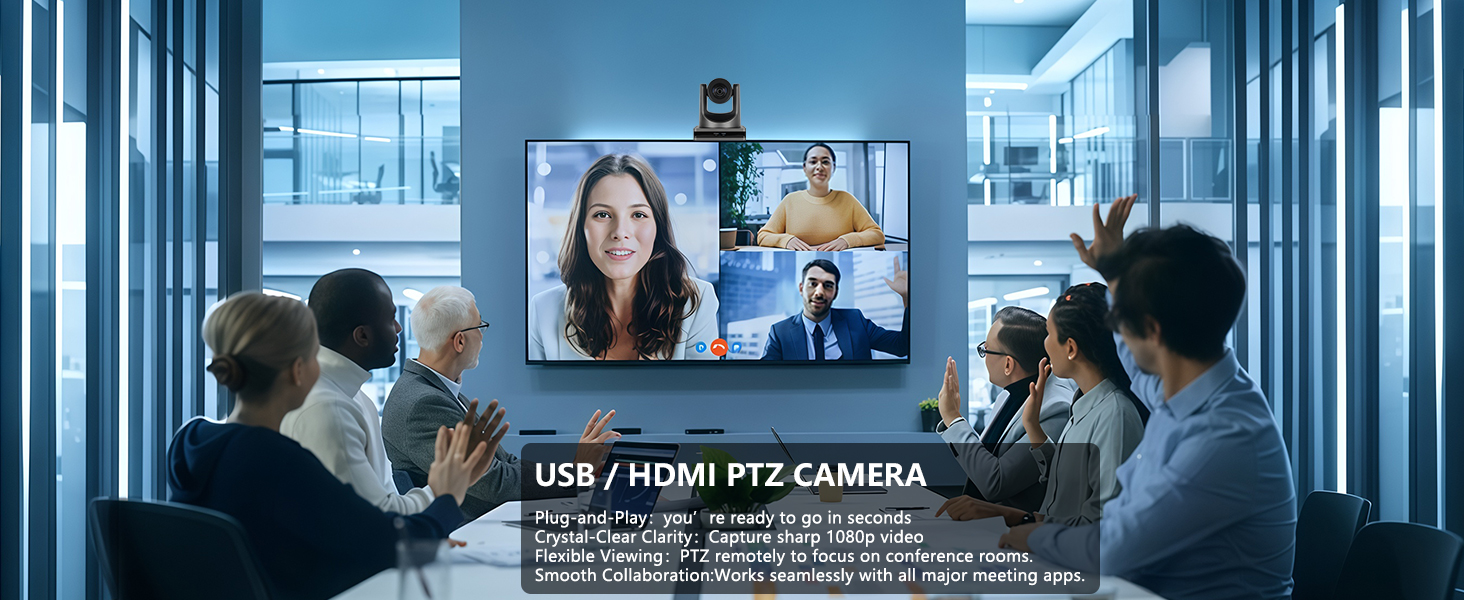
- CONNECTIVITY: Multiple connection options including HDMI, USB 3.0, and network interface with Power over Ethernet (PoE) support
- PTZ FUNCTIONALITY: Pan-tilt-zoom camera offers smooth, precise movement control for professional-quality video production
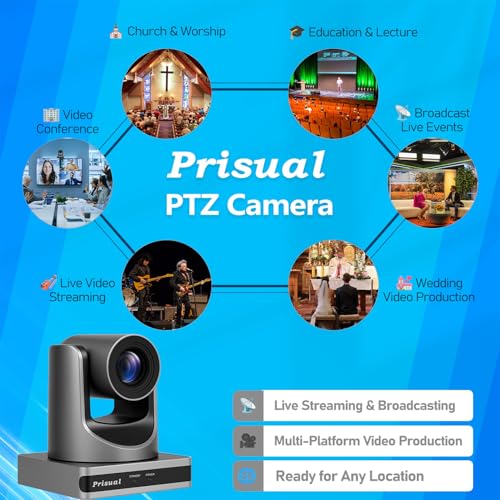
- VERSATILE APPLICATIONS: Ideal for live streaming, broadcasting, and recording in churches, educational settings, and conference rooms
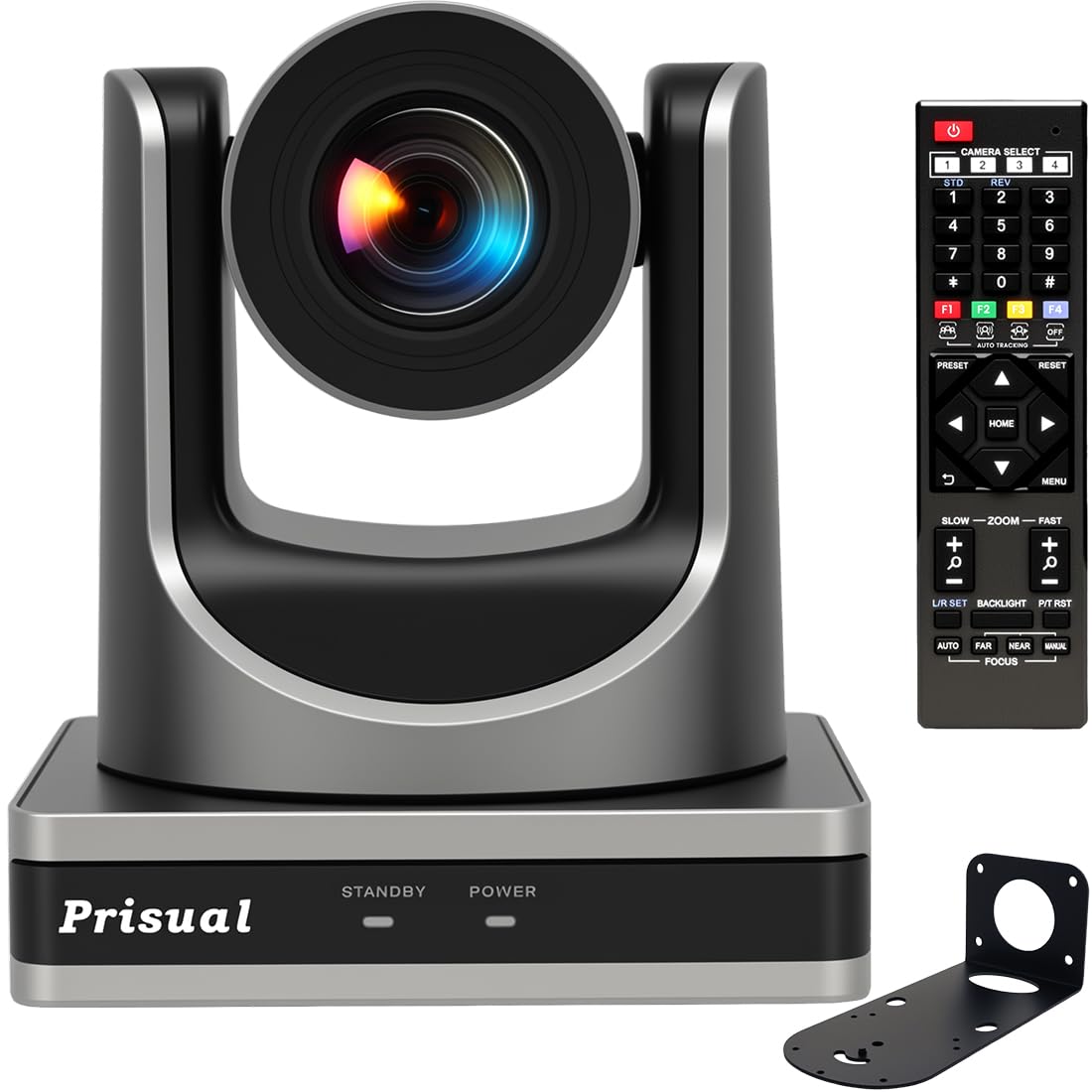
- MOUNTING OPTIONS: Includes wall mount bracket for flexible installation, with sturdy metal construction for stability
Prisual NDI PTZ Camera HDMI 20x Optical Zoom
Merchant VideoPrisual HDMI PTZ Camera 20x Optical Zoom IP USB3.0 AI Auto Tracking PTZ Camera for Church Worship Education Conference, PoE 1080P60 (PT20X-UL)
Pro Visual Streaming
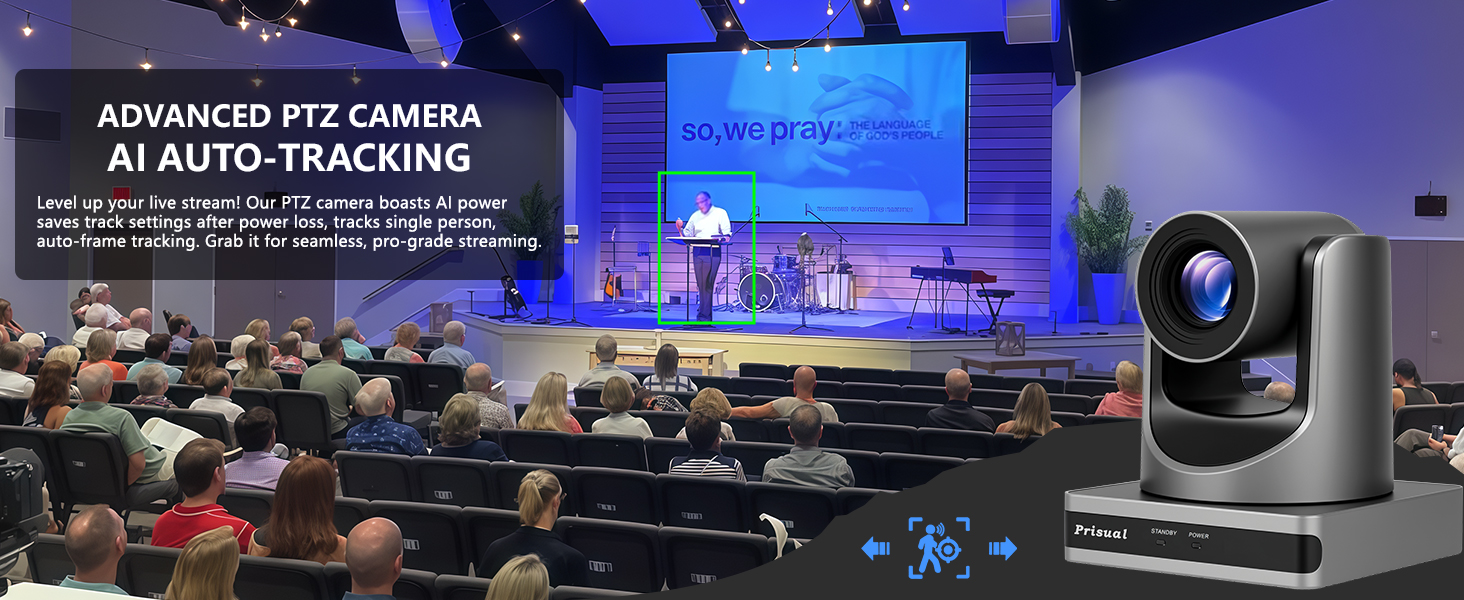
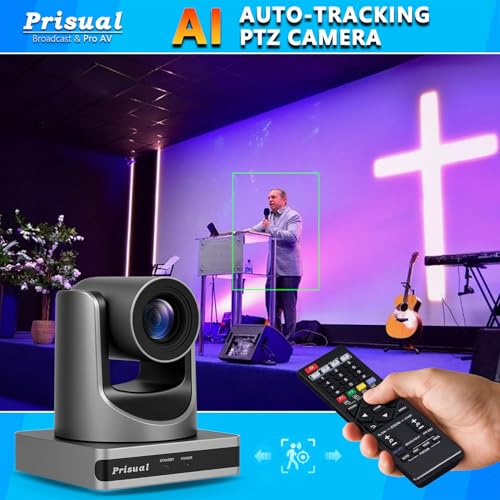
AI Auto Tracking PTZ Camera for Church live streaming
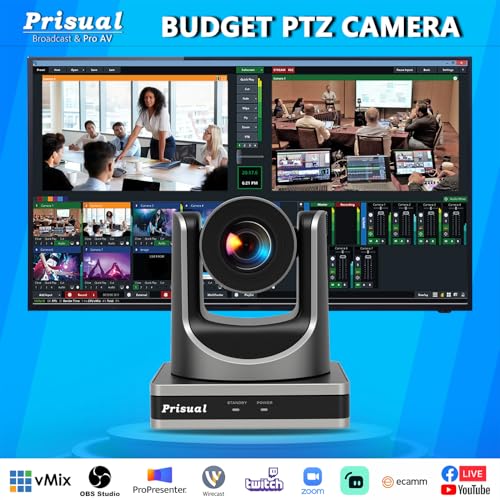
PTZ Camera 20x Optical Zoom with AI Auto-Tracking – Perfect for live streaming, churches, worship, broadcasts, productions, events & education. and multi-platform streaming to YouTube, Facebook and more.
Prisual PTZ Camera – Your Pro Visual Streaming
| Add to Cart Add to Cart Add to Cart Add to Cart Add to Cart Add to Cart | ||||||
| Customer Reviews | 4.9 out of 5 stars14 | 4.9 out of 5 stars14 | 4.6 out of 5 stars161 | 4.6 out of 5 stars161 | 4.7 out of 5 stars90 | 4.6 out of 5 stars161 |
| Price | $369.00$369.00 | $379.00$379.00 | $499.00$499.00 | $569.99$569.99 | $649.00$649.00 | $1,199.00$1,199.00 |
| Next-gen Chip Efficiency | Better | Better | Excellent | Excellent | Better | Perfect |
| Reliable Metal Shell | Metal: More reliable/durable | Metal: More reliable/durable | Metal: More reliable/durable | Metal: More reliable/durable | Metal: More reliable/durable | Metal: More reliable/durable |
| AI Auto-Tracking | ✔ | ✔ | ✔ | ✔ | ✔ | ✔ |
| Video Output | HDMI, LAN/ IP, USB 3.0 | HDMI, NDI/ IP, USB 3.0 | HDMI, LAN/IP, 3G-SDI, USB 3.0 | HDMI, NDI/ IP, USB 3.0, 3G-SDI | HDMI, LAN/ IP, USB 3.0 | HDMI, NDI/ IP, USB 2.0, 3G-SDI |
| Sensor | 1/2.8 inch, CMOS, 2.07MP | 1/2.8 inch, CMOS, 2.07MP | 1/2.8 inch, CMOS, 2.07MP | 1/2.8 inch, CMOS, 2.07MP | 1/1.8 inch, CMOS, 8.42MP | 1/1.8 inch, CMOS, 8.42MP |
| Optical Zoom | 20X | 20X | 20X | 20X | 20X | 20X |
| NDI | ✘ | ✔ | ✘ | ✔ | ✘ | ✔ |
| Power over Ethernet | ✔ | ✔ | ✔ | ✔ | ✔ | ✔ |
| Resolutions | 1080P60, 1080P59.94 | 1080P60, 1080P59.94 | 1080P60, 1080P59.94 | 1080P60, 1080P59.94 | 4KP30, 4KP25, 1080P29.97 | 4KP60, 4KP59.94, 1080P60 |
| AI tracking algorithms | Humanoid tracking | Humanoid tracking | Humanoid tracking | Humanoid tracking | Humanoid tracking | Humanoid & facial tracking |
How do I activate the auto tracking feature in this AI tool?
There are three convenient ways to activate the auto tracking feature in our AI – equipped PTZ camera:
1. Using the Remote Control, Press the F3 button
2. Through the Web Interface
3. Employing the Prisual PTZ Controller
How does the DHCP function in the camera work? What steps should I take to set a static IP address?
we have set the camera to DHCP mode to match your network. You can download the upgrade tool 2.9.1 from our website to:
Get/Set static/dynamic IP addresses;
Upgrade the firmware;
Control and preview the camera.

| SKU: | B0DX254VW9 |
| Weight: | 3.1 pounds |
| Dimensions: | 5.66 x 5.66 x 6.55 inches |
| Brand: | Prisual |
| Model: | PT20X-UL |
Product description
The video showcases the product in use.The video guides you through product setup.The video compares multiple products.The video shows the product being unpacked.Prisual NDI PTZ Camera HDMI 20x Optical Zoom
Merchant VideoPrisual HDMI PTZ Camera 20x Optical Zoom IP USB3.0 AI Auto Tracking PTZ Camera for Church Worship Education Conference, PoE 1080P60 (PT20X-UL)
Previous page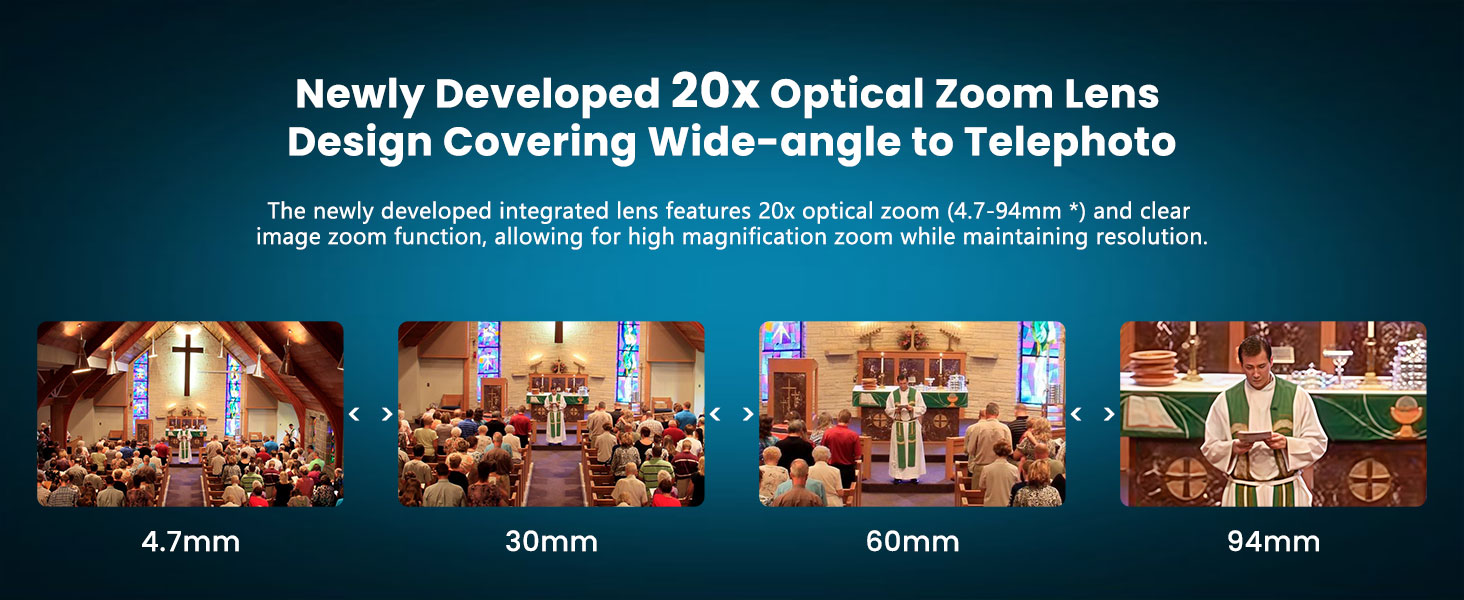 Previous page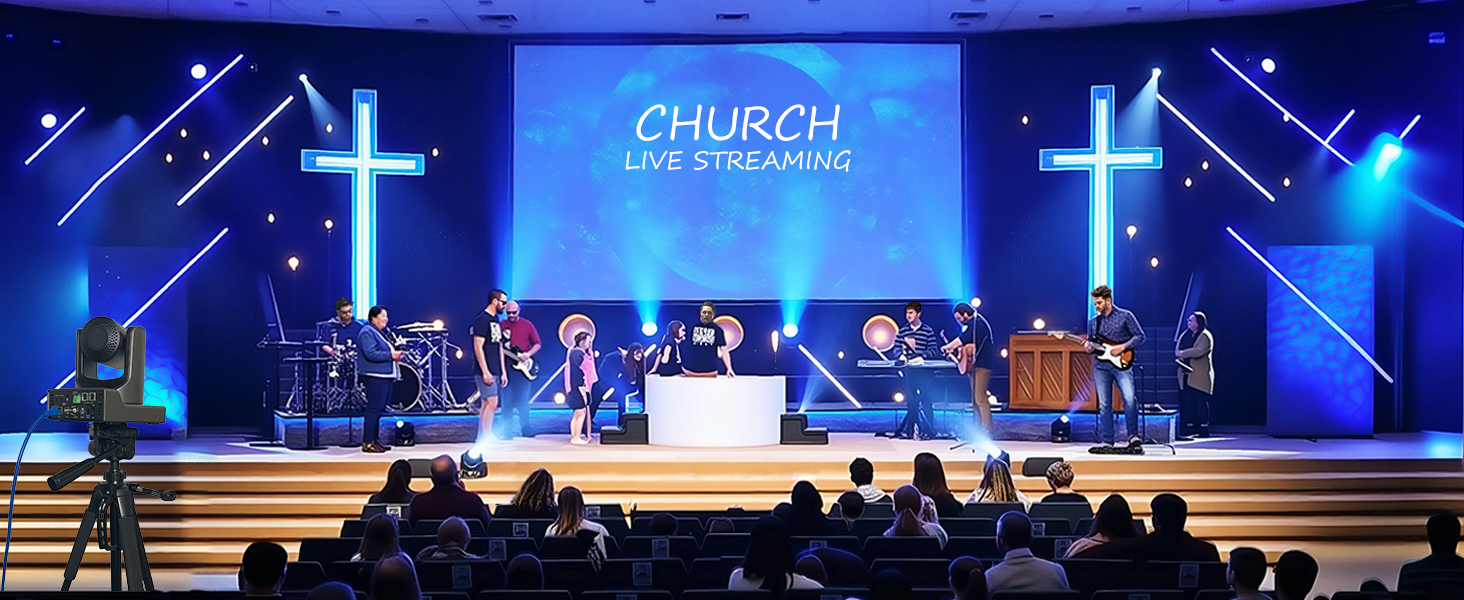
Pro Visual Streaming
AI Auto Tracking PTZ Camera for Church live streaming
PTZ Camera 20x Optical Zoom with AI Auto-Tracking – Perfect for live streaming, churches, worship, broadcasts, productions, events & education. and multi-platform streaming to YouTube, Facebook and more.
Prisual PTZ Camera – Your Pro Visual Streaming
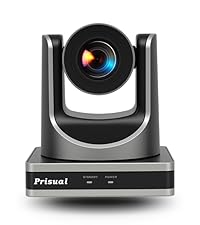 PT20X-UL | 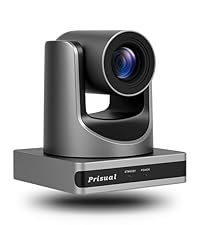 PT20X-UL-N | 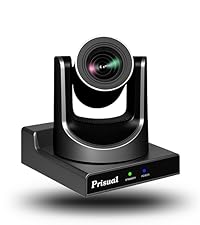 TEM-20S Pro | 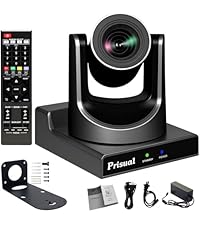 TEM-20N Pro | 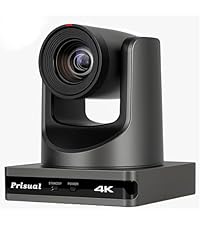 PT20X-4K | 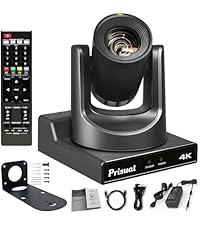 TEM-4K20N | |
|---|---|---|---|---|---|---|
| Customer Reviews | 4.9 out of 5 stars14 | 4.9 out of 5 stars14 | 4.6 out of 5 stars161 | 4.6 out of 5 stars161 | 4.7 out of 5 stars90 | 4.6 out of 5 stars161 |
| Price | $369.00 | $379.00 | $499.00 | $569.99 | $649.00 | $1,199.00 |
| Next-gen Chip Efficiency | Better | Better | Excellent | Excellent | Better | Perfect |
| Reliable Metal Shell | Metal: More reliable/durable | Metal: More reliable/durable | Metal: More reliable/durable | Metal: More reliable/durable | Metal: More reliable/durable | Metal: More reliable/durable |
| AI Auto-Tracking | ✔ | ✔ | ✔ | ✔ | ✔ | ✔ |
| Video Output | HDMI, LAN/ IP, USB 3.0 | HDMI, NDI/ IP, USB 3.0 | HDMI, LAN/IP, 3G-SDI, USB 3.0 | HDMI, NDI/ IP, USB 3.0, 3G-SDI | HDMI, LAN/ IP, USB 3.0 | HDMI, NDI/ IP, USB 2.0, 3G-SDI |
| Sensor | 1/2.8 inch, CMOS, 2.07MP | 1/2.8 inch, CMOS, 2.07MP | 1/2.8 inch, CMOS, 2.07MP | 1/2.8 inch, CMOS, 2.07MP | 1/1.8 inch, CMOS, 8.42MP | 1/1.8 inch, CMOS, 8.42MP |
| Optical Zoom | 20X | 20X | 20X | 20X | 20X | 20X |
| NDI | ✘ | ✔ | ✘ | ✔ | ✘ | ✔ |
| Power over Ethernet | ✔ | ✔ | ✔ | ✔ | ✔ | ✔ |
| Resolutions | 1080P60, 1080P59.94 | 1080P60, 1080P59.94 | 1080P60, 1080P59.94 | 1080P60, 1080P59.94 | 4KP30, 4KP25, 1080P29.97 | 4KP60, 4KP59.94, 1080P60 |
| AI tracking algorithms | Humanoid tracking | Humanoid tracking | Humanoid tracking | Humanoid tracking | Humanoid tracking | Humanoid & facial tracking |
How do I activate the auto tracking feature in this AI tool?
There are three convenient ways to activate the auto tracking feature in our AI – equipped PTZ camera:
1. Using the Remote Control, Press the F3 button
2. Through the Web Interface
3. Employing the Prisual PTZ Controller
How does the DHCP function in the camera work? What steps should I take to set a static IP address?
we have set the camera to DHCP mode to match your network. You can download the upgrade tool 2.9.1 from our website to:
Get/Set static/dynamic IP addresses;
Upgrade the firmware;
Control and preview the camera.