Wireless HDMI Transmitter and 2 Receiver 382FT/100M, 2.4G+5G
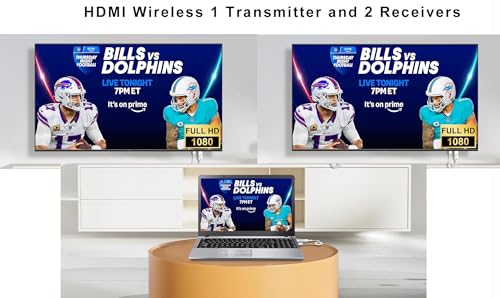
Wireless HDMI Transmitter and 2 Receiver 382FT/100M, 2.4G+5G Plug & Play Wireless HDMI Extender Kit 4K Decode for Streaming Video and Audio to Monitor from Laptop/PC/TV Box/Projector
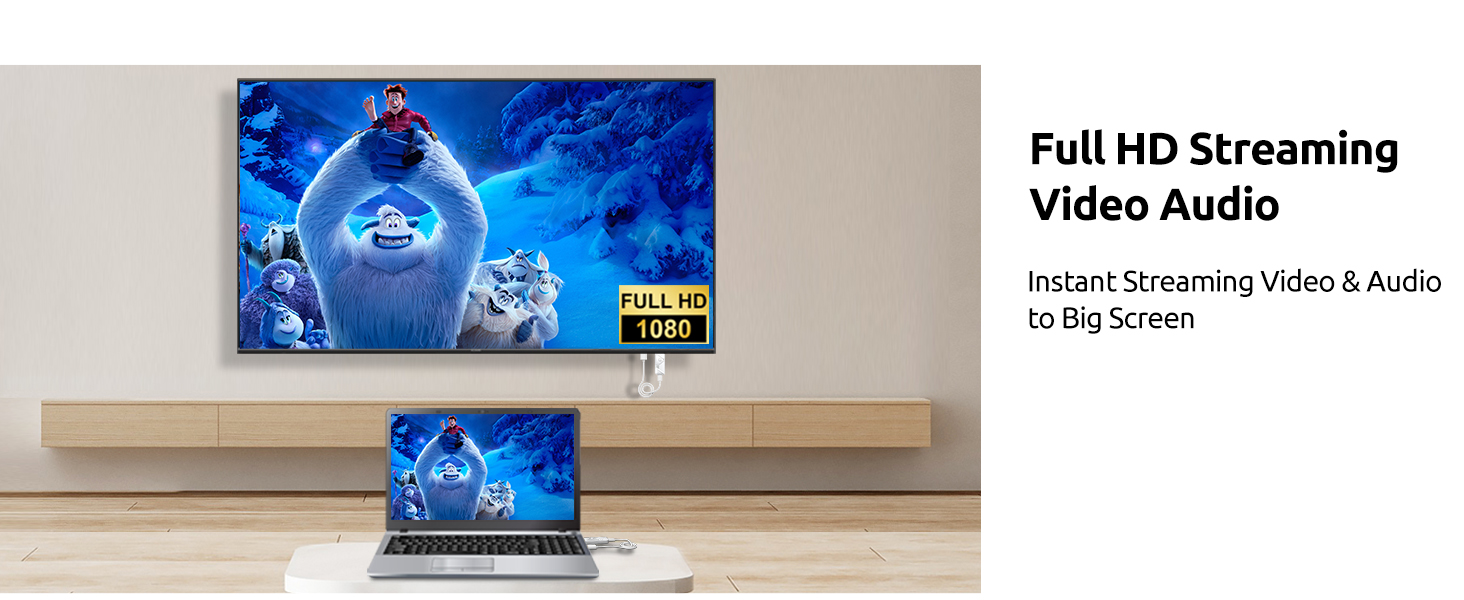
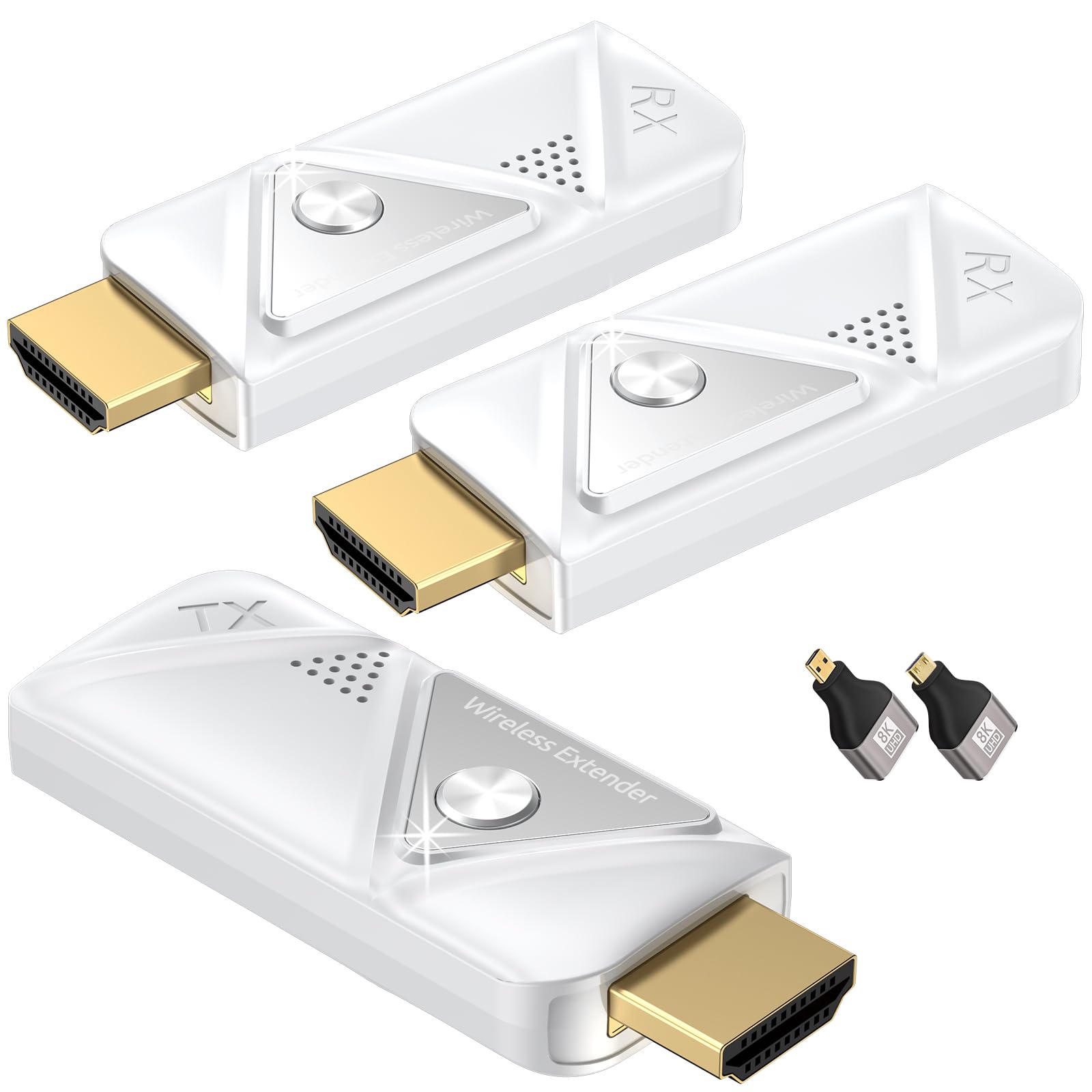
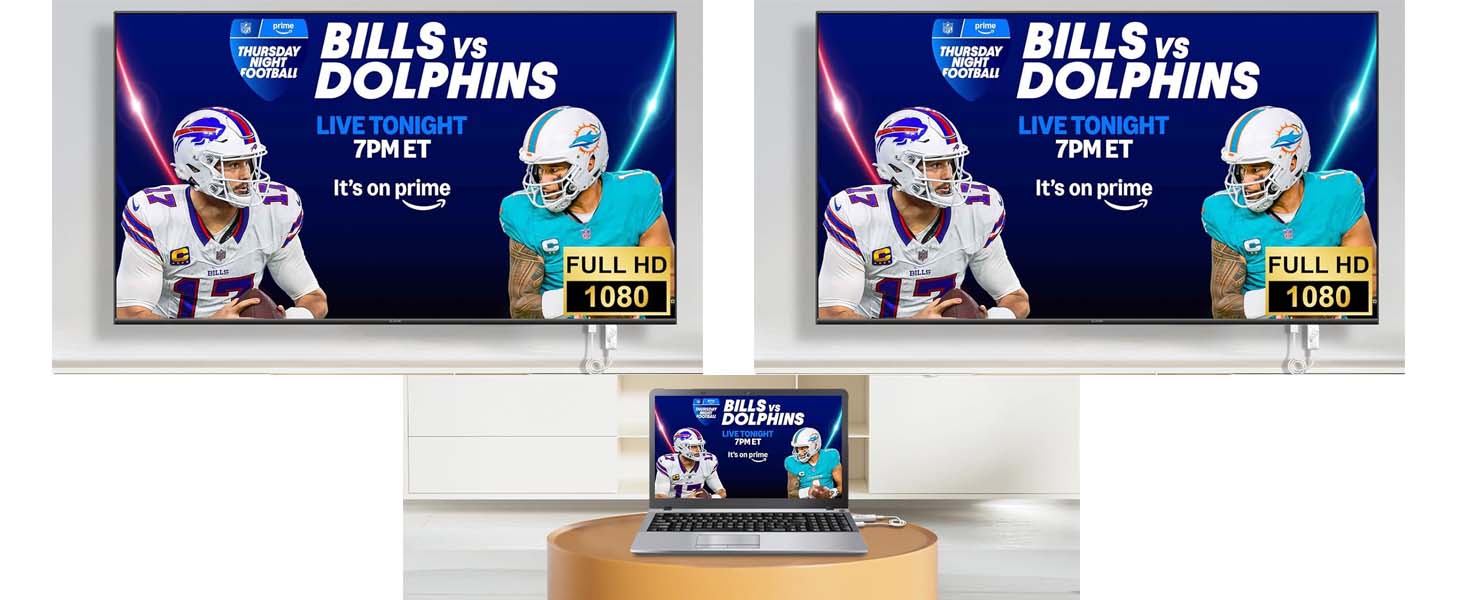
- Wireless HDMI and receiver to multilpe TVs : This new upgrade wireless HDMI sender and receiver seamlessly streams video and audio to two displays, connecting multiple TVs up to 6 large screens or TVs. Whether it's for a home theater, bar, restaurant, multimedia classroom, conference room, church, or any space that demands multi-screen interaction, this is your ideal choice. It supports 4K decording and 1080P Full HD output. Note: Can not achieve TV to TV transmission.
- Universal Compatibility : This new upgrade wireless HDMI connector equipped with 2 accessories. Micro HDMI adapter/Mini HDMI adapter.Seamlessly interfaces with most HDMI display devices on the market. Effortlessly cast content from laptops, PCs, Macbooks, cameras, set-top boxes, cable boxes, Blu-ray/DVD players, gaming consoles and more to HDTVs, projectors, monitors,smartphones, tablets, iPads, and supports popular video services like Netflix, Prime Video,Spotify TV. Note: If the HDMI wireless kit is used in an Apple TV box, the output resolution of the TV box needs to be adjusted to 1080P 60Hz.
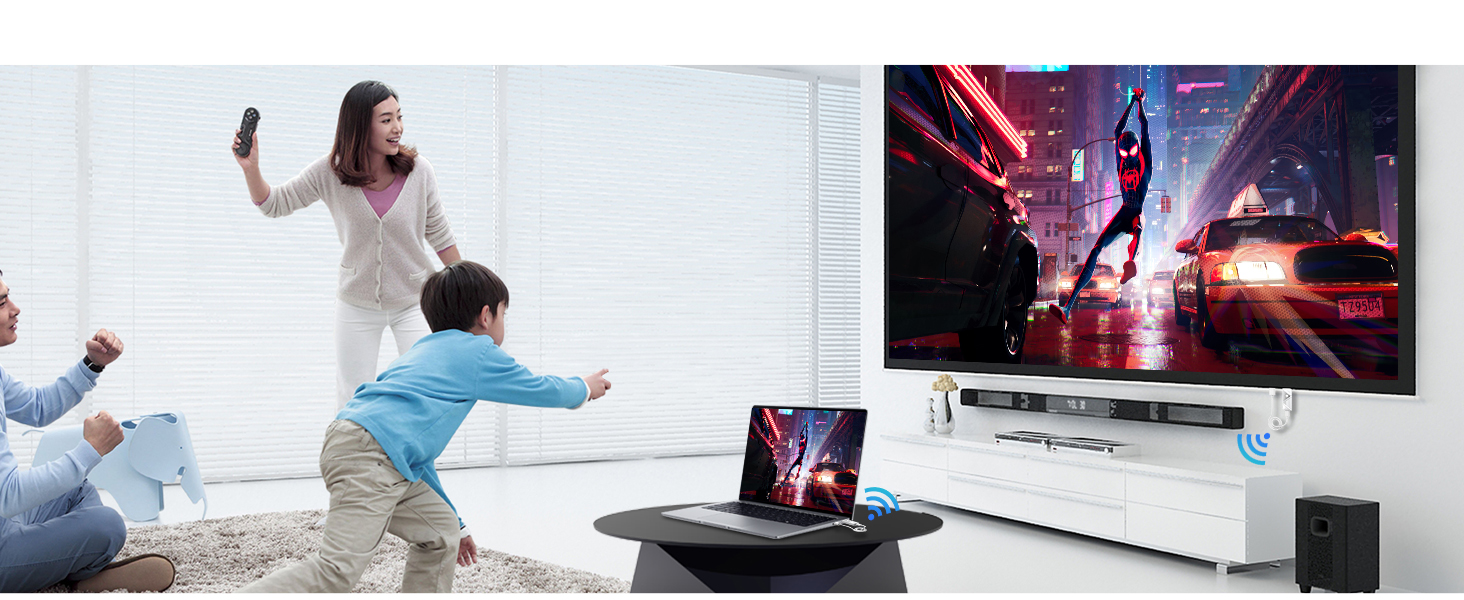
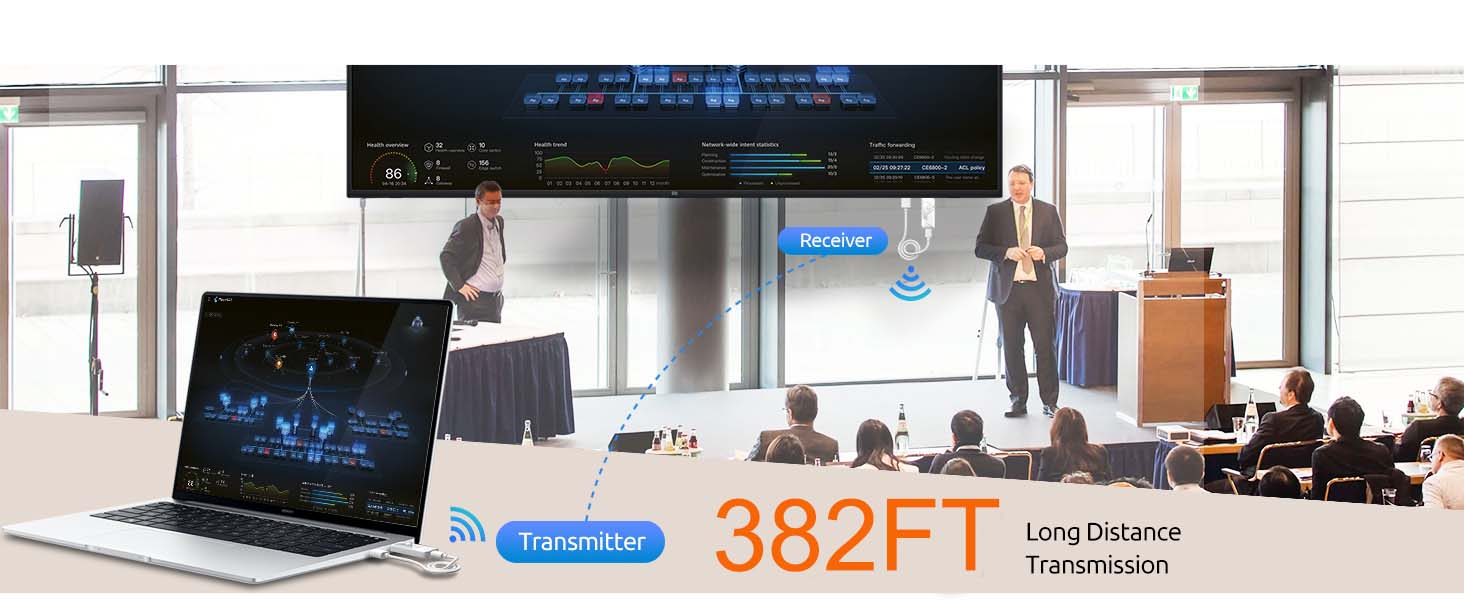
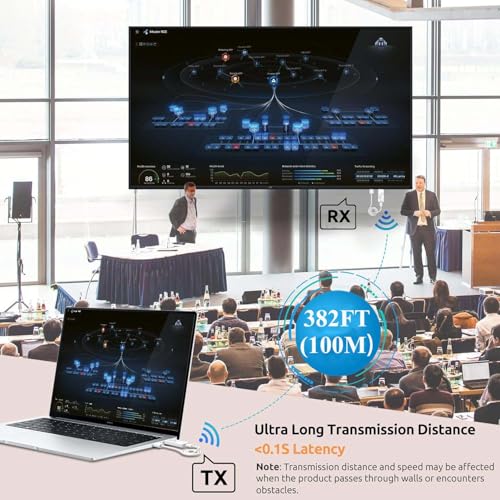
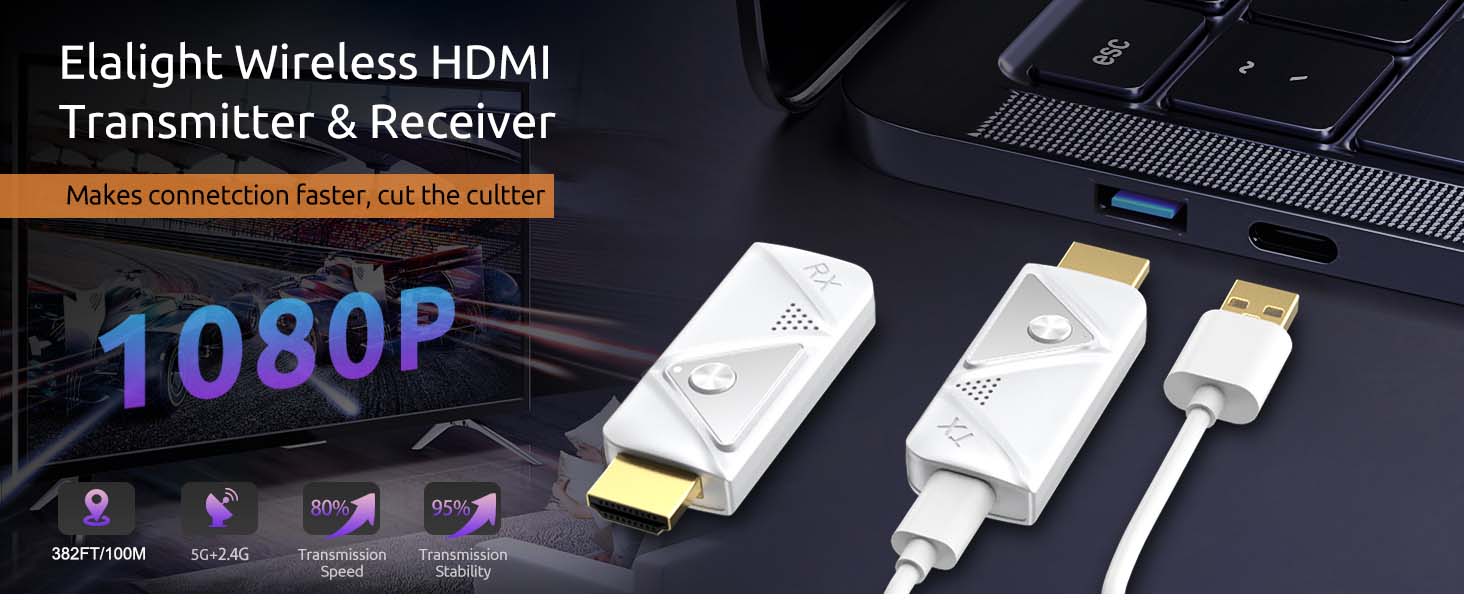
- Extended Range, Plug and Play : HDMI sender and receiver wireless equipped with a dual-antenna system that enhances signal penetration, it achieves a transmission distance of up to 382 feet/100 meters, catering to diverse needs in homes and offices. Flexibly arrange your home theater or conference room, freeing yourself from cable clutter, reducing costs and hassles, and eliminating worries about tangled wires, damage, or loose connections. Note: Transmission distance may reduce to 50 feet/15 meters when passing through walls.
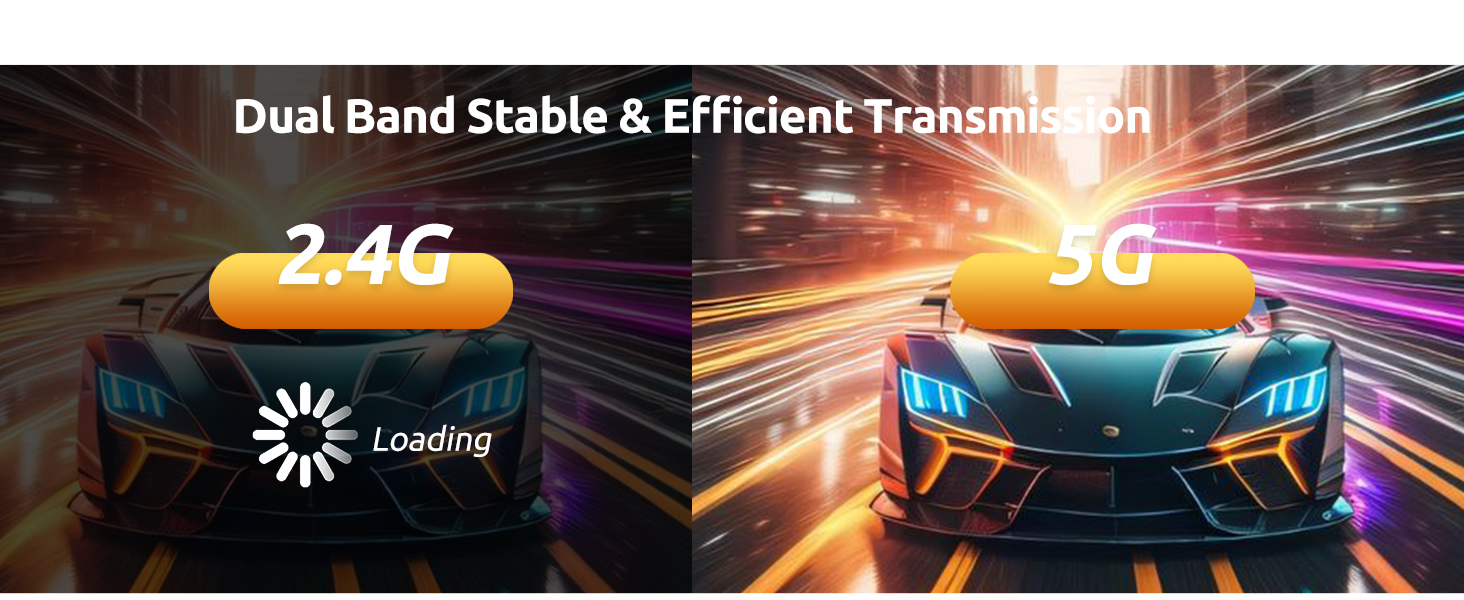
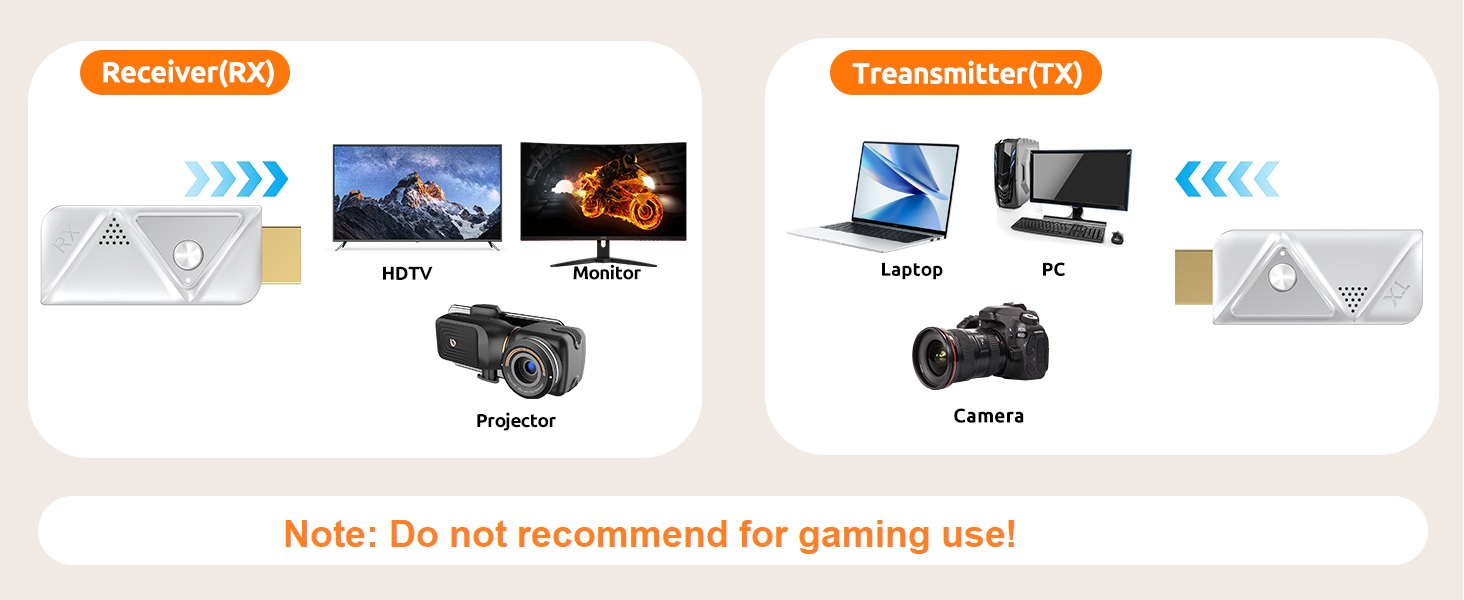
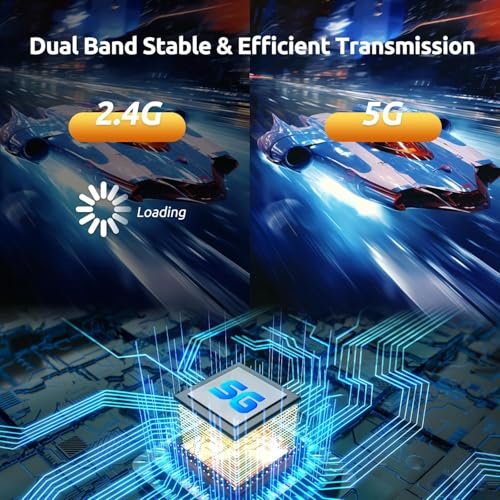
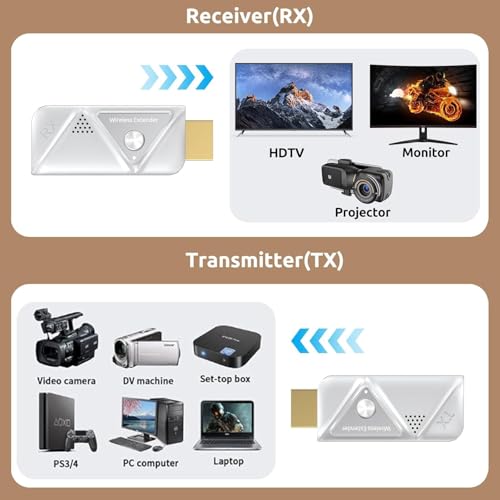
- Dual frequency stability, dual antenna design : Wireless HDMI splitter leveraging advanced 5.8GHz/2.4GHz dual-band wireless transmission technology, it ensures stable signals with minimal latency, bidding farewell to buffering and interruptions, allowing for an unfettered audiovisual experience. Simply connect the HDMI transmitter to laptops, cameras, gaming consoles, and the HDMI receiver to TVs, projectors, or other display devices to embark on a new era of wireless transmission,wirelessly stream to multiple TVs.
- Efficient heat dissipation and comfortable use. Wireless HDMI one transmitter and two receivers, with its efficient heat dissipation design, intelligent temperature control technology, safe material selection, and strict quality control, has successfully achieved safety features that will not cause high temperatures or hot hands. This not only provides users with a more comfortable user experience, but also further enhances the overall security of electronic devices.Even if the adapter generates a certain amount of heat after prolonged operation, users do not need to worry about getting their hands hot.
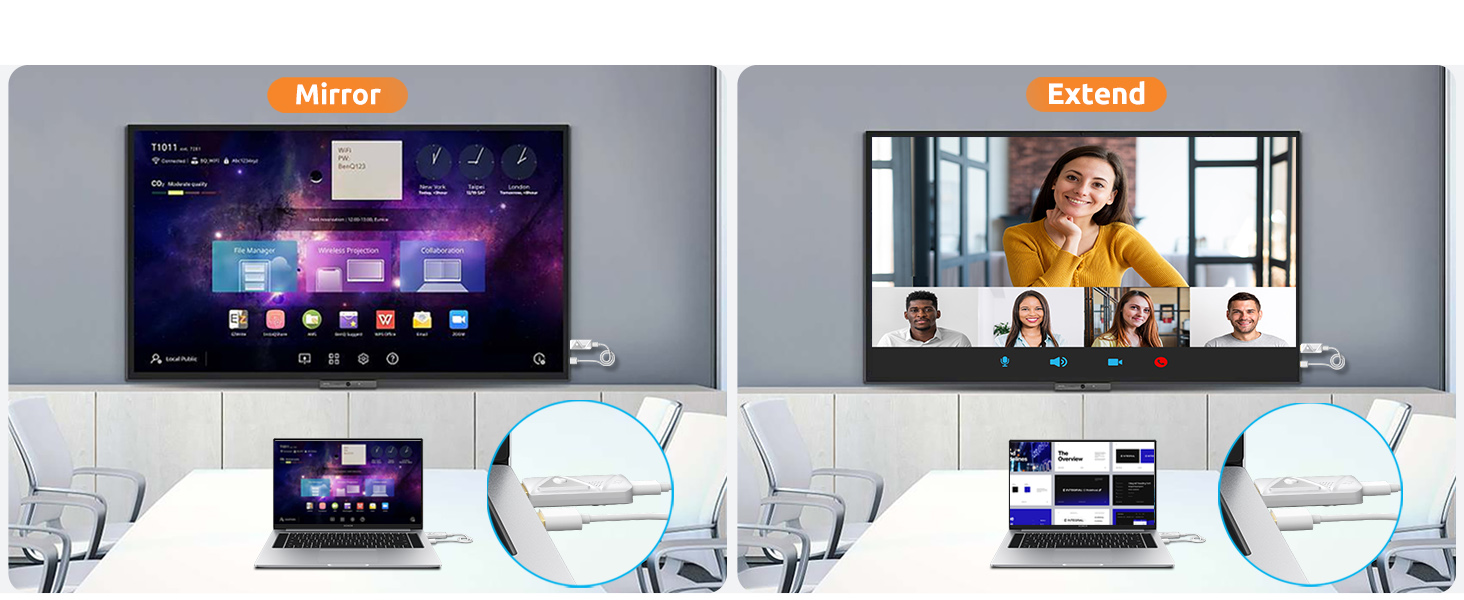
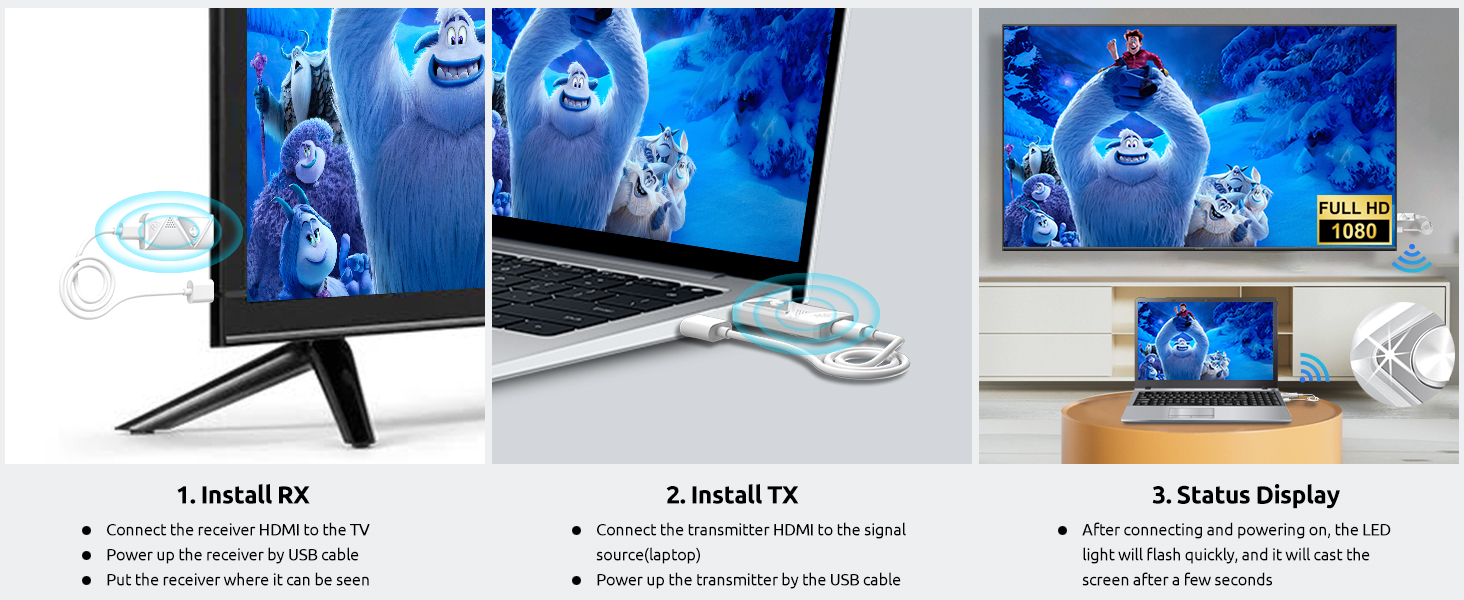
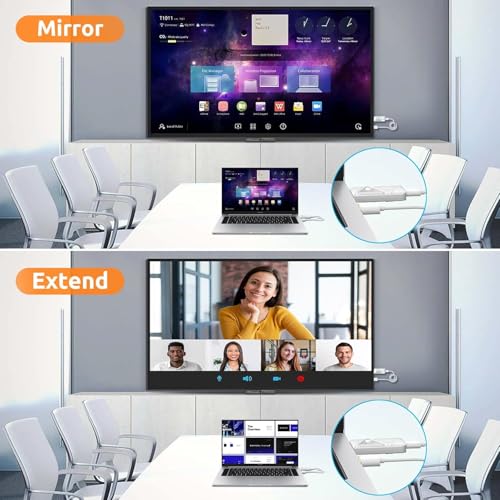
- Stable Supply, Exceptional Performance : Wireless hdmi transmitter and receiver supports mirroring and extension functions, allowing you to project the content from devices as laptops, cameras, and cable TV set-top boxes onto high-definition TVs, projectors, and displays, providing a versatile application experience. Enjoy convenience experience via wireless hdmi transmitter and receiver!We recommend using a 5V/1A charger to power the wireless HDMI transmitter and receiver , ensuring ample current and stable voltage output for optimal device performance. HDMI wireless receiver and transmitter can also be powered through the USB ports of laptops, monitors, or TVs.
Wireless HDMI Transmitter and 2 Receivers, 100M/382FT, seamlessly streams video and audio to two displays
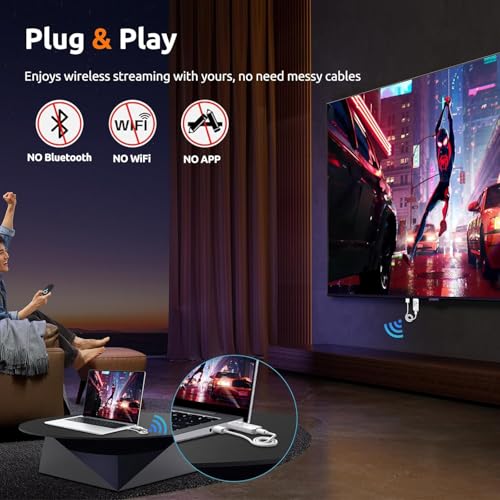
Plug & Play
No need Wifi/App/Cables
If you have issue when use it such as can not connect/no images, there may be a pairing problem.
Please follow the steps to repair it as below:
Step 1. Connect TX to computer/TV box and RX to monitor/Projector/TV.
Step 2. Connect TX and RX to a power source.
Step 3. After connecting TX and RX, TX flashes and RX stays on.
Step 4. Press and hold RX for more than 7 seconds, and "ready to pair" appears on the display.
Step 5. Now press and hold TX for more than 7 seconds, TX will turn off briefly and then flash again, wait for 5-20 seconds.
Step 6. "Paring" begins to appear on the screen, and it appears (the "x" state will become "√" after a few seconds).
Step 7. Wait for 5-10 seconds before the screen starts sharing. Just set it once, and it will pair automatically next time.
If there is only image but no adudio, please check audio setting on your tv


| SKU: | B0F9YHR86W |
| Weight: | 5.6 ounces |
| Dimensions: | 5 x 3 x 1 inches |
| Brand: | Elalight |
| Model: | DT257W-H |
Product description
 Previous page
Plug & Play
No need Wifi/App/Cables
If you have issue when use it such as can not connect/no images, there may be a pairing problem.
Please follow the steps to repair it as below:
Step 1. Connect TX to computer/TV box and RX to monitor/Projector/TV.
Step 2. Connect TX and RX to a power source.
Step 3. After connecting TX and RX, TX flashes and RX stays on.
Step 4. Press and hold RX for more than 7 seconds, and “ready to pair” appears on the display.
Step 5. Now press and hold TX for more than 7 seconds, TX will turn off briefly and then flash again, wait for 5-20 seconds.
Step 6. “Paring” begins to appear on the screen, and it appears (the “x” state will become “√” after a few seconds).
Step 7. Wait for 5-10 seconds before the screen starts sharing. Just set it once, and it will pair automatically next time.
If there is only image but no adudio, please check audio setting on your tv
Previous page