Smart Pool Monitor, Solar Powered All-in-One WiFi Water
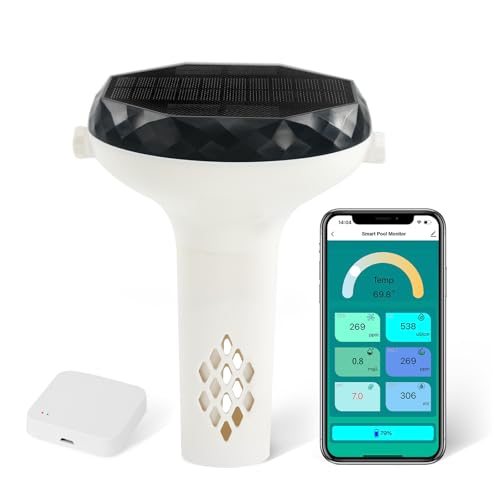
Smart Pool Monitor, Solar Powered All-in-One WiFi Water Tester for Pools, Spas, Hot Tubs – App Monitoring pH, Chlorine, Salinity, Temperature, TDS, EC, ORP
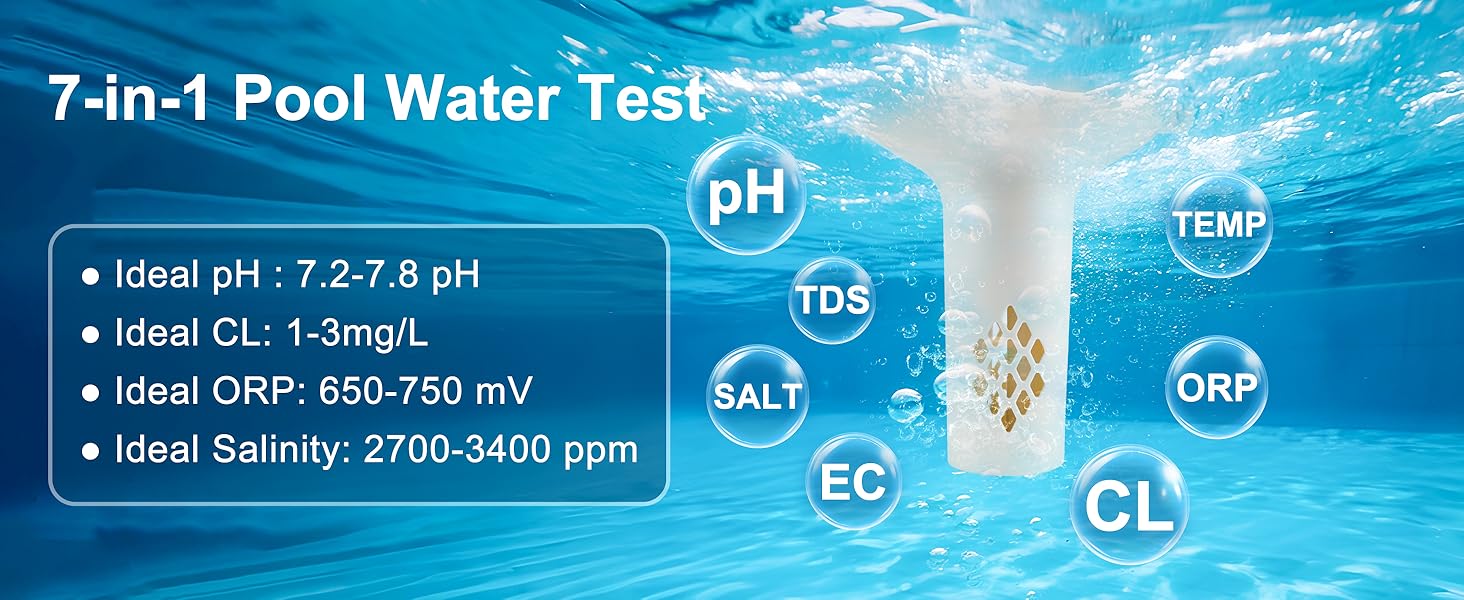
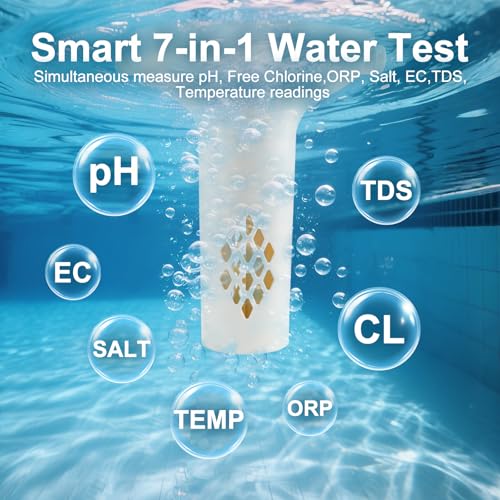
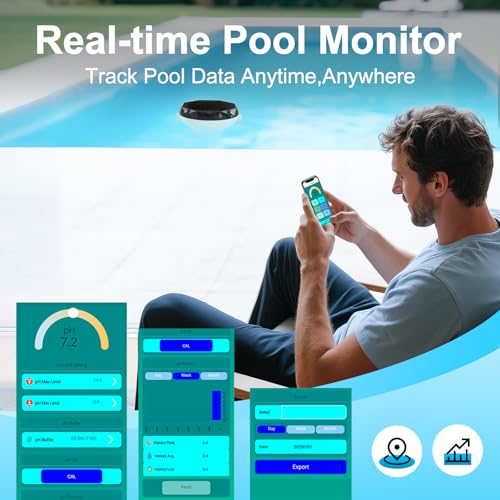
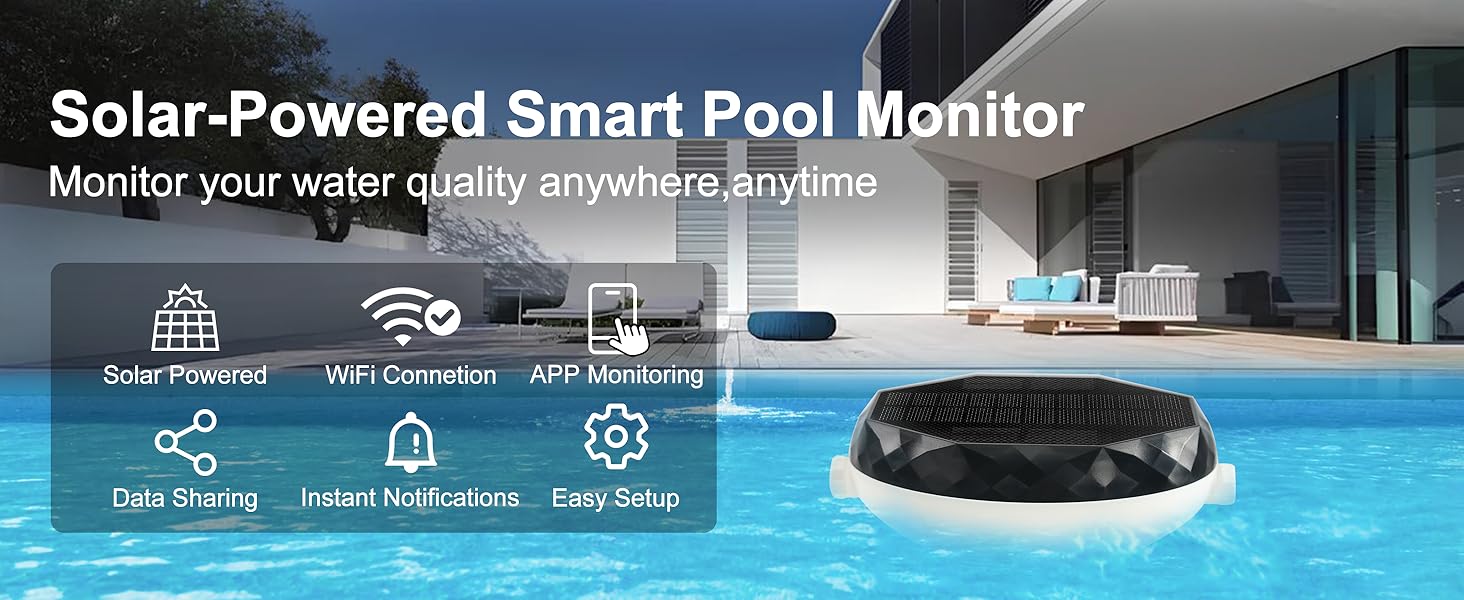
- 7-Parameter Real-Time Water Monitoring: Continuously tracks pH, ORP, Free Chlorine, Temperature, Salinity, TDS, and EC directly in your pool. Instantly access comprehensive water quality data to reduce manual testing and guesswork.
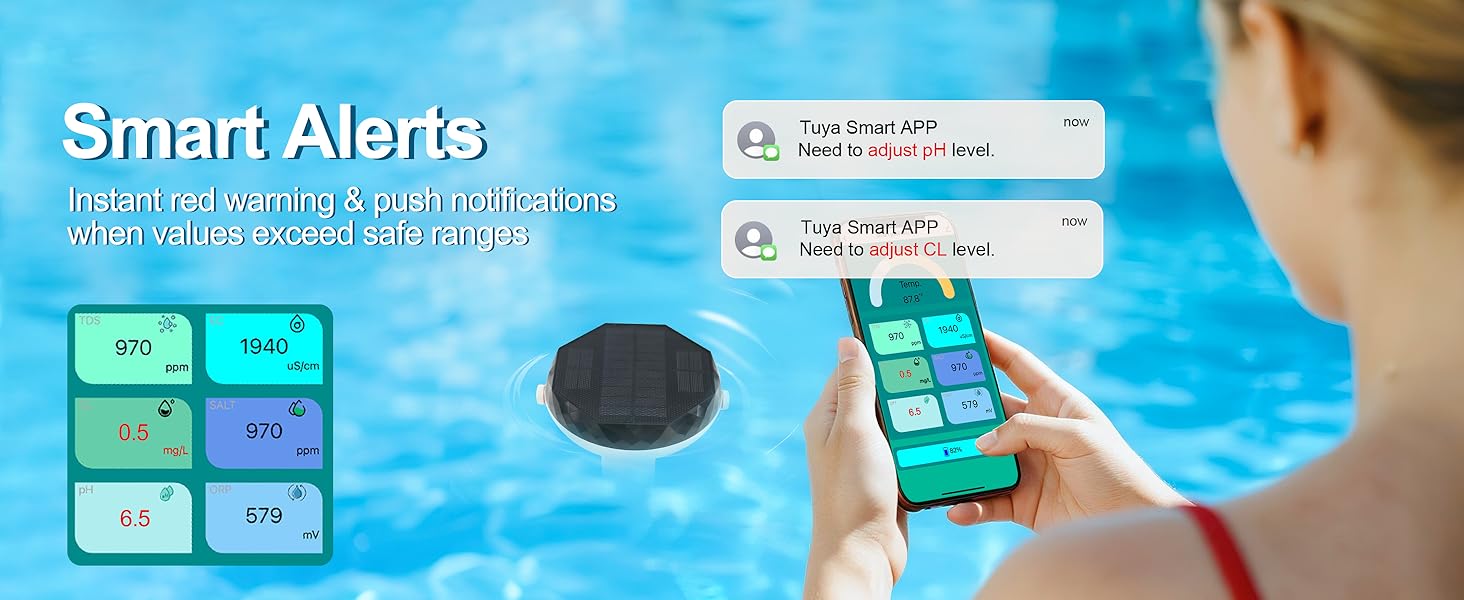
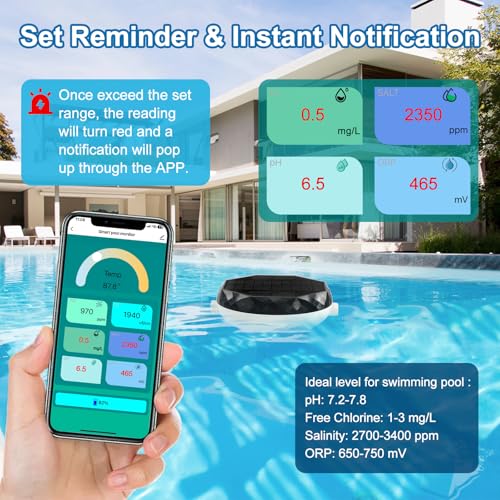
- Custom Alerts & Instant Notifications: Define safe ranges for all 7 parameters in the companion app. Receive immediate alerts on your phone if any level (like Free Chlorine or pH) moves out of your preset range, enabling prompt response.
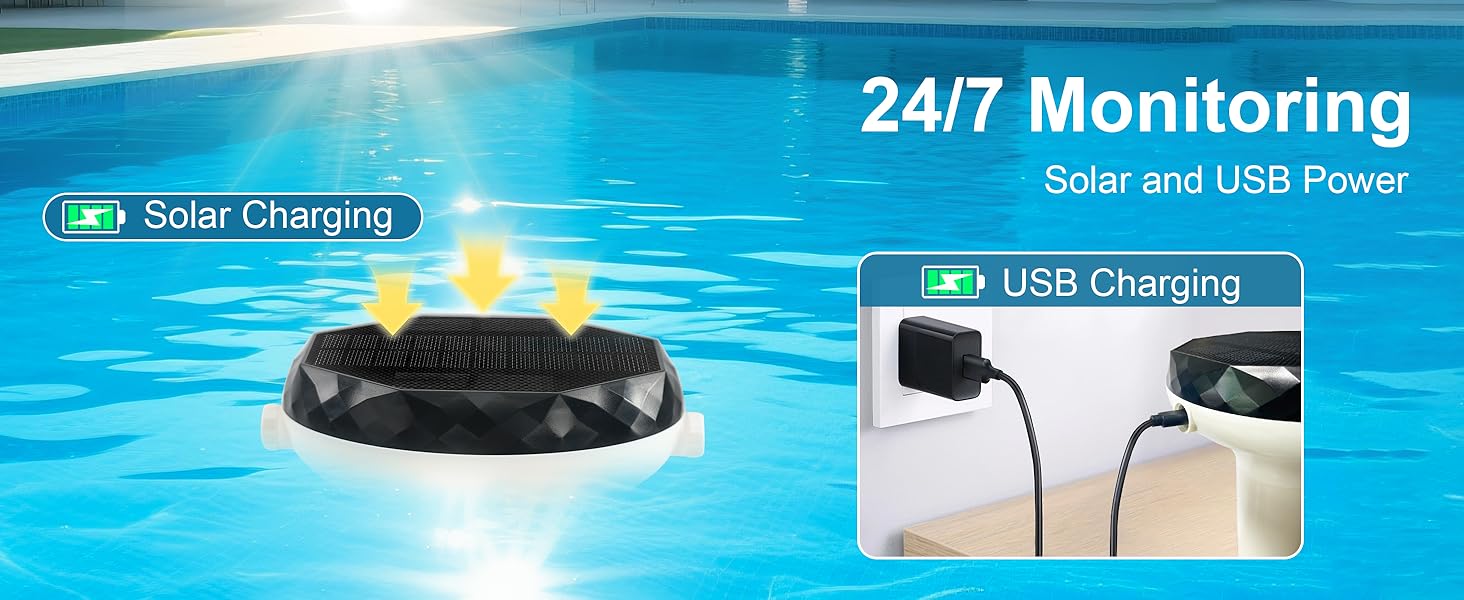
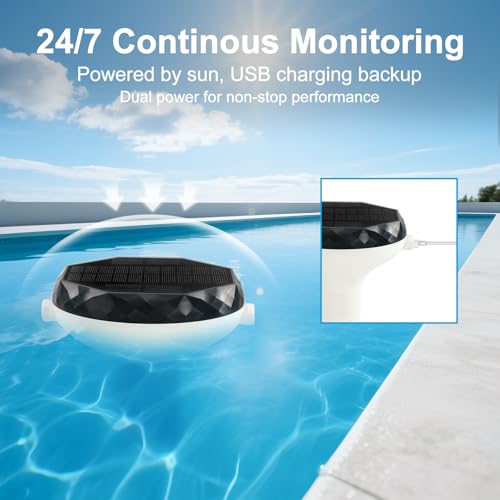
- Dual-Powered & Waterproof Design: Features efficient solar charging and USB backup for flexible, extended operation. IP67 waterproof rating ensures reliable performance with constant pool water exposure and in various outdoor conditions.
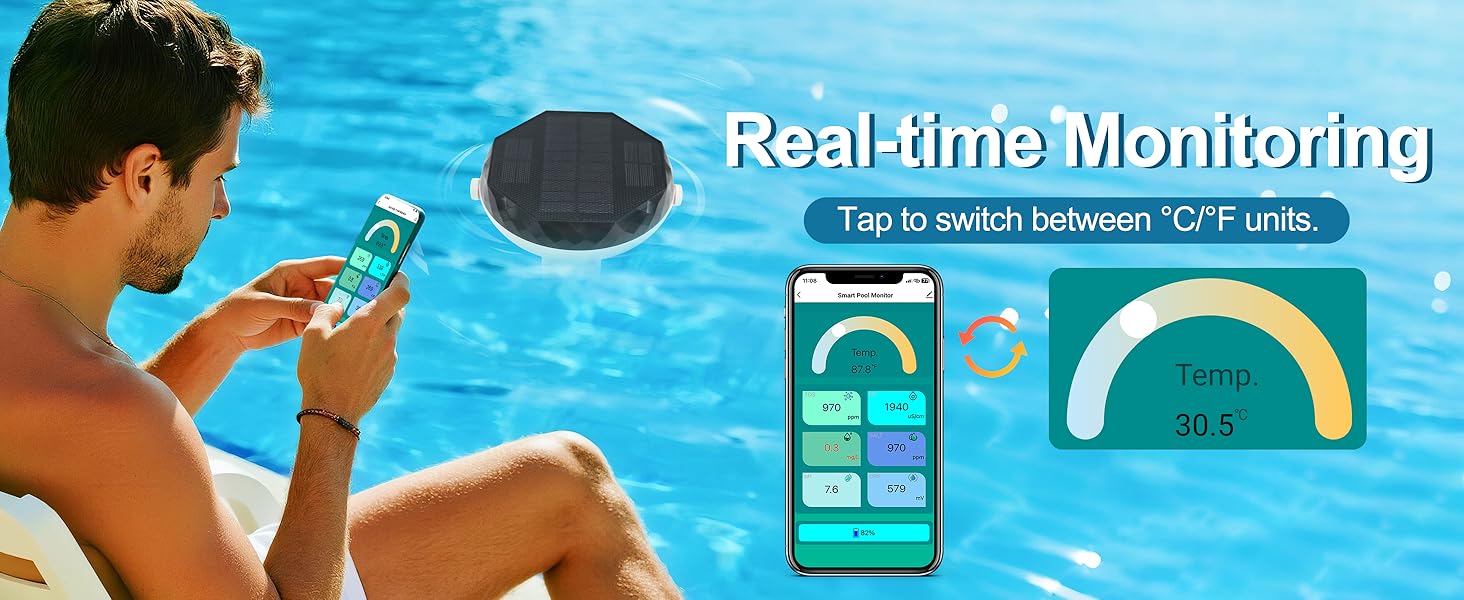
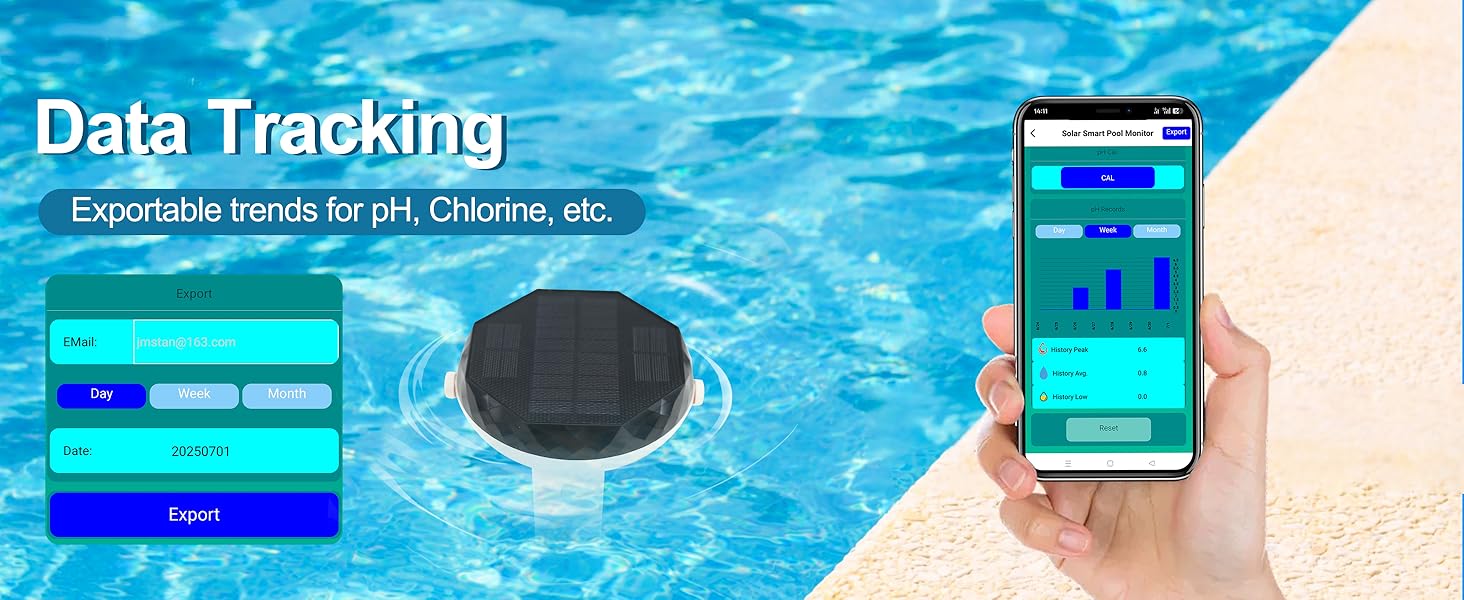
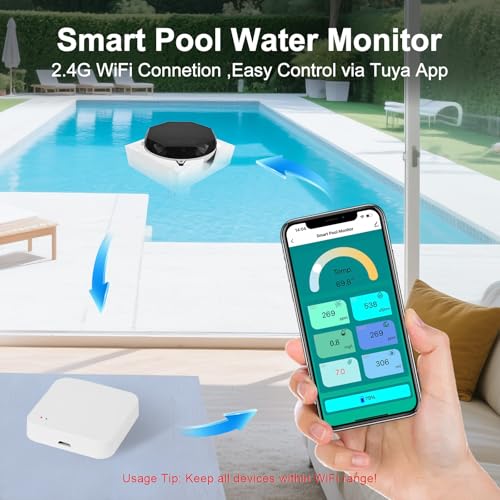
- WiFi Connectivity & Data Tracking: Includes a dedicated 2.4G WiFi Gateway. Monitor real-time readings, view historical trends with graphs, and easily export data via the companion app for analysis and maintenance planning.
- Simplified Remote Pool Management: Monitor vital water parameters from anywhere. Replace frequent manual testing with automated data collection and historical insights to support maintaining balanced and clear pool water.
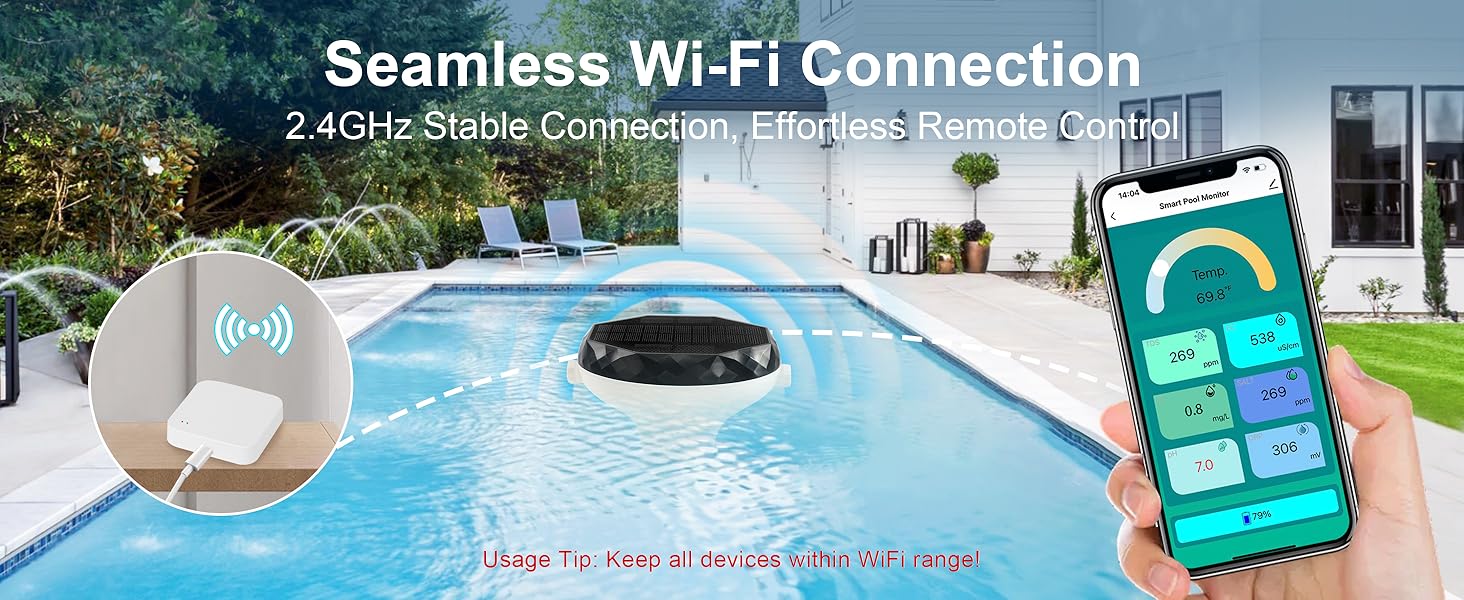
- Important Usage Notice: This smart pool water tester and app must be used within your WiFi range for all features to work. Solar power does not replace WiFi needs.
7-in-1 smart pool monitor
Merchant VideoImportant Usage Notes for Smart Pool Monitor
1. Waterproofing : Tighten all covers (reset button & USB port) securely before placing in water to prevent damage.
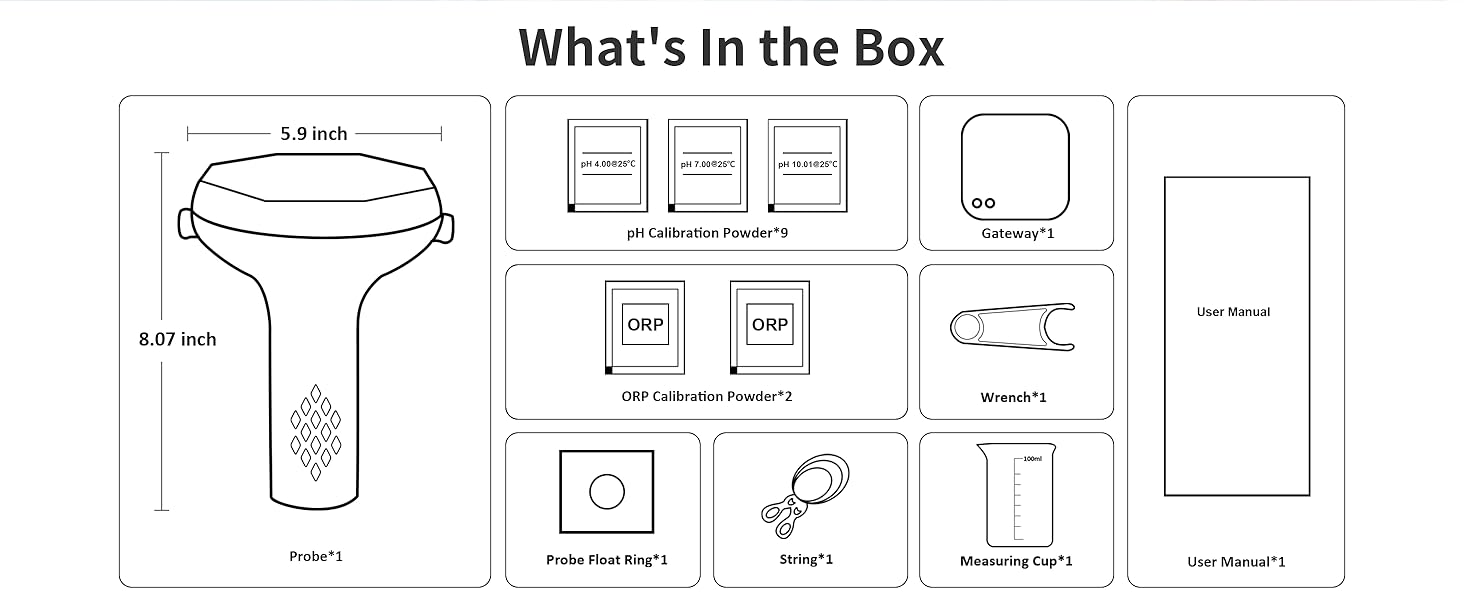
2. Calibration (CAL Button) : Only calibrate when sensors are in calibration solution. Never press "CAL" in the app if the device is in air or out of calibration solution —this will cause incorrect readings.If calibrated incorrectly, recalibrate properly with solution.
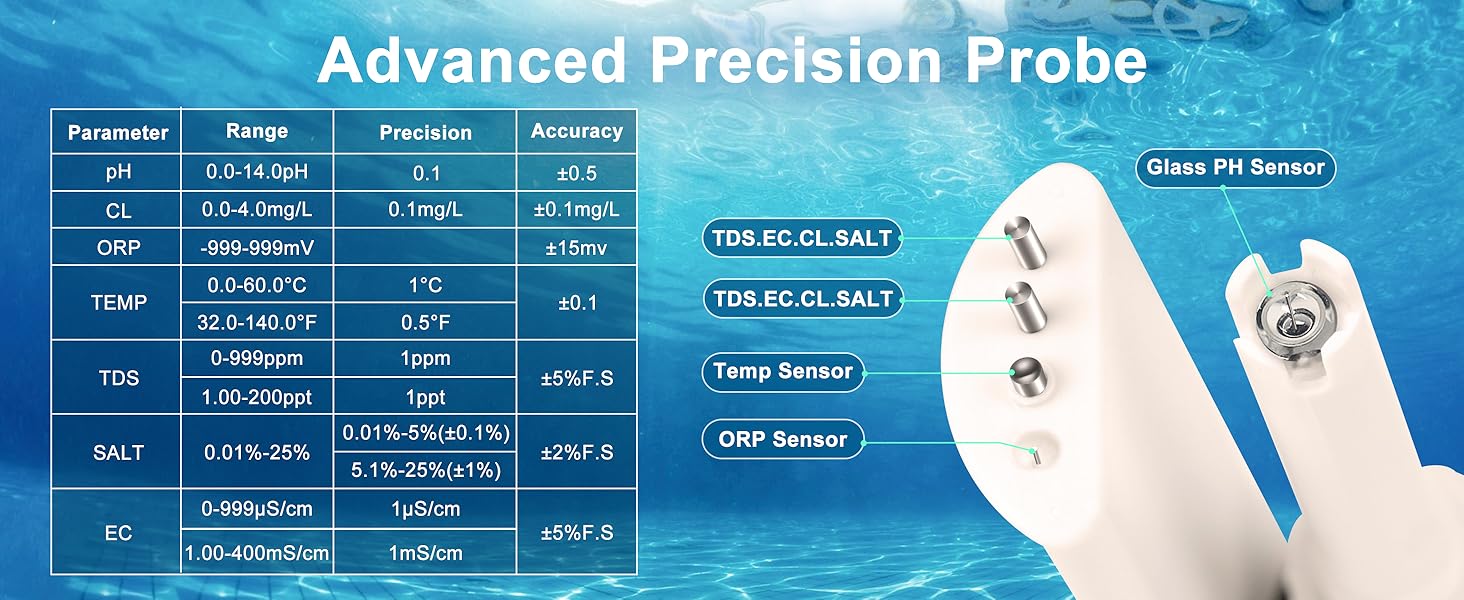
3.Probe Setup : Remove the protective cover from the probe. Screw on the skeletonized casing before placing in water or calibration solution.
4. WiFi Coverage Needed: The solar water monitor, gateway, and phone must all stay within 2.4GHz WiFi range for proper operation.
5. Gateway Power: The gateway must remain plugged in at all times.
For accurate readings and device safety, follow all instructions carefully.
Is it hard to install? Will it fit any pool?
No tools needed. Self-setup in minutes via the app. Compatible with all pool types (saltwater/chemical/hot tubs) and most shapes.
Can it stay in water 24/7? Will it rust?
The floating design is IP67 waterproof for continuous submersion. Its corrosion-resistant housing withstands saltwater/chemical pools, but rinse monthly for best performance.
How accurate are the readings? Does it require calibration ?
Lab-tested sensors provide ±0.1 pH precision. Calibrate pH every 3-6 months, ORP once one year for optimal performance (instructions in manual).
Why App shows "Error – timeout" or no data? How to fix?
This happens if your phone is too far from the router/gateway. Move closer to restore the connection. If the issue persists, contact support.
Does it need batteries or wiring?
Solar-powered with USB charging backup. No wiring required – fully wireless operation.

| SKU: | B0FDWMMFJJ |
| Weight: | 2.2 pounds |
| Dimensions: | 6.8 x 6.1 x 9.4 inches |
| Model: | YCSZJCQTYN |
| Part: | YC7IN1 |
| Colour: | White and Black |
| Pack Quantity: | 1 |
| Batteries Required: | Yes |
| Batteries Included: | NiMH |
| Manufacture: | kactoily |
| Colour: | White and Black |
| Quantity: | 1 |
Product Description
 Previous page
7-in-1 smart pool monitor
Merchant VideoPrevious pageImportant Usage Notes for Smart Pool Monitor
1. Waterproofing : Tighten all covers (reset button & USB port) securely before placing in water to prevent damage.
2. Calibration (CAL Button) : Only calibrate when sensors are in calibration solution. Never press “CAL” in the app if the device is in air or out of calibration solution —this will cause incorrect readings.If calibrated incorrectly, recalibrate properly with solution.
3.Probe Setup : Remove the protective cover from the probe. Screw on the skeletonized casing before placing in water or calibration solution.
4. WiFi Coverage Needed: The solar water monitor, gateway, and phone must all stay within 2.4GHz WiFi range for proper operation.
5. Gateway Power: The gateway must remain plugged in at all times.
For accurate readings and device safety, follow all instructions carefully.
Is it hard to install? Will it fit any pool?
No tools needed. Self-setup in minutes via the app. Compatible with all pool types (saltwater/chemical/hot tubs) and most shapes.
Can it stay in water 24/7? Will it rust?
The floating design is IP67 waterproof for continuous submersion. Its corrosion-resistant housing withstands saltwater/chemical pools, but rinse monthly for best performance.
How accurate are the readings? Does it require calibration ?
Lab-tested sensors provide ±0.1 pH precision. Calibrate pH every 3-6 months, ORP once one year for optimal performance (instructions in manual).
Why App shows “Error – timeout” or no data? How to fix?
This happens if your phone is too far from the router/gateway. Move closer to restore the connection. If the issue persists, contact support.
Does it need batteries or wiring?
Solar-powered with USB charging backup. No wiring required – fully wireless operation.