ASURE Wireless Carplay Android Auto Receiver for Toyota Rav4
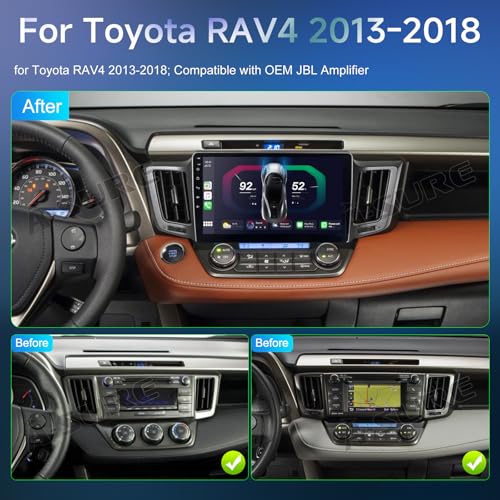
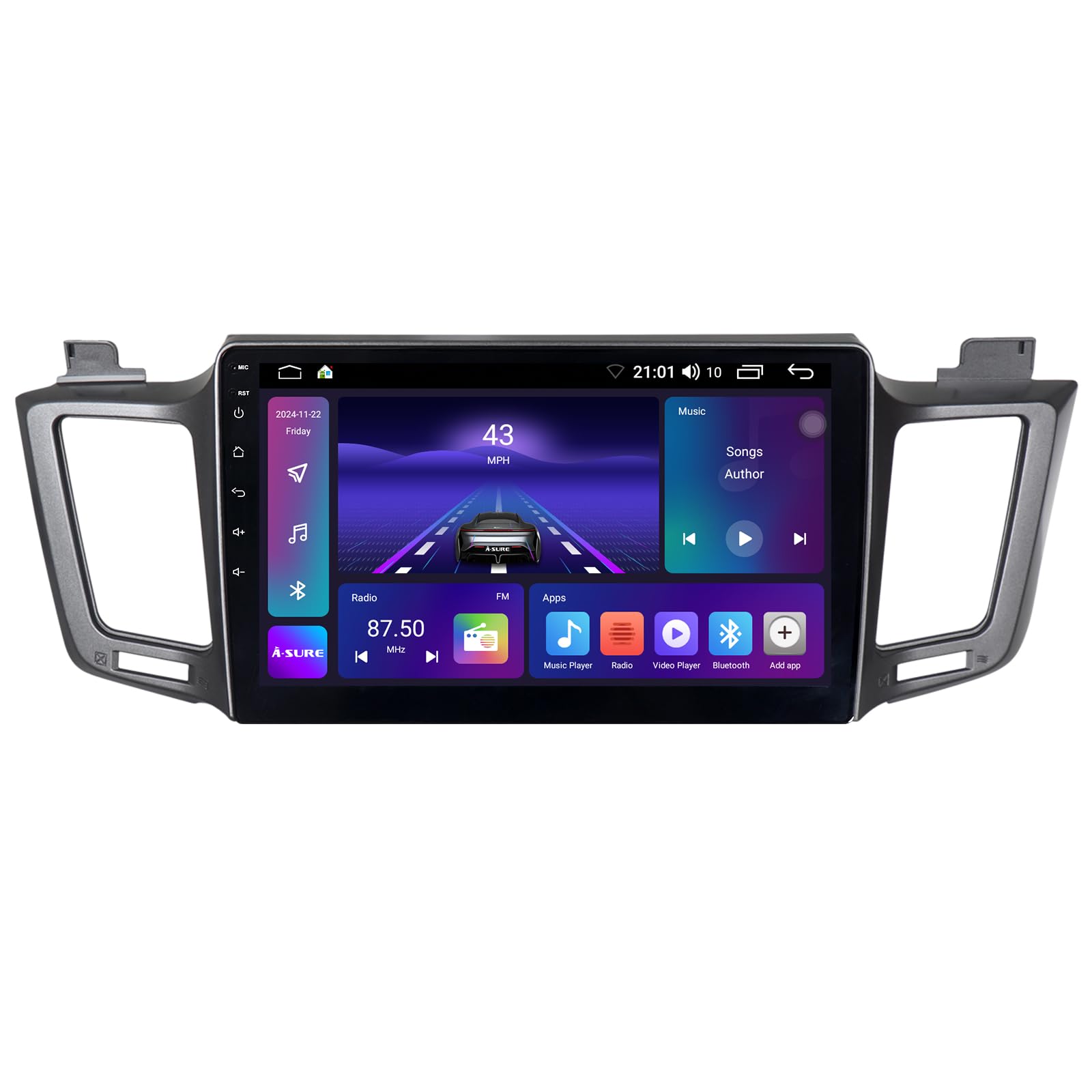
ASURE Wireless Carplay Android Auto Receiver for Toyota Rav4 XA40 2013-2018,10.1 inch 8Core 4+64GB Android Car Stereo Radio Upgrade,GPS Navigation Unit,1280×720 HD Dash Touchscreen Multimedia Player
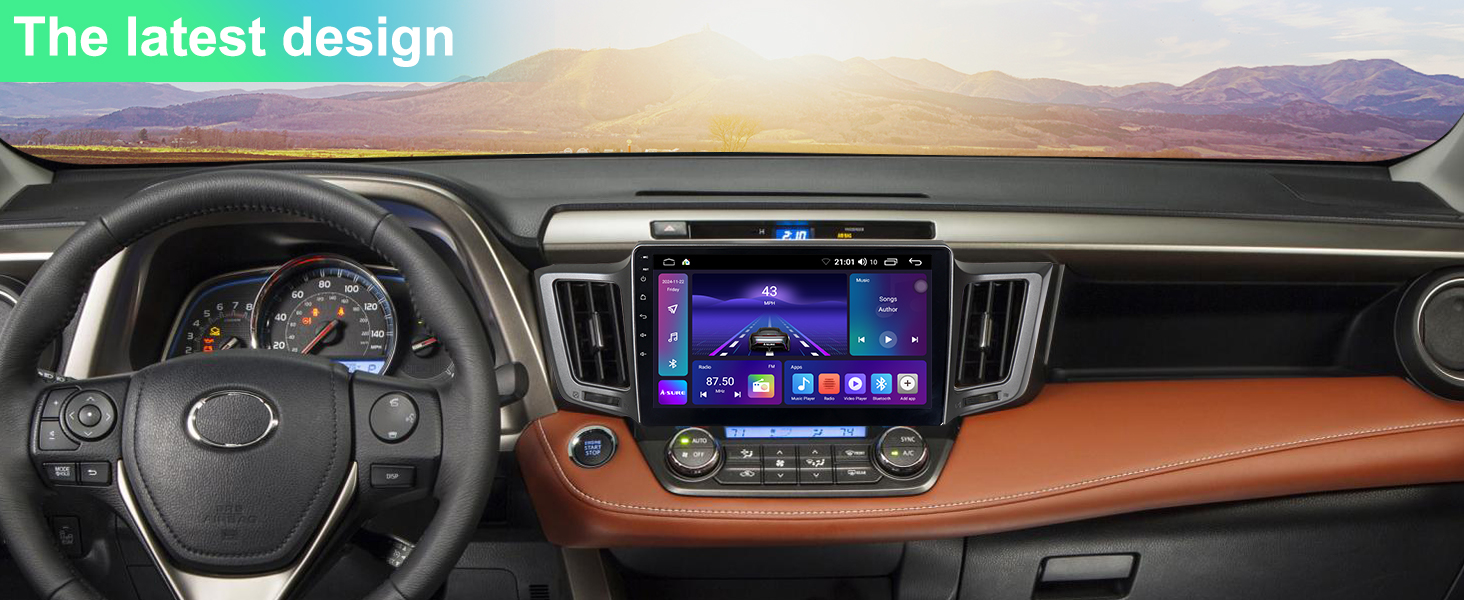
- 【Changeable UI Car Stereo Radio】 10.1 inch capacitive touch screen In-dash video player for Toyota RAV4 2013 2014 2015 2016 2017 2018,supports Android Launcher,such as AGAMA Car Launcher.You can download the APP from Google Play and customize your own user interface
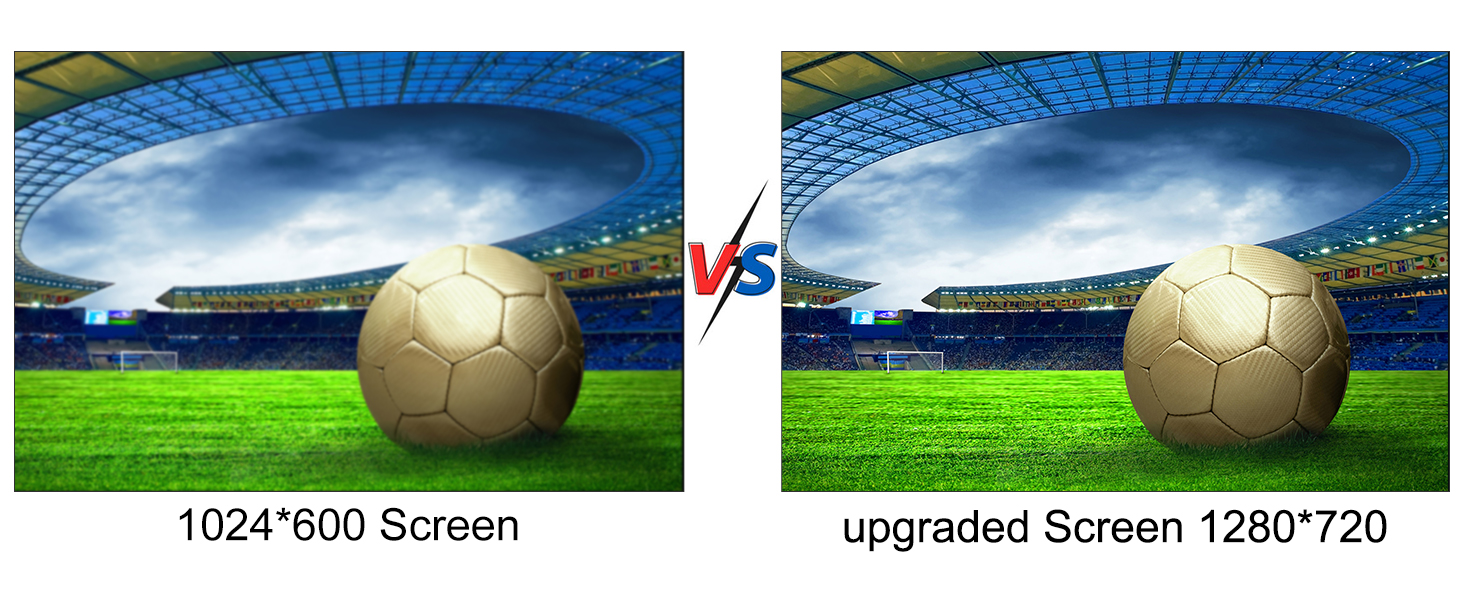
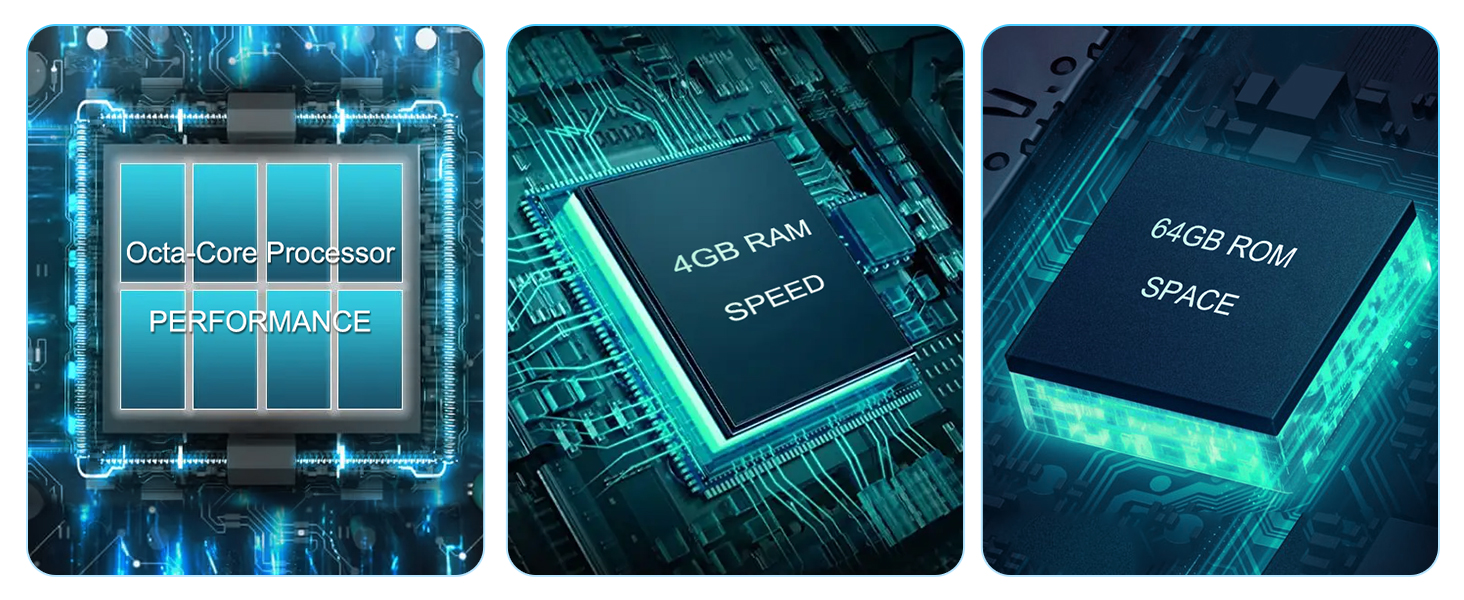
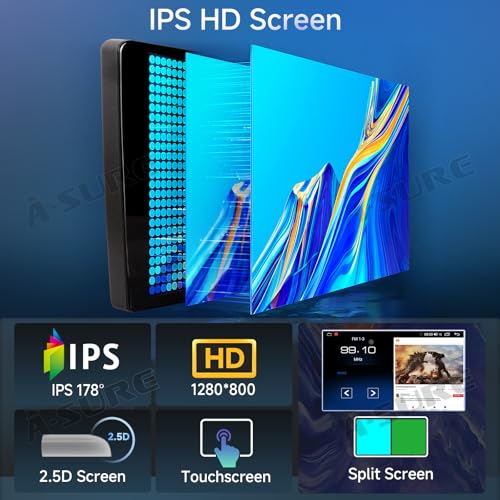
- 【Android Car Radio Upgrade】Customization Android system,with 8-Core 1.6Ghz CPU,3GB RAM,ensures smooth operation and faster response,64GB ROM for more apps installed,1280*720 HD Touchscreen fouth-gen IPS display,color richer and display clearer
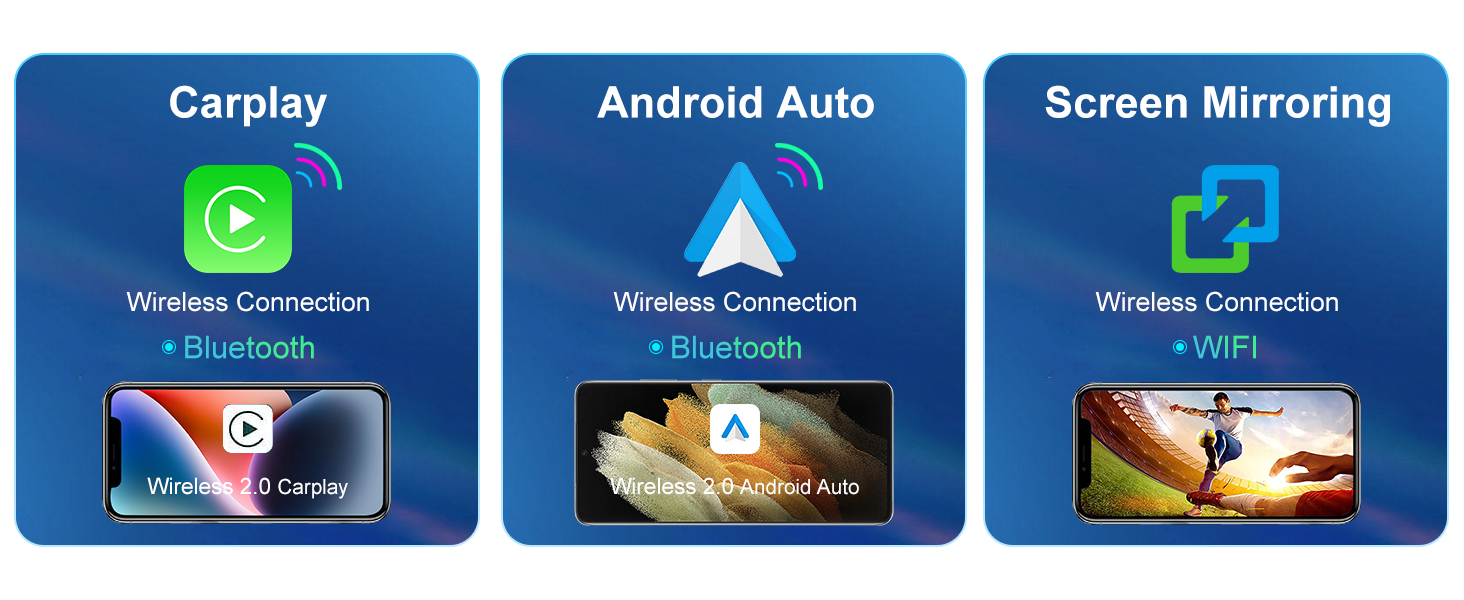
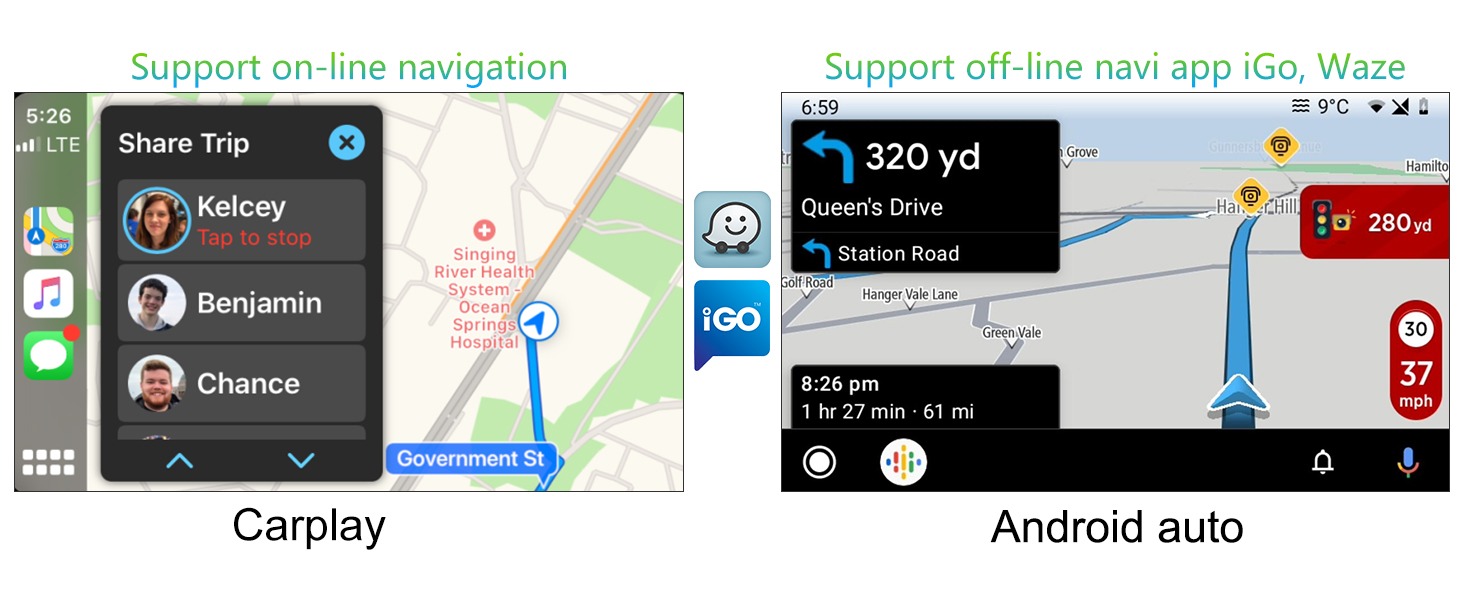
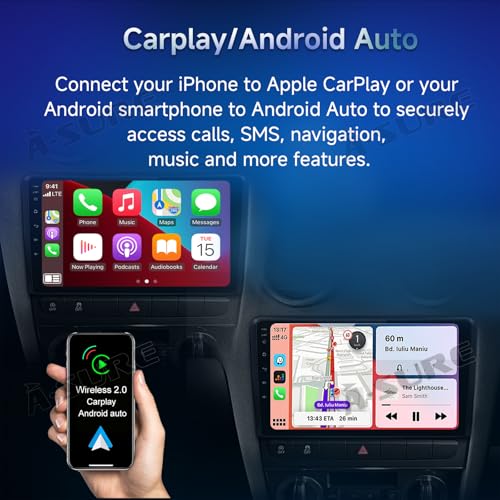
- 【Wireless CarPlay & Android auto】Wireless Carplay and Android Auto connected with Bluetooth,click ZLink icon to start CarPlay or Android Auto function or back to main page, very convenient to operate,free your hands,keep you stay focused and enjoy entertained while driving
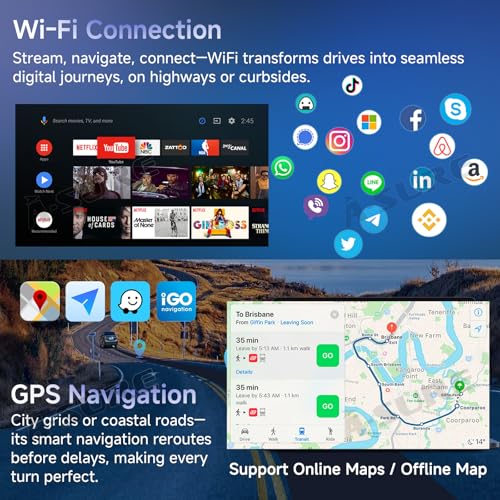
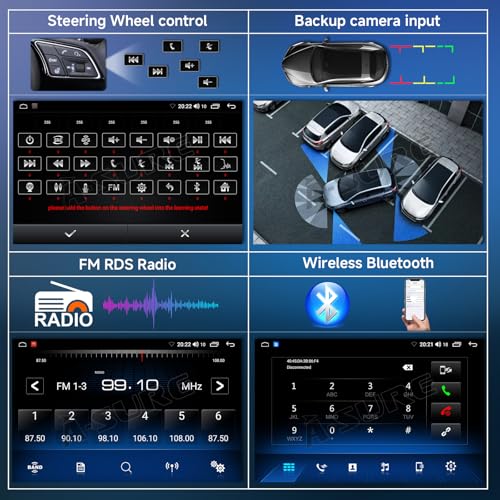
- 【Bluetooth & DSP & WiFi & Dual navigation】Hands-free calling and answer,making your call more safe when driving,built-in microphone,external microphone is optional, please contact us in need.DSP surround sound processing can customize the best music sound playback effect of different seats according to your needs.Support WiFi or hot spot function,very convenient to download APPs, offline map and so on,suppport internet location and GPS satellite positioning,make your navigation more precise
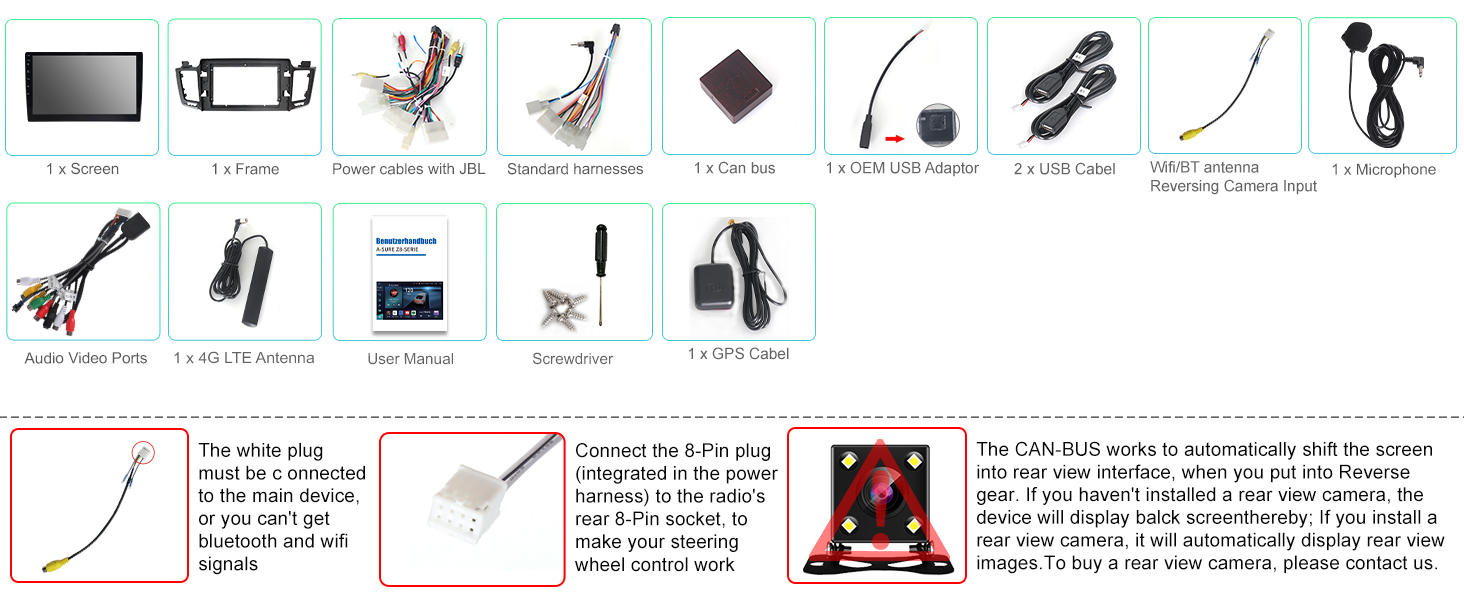
- 【Plug and Play Car Radio】This stereo come with in-dash head unit,plug and play wiring harness cables,frame panel,canbus(need choose car model,click "Settings" in the main screen,go to factory and input password 3368,click "Car Model",select "XP->Toyota->RAV4->XP(RAV4)16(AMP)"),easy to install,supported car original steering wheel control(swc) button programme and customize(few cars' swc cables requires manual wiring,contact us if swc does not wrok)
ASURE Wireless Carplay Android Auto Receiver for Toyota Rav4 XA40 2013-2018
Android 14 O.S.
Factory steering wheel control
Bluetooth Hands-free
Two-band WiFi
Digital Sound Processor
Two USB Ports
FM Radio
HD Reversing Camera Input
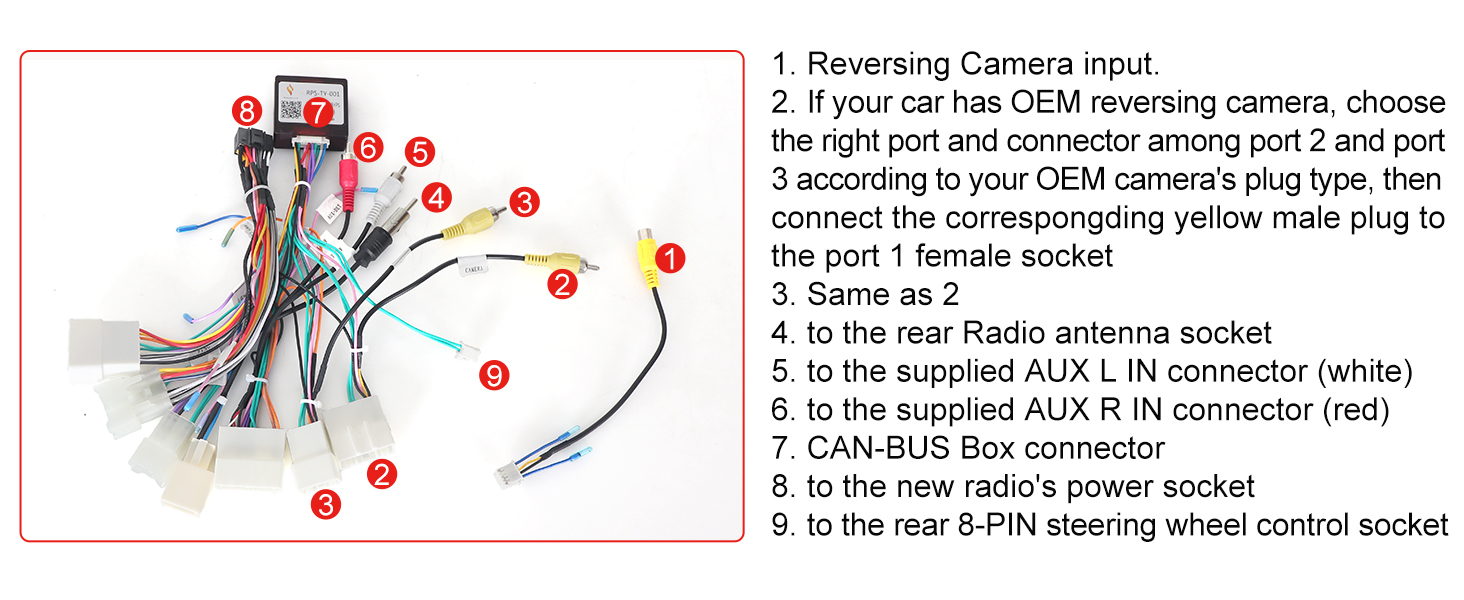
Wiring Tips
Steering Wheel Control (Can Bus) Settings
set car model correctly to get your steering wheel controls working,click Settings->factory and input password 3368,choose XP->Toyota->RAV4->XP(RAV4)16(AMP). Wrong or missing CAN-BUS setups lead to not work with steering wheel controls.
1.How long do i get supporting?
30 days free return,1-Year Manufacturer repair. We have after-service centers in North America and Europe.
2.How can I get a video demo of the factory radio removal?
Our radio usually comes with the video demo in the user manual. You can also message us to get it if you have any questions after the purchase.
3.Can I install the radio by myself?
Most of the installations can be done by basic DIY skills and tools. You can evaluate the issue by watching the video of factory radio removal. If you have few related experiences, you can ask help from professionals.
4.Where can I get help when I have a question?
our staff are on-line on working days, our team will reply to you ASAP. Most of issues can be resolved after communication.
5.Why choose A-Sure?
Since 2008, we have been in this line for 15 years and have kept improving our products and services according to customers’ feedback.

| SKU: | B0F658S68N |
| Weight: | 4.53 pounds |
| Dimensions: | 9.4 x 5.7 x 1.6 inches |
Product description
ASURE Wireless Carplay Android Auto Receiver for Toyota Rav4 XA40 2013-2018
 Previous page


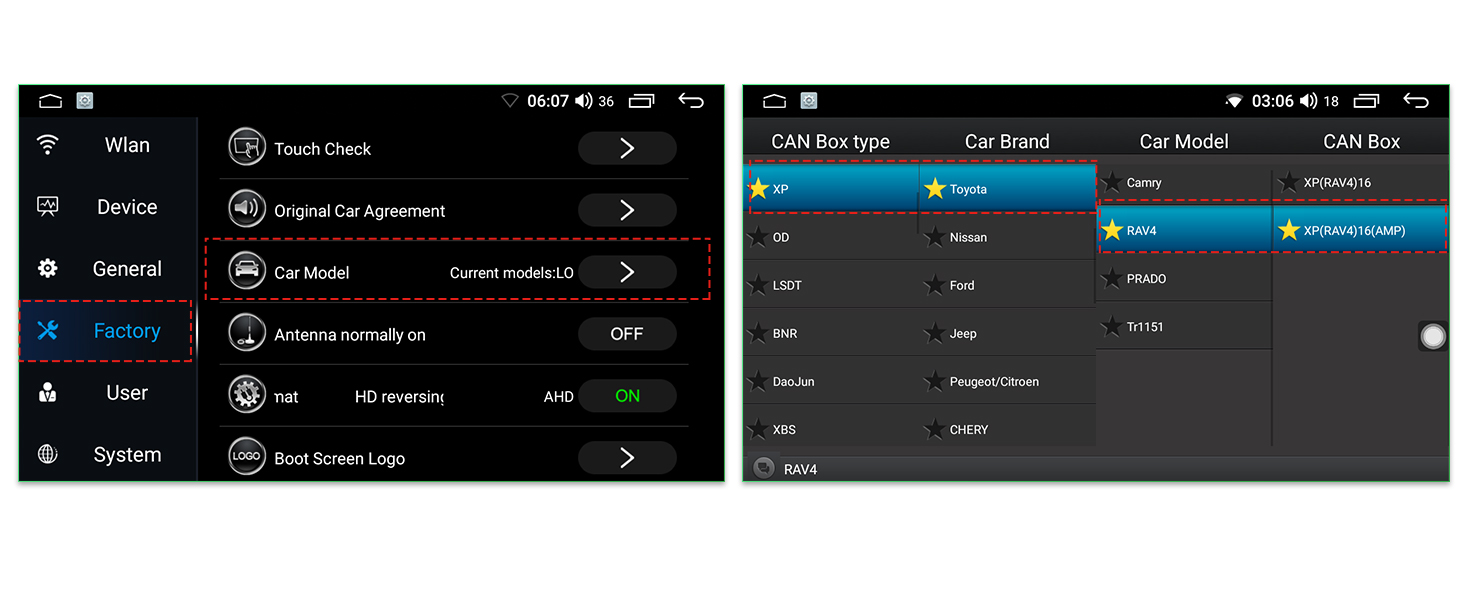
set car model correctly to get your steering wheel controls working,click Settings->factory and input password 3368,choose XP->Toyota->RAV4->XP(RAV4)16(AMP). Wrong or missing CAN-BUS setups lead to not work with steering wheel controls.
1.How long do i get supporting?
30 days free return,1-Year Manufacturer repair. We have after-service centers in North America and Europe.
2.How can I get a video demo of the factory radio removal?
Our radio usually comes with the video demo in the user manual. You can also message us to get it if you have any questions after the purchase.
3.Can I install the radio by myself?
Most of the installations can be done by basic DIY skills and tools. You can evaluate the issue by watching the video of factory radio removal. If you have few related experiences, you can ask help from professionals.
4.Where can I get help when I have a question?
our staff are on-line on working days, our team will reply to you ASAP. Most of issues can be resolved after communication.
5.Why choose A-Sure?
Since 2008, we have been in this line for 15 years and have kept improving our products and services according to customers’ feedback.