9-inch Android 13 Car Stereo Radio for Toyota Camry
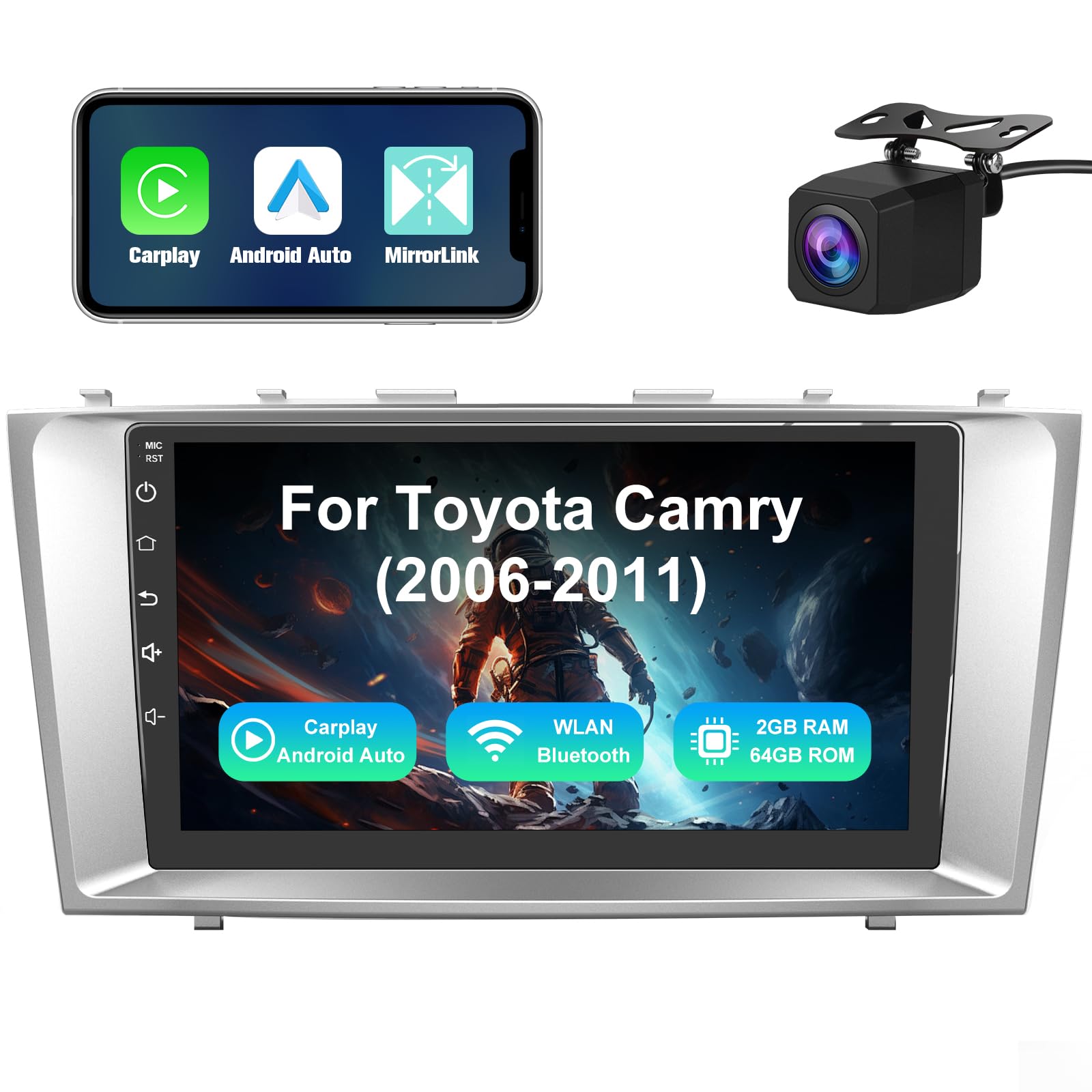
9-inch Android 13 Car Stereo Radio for Toyota Camry 2006-2011 – 2GB+64GB, CarPlay & Android Auto, HD Touchscreen Multimedia Player with Backup Camera, Bluetooth/GPS/WiFi/USB, Steering Wheel Control
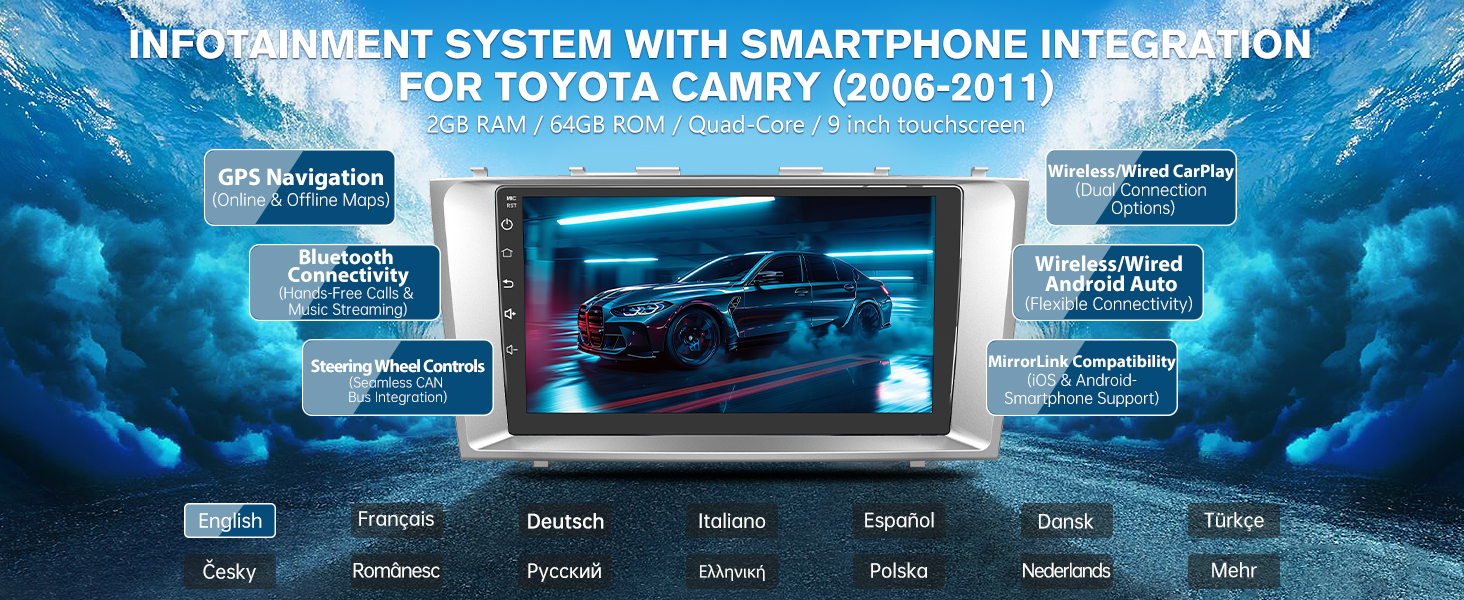
- ✅ Engineered for Toyota Camry: Precisely designed for Camry (2006-2011), this car stereo integrates seamlessly with original interiors. Features a crystal-clear 9-inch touchscreen for enhanced visuals and intuitive controls. Powered by Android 13 with 2GB RAM + 64GB ROM, delivering optimized performance and ample space for apps.
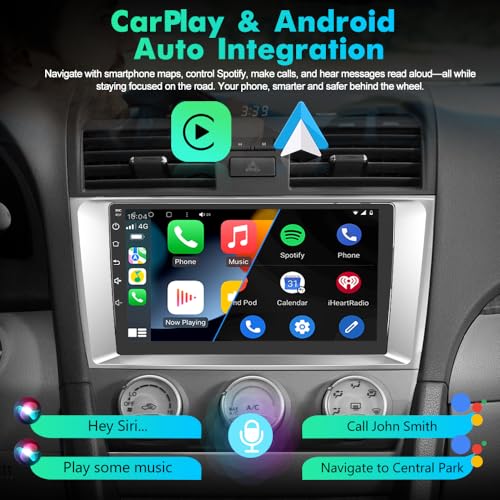
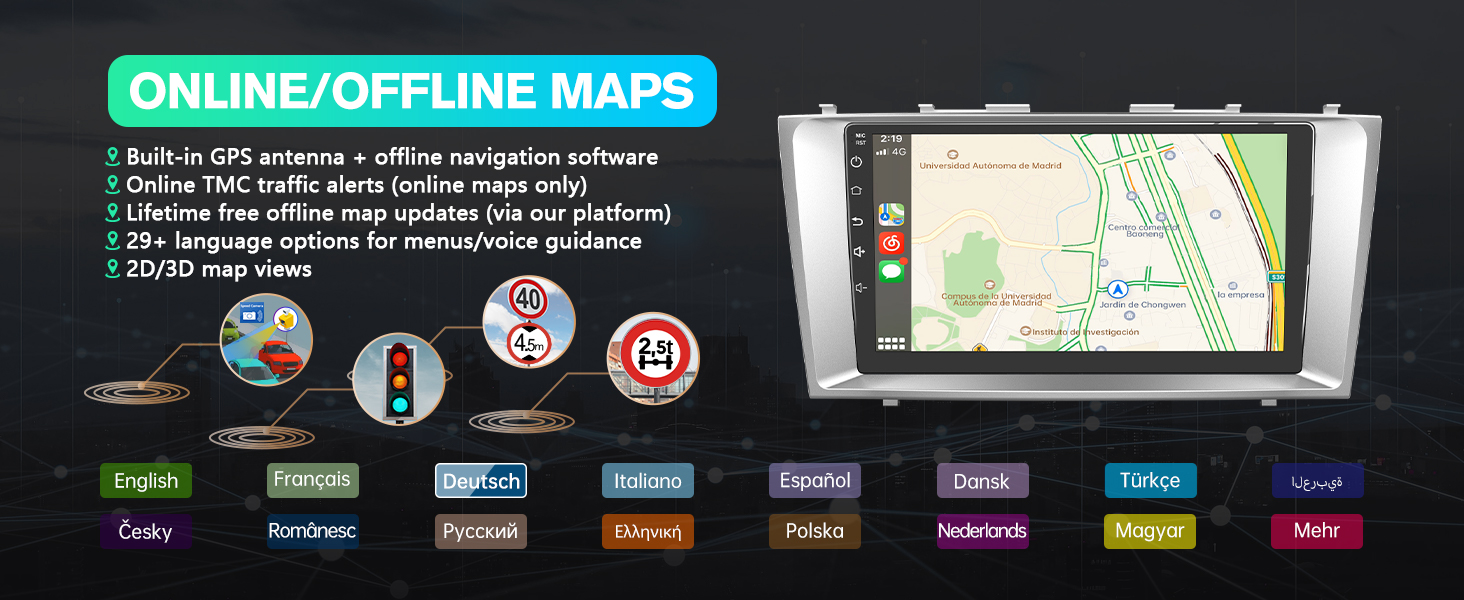
- Smart Navigation via CarPlay/Android Auto: Connect iOS/Android devices effortlessly for premium navigation. Voice-command destination inputs minimize distractions, while live traffic updates reroute you around congestion. Enjoy stress-free commutes with real-time route optimization.
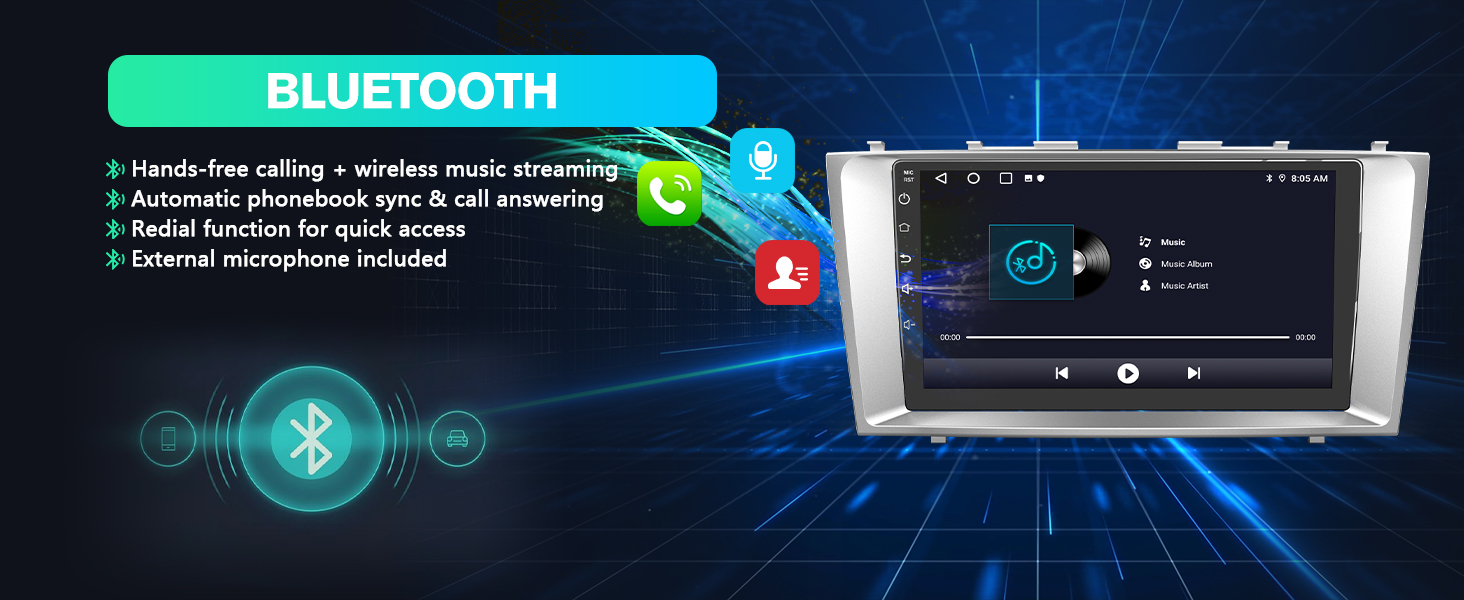
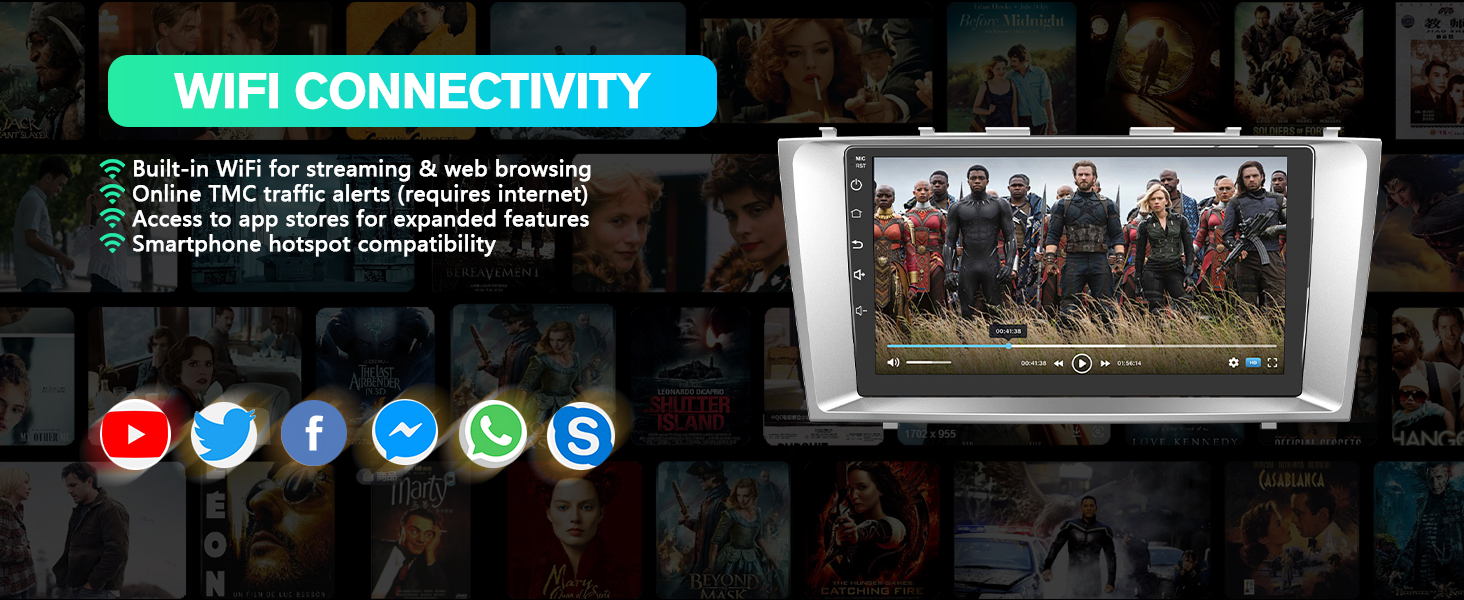
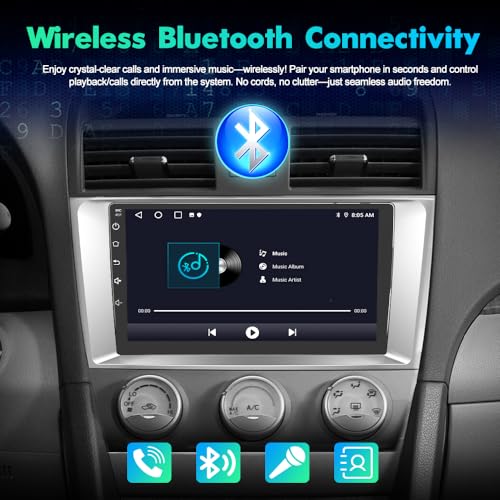
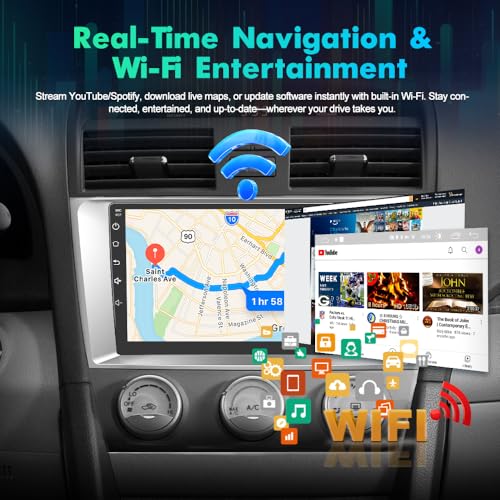
- Dual Wireless Connectivity: Stream music hands-free through Bluetooth or take calls via built-in mic. Built-in WiFi enables quick internet access, allowing direct downloads of YouTube, Spotify, and other entertainment apps on the go.
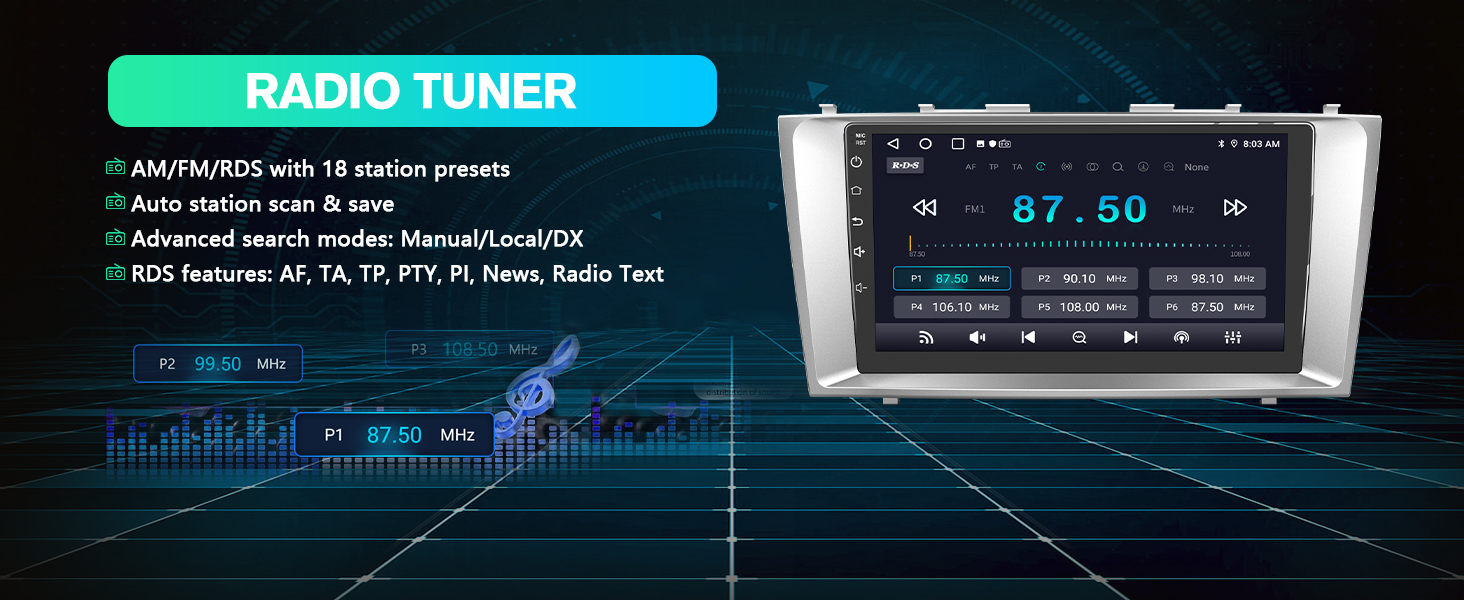
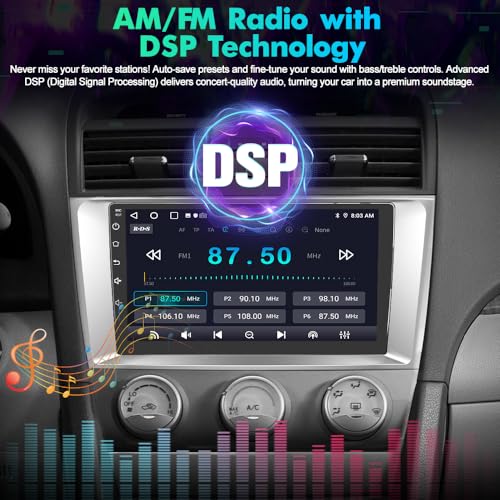
- Premium Radio Performance: Access diverse radio programs with robust AM/FM reception. Advanced signal processing maintains clear audio quality across US stations, keeping you connected to news, music, and podcasts.
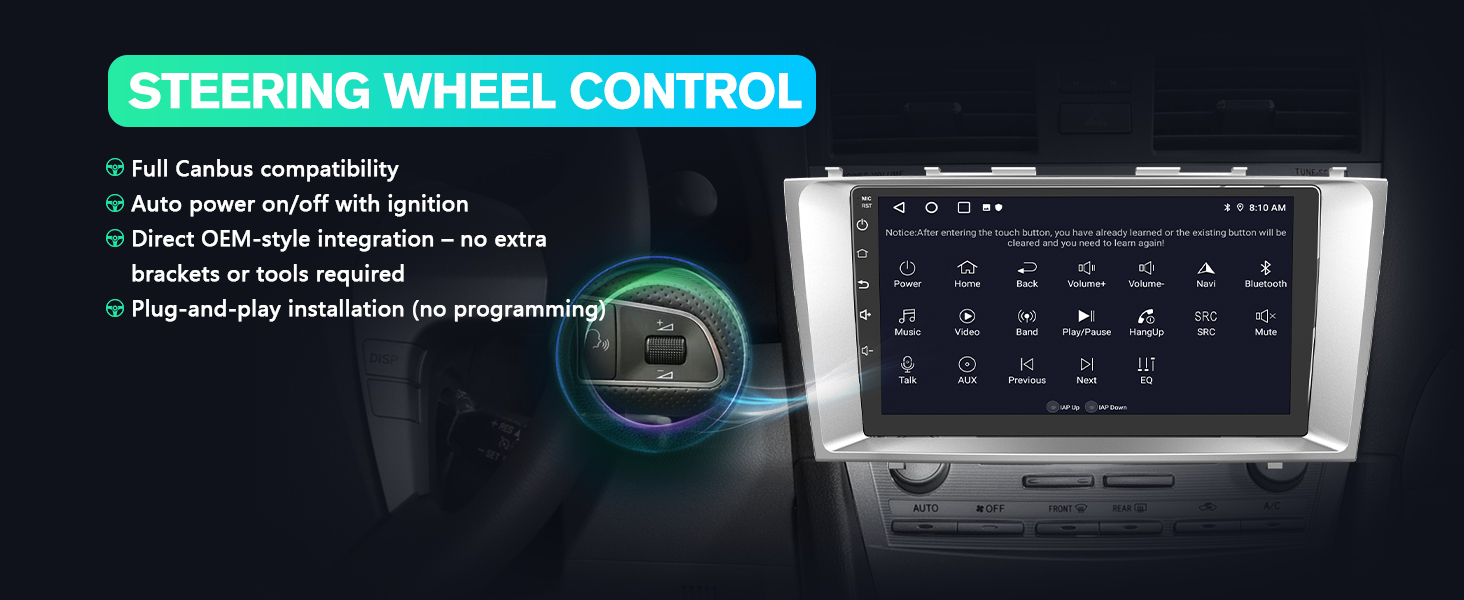
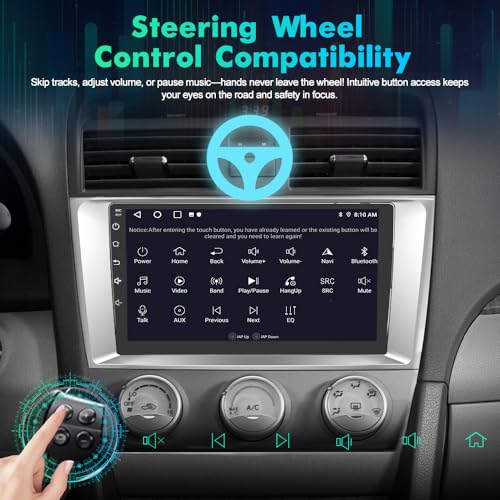
- Safety-Enhanced Controls: Steering wheel controls let you manage audio without releasing the wheel. Equipped waterproof backup camera provides 140° rear visibility, detecting obstacles/pedestrians to prevent collisions during parking maneuvers.
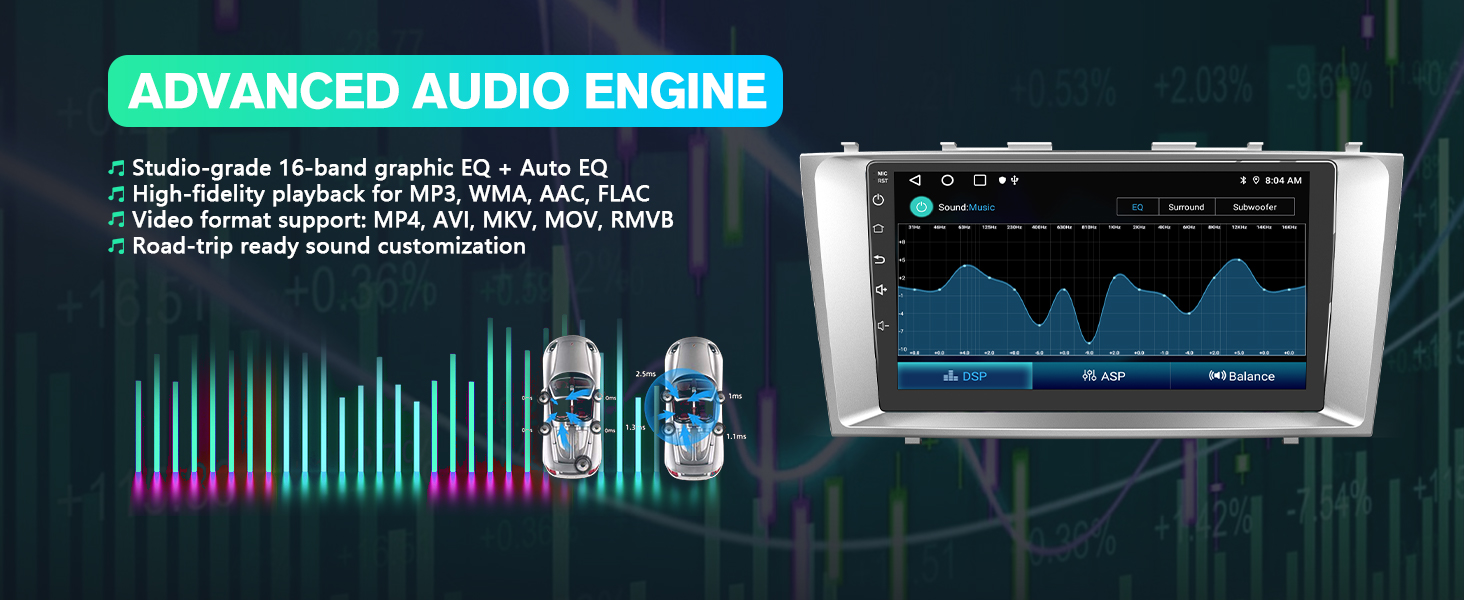
Android Car Stereo | 9-Inch HD Touchscreen | DSP Sound effect
Installation contrast – Plug & Play in Toyota Camry (2006-2011)
Note:If your stock radio has a JBL audio system, you'll need a JBL-specific harness. The included base harness is not compatible.
Wireless Voice Control & Display Integration
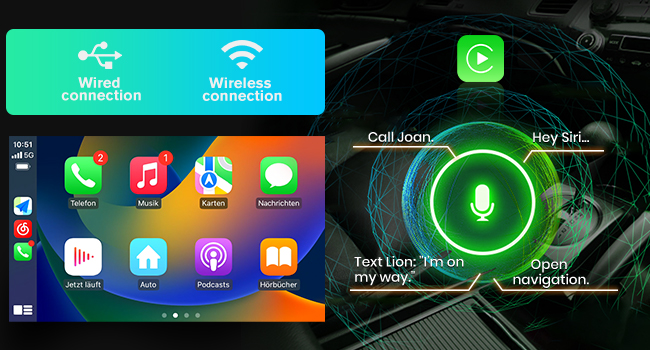
CarPlay
- Seamless iPhone integration (wireless/wired)
- Siri voice commands for calls, music, and navigation
- Clean interface optimized for iPhone users
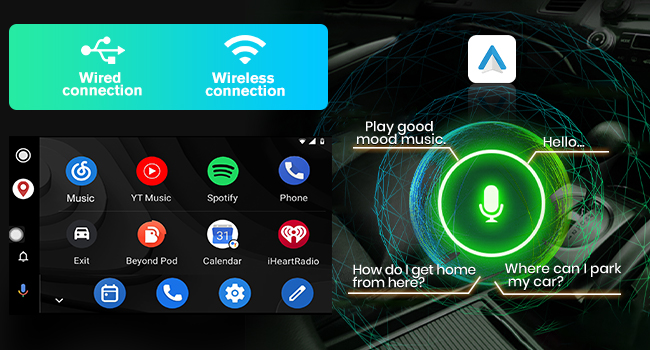
Android Auto
- Flexible wireless/wired connectivity
- G-oogle Assistant control for apps and navigation
- Android smartphone-optimized intuitive interface
Modern Design & Multimedia Experience for Ultimate Comfort and Driving Enjoyment
This smart car stereo combines CarPlay/Android Auto for smartphone-based navigation with music/message access, integrated AM radio, steering wheel controls for safe operation, DSP sound, and multimedia support – delivering seamless entertainment and enhanced driving safety in one integrated system.
Verify Wiring Diagram and Backup Camera Connection for Proper Installation
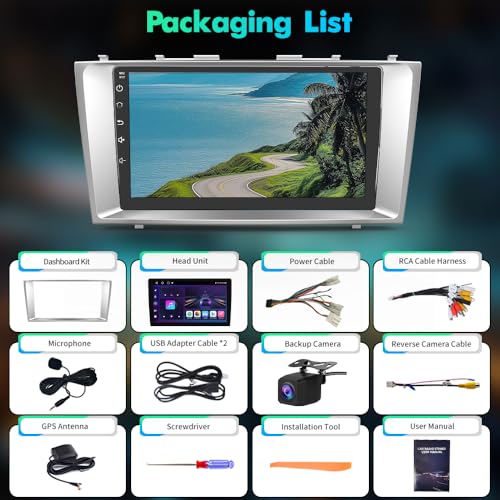
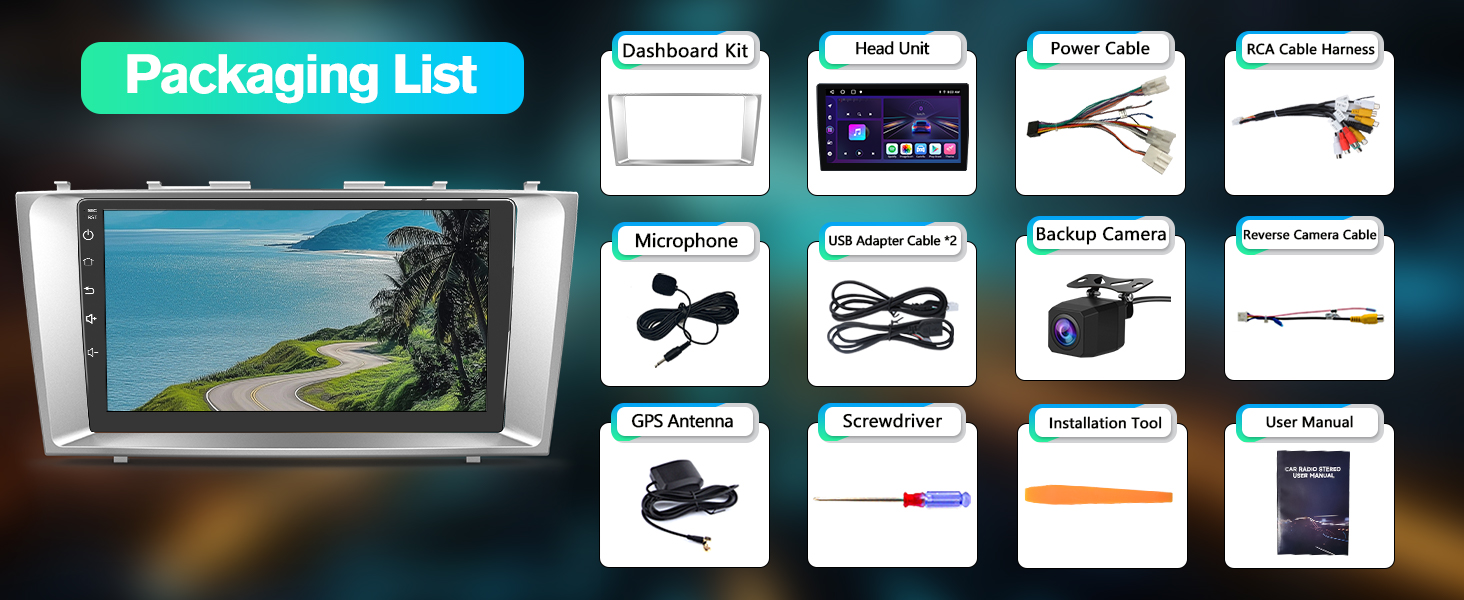
What's Included?
Frequently Asked Questions (FAQ) – Direct Solutions
For additional inquiries, our support team is ready to assist.
Is the Zlink app uninstalled after a reset?
This indicates an outdated software version.
Solution: Contact our technical-support for immediate software updates.
Wireless CarPlay/Android Auto connection issues?
Ensure both functions are enabled:
Bluetooth: Required for initial pairing
Wi-Fi: Ensures stable data transfer
Note: Keep both options activated during use.
| SKU: | B0F7H9FFFZ |
| Weight: | 3.52 pounds |
| Dimensions: | 12.2 x 8.27 x 2.56 inches |
Product description
Android Car Stereo | 9-Inch HD Touchscreen | DSP Sound effect
Android Auto
- Flexible wireless/wired connectivity
- G-oogle Assistant control for apps and navigation
- Android smartphone-optimized intuitive interface
Modern Design & Multimedia Experience for Ultimate Comfort and Driving Enjoyment
Previous pageThis smart car stereo combines CarPlay/Android Auto for smartphone-based navigation with music/message access, integrated AM radio, steering wheel controls for safe operation, DSP sound, and multimedia support – delivering seamless entertainment and enhanced driving safety in one integrated system.
Verify Wiring Diagram and Backup Camera Connection for Proper Installation
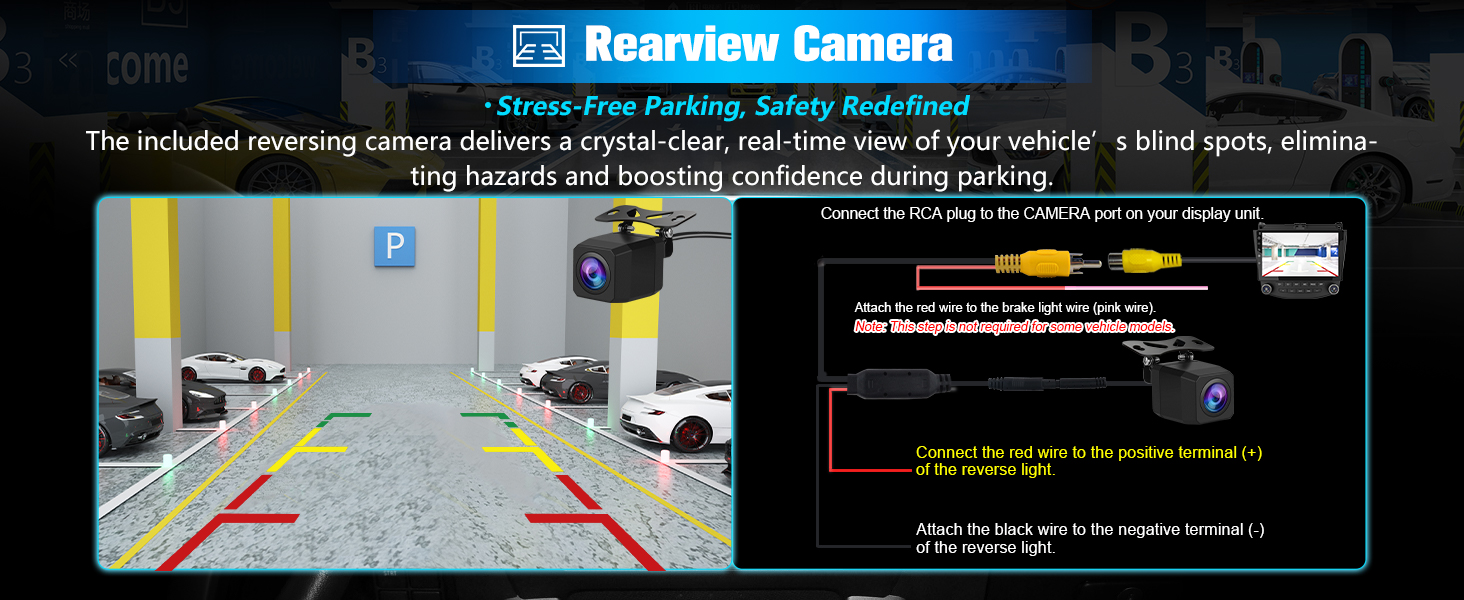
Frequently Asked Questions (FAQ) – Direct Solutions
For additional inquiries, our support team is ready to assist.
Is the Zlink app uninstalled after a reset?
This indicates an outdated software version.
Solution: Contact our technical-support for immediate software updates.
Wireless CarPlay/Android Auto connection issues?
Ensure both functions are enabled:
Bluetooth: Required for initial pairing
Wi-Fi: Ensures stable data transfer
Note: Keep both options activated during use.