7″ Double Din Car Radio Stereo for Dodge Grand Caravan
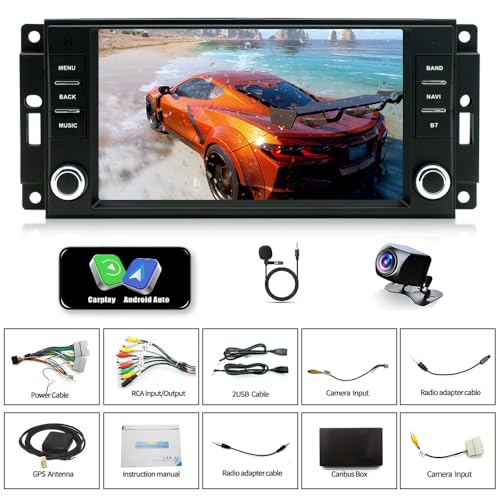
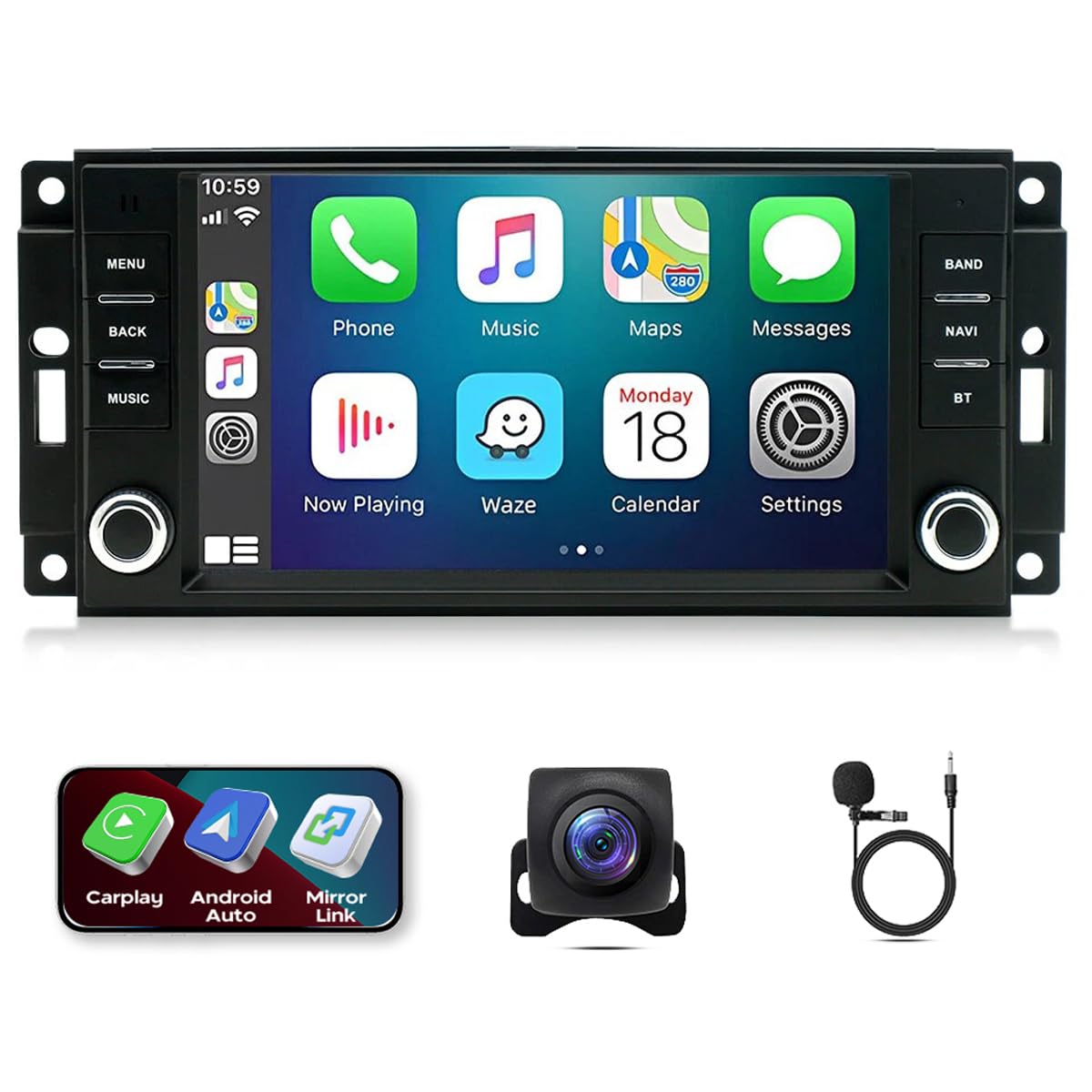
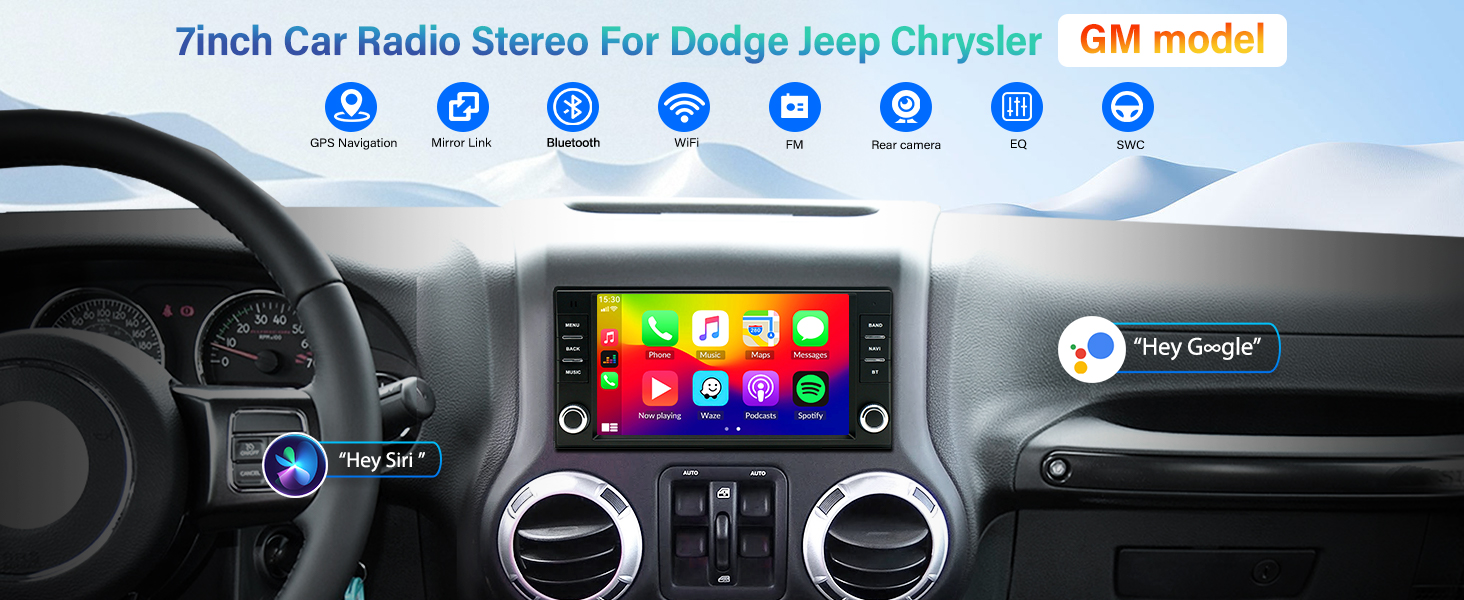
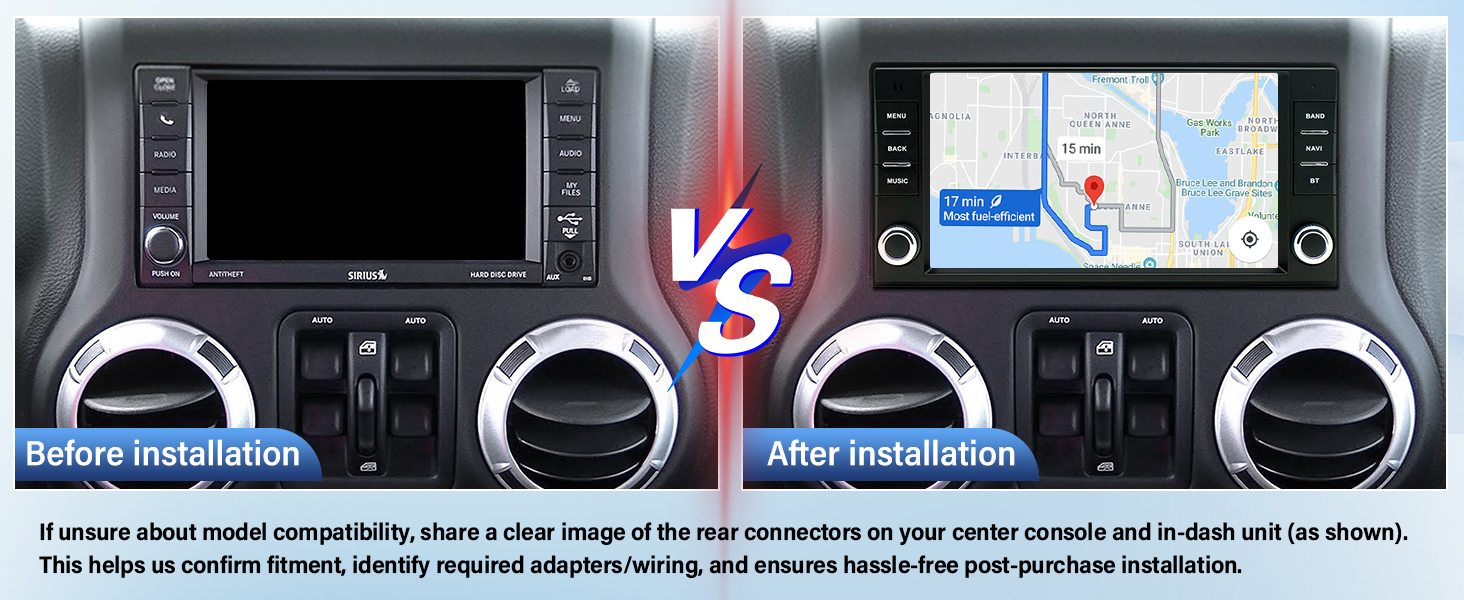
7″ Double Din Car Radio Stereo for Dodge Grand Caravan 2008-2020 / Dodge Nitro 2007-2012 with Android 13 Wireless & Wired Carplay Android Auto,GPS Navigation/SWC/Backup Camera+MIC
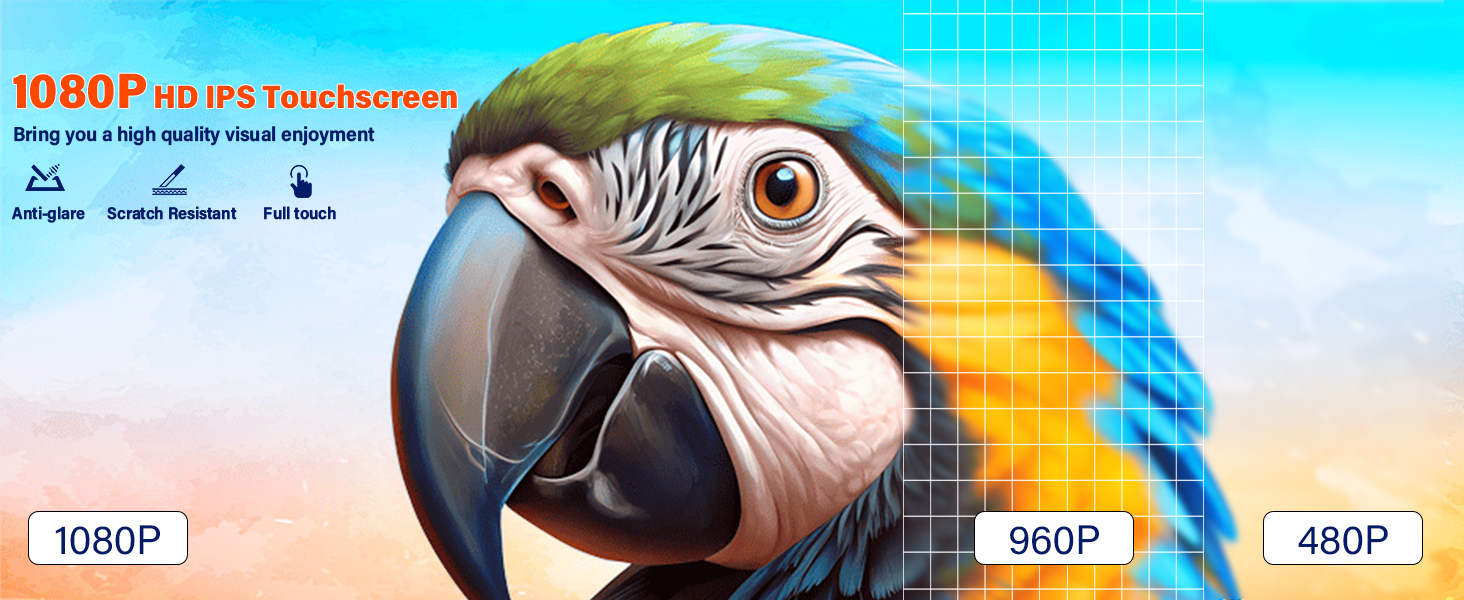
- 【Android 13 System】一 1080P HD 2.5D inch car radio stereo system specifically fits for Dodge Grand Caravan 2008-2020 / Dodge Nitro 2007-2012.Car Stereo has 2GB RAM+ 32GB ROM memory
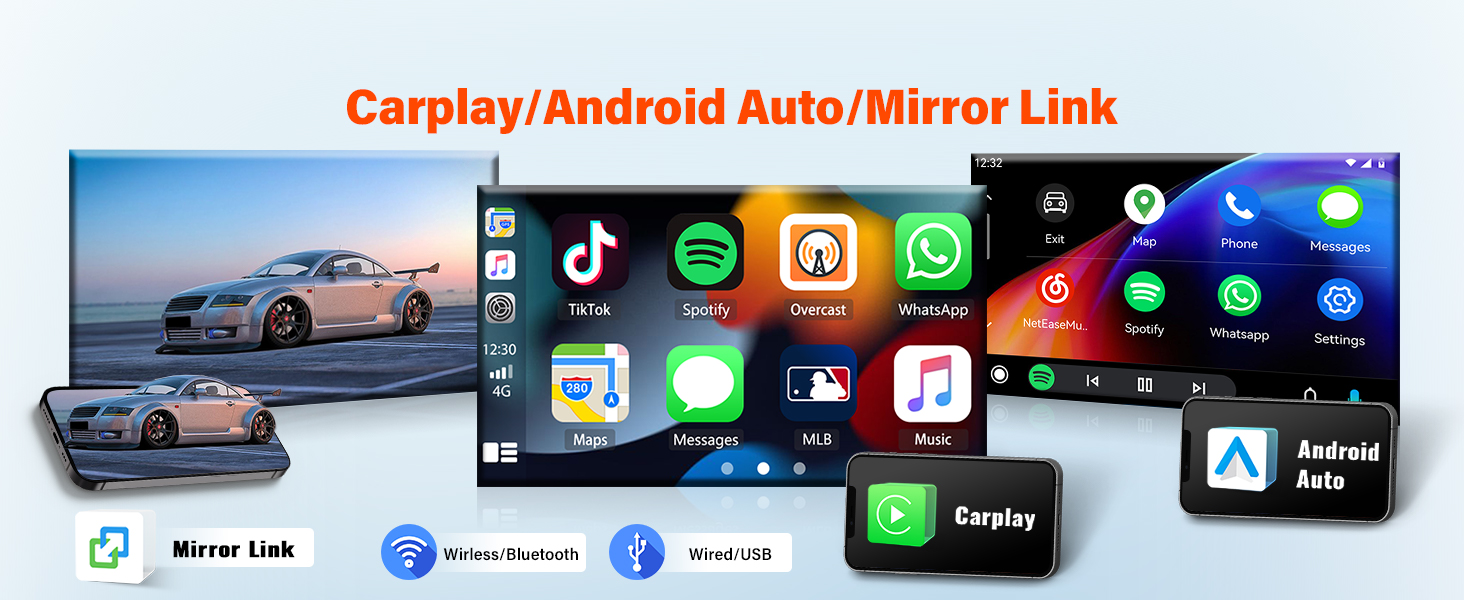
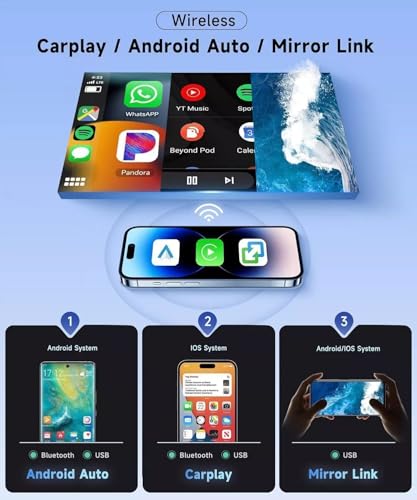
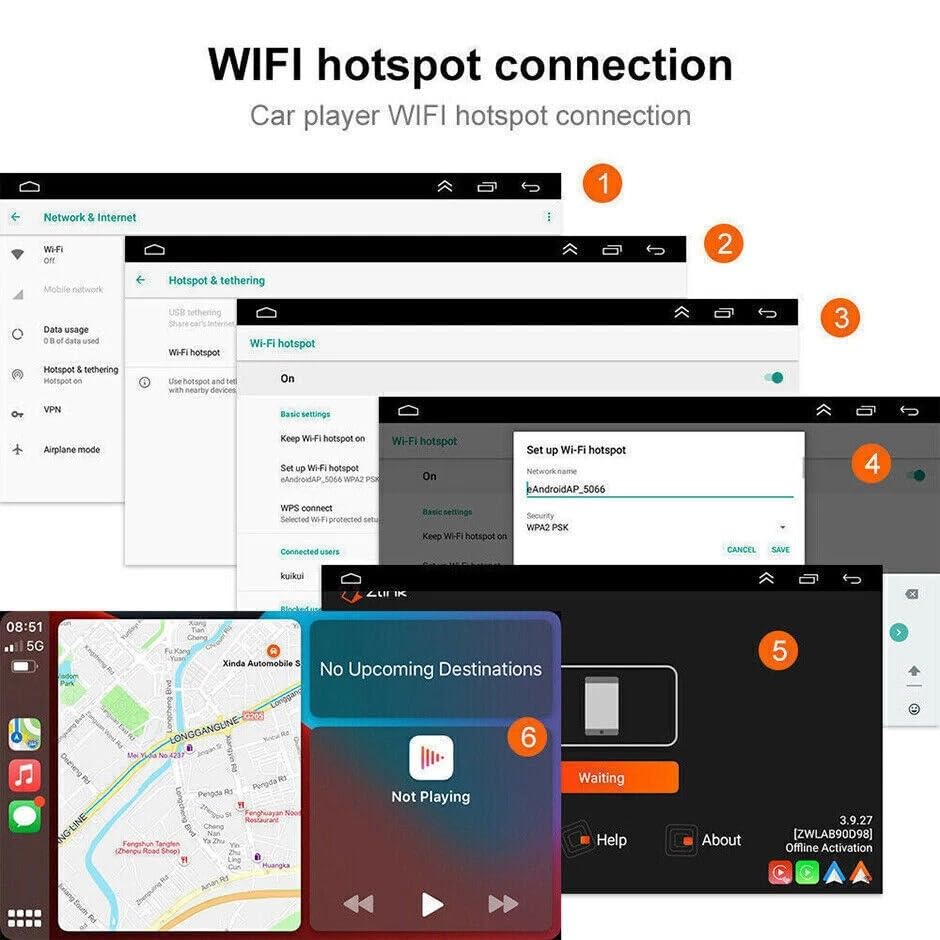
- 【Wired or Wireless Carplay in-vehicle System & Voice Control】一 Car radio for Dodge Grand Caravan 2008-2020 / Dodge Nitro 2007-2012 supports smartphone integration through Apple CarPlay and Android Auto(Wired and Wireless).For wireless,pair via bluetooth or open the Zlink app. For wired, use a USB cable.(Wireless carPlay requires bluetooth connection, iPhone only).
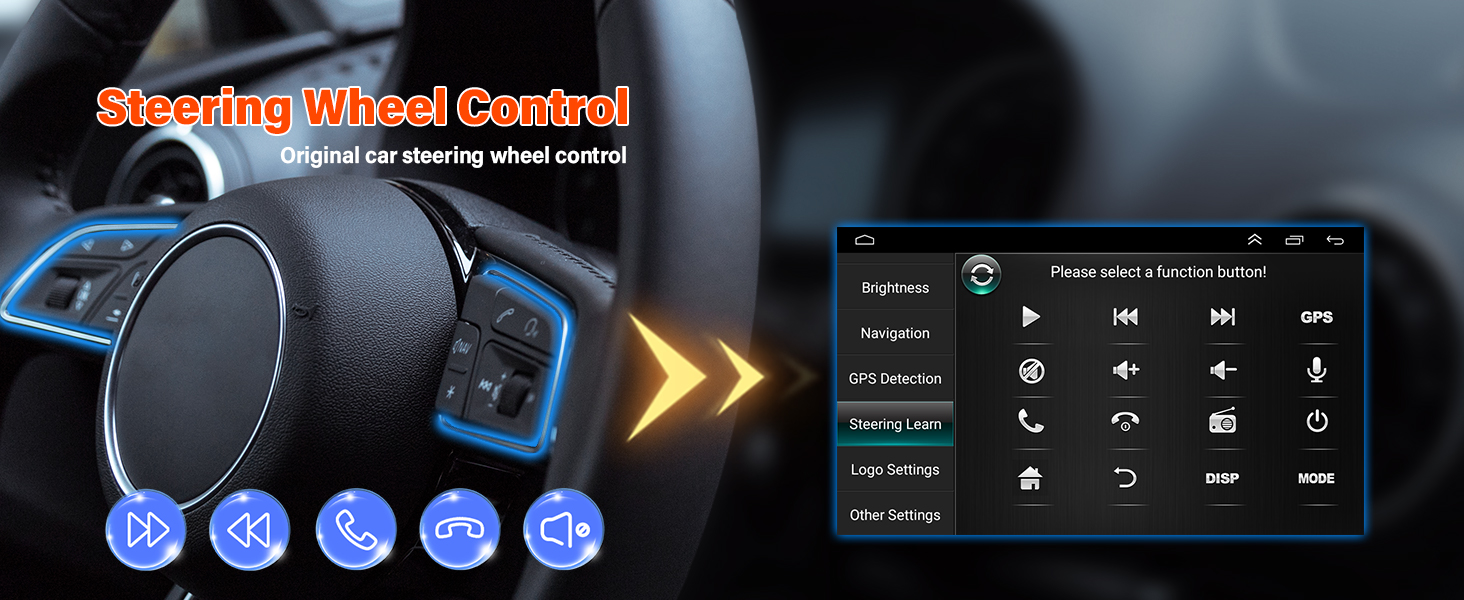
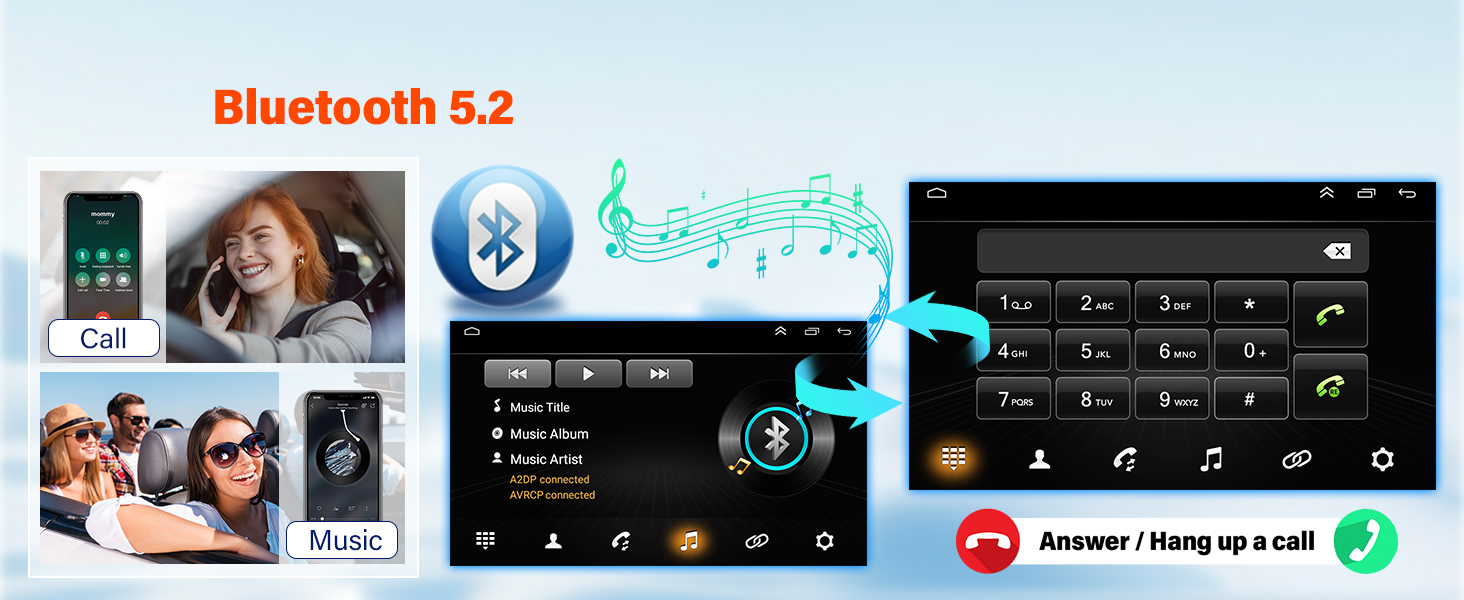
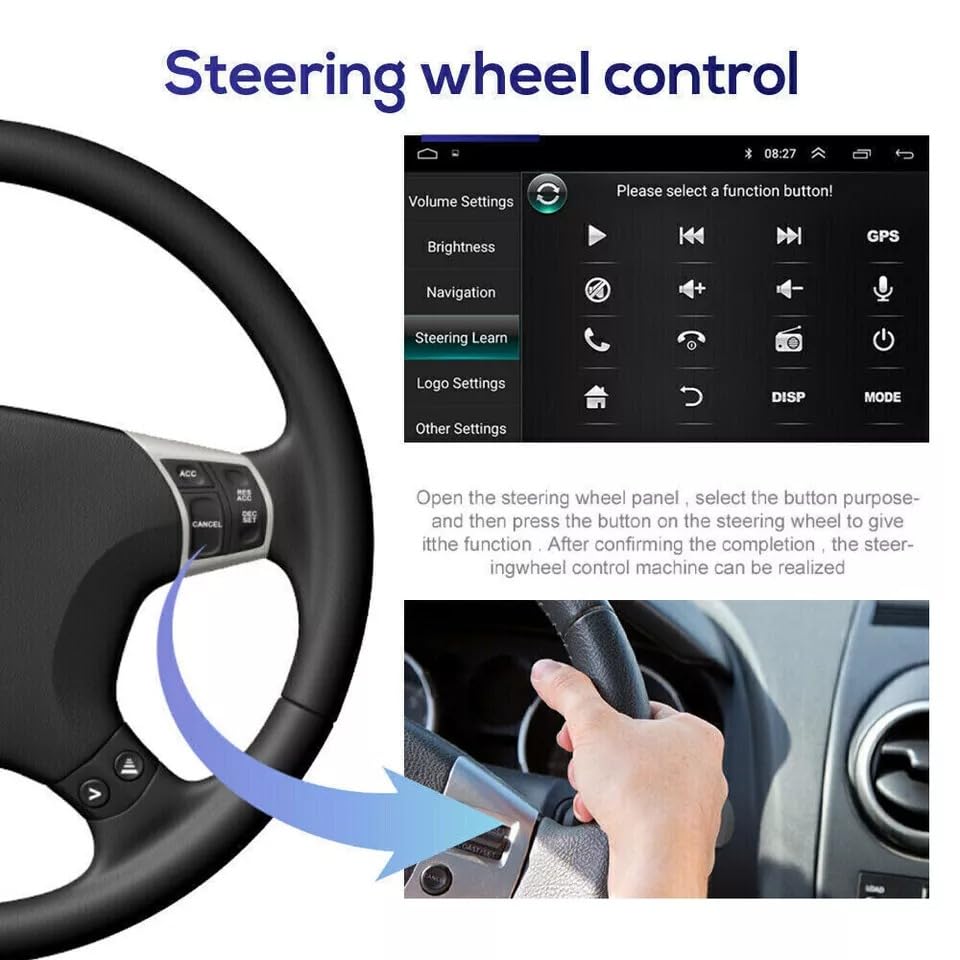
- 【Bluetooth 5.2 & Steering Wheel Control】一 Built-in Bluetooth 5.2 with A2DP, support hand-free calling, Phone book ,easy music switch & volume control. Steering wheel control function allows you to answer calls/change music and adjust volume via steering wheel buttons.
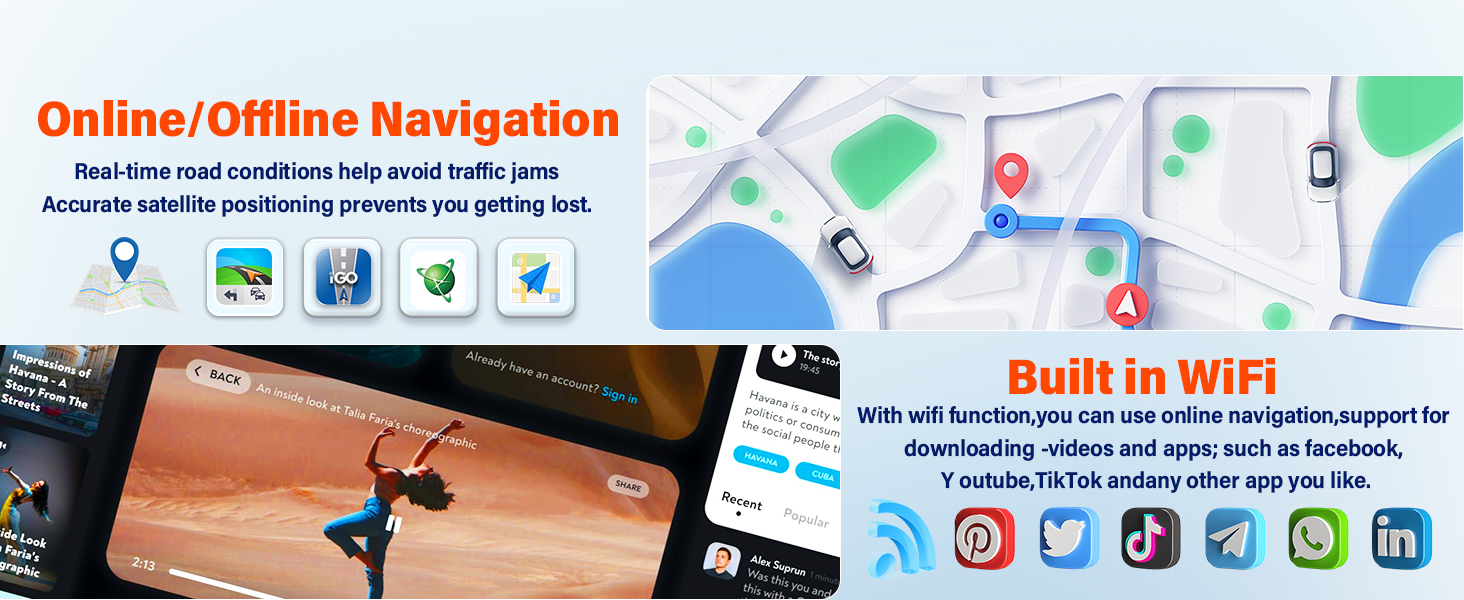
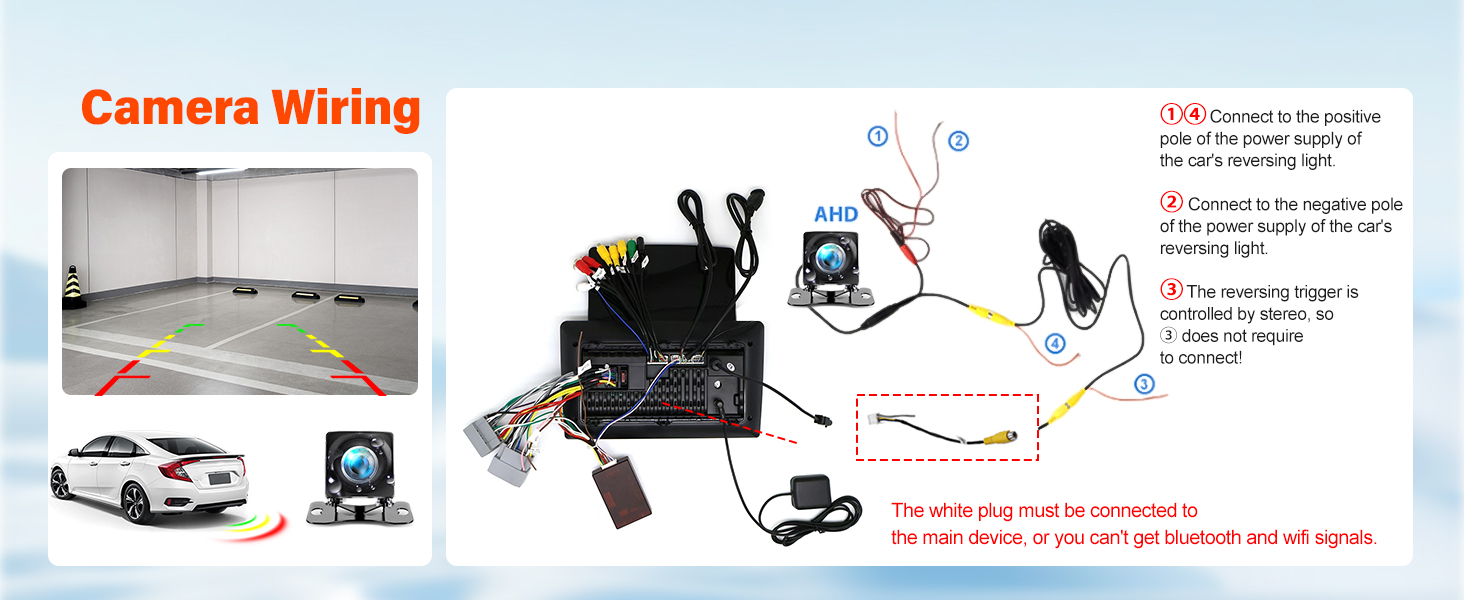
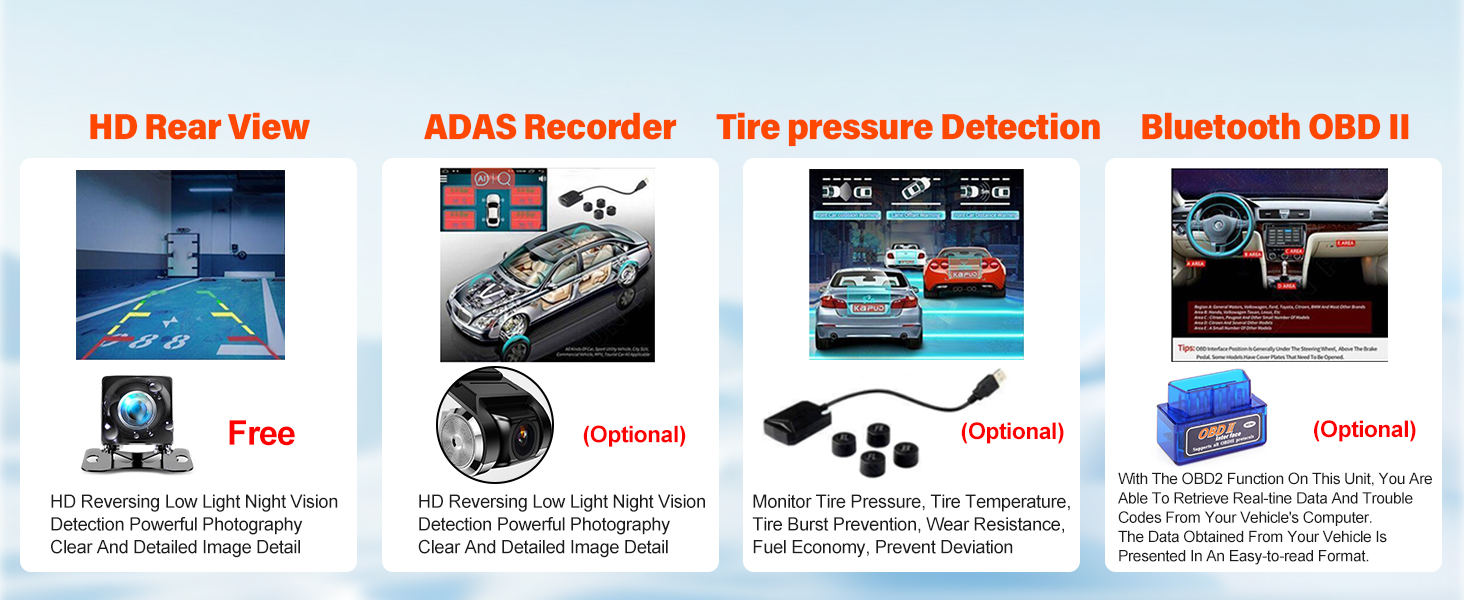
- 【Car In-Dash GPS Navigation Units & Backup Camera】一 For Dodge Grand Caravan 2008-2020 / Dodge Nitro 2007-2012 car audio receiver offers offline and online navigation: use the included GPS module for direct offline navigation or connect to WiFi for online app-based routing.This car system includes a reverse camera (included), with reverse lines automatically appearing when shifting to rear gear.
- 【Multifunctional Player & WiFi Connect】一 Car navigation player also can download apps from the play store, such as YouTube, Tiktok, Spotify, and more.It also supports multi-language switching and includes an external microphone (included).Enjoy sharing your favorite 1080P videos and high-definition photos.
Why the car radio will show "No Signal" when we reversing?
Please check if the camera's line is properly connected to the car radio.
Note: The video port of rear camera must insert the "CAMIN" port of car radio.
Why does the camera display "!" and "Can't watch video while driving" when I use USB to watch videos?
Please turn off the "Video Warning" function in the settings,then will be OK.
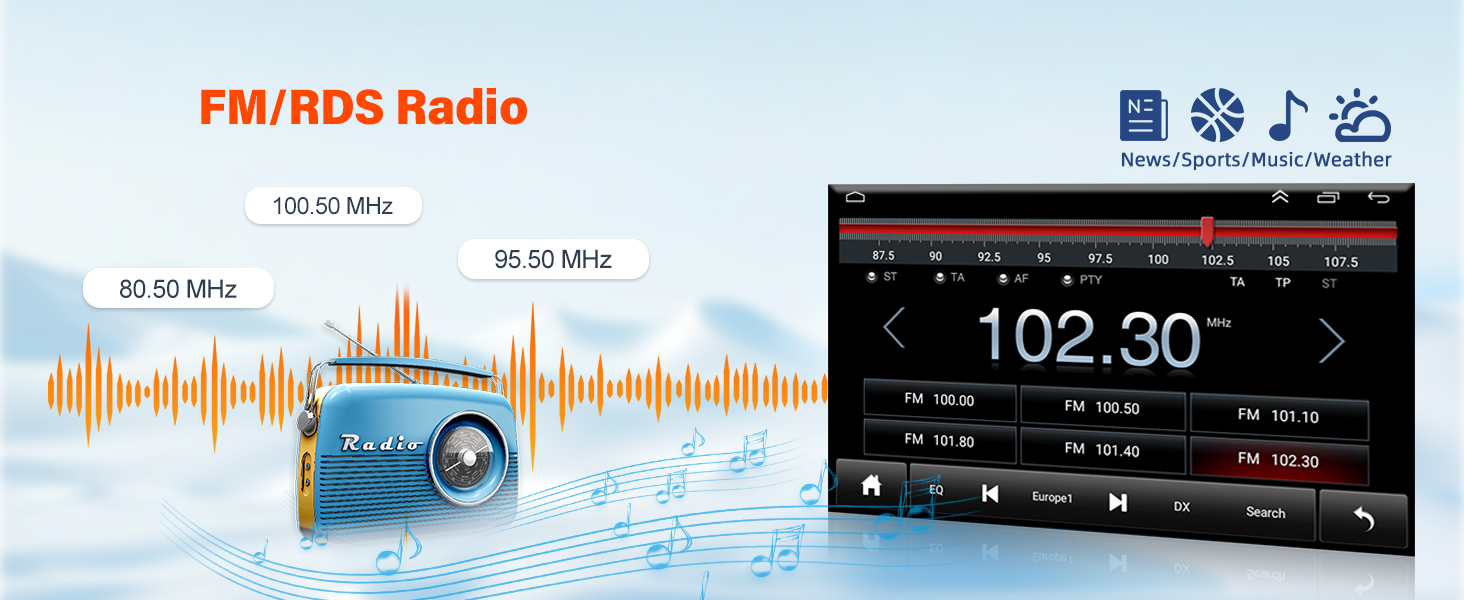
Why can't search FM?
1)Please check if the radio antenna is plugged in. Please make it well contacted.
2)The signal of your location is not good. Please go to a better place to test again.
3)Please replace the radio antenna and test again.
Why can't connect the Bluetooth of car radio?
Open the phone settings interface, open the Bluetooth in the Bluetooth function, search for Bluetooth devices, find the player's Bluetooth model to be paired; if you need a pairing code, enter 0000; if not, try 1234 or 123456.

| SKU: | B0F65M8NHG |
| Weight: | 2.78 pounds |
| Dimensions: | 11.42 x 7.48 x 3.94 inches |
Product description
 Previous page
 Previous page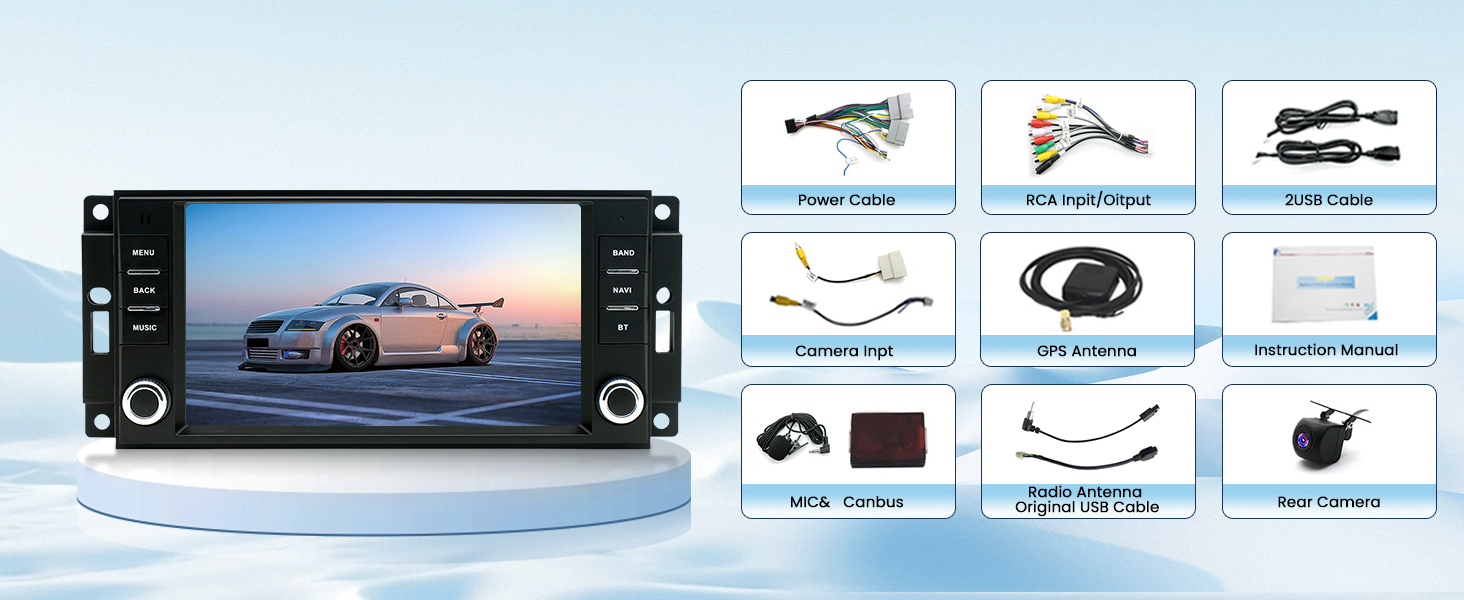
Why the car radio will show “No Signal” when we reversing?
Please check if the camera's line is properly connected to the car radio.
Note: The video port of rear camera must insert the “CAMIN” port of car radio.
Why does the camera display “!” and “Can't watch video while driving” when I use USB to watch videos?
Please turn off the “Video Warning” function in the settings,then will be OK.
Why can't search FM?
1)Please check if the radio antenna is plugged in. Please make it well contacted.
2)The signal of your location is not good. Please go to a better place to test again.
3)Please replace the radio antenna and test again.
Why can't connect the Bluetooth of car radio?
Open the phone settings interface, open the Bluetooth in the Bluetooth function, search for Bluetooth devices, find the player's Bluetooth model to be paired; if you need a pairing code, enter 0000; if not, try 1234 or 123456.