3D Face Recognition Smart Lock with HD Camera & WiFi
3D Face Recognition Smart Lock with HD Camera & WiFi – 7-in-1 Keyless Entry (Fingerprint, Palm Ve, Passcode, IC Card, Tuya App, Doorbell, Key) | Video Intercom | for Front Door Security
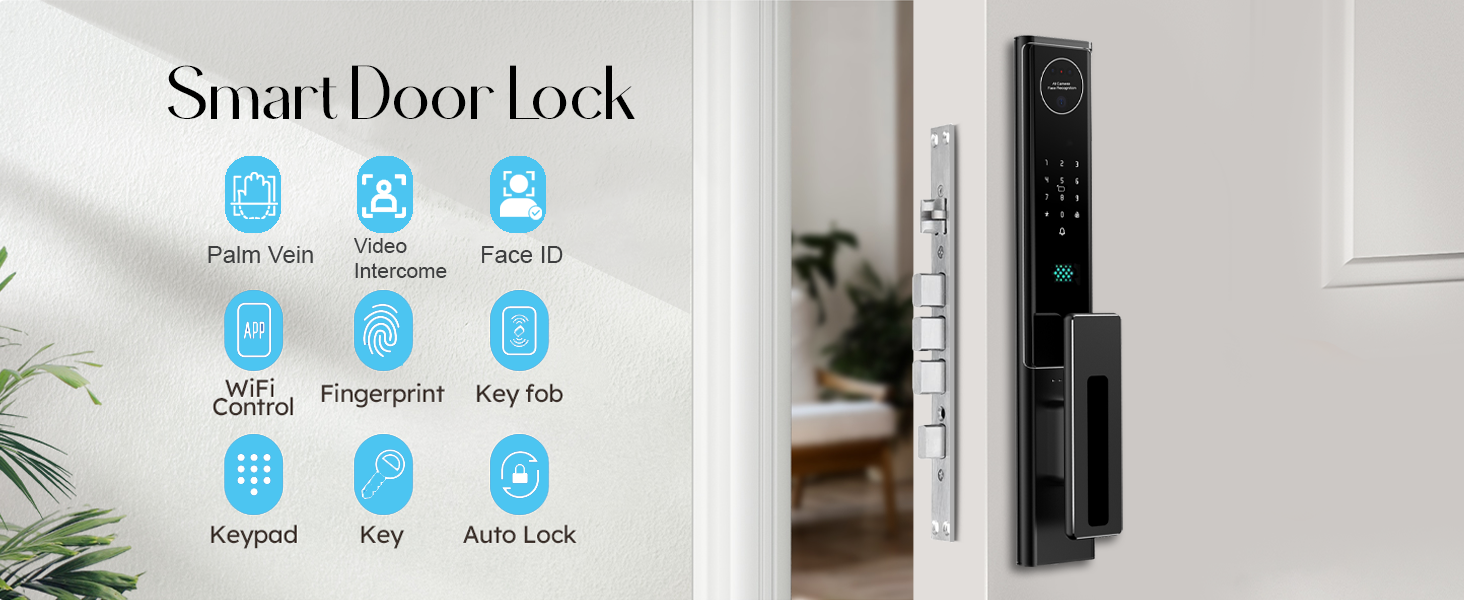
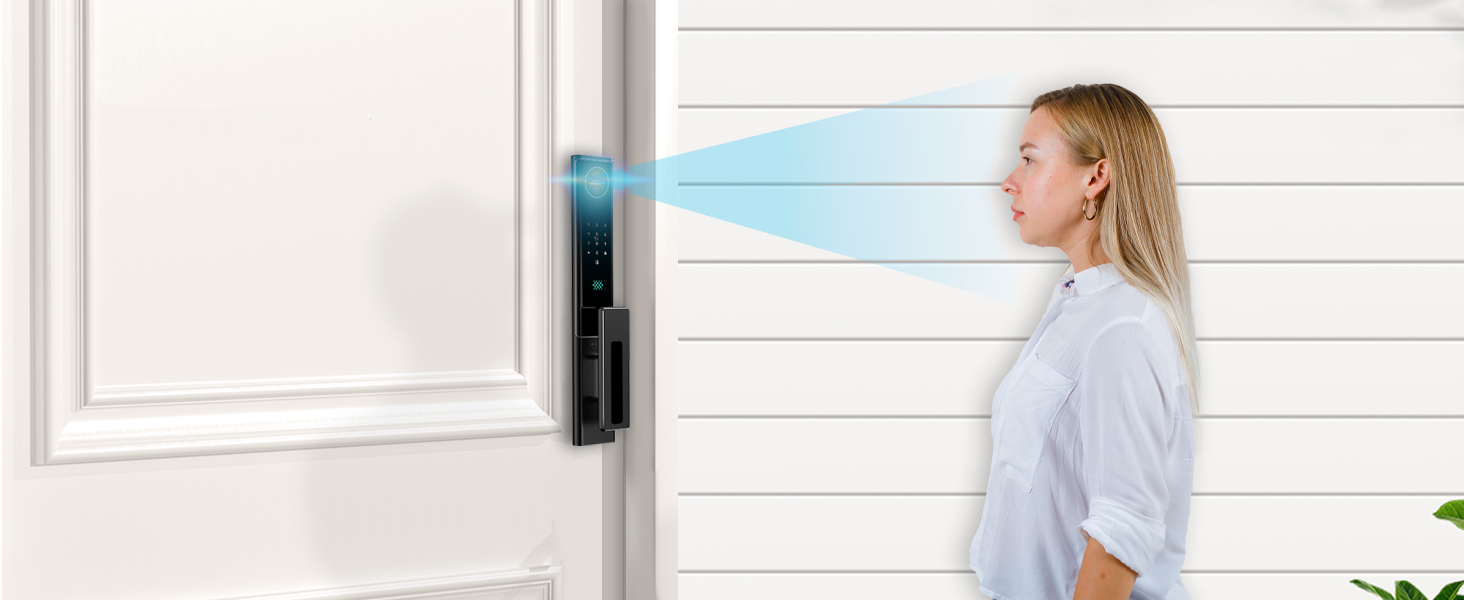
- Unlock with a Glance – AI-Powered 3D Face Recognition Say goodbye to keys forever. This futuristic lock uses infrared 3D Face ID that identifies your face in darkness or daylight, unlocking the door instantly. Supports up to 50 users — just walk up and you're in.
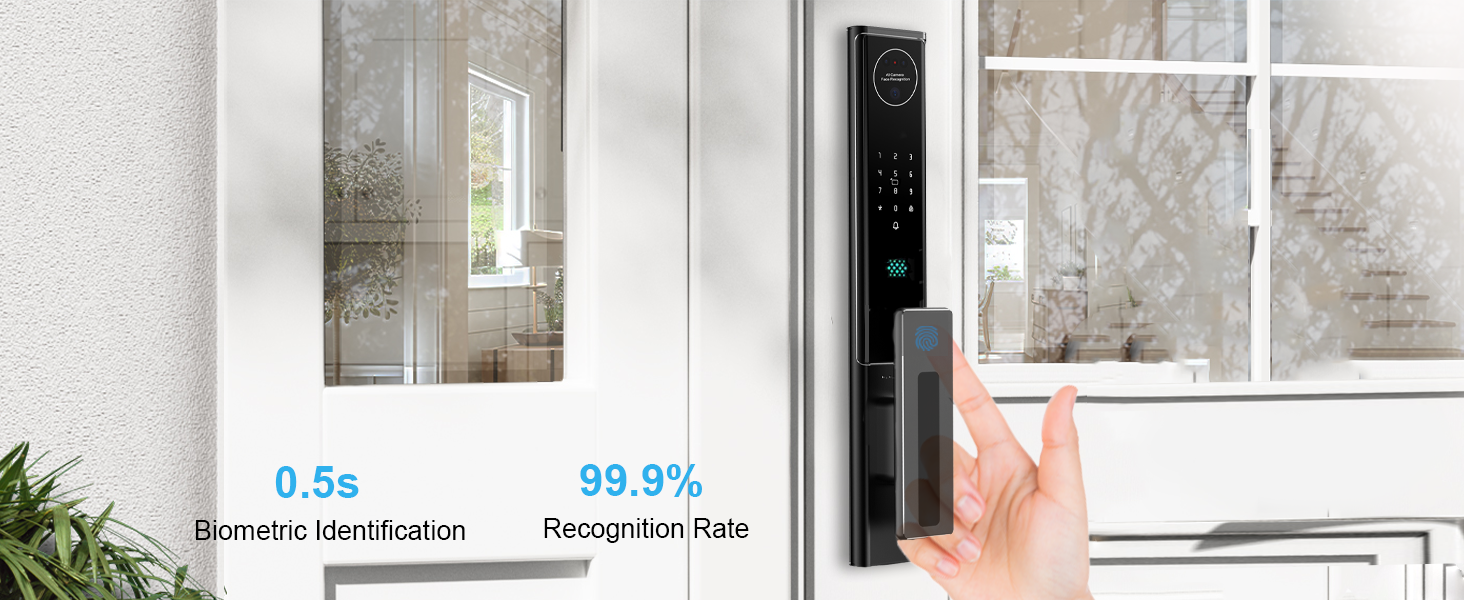
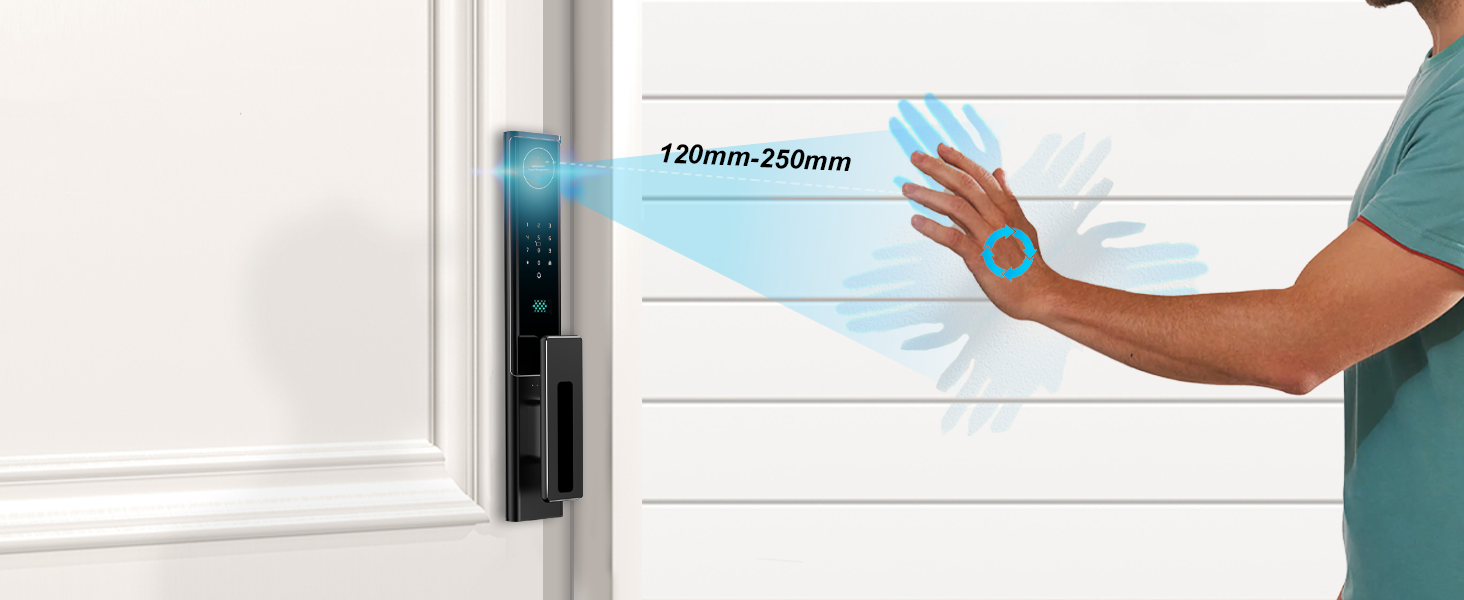
- ✋ Palm Vein Recognition – Contactless, Ultra-Secure Access Your palm becomes your personal key. With 99.99% accuracy, this biometric tech scans your unique vein pattern — impossible to fake, effortless to use. Perfect for kids, seniors, or hygienic access.
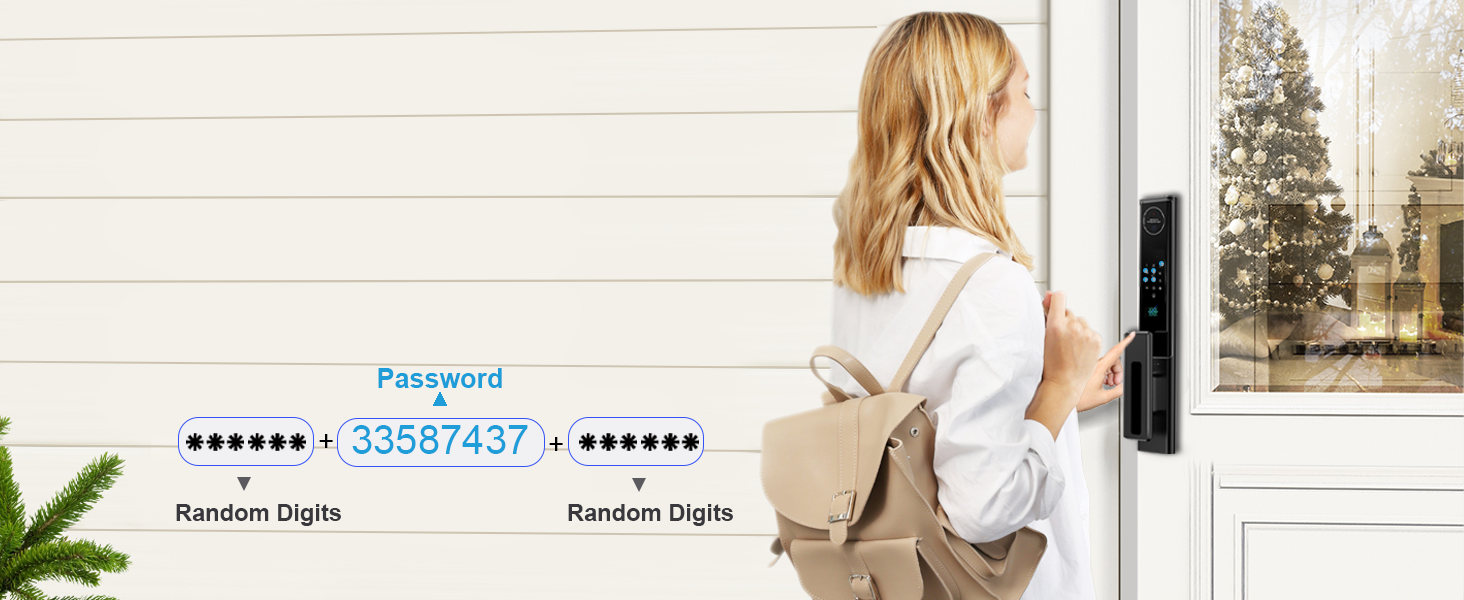
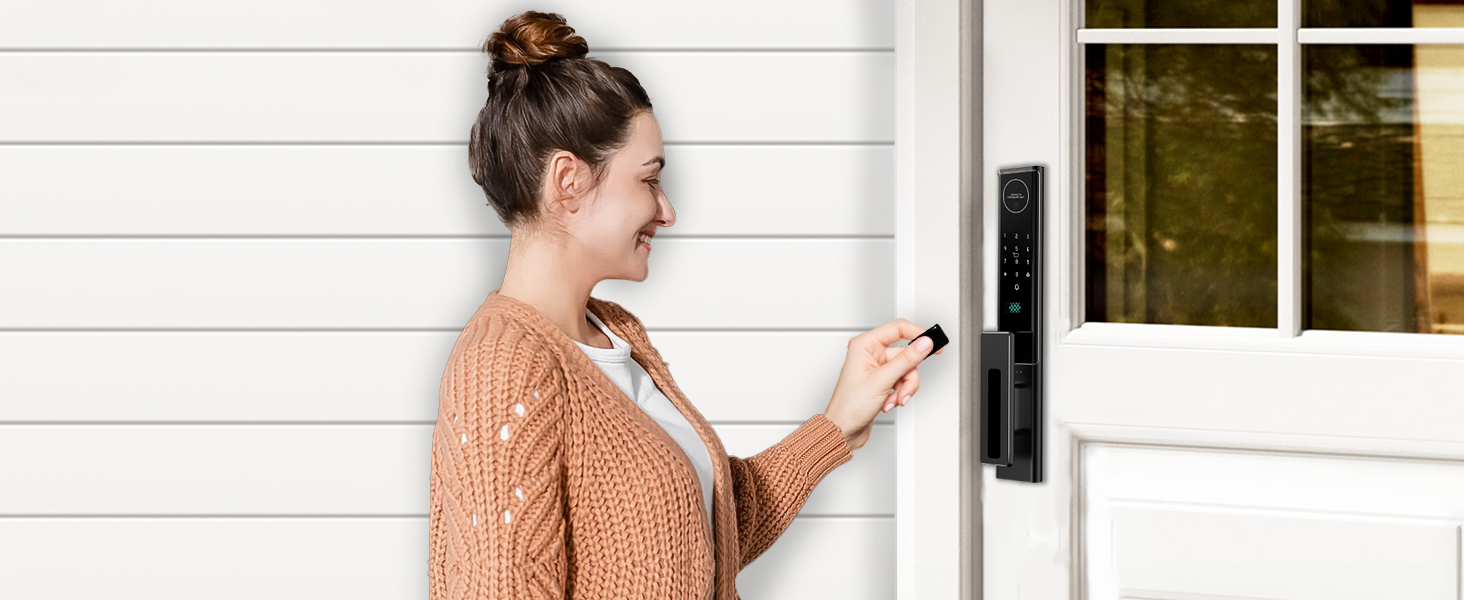
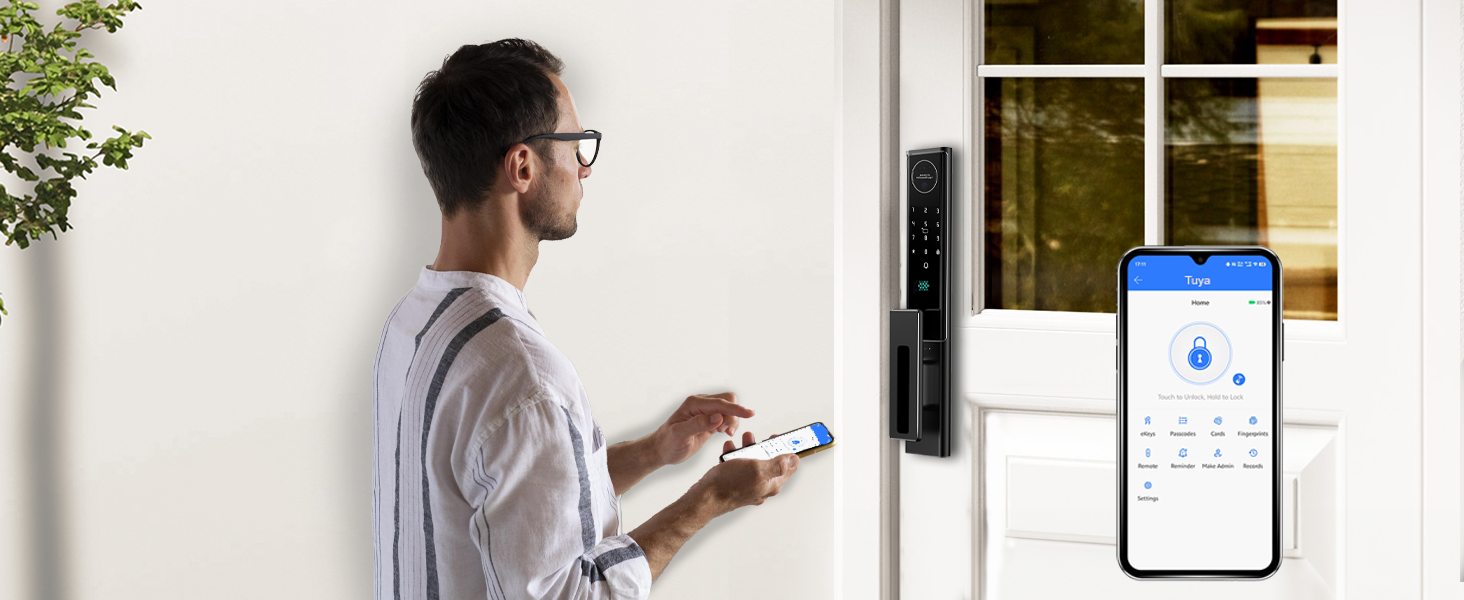
- 7 Smart Unlock Methods – Total Control, One Lock In addition to Face ID and Palm Vein, enjoy secure entry with Fingerprint (0.3s), Anti-Peep Passcode, IC Card, Mechanical Key, and the Tuya Smart App (WiFi). Everyone can unlock their way.
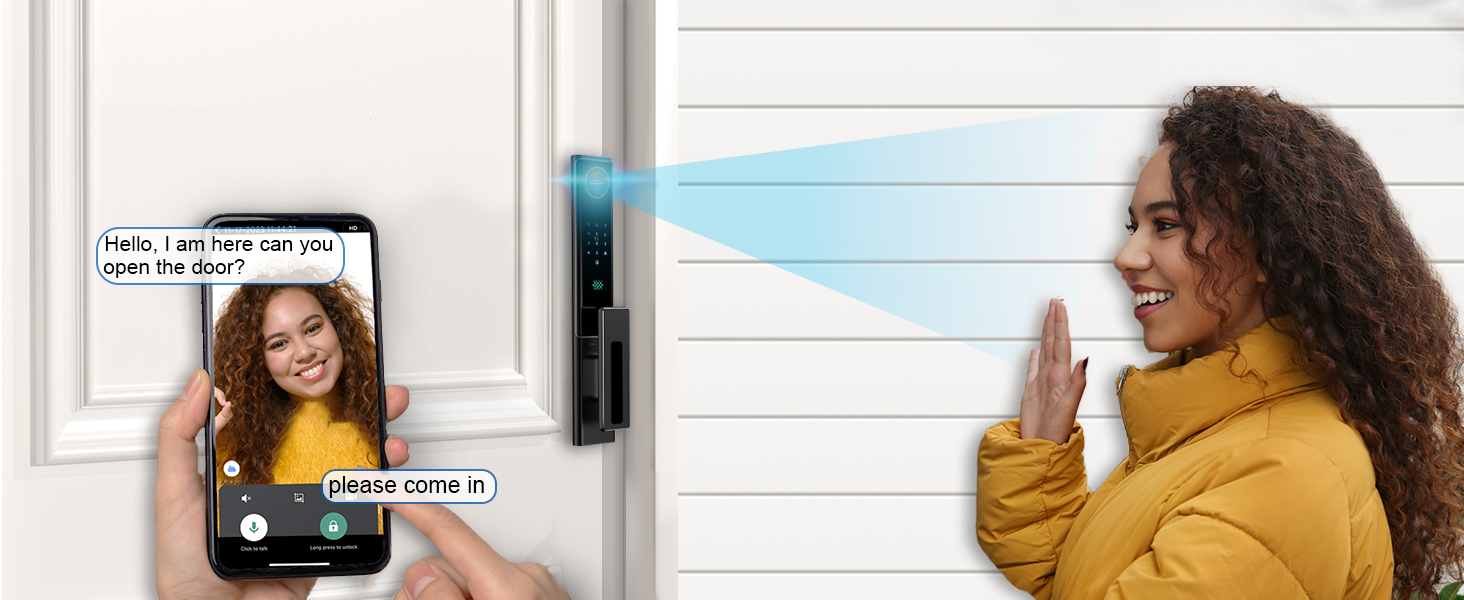
- HD Camera + Live Intercom – See, Speak, Control Remotely View visitors in real time via the 1080P wide-angle camera with night vision. Use two-way audio from anywhere through the Tuya App for ultimate convenience and peace of mind
- Instant Mtion Alerts & Smart Doorbell – Always Know Who's There PIR motion detection triggers real-time alerts and video clips to your phone. Stay one step ahead of every visitor, delivery, or unexpected guest.
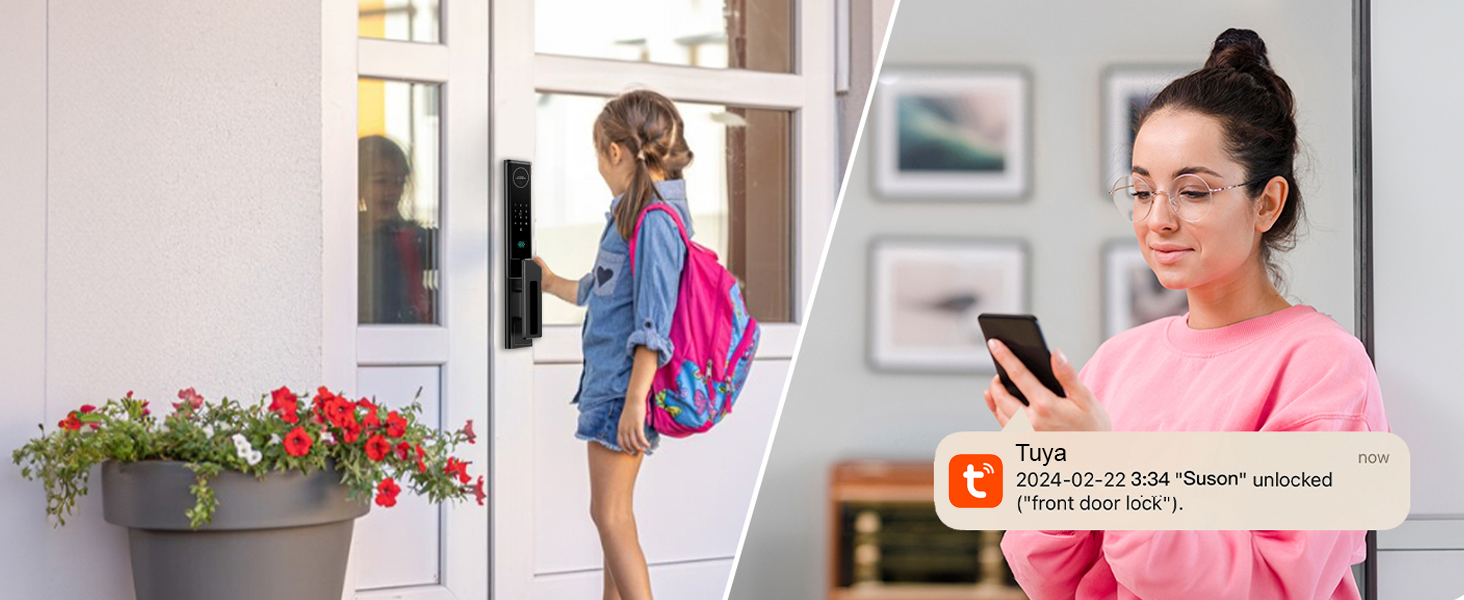
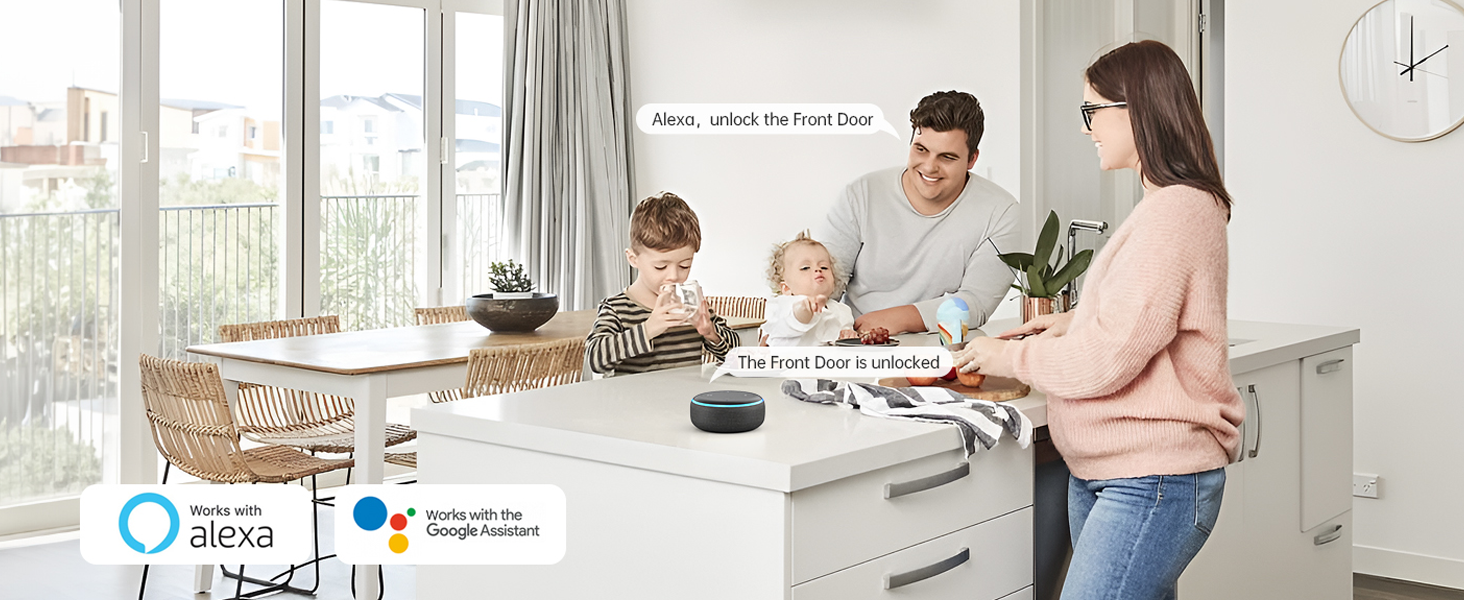
- 2.4GHz WiFi + Alexa Voice Control – Smart Living, Simplified Manage your lock remotely via the Tuya App or hands-free with Alexa. Lock, unlock, check logs, get alerts — all from your phone or voice.
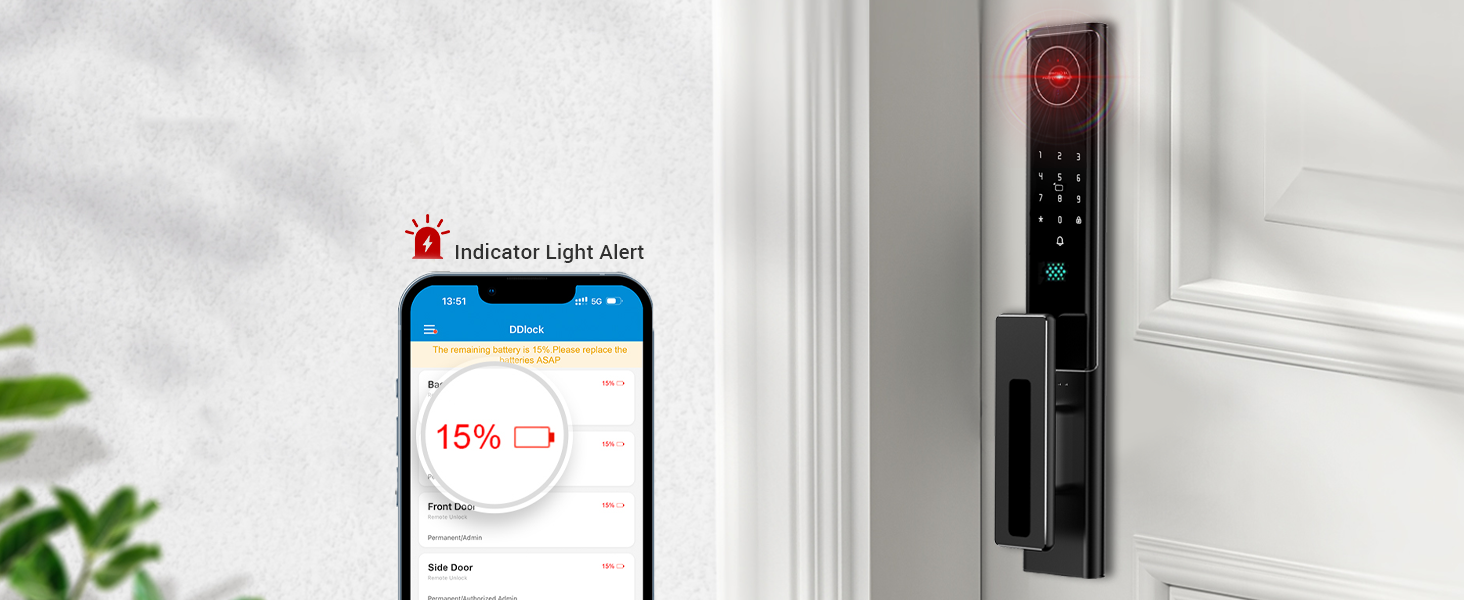
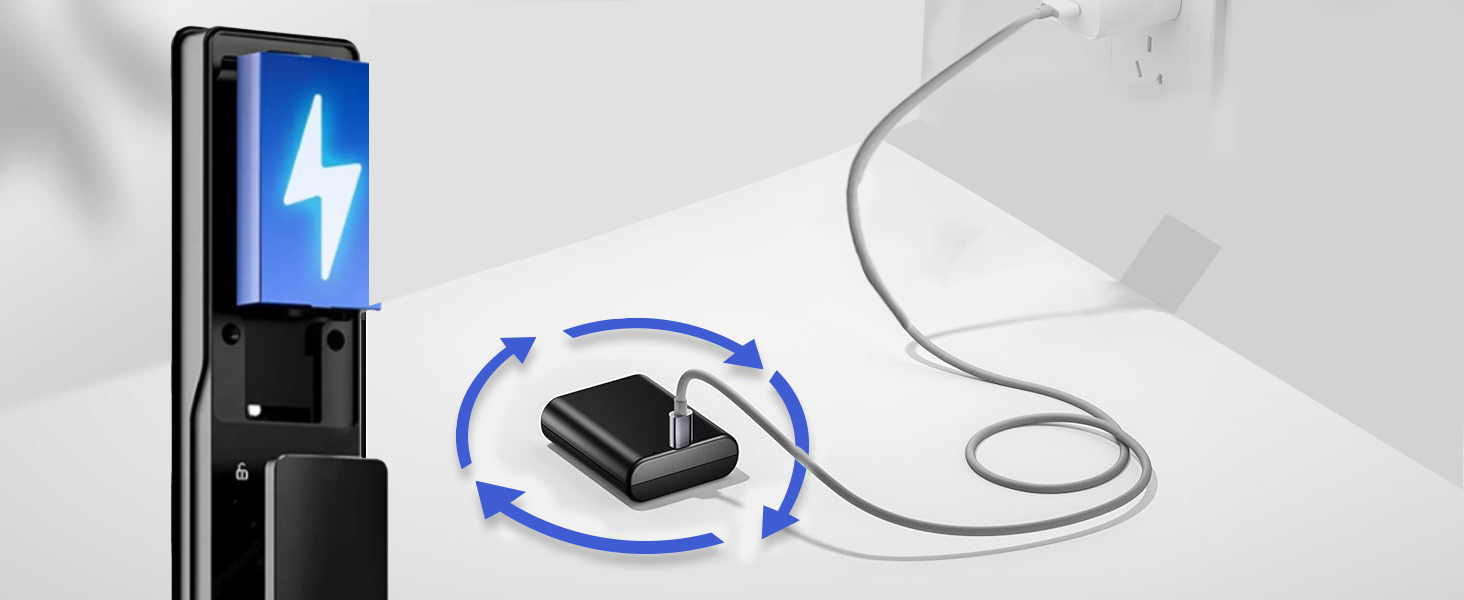
- . Long-Lasting 4200mAh Rechargeable Battery Up to 12 months of powerful performance per charge. Features USB-C emergency charging and low-battery reminders for uninterrupted protection
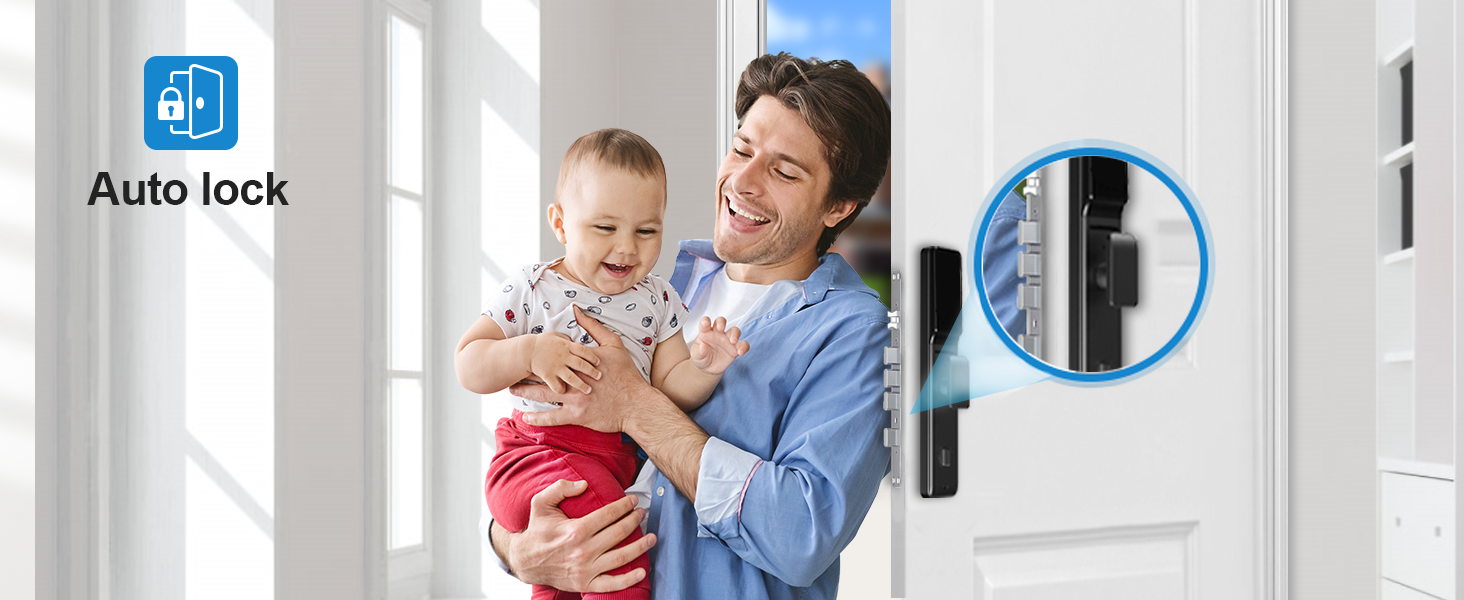
- . Auto-Lock + Anti-Tamper Defense Set your own auto-lock timer (5s–3min) and enjoy AES-256 encryption, titanium anti-drill deadbolt, and 105dB tamper alarm. Smart, secure, and proactive.
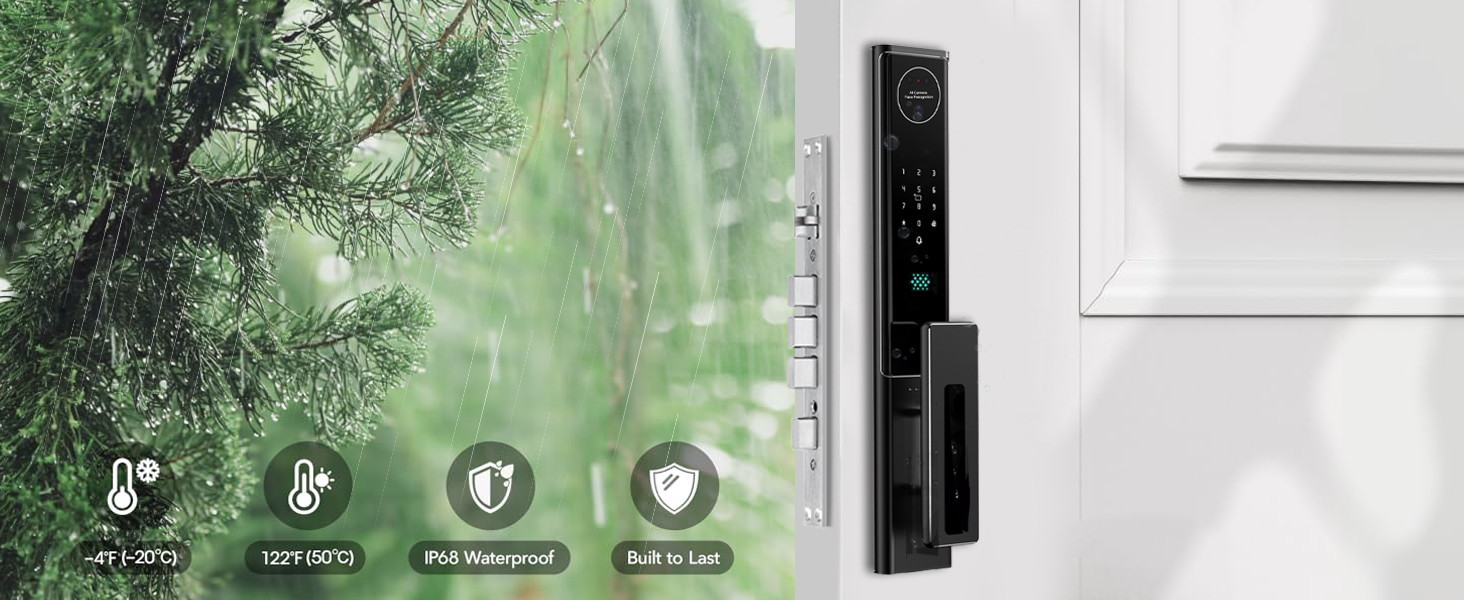
- Premium Aluminum Alloy + 6068 Mortise for Strong Protection Crafted with high-strength materials built to withstand force and weather. IP65-rated for durability in any condition.
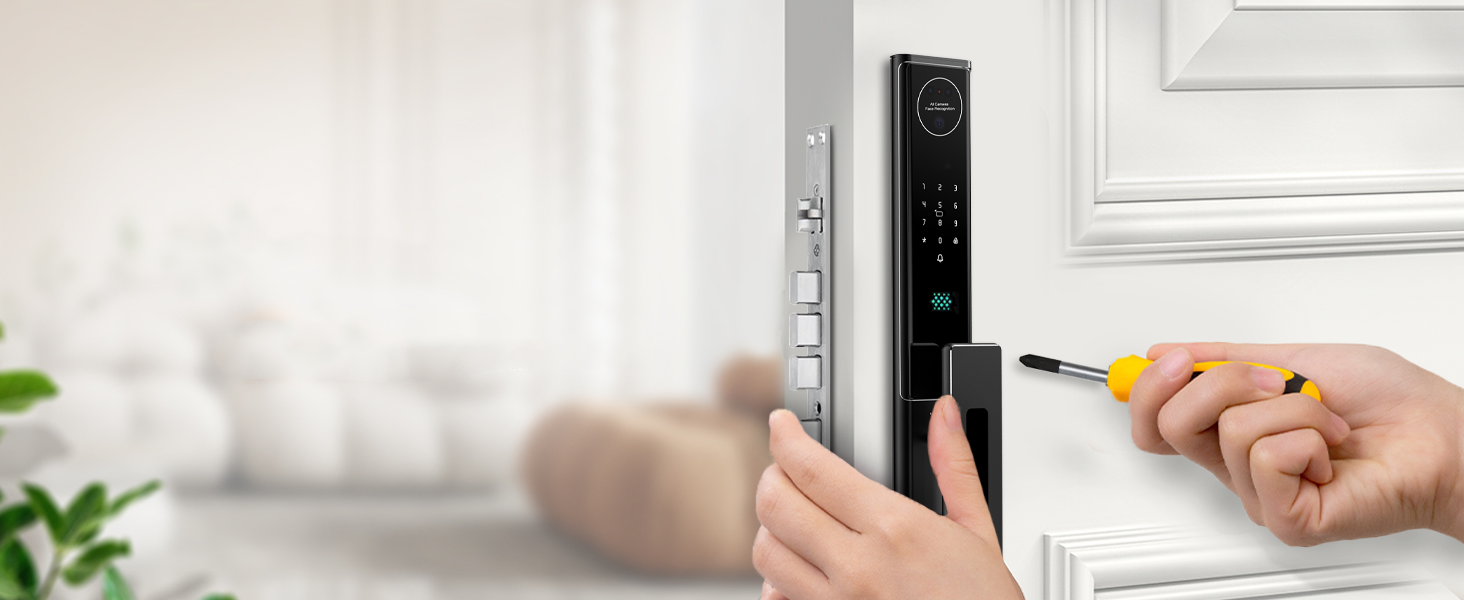
- ️ 15-Minute DIY Installation – No Wiring, No Tools Needed Fits standard doors (45–90mm). Comes with all accessories and instructions. You’ll go from unboxing to secure in no time.
Modern smart door lock with multiple access options
Control access effortlessly with cutting-edge biometric and digital technology
Passcode Access
Simple access using a password
Biometric identification
Fingerprint Protection for Your Home
Card Access
IC Card Lock Simplifies Access
Palm Vein Identification
Palm Recognition Lock
Smart Access
Face Recognition Makes Access Effortless
Secure home entry with modern technology
Video Intercom: See Who's at the Door, Anywhere
Smart Video Intercom System for Secure Home Entry
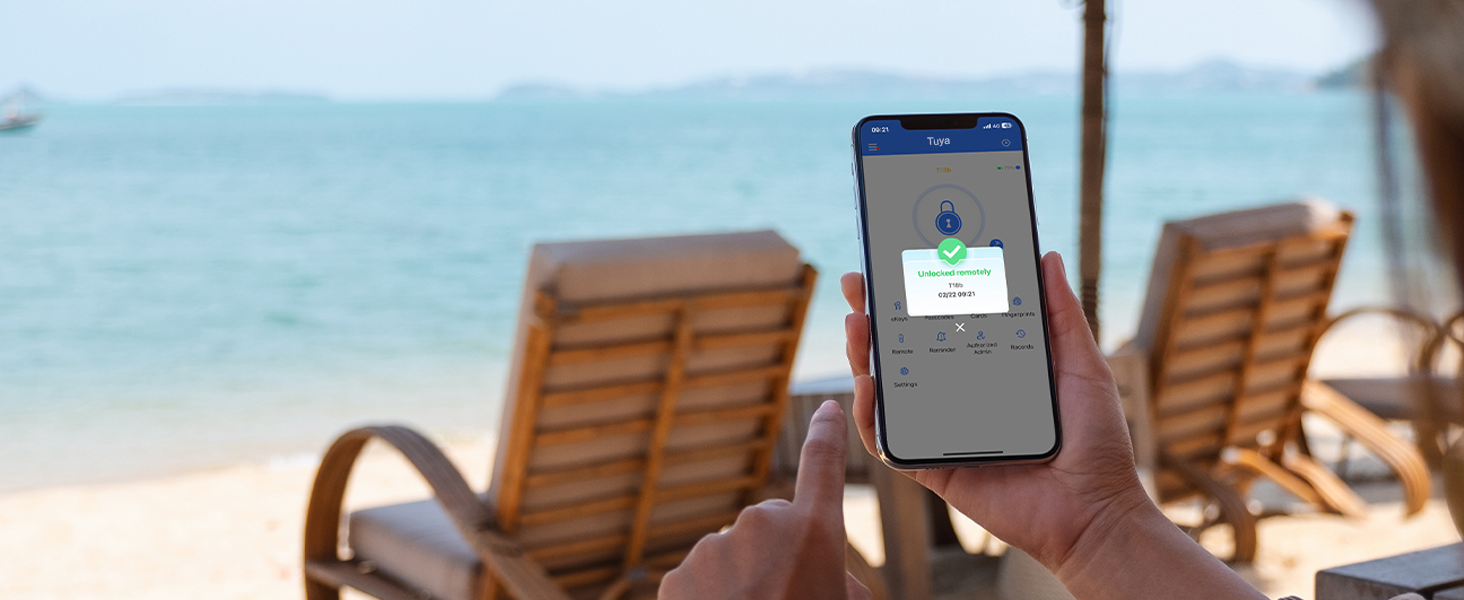
Mobile App Access
Explore Smart Lock App Options
Tuya Smart Lock
Upgrade Your Home Security with Tuya Smart Door Lock
Access Management
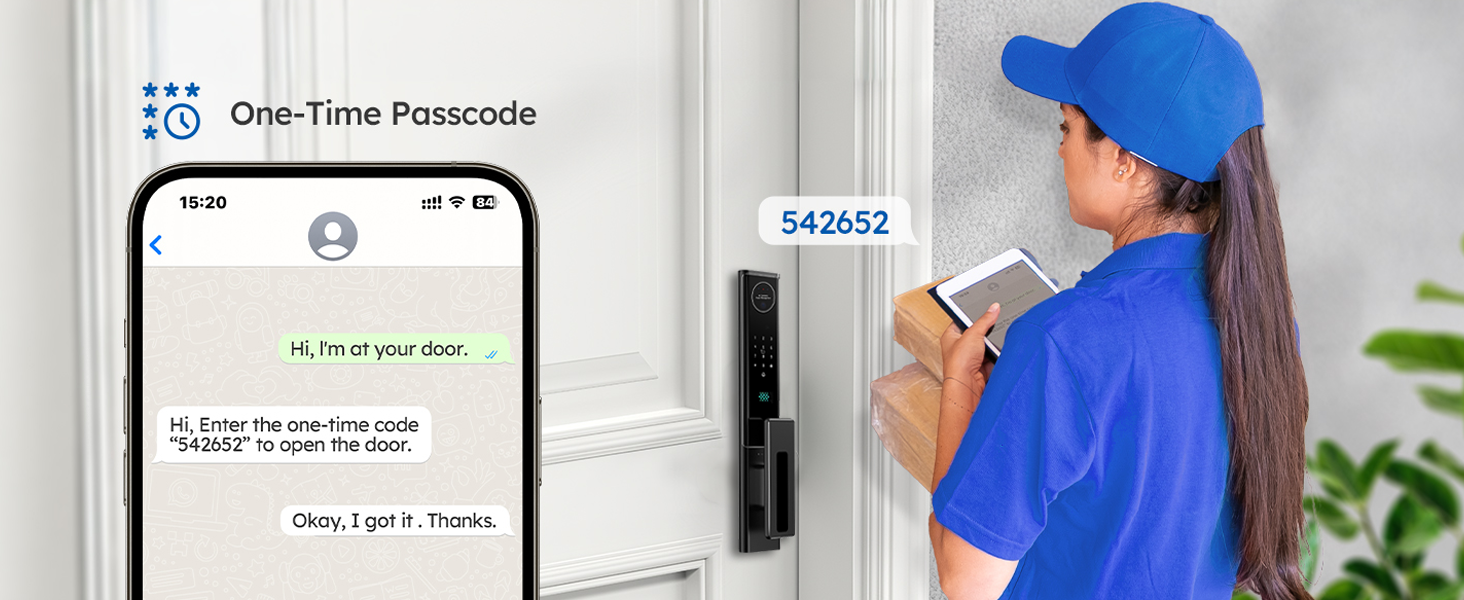
Control Your Home: Smart Access, Simplified Living
Door Unlocked Remotely via Passcode
Automatic Door Lock
Automated Entry: Smart Lock for Easy Access
Smart door lock with multi-factor authentication for advanced security
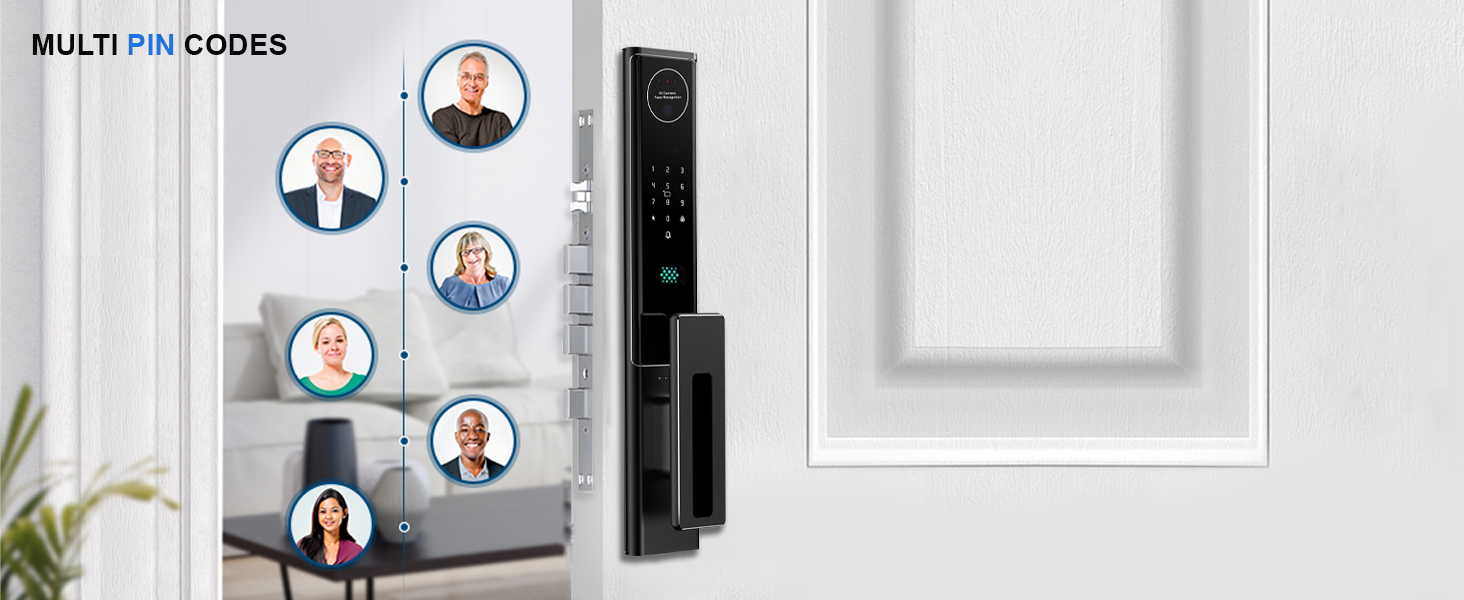
Multi-User Access
Smart Lock with Multi-PIN Codes & Face Recognition
Effortless Install
Installing Advanced Smart Lock, Enhanced Security
Weatherproof Smart Lock
All-Weather Smart Lock, Secure & Safe
Low Battery Alert
Replace Your Smart Lock Battery and Avoid Getting Stuck Outside!
Emergency USB
Smart lock charges via USB
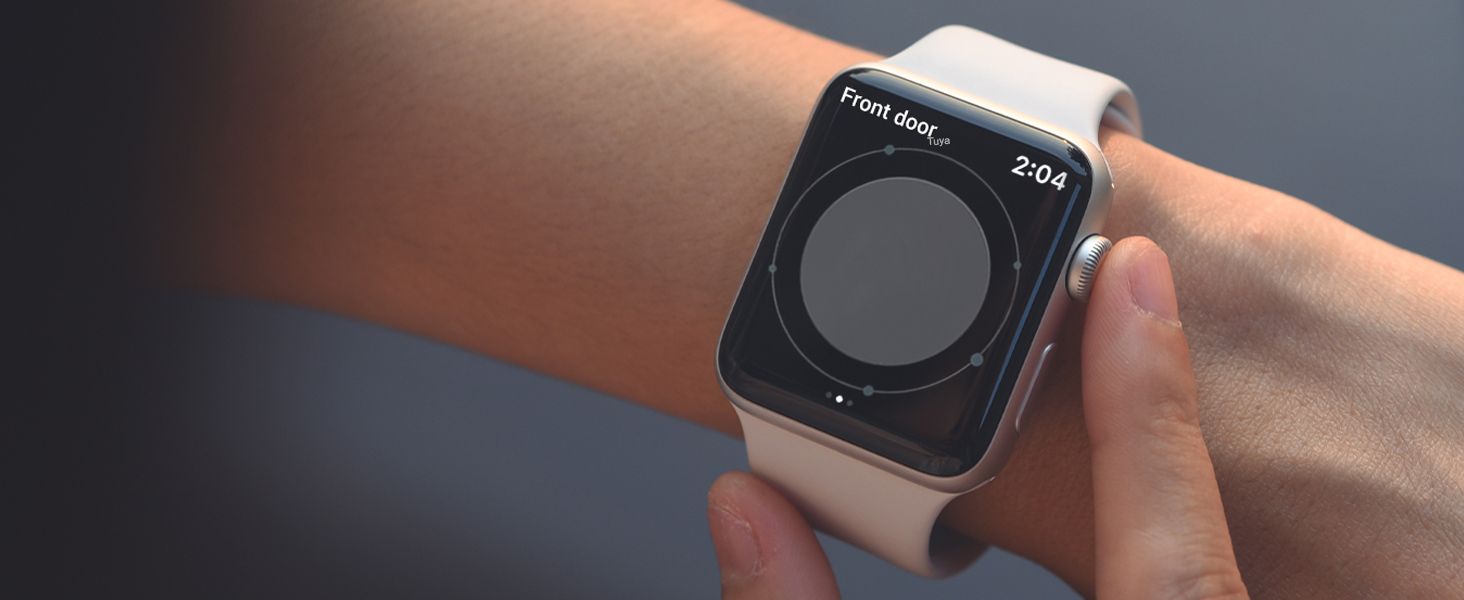
Smart Watch
Door Lock Alerts
Voice-Controlled
Alexa-Enabled Smart Home Makes Life Easier
Secure Access
Enhancing Convenience and Security for Users
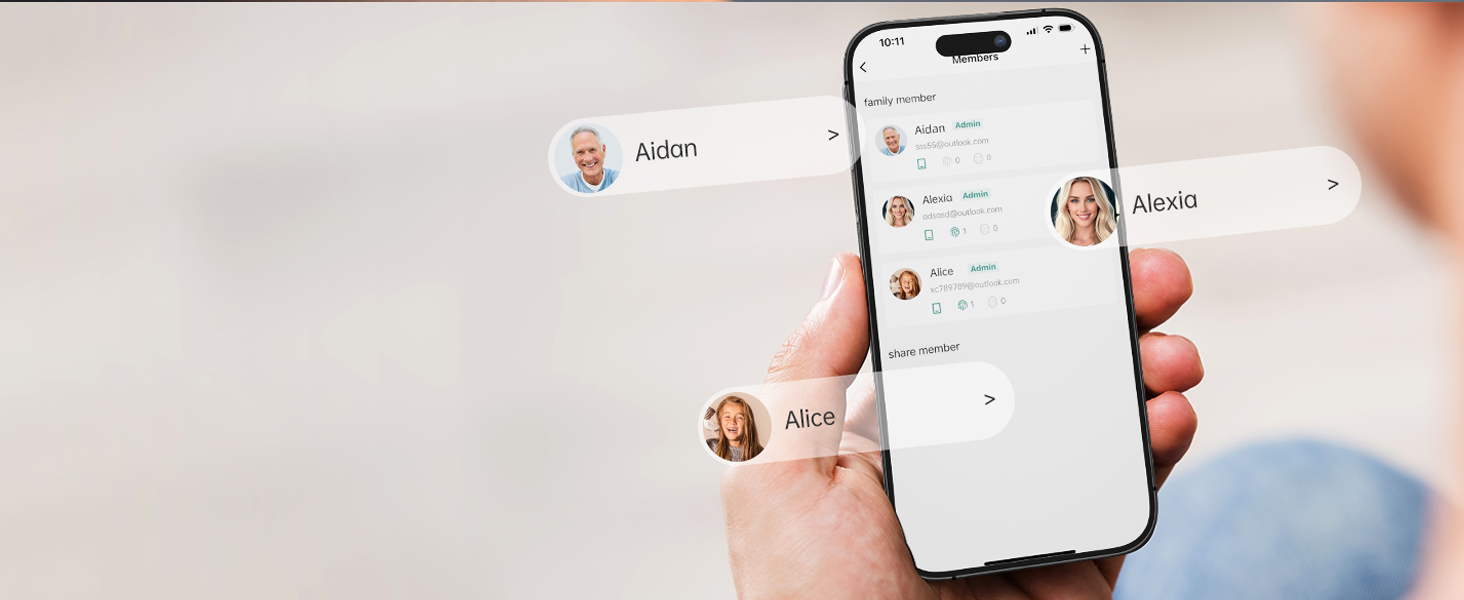
App-Controlled
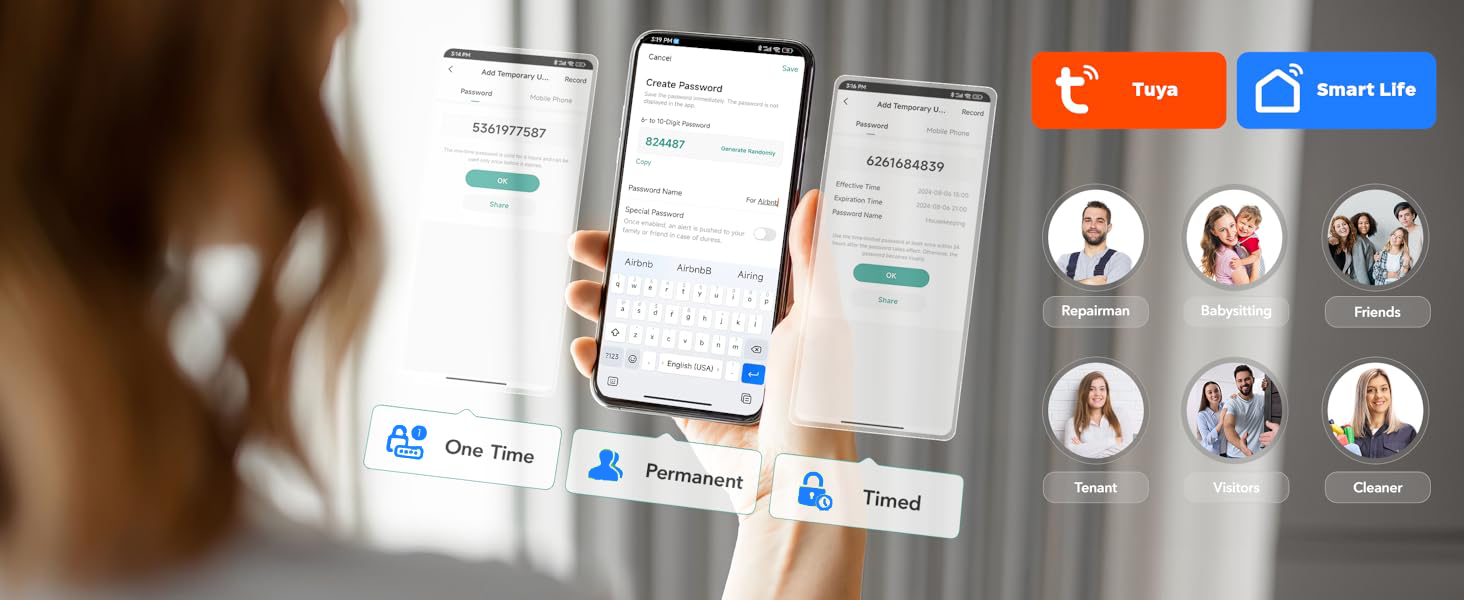
Share Access Securely: Smart Lock with App, User Profiles & Multiple User
Smart Access
Stay in Control: Monitoring Your Smart Lock from Anywhere
Multi-User Access
Easy for Everyone, No Matter Their Age or Ability
Total control at your fingertips. Secure your property with ease.
1 Alexa 2 Remote Control 3 Remote Access 4 Access Log 5 Effortless AccessComparison between the Smart Door Lock
| Add to Cart | |||||
| Customer Reviews | — | 4.0 out of 5 stars9 | 3.3 out of 5 stars6 | 3.9 out of 5 stars7 | 3.5 out of 5 stars40 |
| Price | — | $219.99$219.99 | — | — | — |
| 3D Face Recognition | ✔ | ✔ | ✔ | ✔ | ✔ |
| Finger/Pass/Card/Key Access | ✔ | ✔ | ✔ | ✔ | ✔ |
| Palm Ve Access | ✔ | ✘ | ✘ | ✘ | ✘ |
| App Name | Tuya App | Tuya App | USmart Go App | USmart Go App | USmart Go App |
| Remote Access | ✔ | ✔ | ✔ | ✔ | ✔ |
| Video Doorbell | ✔ | ✔ | ✔ | ✔ | ✔ |
| Weatherproof | ✔ | ✔ | ✔ | ✔ | ✔ |
| Power Supply | 4200mAh Li-ion recharg battery | 3200mAh Li-ion recharg battery | 3200mAh Li-ion recharg battery | 4200mAh Li-ion recharg battery | 4200mAh Li-ion recharg battery |
| Intercom | ✔ | ✔ | ✘ | ✔ | ✔ |
| Auto-Locking | ✔ | ✔ | ✔ | ✔ | ✔ |
| Compatible with Alexa | ✔ | ✔ | ✔ | ✔ | ✔ |
| Uses | Outdoor | Outdoor | Outdoor | Outdoor | Outdoor |
How do you get the User Guide for Configuration and Installation or Template Diagram?
You will Find the user manual through the Physical Guide are available inside the Lock Box or by Contacting us
How to change the Motor Direction?
press "888 #" to adjust the direction, there is motor setting in the menu,
Press "1" open direct (Left or Right) switch the direction of the Door
How to change the Language of Lock (User Interface) From Chinese to English?
Press "*", "#" Enter Admin Password then "#", Press "3" System Setting then Press "2" Select Language then Choose "English"
How to Check the Status of your Network Connection to link the Lock to App (If you have a problem with the connection)?
– Turn on mobile Wi-Fi and Bluetooth
– WIFI 2.4G, not 5G or others
– Take the Smart lock near to the router
If above does not work, reset the router, or use another mobile to connect
| SKU: | B0FD9T5ZPH |
| Weight: | 10.14 pounds |
| Dimensions: | 10 x 4 x 2 inches |
| Model: | F46YA-N |
| Colour: | Black |
| Pack Quantity: | 1 |
| Batteries Required: | Yes |
| Manufacture: | Wenzhou Goking Trade Co., Ltd. |
| Colour: | Black |
| Quantity: | 1 |
Product Description
Modern smart door lock with multiple access options

Control access effortlessly with cutting-edge biometric and digital technology
Previous page
Passcode Access
Simple access using a password
Biometric identification
Fingerprint Protection for Your Home
Card Access
IC Card Lock Simplifies Access
Palm Vein Identification
Palm Recognition Lock
Smart Access
Face Recognition Makes Access Effortless


Secure home entry with modern technology
Previous pageVideo Intercom: See Who's at the Door, Anywhere
Smart Video Intercom System for Secure Home Entry
Mobile App Access
Explore Smart Lock App Options
Tuya Smart Lock
Upgrade Your Home Security with Tuya Smart Door Lock
Access Management
Control Your Home: Smart Access, Simplified Living
Door Unlocked Remotely via Passcode
Automatic Door Lock
Automated Entry: Smart Lock for Easy Access


Smart door lock with multi-factor authentication for advanced security
Previous pageMulti-User Access
Smart Lock with Multi-PIN Codes & Face Recognition
Effortless Install
Installing Advanced Smart Lock, Enhanced Security
Weatherproof Smart Lock
All-Weather Smart Lock, Secure & Safe
Low Battery Alert
Replace Your Smart Lock Battery and Avoid Getting Stuck Outside!
Emergency USB
Smart lock charges via USB
Smart Watch
Door Lock Alerts


Voice-Controlled
Alexa-Enabled Smart Home Makes Life Easier
Secure Access
Enhancing Convenience and Security for Users
App-Controlled
Share Access Securely: Smart Lock with App, User Profiles & Multiple User
Smart Access
Stay in Control: Monitoring Your Smart Lock from Anywhere
Multi-User Access
Easy for Everyone, No Matter Their Age or Ability


Total control at your fingertips. Secure your property with ease.
Comparison between the Smart Door Lock
 F46YA, Smart Door Lock Buying Options |  Rl14, Smart Door Lock |  Rl12, Smart Door Lock Buying Options |  Rl13, Smart Door Lock Buying Options |  F22WA, Smart Door Lock Buying Options | |
|---|---|---|---|---|---|
| Customer Reviews | — | 4.0 out of 5 stars9 | 3.3 out of 5 stars6 | 3.9 out of 5 stars7 | 3.5 out of 5 stars40 |
| Price | — | $219.99 | — | — | — |
| 3D Face Recognition | ✔ | ✔ | ✔ | ✔ | ✔ |
| Finger/Pass/Card/Key Access | ✔ | ✔ | ✔ | ✔ | ✔ |
| Palm Ve Access | ✔ | ✘ | ✘ | ✘ | ✘ |
| App Name | Tuya App | Tuya App | USmart Go App | USmart Go App | USmart Go App |
| Remote Access | ✔ | ✔ | ✔ | ✔ | ✔ |
| Video Doorbell | ✔ | ✔ | ✔ | ✔ | ✔ |
| Weatherproof | ✔ | ✔ | ✔ | ✔ | ✔ |
| Power Supply | 4200mAh Li-ion recharg battery | 3200mAh Li-ion recharg battery | 3200mAh Li-ion recharg battery | 4200mAh Li-ion recharg battery | 4200mAh Li-ion recharg battery |
| Intercom | ✔ | ✔ | ✘ | ✔ | ✔ |
| Auto-Locking | ✔ | ✔ | ✔ | ✔ | ✔ |
| Compatible with Alexa | ✔ | ✔ | ✔ | ✔ | ✔ |
| Uses | Outdoor | Outdoor | Outdoor | Outdoor | Outdoor |
How do you get the User Guide for Configuration and Installation or Template Diagram?
You will Find the user manual through the Physical Guide are available inside the Lock Box or by Contacting us
How to change the Motor Direction?
press “888 #” to adjust the direction, there is motor setting in the menu,
Press “1” open direct (Left or Right) switch the direction of the Door
How to change the Language of Lock (User Interface) From Chinese to English?
Press “*”, “#” Enter Admin Password then “#”, Press “3” System Setting then Press “2” Select Language then Choose “English”
How to Check the Status of your Network Connection to link the Lock to App (If you have a problem with the connection)?
– Turn on mobile Wi-Fi and Bluetooth
– WIFI 2.4G, not 5G or others
– Take the Smart lock near to the router
If above does not work, reset the router, or use another mobile to connect