10.1 Inch Smart Digital Calendar Planner & Chore Chart, IPS
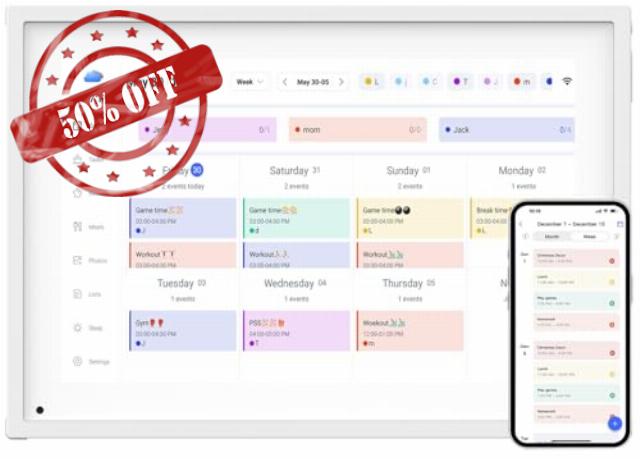
10.1 Inch Smart Digital Calendar Planner & Chore Chart, IPS HD Touchscreen Interactive Display for Family Schedules, Streamline Household Organization – Built-in Digital Picture Frames Function
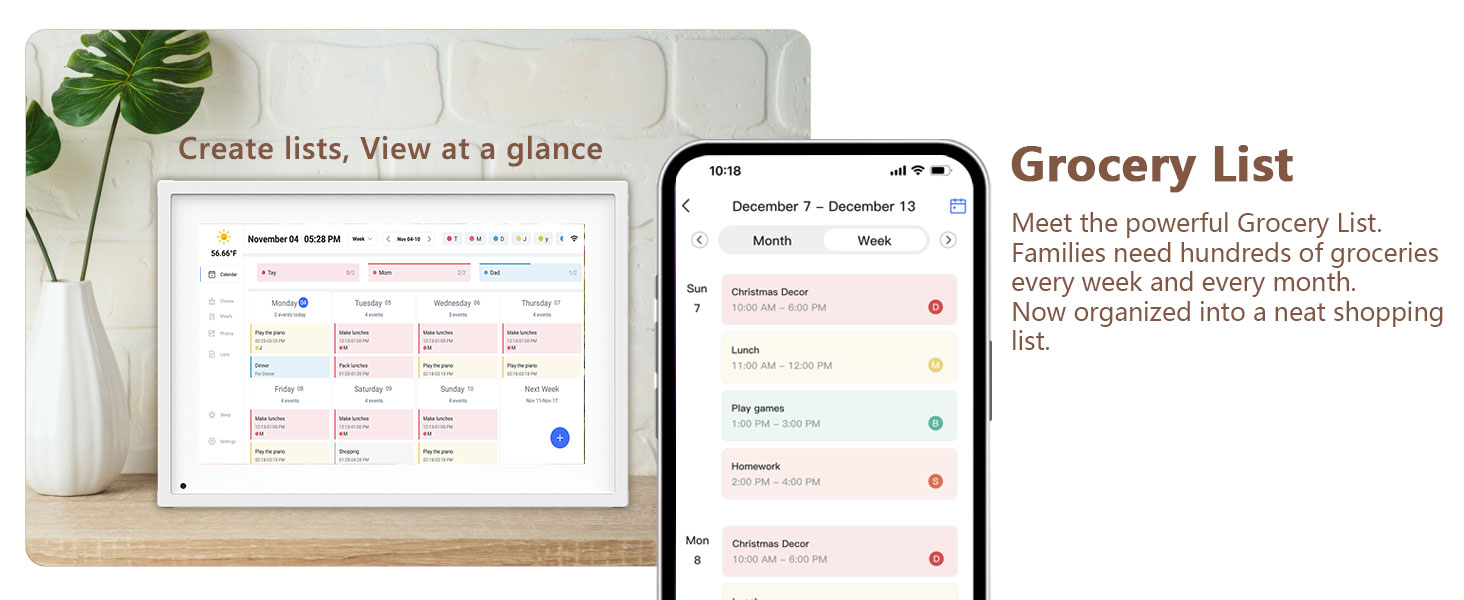
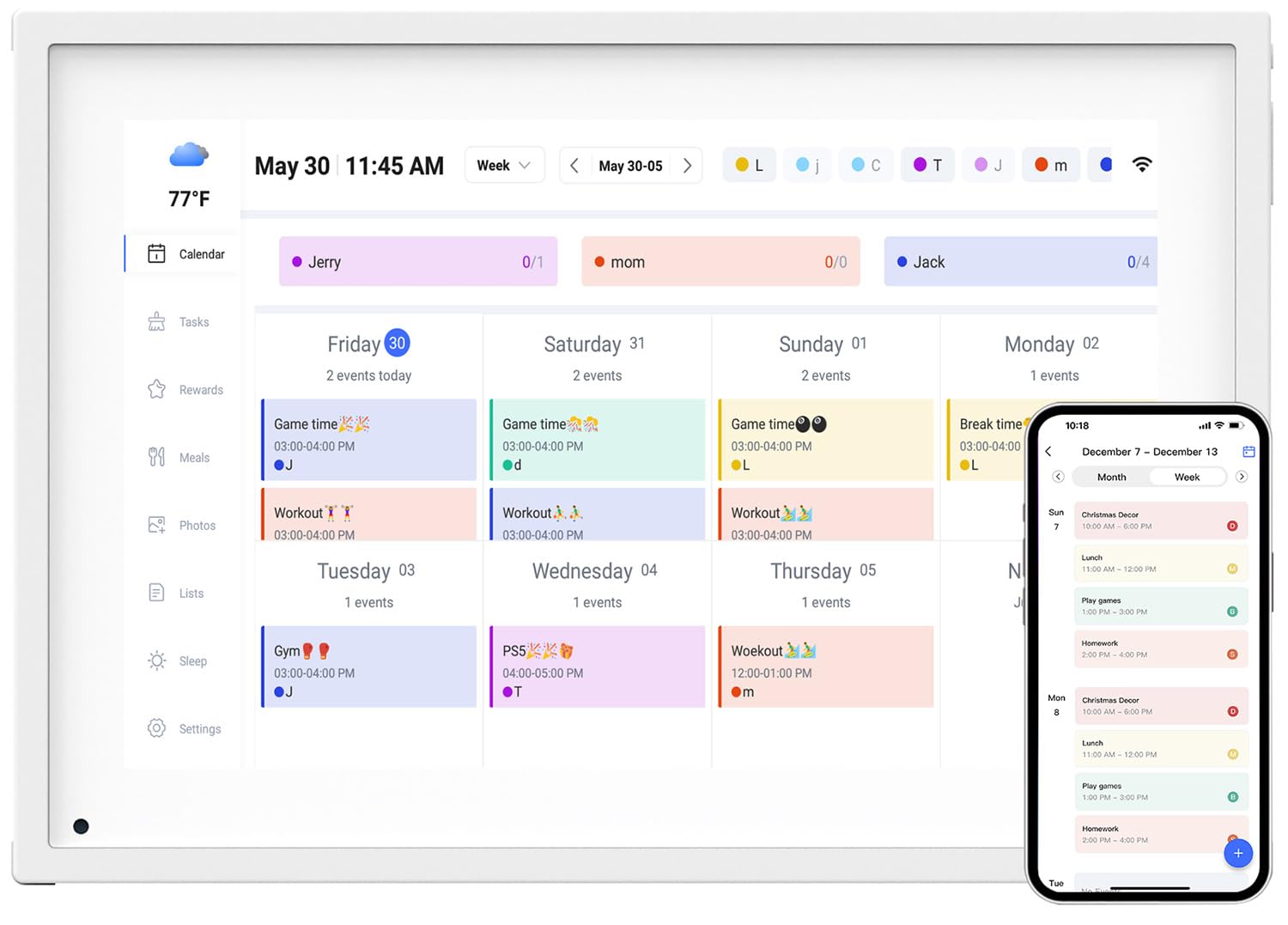
- The Ultimate Smart Family Planner: A WiFi-enabled digital calendar and smart touchscreen organizer designed to simplify family scheduling. Assign unique colors and tasks to each family member for seamless coordination. Perfect as your reliable 2025 wall calendar and beyond in the future, keeping everyone in sync effortlessly.
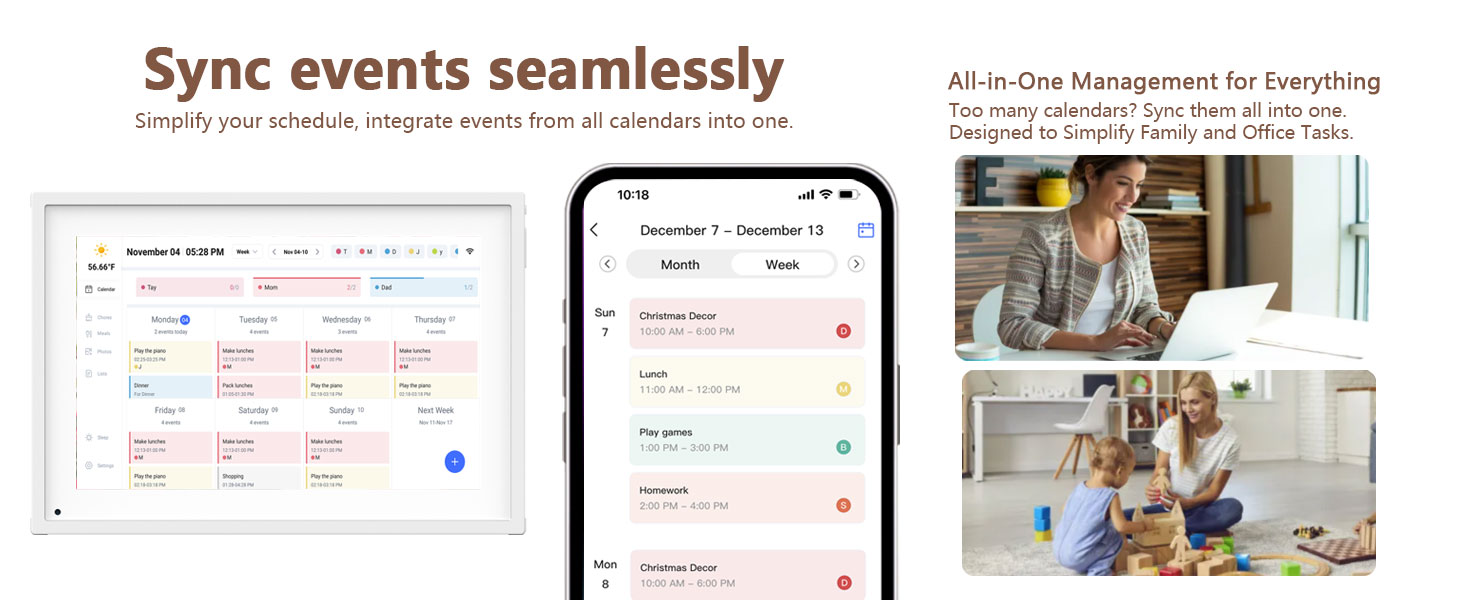
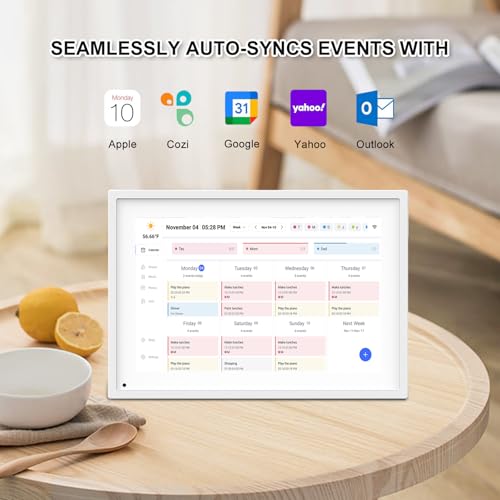
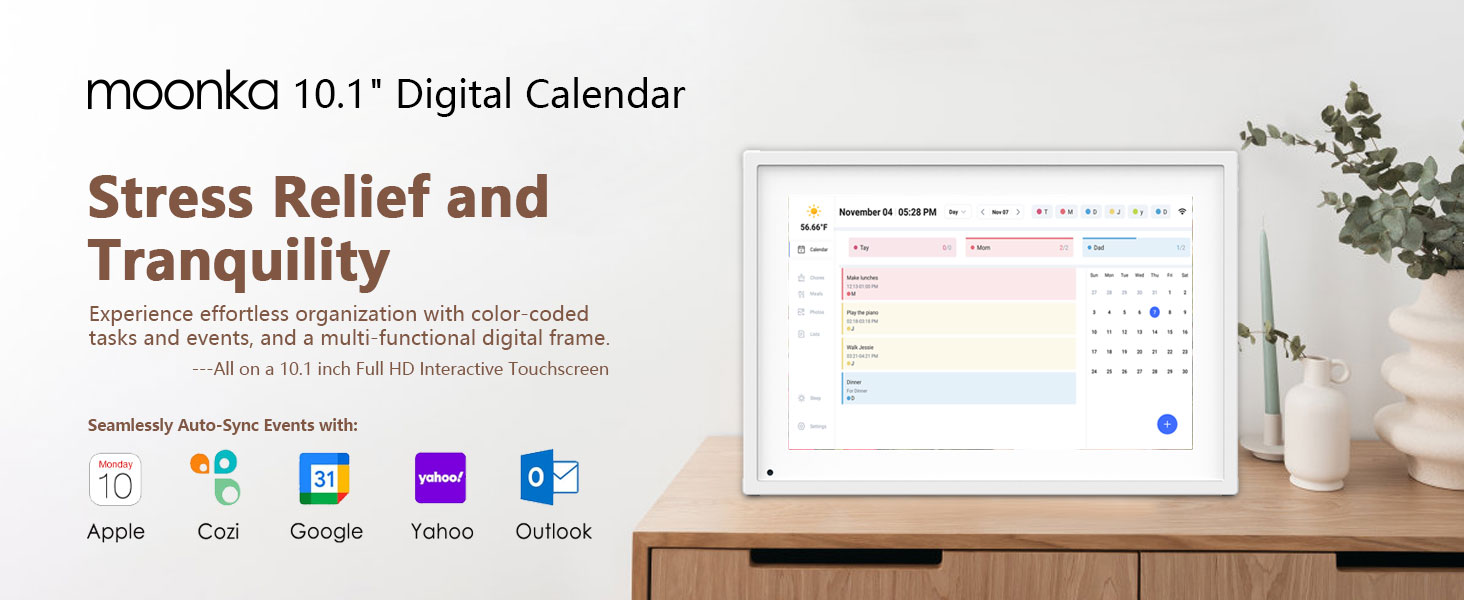
- Effortless Setup: Plug it in, connect to Wi-Fi, and sync your calendars for instant access to all your events. Manage schedules directly on the device or via the user-friendly mobile app. Compatible with popular platforms like Google Calendar, iCloud, Outlook, Cozi, and Yahoo, making family organization seamless.
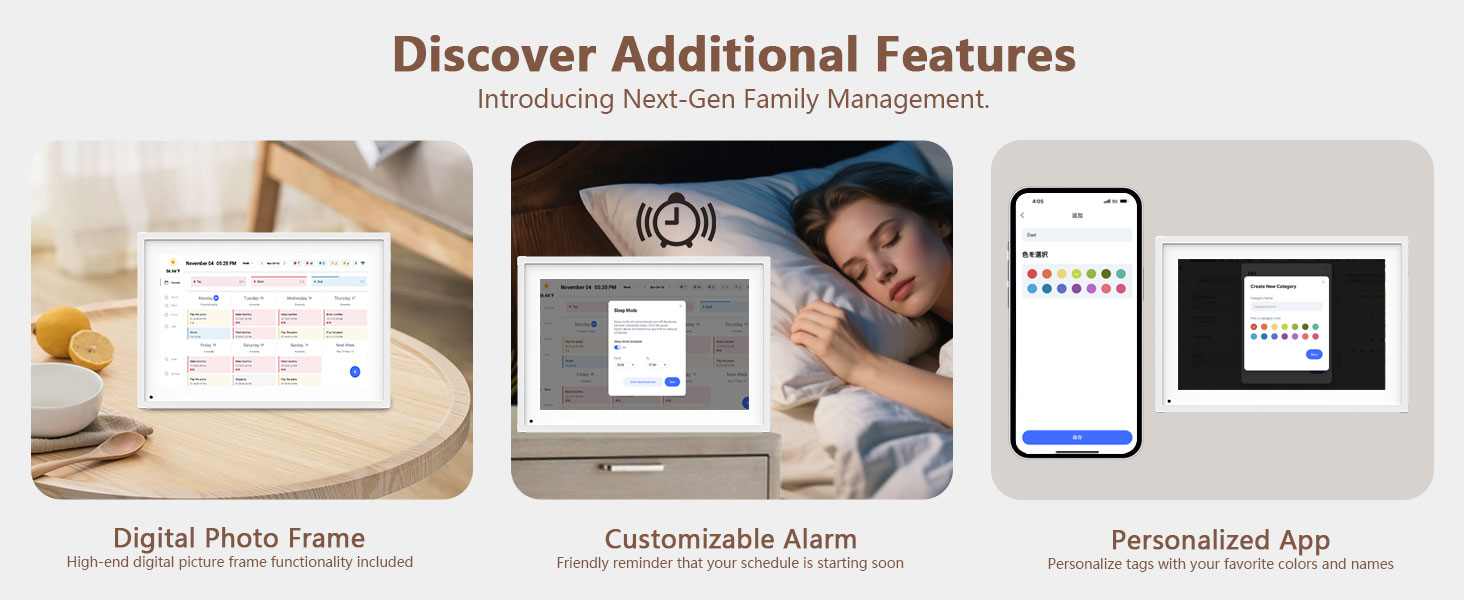
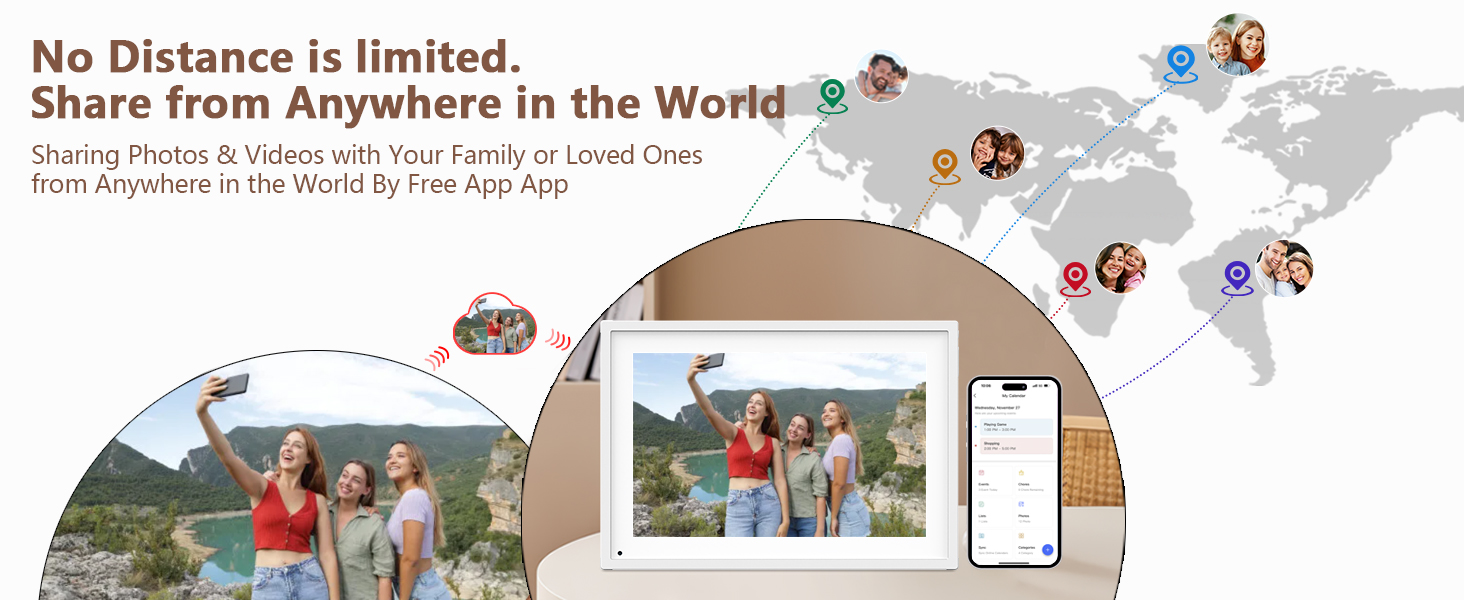
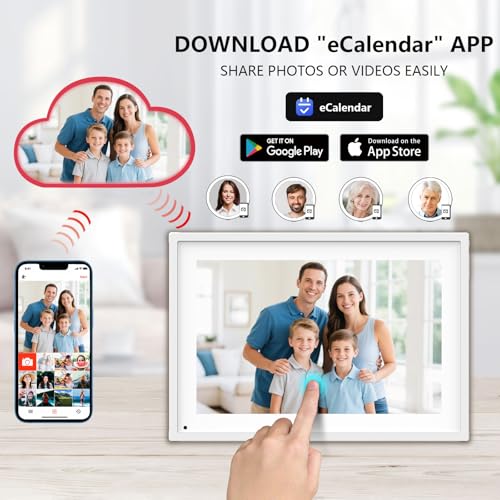
- More Than Just a Digital Calendar: Supports sending Photos & Videos by Fr-ee App, sharing wonderful moments with your family & loved ones from anywhere, more than just a digital photo frame can do.
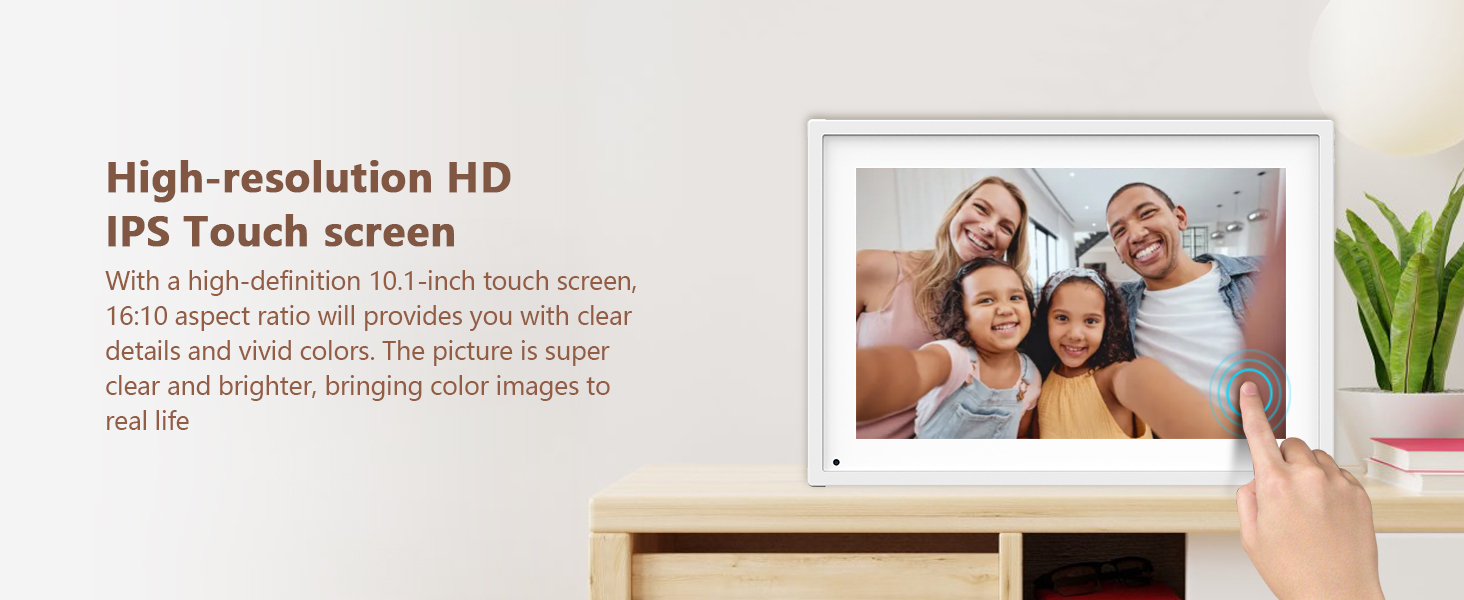
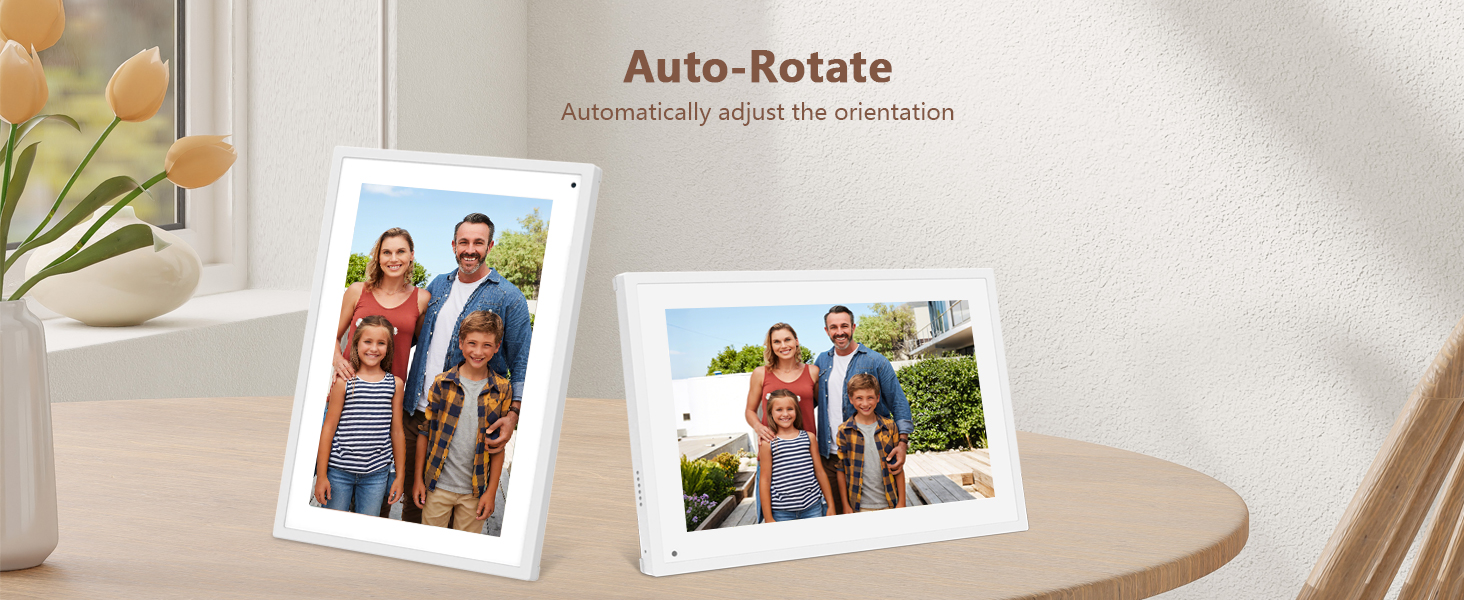
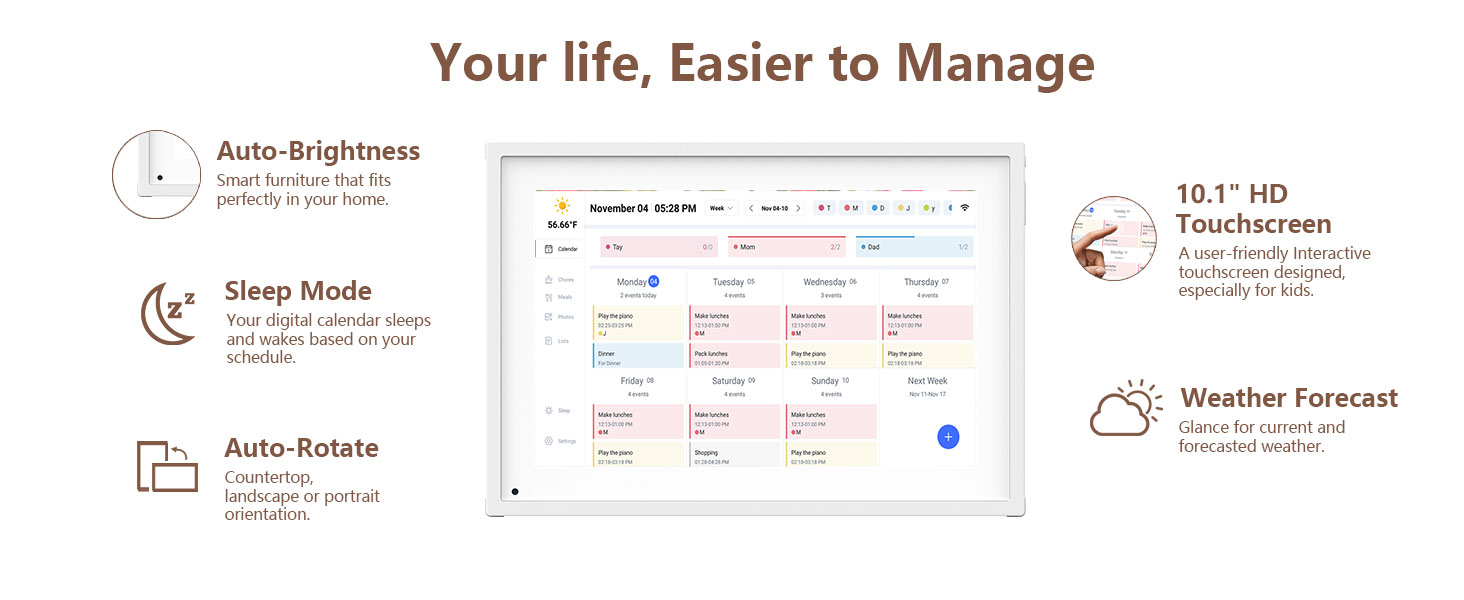
- Elegant and User-Friendly IPS HD Smart Display: Featuring a 10.1” touchscreen, this versatile planner can be placed on a stand, making it a stylish and functional addition to any home or office. Its flexible setup options suit both daily family planning and professional workspace organization.
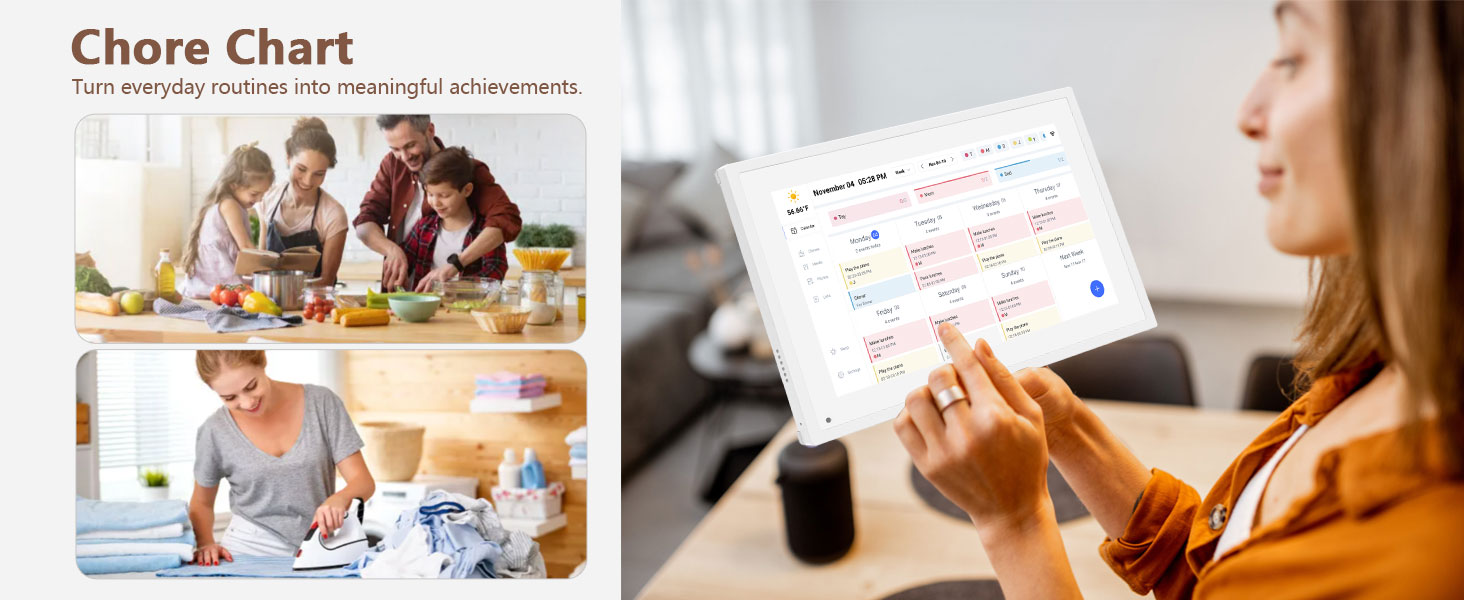
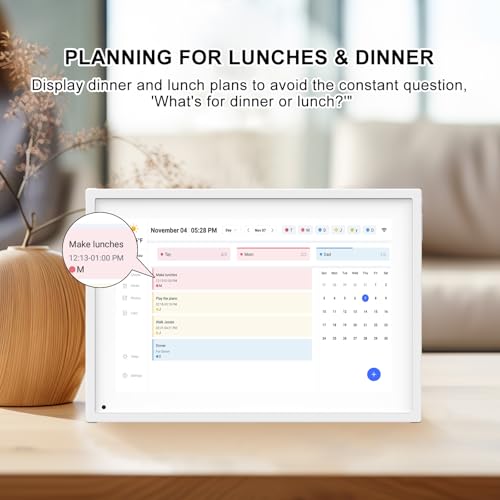
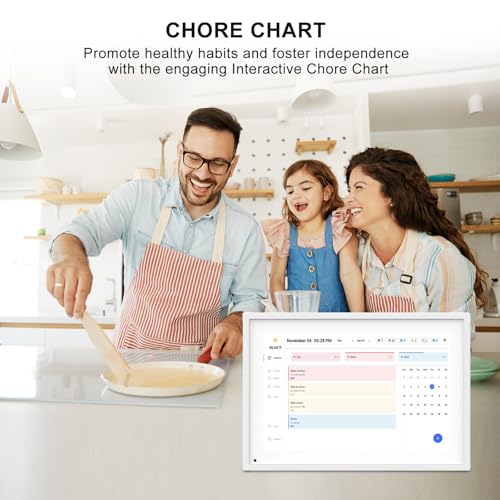
- Task Management and Meal Planning: Effortlessly add, edit, and track chores as the day progresses. Foster healthy habits and independence with an interactive chore chart that transforms daily tasks into rewarding milestones. Keep your family informed with a clear dinner plan, eliminating the daily 'What's for dinner?' question.
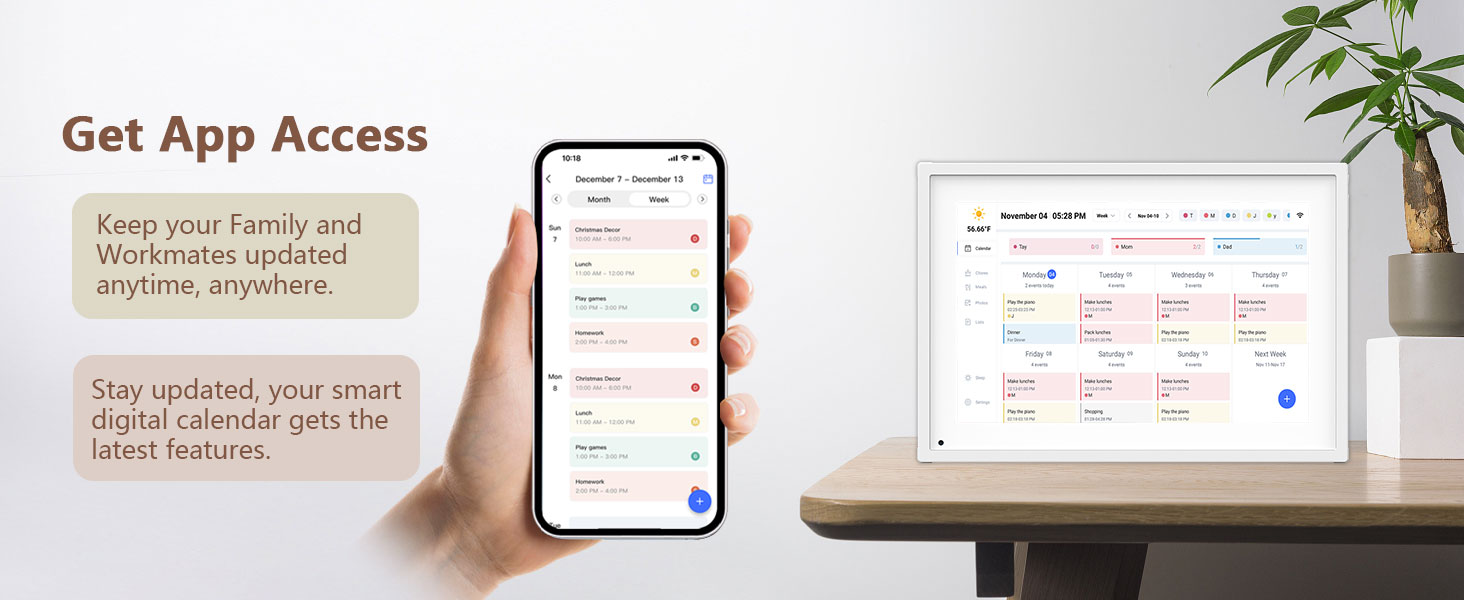
- Stay Connected Anywhere with the Fr-ee App: Manage your Calendar seamlessly through the mobile app. The Basic Plan includes essential features such as Dinner Plans, Calendar Sync, and a Chore Chart. Greater flexibility beyond the standard Dinner Plans.
- Covered By One Year: Moonka Digital Calendar is covered by a one-year and enjoys online support to help you with any issue you might encounter. If you have any problem with the Digital Calendar, please contact us, we will do our best to help you.
Smart 10.1” Digital Calendar: More Than Just a Digital Calendar
User Guide: Operating Videos
How to set up your Digital Calendar
The video showcases the product in use.The video guides you through product setup.The video compares multiple products.The video shows the product being unpacked.10.1 Inch Digital Caledar & Chore Chart
Merchant VideoHow to add Lists and Events
The video showcases the product in use.The video guides you through product setup.The video compares multiple products.The video shows the product being unpacked.10.1 Inch Digital Caledar & Chore Chart
Merchant VideoHow to add Chores
The video showcases the product in use.The video guides you through product setup.The video compares multiple products.The video shows the product being unpacked.10.1 Inch Digital Caledar & Chore Chart
Merchant VideoHow to send Photos
The video showcases the product in use.The video guides you through product setup.The video compares multiple products.The video shows the product being unpacked.10.1 Inch Digital Caledar & Chore Chart
Merchant VideoHow to sync iCloud Calendar via app
The video showcases the product in use.The video guides you through product setup.The video compares multiple products.The video shows the product being unpacked.10.1 Inch Digital Caledar & Chore Chart
Merchant VideoHow to sync Google Calendar via app
Notice for Android User: Please click "Refresh" after a new event is created.
The video showcases the product in use.The video guides you through product setup.The video compares multiple products.The video shows the product being unpacked.10.1 Inch Digital Caledar & Chore Chart
Merchant Video
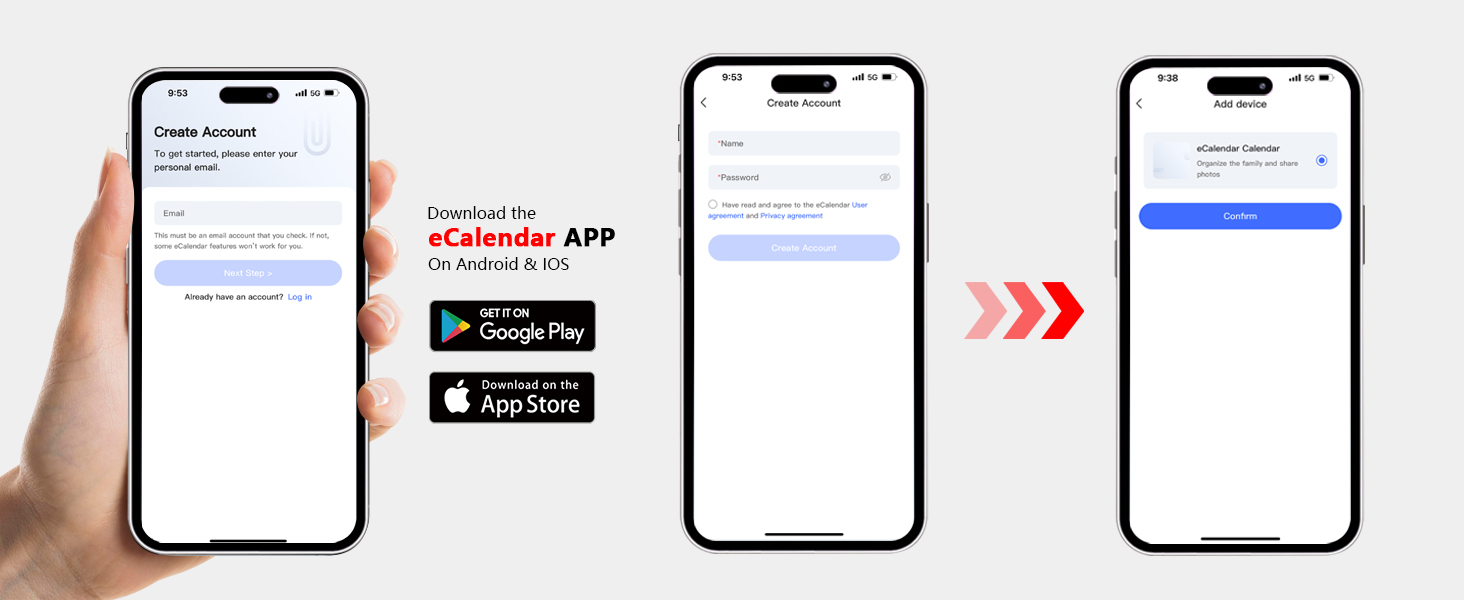
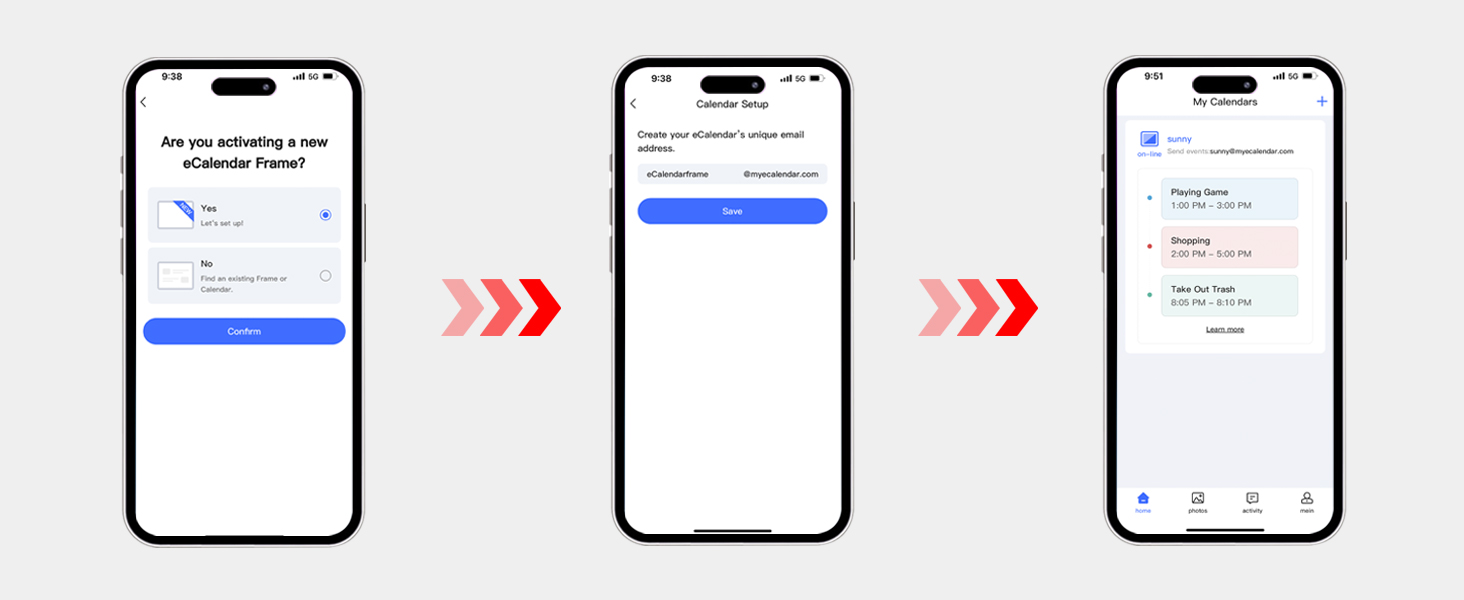
User Guide: How to Get the APP & Create an Account

| SKU: | B0F42N6ZTK |
| Weight: | 2.58 pounds |
| Dimensions: | 13.47 x 7.76 x 1.34 inches |
| Manufacture: | moonka |
Product Description
Smart 10.1” Digital Calendar: More Than Just a Digital Calendar
 Previous page
 Previous page
User Guide: Operating Videos
How to set up your Digital Calendar
The video showcases the product in use.The video guides you through product setup.The video compares multiple products.The video shows the product being unpacked.10.1 Inch Digital Caledar & Chore Chart
Merchant VideoHow to add Lists and Events
The video showcases the product in use.The video guides you through product setup.The video compares multiple products.The video shows the product being unpacked.10.1 Inch Digital Caledar & Chore Chart
Merchant VideoHow to add Chores
The video showcases the product in use.The video guides you through product setup.The video compares multiple products.The video shows the product being unpacked.10.1 Inch Digital Caledar & Chore Chart
Merchant VideoHow to send Photos
The video showcases the product in use.The video guides you through product setup.The video compares multiple products.The video shows the product being unpacked.10.1 Inch Digital Caledar & Chore Chart
Merchant VideoHow to sync iCloud Calendar via app
The video showcases the product in use.The video guides you through product setup.The video compares multiple products.The video shows the product being unpacked.10.1 Inch Digital Caledar & Chore Chart
Merchant VideoHow to sync Google Calendar via app
Notice for Android User: Please click “Refresh” after a new event is created.
The video showcases the product in use.The video guides you through product setup.The video compares multiple products.The video shows the product being unpacked.10.1 Inch Digital Caledar & Chore Chart
Merchant Video