CLOKOWE Mini Projector with WiFi and Bluetooth – [Built-in
![CLOKOWE Mini Projector with WiFi and Bluetooth - [Built-in Apps] Smart Portable Projector with 180° Rotation](https://warehousediscounts.net/posts/wp-content/uploads/2025/07/41XWzTC6nZL.jpg)
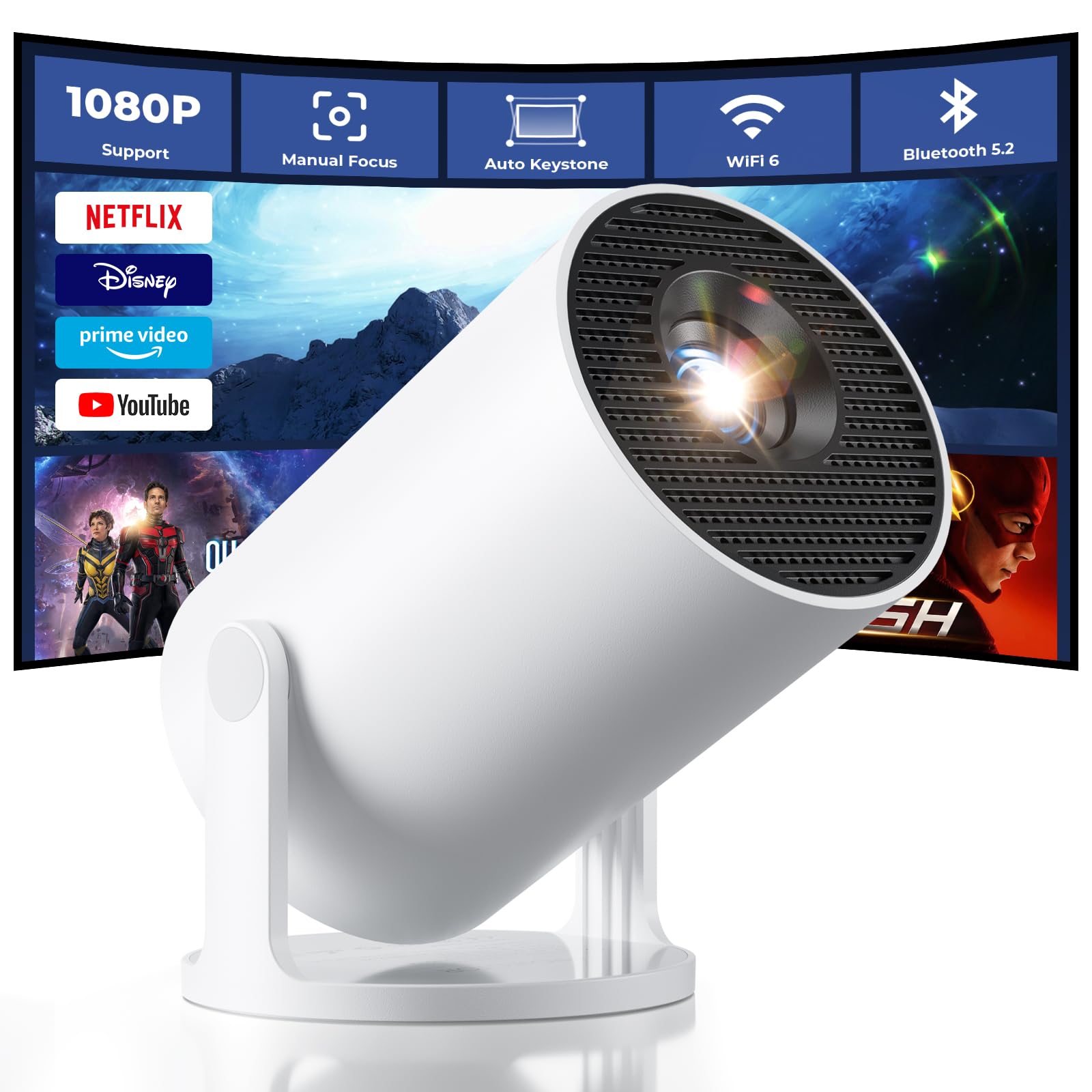
CLOKOWE Mini Projector with WiFi and Bluetooth – [Built-in Apps] Smart Portable Projector with 180° Rotation, Auto Keystone, Support 1080P, Compatible with HDMI/USB/TV Stick/Smartphone/Laptop
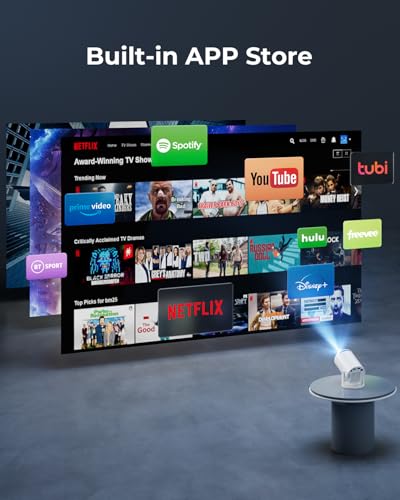
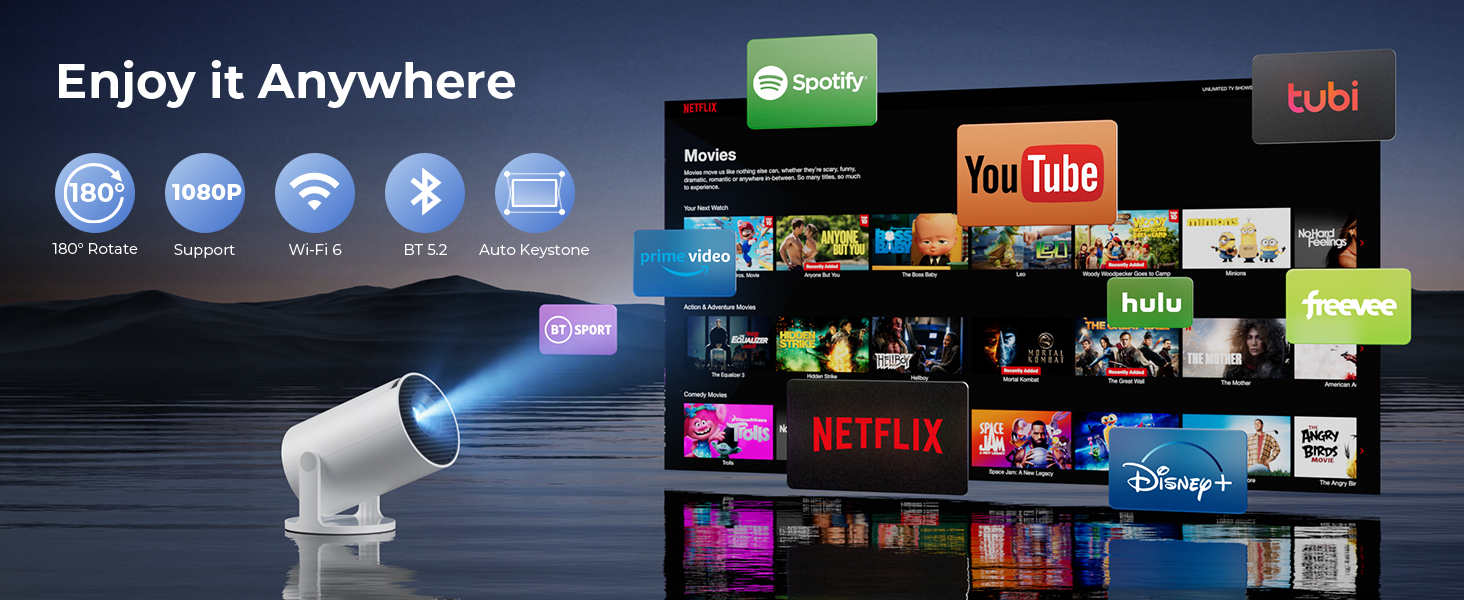
- 【1】Built-in Streaming Apps & Versatile Connectivity: Stream YouTube, Disney+, and more with built-in apps—just connect to Wi-Fi and enjoy, no extra devices needed. This projector supports both wireless mirroring and wired connections for phones, tablets, and laptops. HDMI and USB ports let you easily connect game consoles, Fire Stick, or computers—perfect for home entertainment, family sharing, or on-the-go projection
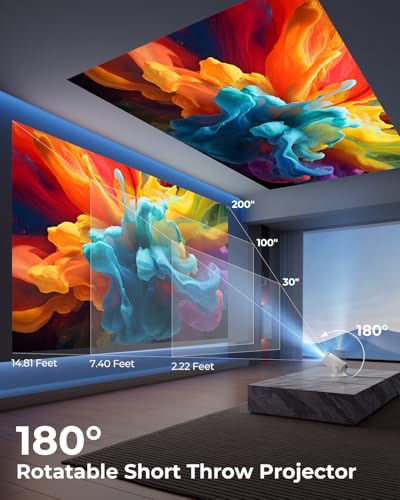
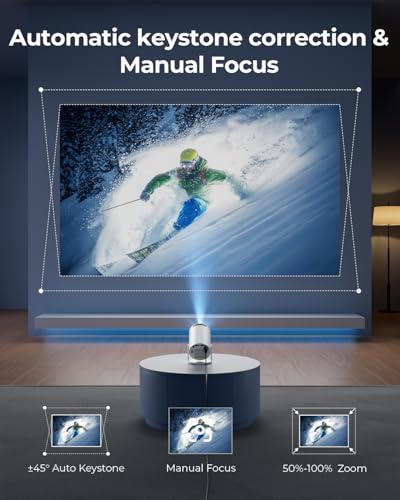
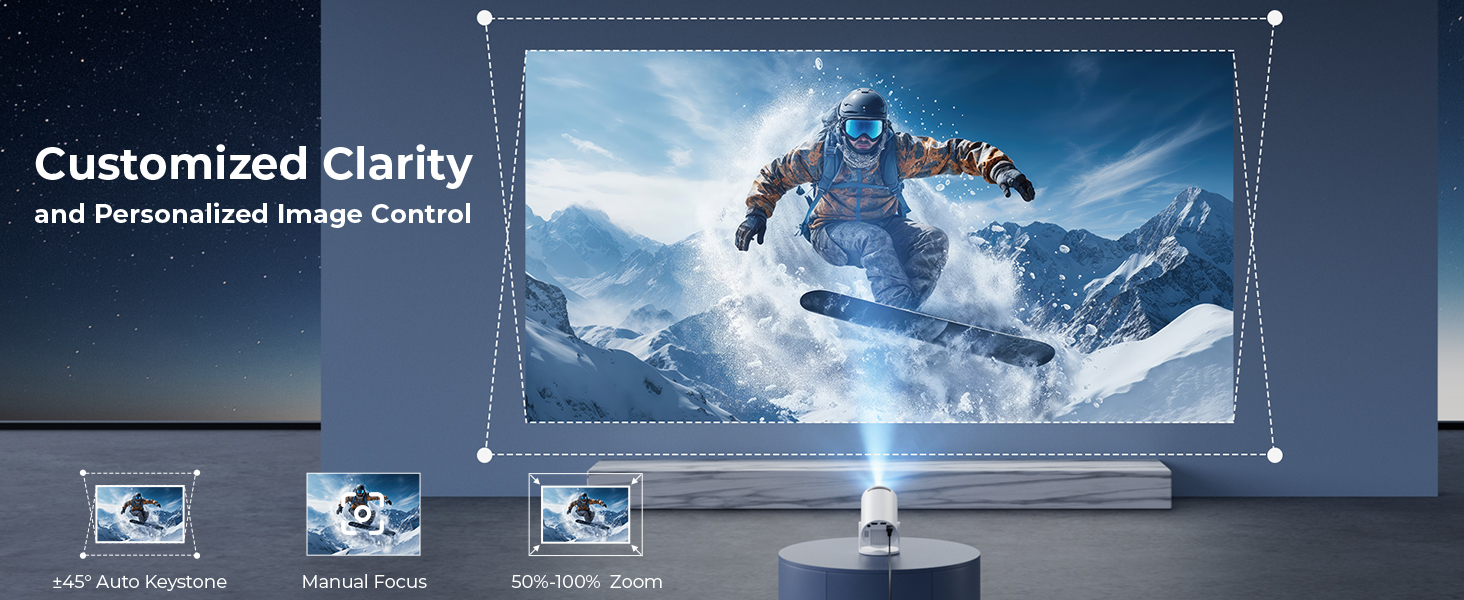
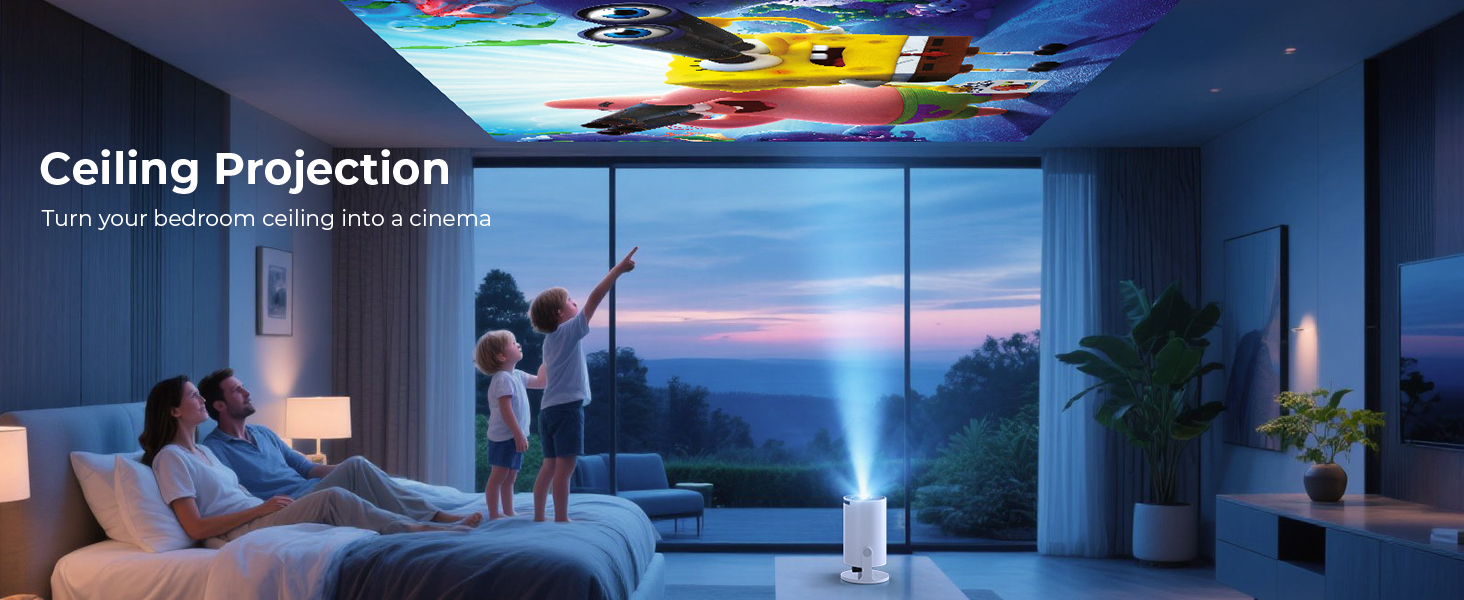
- 【2】180° Ceiling Projection – No Mount Needed: The projector body rotates 180° for flexible viewing angles—project onto ceilings, walls, or screens without needing a tripod. Auto keystone correction ensures aligned visuals, and manual focus delivers clarity. Perfect for cozy bedrooms, kids’ story time, dorms, or any small space where flexibility is key
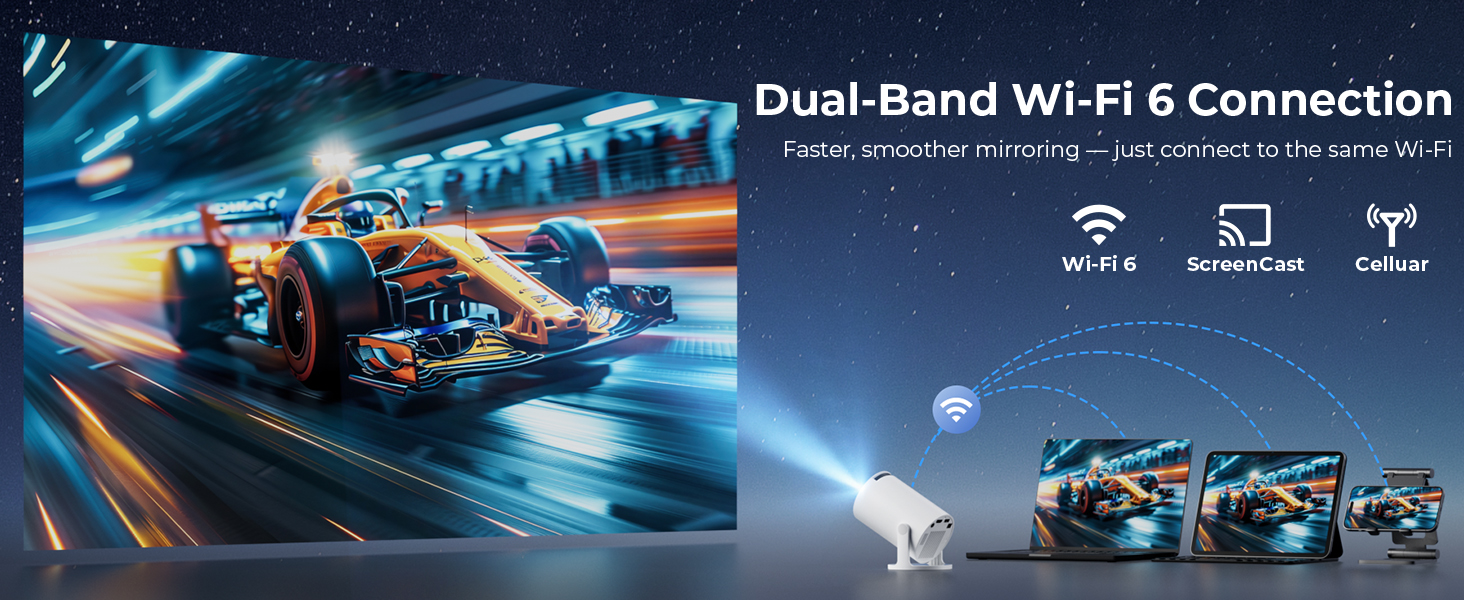
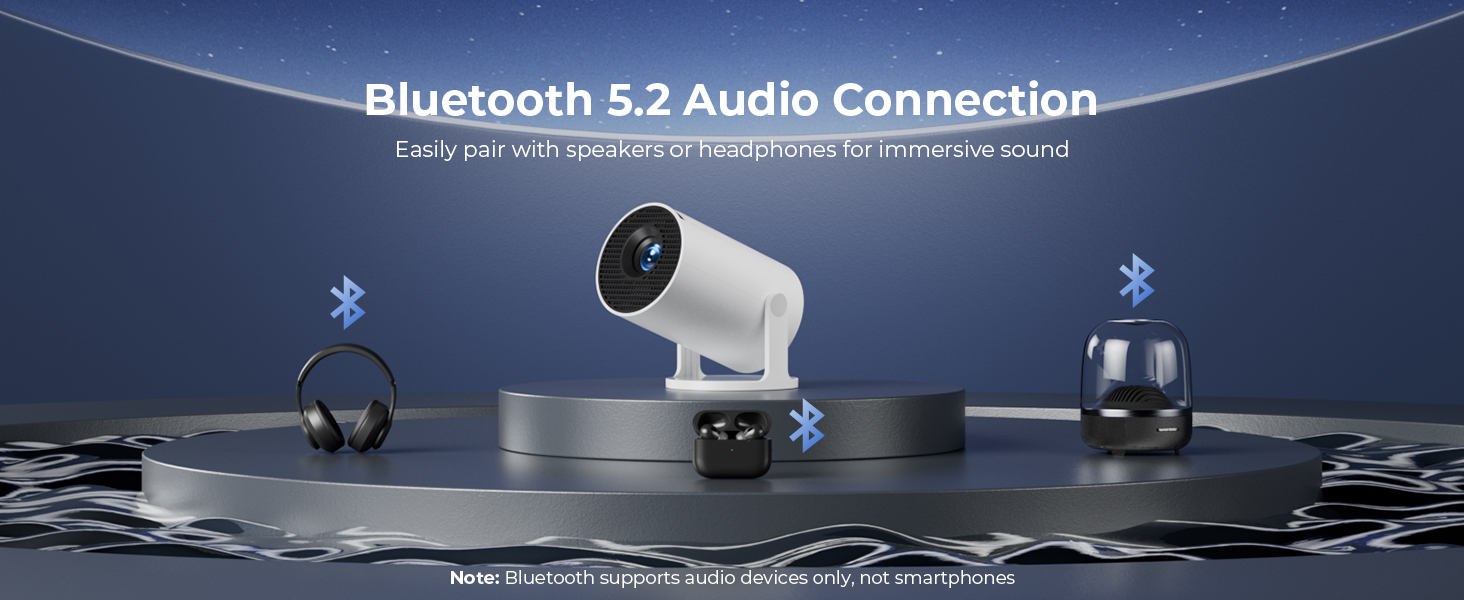
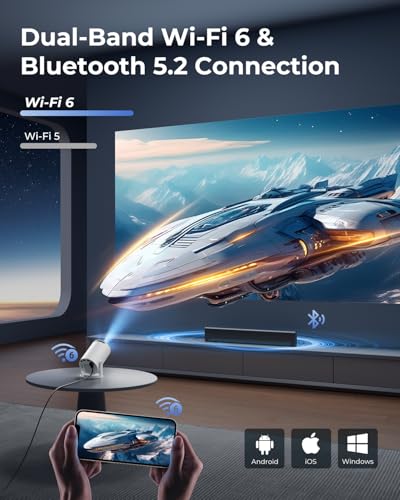
- 【3】Smooth Wireless Streaming with Wi-Fi 6 & Bluetooth 5.2: This mini projector supports fast, stable screen mirroring from iPhone, Android, tablet, and laptop via advanced Wi-Fi 6. Bluetooth 5.2 enables instant pairing with speakers for synchronized audio. No more messy cables—enjoy wireless freedom and immersive home theater experiences anywhere
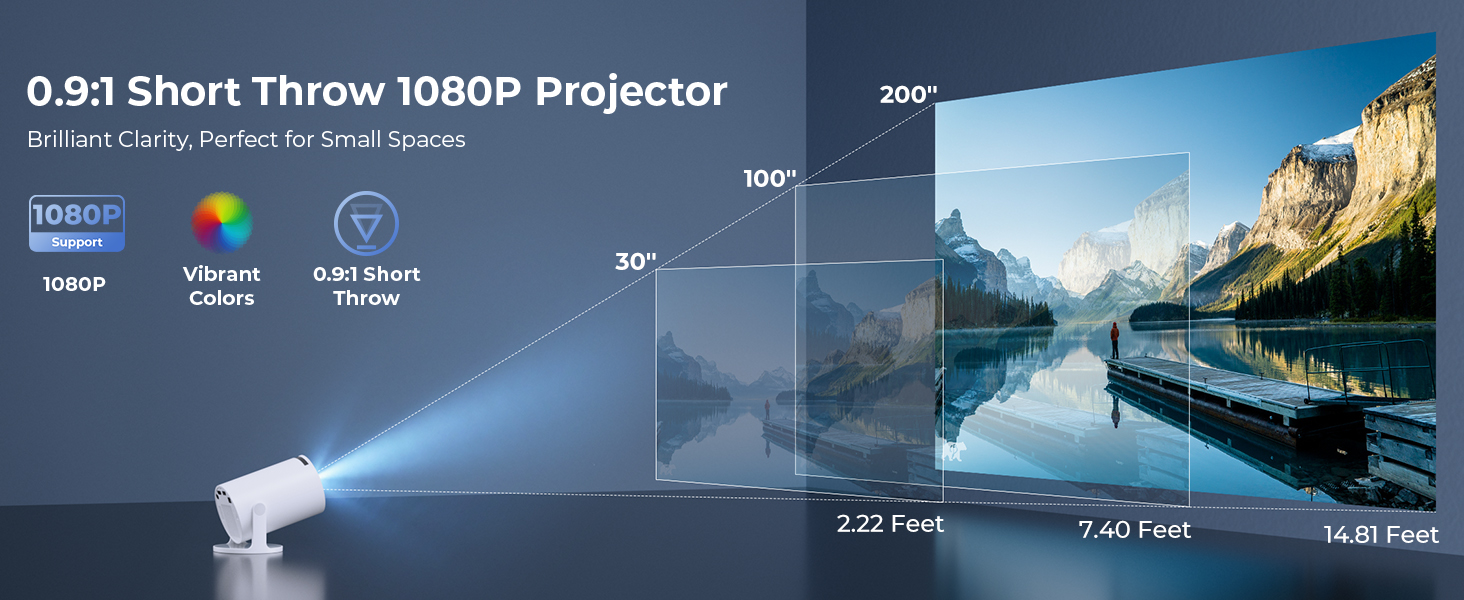
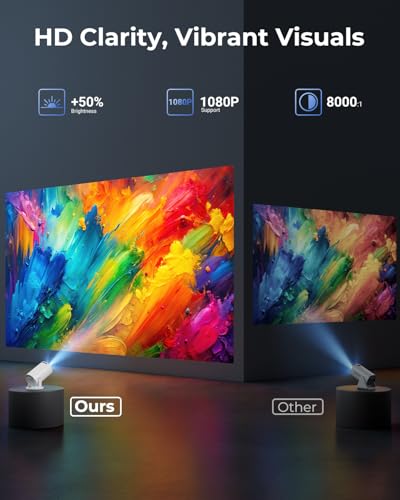
- 【4】Enhanced 1080P Clarity with Zoom & Short Throw: Experience sharp Full HD 1080P visuals with enhanced brightness and lifelike colors. The 50–100% zoom allows you to adjust the screen size without moving the projector. With a 0.9:1 throw ratio, you can easily project a 30" image from just 0.6 meters—perfect for small rooms, desks, and tight spaces
- 【5】Ultra-Portable Mini Projector – As Small as a Soda Can: Measuring just 3.73 × 3.73 × 6.17 inches and weighing only 0.77 lb, this portable mini projector slips easily into a backpack or handbag. Whether for travel, dorm rooms, or compact living spaces, it lets you enjoy big-screen entertainment anywhere—without the bulk or hassle of traditional projectors. Includes 2-years factory support and reliable customer support to ensure peace of mind
How to connect your phone to the projector?
Wireless: Connect phone & projector to same WiFi→Open "ScreenCast" on projector→Enable screen mirroring on phone.
Wired: Use HDMI adapter(Not included)→Select HDMI input on projector→Enable screen mirroring on phone.
Can the projector stream Netflix, Disney+ or Amazon Prime Video via screen mirroring?
Due to HDCP copyright protection, screen mirroring (e.g., Miracast/AirPlay) may fail to display video (black screen/audio-only).
For the best experience, we recommend using a Fire Stick, Roku, or connecting a laptop or computer to play.
What is the optimal projection distance?
The recommended projection distance is 1-5 meters. Positioning too close (under 1m) may cause image distortion or partial blurring, while placing too far (over 5m) exceeds the lens focus range and reduces sharpness.
Why can't the projector connect to WiFi?
Keep the projector within 5m (16ft) of the router and check if the WiFi is overloaded.Test connectivity using a phone hotspot to rule out network issues. If needed, try to reset the projector.
What should I do if I have concerns about my CLOKOWE mini projector?
For any concerns, our 24/7 online support team is available to assist you with technical issues or product inquiries. We offer troubleshooting guidance, as well as repair or replacement services if needed.

| SKU: | B0F992N4B3 |
| Weight: | 1.61 pounds |
| Dimensions: | 3.73 x 6.17 x 3.73 inches |
| Model: | HY300PRO+ |
| Manufacture: | ClokoWe |
| Origin: | China |
Product Description
 Previous page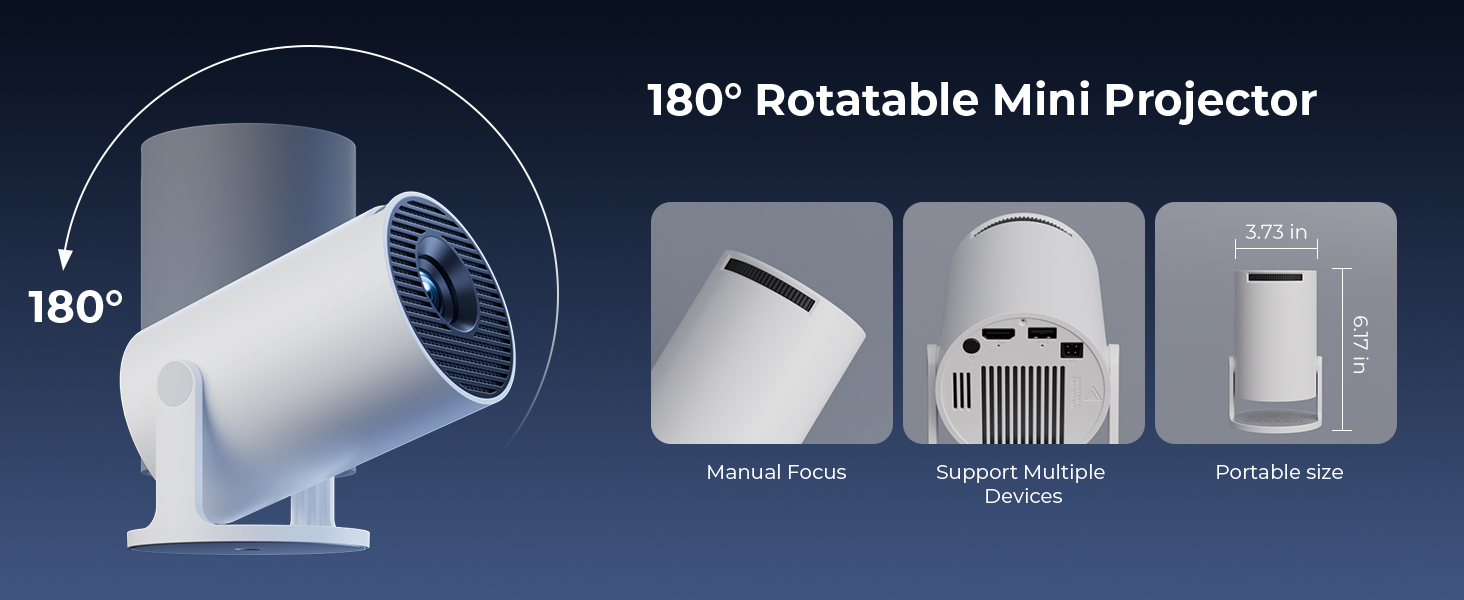
How to connect your phone to the projector?
Wireless: Connect phone & projector to same WiFi→Open “ScreenCast” on projector→Enable screen mirroring on phone.
Wired: Use HDMI adapter(Not included)→Select HDMI input on projector→Enable screen mirroring on phone.
Can the projector stream Netflix, Disney+ or Amazon Prime Video via screen mirroring?
Due to HDCP copyright protection, screen mirroring (e.g., Miracast/AirPlay) may fail to display video (black screen/audio-only).
For the best experience, we recommend using a Fire Stick, Roku, or connecting a laptop or computer to play.
What is the optimal projection distance?
The recommended projection distance is 1-5 meters. Positioning too close (under 1m) may cause image distortion or partial blurring, while placing too far (over 5m) exceeds the lens focus range and reduces sharpness.
Why can't the projector connect to WiFi?
Keep the projector within 5m (16ft) of the router and check if the WiFi is overloaded.Test connectivity using a phone hotspot to rule out network issues. If needed, try to reset the projector.
What should I do if I have concerns about my CLOKOWE mini projector?
For any concerns, our 24/7 online support team is available to assist you with technical issues or product inquiries. We offer troubleshooting guidance, as well as repair or replacement services if needed.